
AI Video
Which Is the Best Video Generator AI?
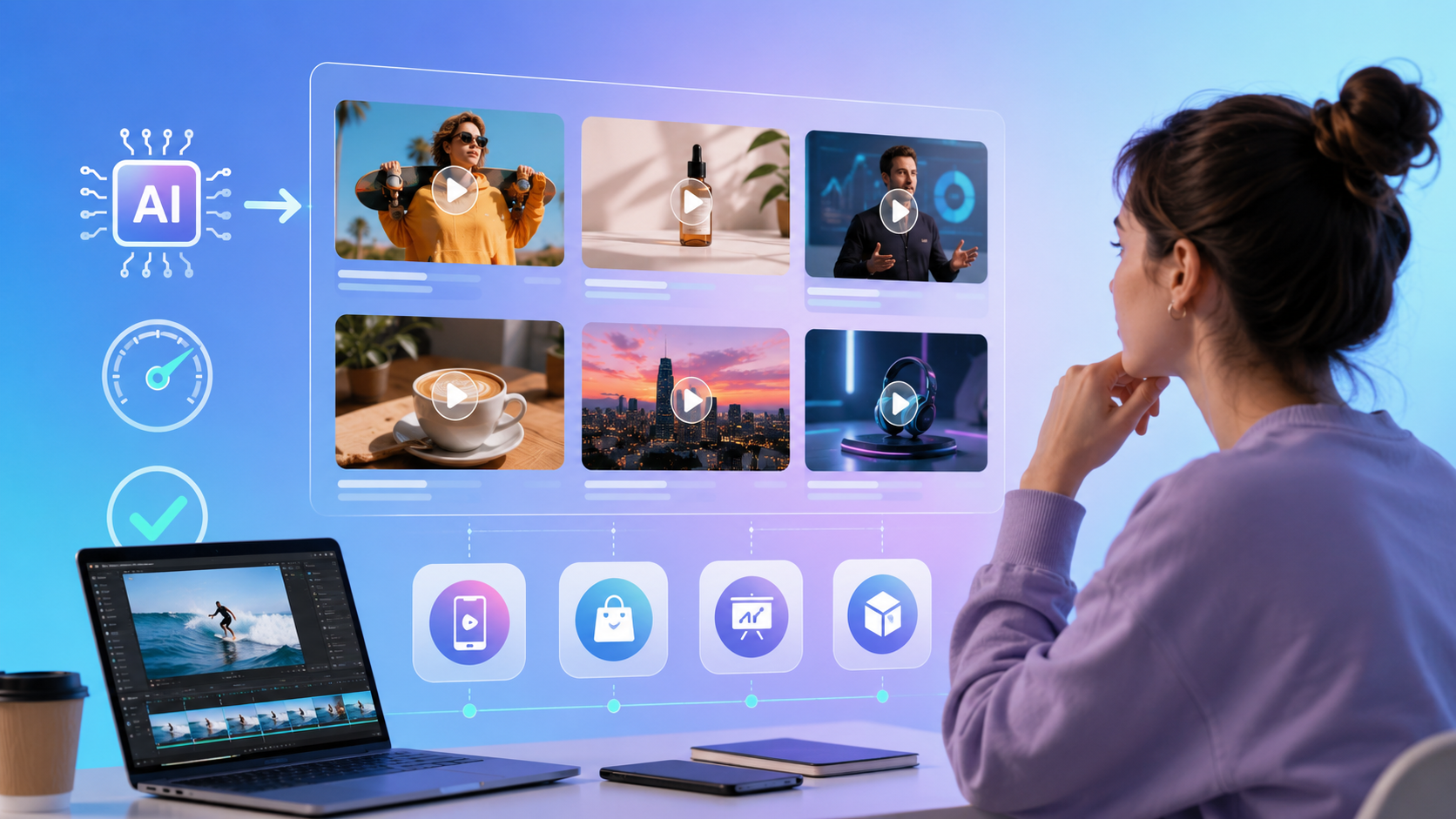
If you want the best video generator AI for short-form video creation, the answer depends on what you need most: speed, simplicity, image-to-video…

If you want the best video generator AI for short-form video creation, the answer depends on what you need most: speed, simplicity, image-to-video support, or API access. For creators who want to generate short clips from text or a reference image, Seedance 2.0 AI Video Generator is a strong practical option because it supports up to 1080p, up to 15 seconds, and MP4 downloads, with both web app and API access.
This article is valuable because it helps you evaluate a video generator AI based on real usage needs rather than vague marketing claims. You will see what Seedance 2.0 does well, where its limits are, and how to decide whether it fits your workflow.
1) What Makes a Video Generator AI “the Best”?
Conclusion: The best video generator AI is not always the one with the most features. It is the one that matches your content goals and production format.
A useful video generator should be judged by practical factors such as:
- Input type: text-to-video, image-to-video, or both
- Output quality: available resolutions and visual consistency
- Clip length: whether it supports short-form or longer scenes
- Export format: whether the result can be downloaded easily
- Workflow fit: web app use, API access, or both
For short-form content, a tool that renders quickly and produces usable clips can be more effective than a platform promising more than it currently delivers.
Practical advice:
Before choosing a platform, define your goal first. If you need social clips, product shots, explainers, or prototype visuals, focus on tools built for short-form generation rather than long-form video production.
2) Seedance 2.0: A Strong Option for Short-Form AI Video
Conclusion: Seedance 2.0 is a solid choice if you need short AI videos from text or a reference image.
Seedance 2.0 AI Video Generator lets users create short clips in two main ways:
- Text to video: generate a clip directly from a prompt
- Image to video: animate from one reference image
It currently supports:
- 480p
- 720p
- 1080p
- Up to 15 seconds
- Download as MP4
It is designed for short-form production, and it does not make hidden long-form promises. That makes its scope clear, which is useful when comparing it with broader tools that may not perform equally well on short clips.
Practical advice:
Choose Seedance 2.0 if your content needs are centered on short marketing visuals, concept previews, explainer snippets, lifestyle shots, or other brief video assets.
3) Key Features and Limits at a Glance
Conclusion: Seedance 2.0 is easy to understand because its capabilities are narrow but clearly defined.
Here is a simple breakdown of what it offers:
| Feature | Seedance 2.0 Support | Notes |
|---|---|---|
| Text to video | Yes | Create a short clip from a prompt |
| Image to video | Yes | Animate from one reference image |
| Resolution | Yes | 480p, 720p, 1080p |
| Duration | Yes | Up to 15 seconds |
| Download format | Yes | MP4 |
| Audio generation | No | Focus is on video rendering |
| API access | Yes | Available for developer workflows |
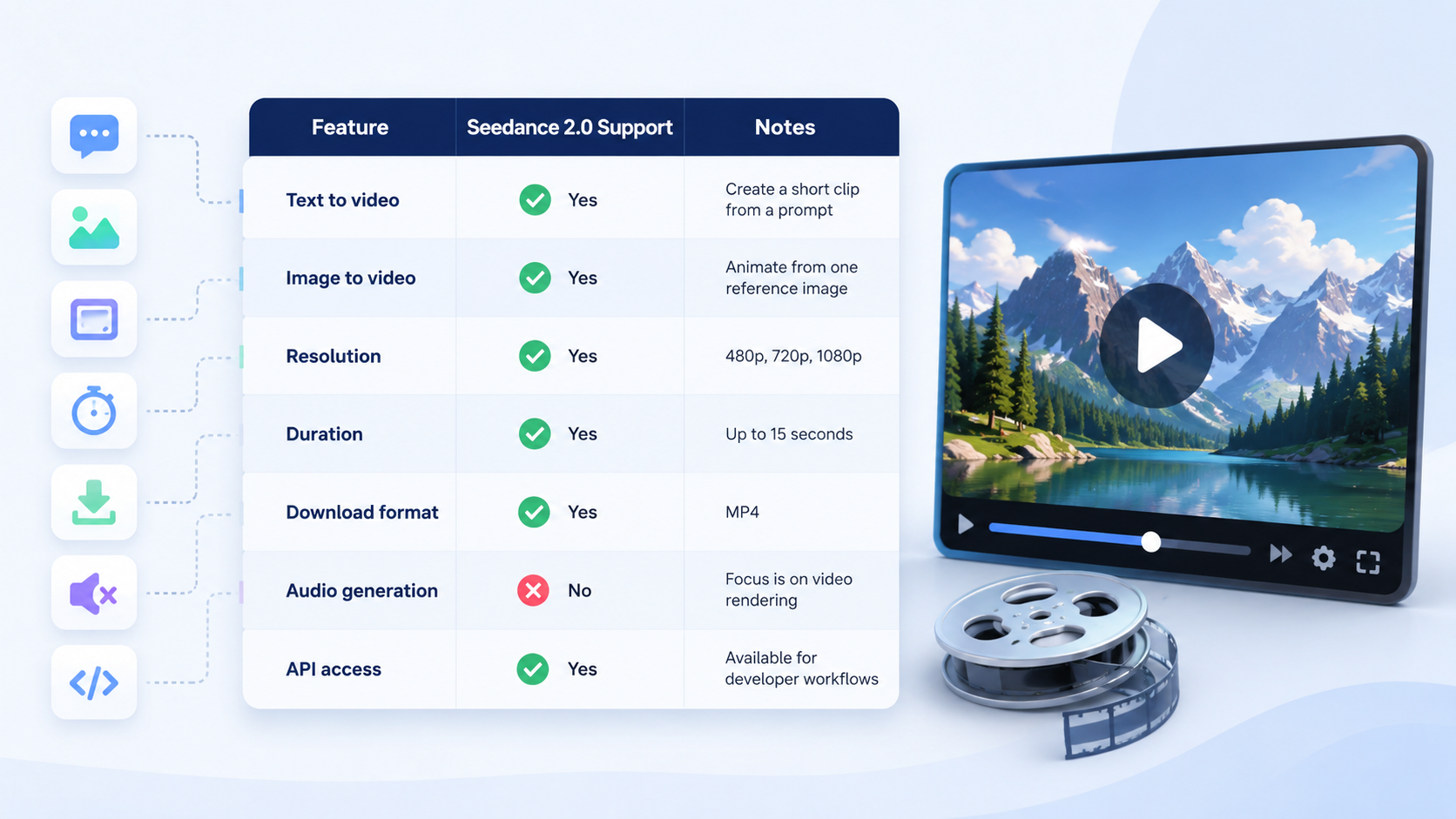
This kind of clarity matters because it helps users avoid mismatched expectations. If you need audio generation or long-form editing, this tool is not built for that use case. If you need short, fast video generation, it is aligned with the job.
Practical advice:
Use the resolution and duration limits to plan your output before generating. For example, if you need a 10–15 second clip for testing, Seedance 2.0 fits well. If you need audio or a longer edit, plan to combine it with another tool.
4) Who Should Use Seedance 2.0?
Conclusion: Seedance 2.0 is best suited for creators and developers who need short, controlled video generation.
It can be a good fit for:
- Content creators making short clips
- Marketers prototyping ad-style visuals
- Designers testing visual ideas from images
- Teams needing quick MP4 outputs
- Developers who want API-based video generation
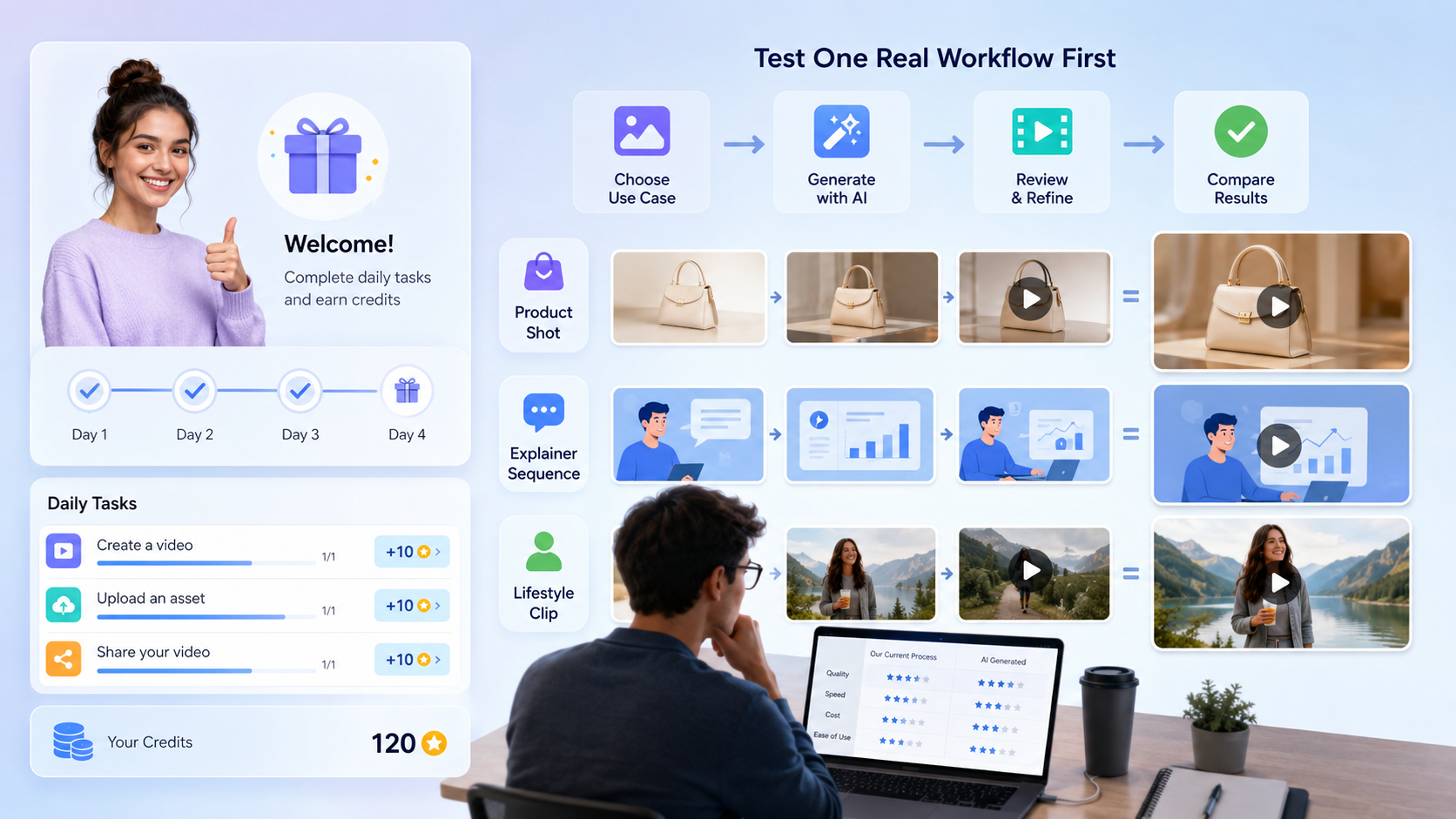
The platform also offers a practical onboarding path for new users, who can start right away and earn credits through daily tasks. That lowers the barrier to testing the tool without committing to a complex setup.
Practical advice:
If you are deciding whether to adopt a video generator AI for your team, test it on one real workflow first. For example, try a product shot, an explainer sequence, or a lifestyle clip and compare the results against your current process.
FAQ
Is Seedance 2.0 the best video generator AI?
It can be one of the best choices for short-form AI video generation, especially if you need text-to-video, image-to-video, 1080p support, and MP4 downloads. The best tool still depends on your exact workflow.
Does Seedance 2.0 support audio generation?
No. Audio generation is not supported. The current focus is on short-form video rendering.
What is the maximum video length?
Seedance 2.0 supports up to 15 seconds.
What resolutions are available?
The current options are 480p, 720p, and 1080p.
Can I use it through an API?
Yes. Seedance 2.0 includes developer API access.
Conclusion
If you are asking “which is the best video generator AI,” the most honest answer is: the best tool is the one that fits your production goal. For short-form AI video creation, Seedance 2.0 is a strong option because it supports text-to-video, image-to-video, up to 1080p, up to 15 seconds, and MP4 exports, with both web app and API access.
If your priority is short, practical video generation rather than long-form editing or audio creation, Seedance 2.0 is worth evaluating first.