
AI Video
Which Is the Best AI Video Generator?
If you want the shortest honest answer: the best AI video generator is the one that matches your workflow, budget, and output needs.

If you want the shortest honest answer: the best AI video generator is the one that matches your workflow, budget, and output needs. There is no single tool that is best for every creator, marketer, educator, or business.
This article helps you compare AI video generators in a practical way, so you can choose faster and avoid paying for features you do not need. Instead of chasing hype, you will learn what to look for, how to evaluate tools, and which option type fits different use cases.
What “best” really means in an AI video generator
Conclusion: The best AI video generator is not always the most advanced one. It is the one that produces the right type of video with the least friction.
AI video tools can differ widely in what they do well. Some are designed for text-to-video generation. Others focus on avatar presenters, marketing clips, social content, or editing support. Because of that, the “best” tool depends on your goal.
How to judge a tool
When comparing options, focus on these practical factors:
| Evaluation factor | Why it matters | What to look for |
|---|---|---|
| Ease of use | Saves time and reduces the learning curve | Simple interface, clear workflow, fast exports |
| Video quality | Affects professionalism and viewer trust | Clean visuals, smooth motion, consistent style |
| Output type | Determines whether the tool fits your use case | Text-to-video, avatar video, social clips, editing support |
| Customization | Helps you stay on-brand | Fonts, colors, scenes, voice, captions |
| Speed | Important for marketing and content production | Quick rendering and efficient revision |
| Collaboration | Useful for teams | Shared workspaces, approval flows, asset management |
| Pricing model | Impacts long-term value | Transparent limits, usage-based or subscription options |
Practical advice
Before choosing a tool, define your main use case:
- Marketing teams: prioritize brand control, captions, and fast iteration.
- Content creators: prioritize speed, social formats, and easy editing.
- Educators and trainers: prioritize voiceover, narration, and clarity.
- Businesses: prioritize consistency, collaboration, and compliance-friendly workflows.
If you know your use case first, the answer to “which is the best video generator AI” becomes much easier.
The main types of AI video generators
Conclusion: There are several categories of AI video generators, and each one solves a different problem.
Understanding the categories prevents you from comparing tools that are not built for the same job. A text-to-video generator is not necessarily better than an avatar video platform; they simply serve different needs.
1. Text-to-video generators
These tools turn prompts, scripts, or ideas into video content. They are useful when you want a fast starting point and do not want to build every scene manually.
Best for: rapid content creation, concept videos, social posts, and experimentation.
Practical advice: Use text-to-video when speed matters more than precise scene control.
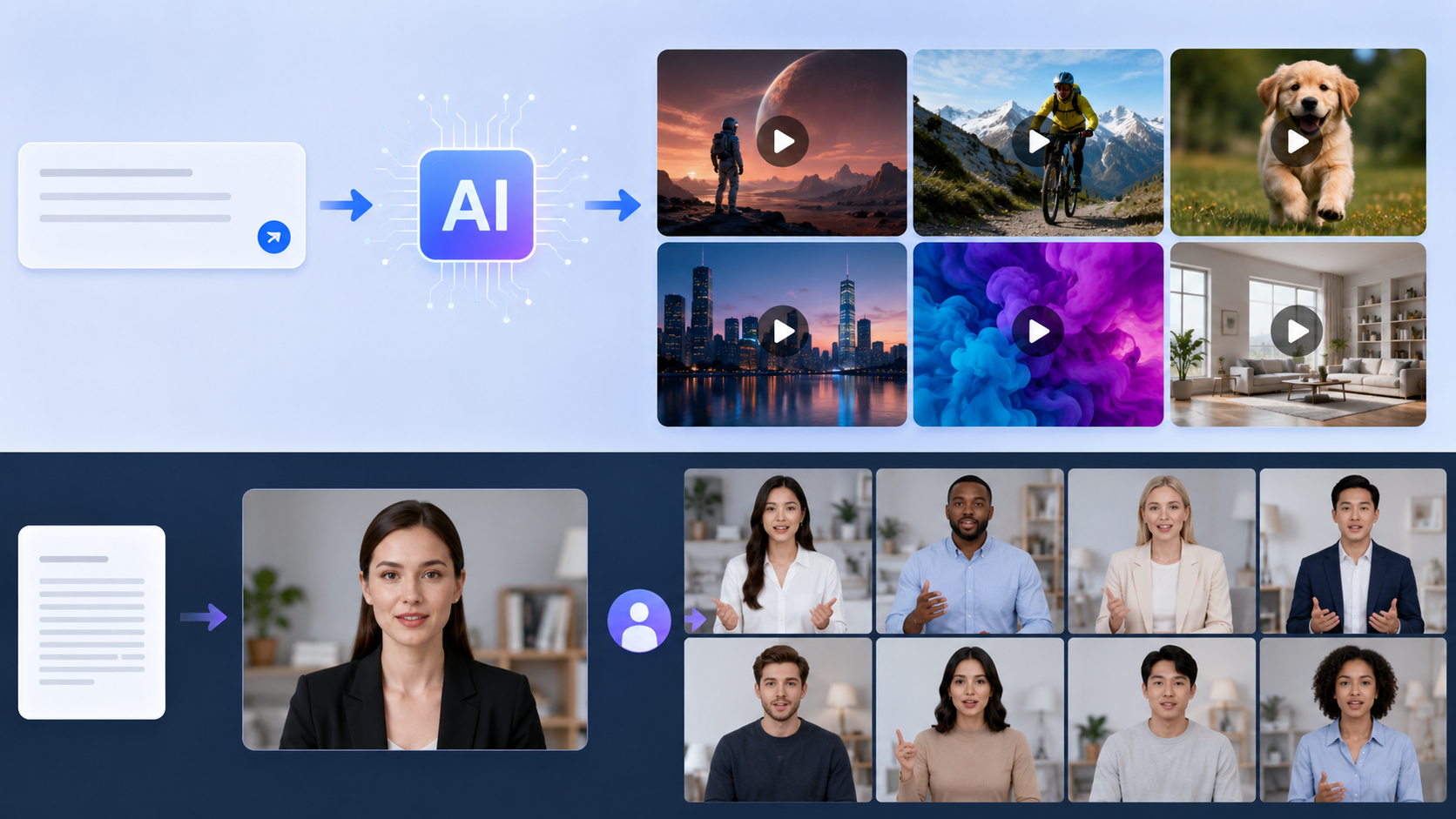
2. Avatar video generators
These tools create presenter-style videos with AI avatars speaking from a script.
Best for: training videos, explainers, internal communication, and product walkthroughs.
Practical advice: Choose this type if you need a talking-head format without filming a real person.
3. Editing-focused AI video tools
These tools help with clipping, repurposing, captions, scene changes, or turning long content into shorter videos.
Best for: repurposing podcasts, webinars, interviews, and long-form recordings.
Practical advice: Pick this route if you already have footage and want AI to speed up editing tasks.
4. Marketing and brand video tools
These are built to create short promotional content with templates, branding features, and social-ready formats.
Best for: ads, social media, landing page videos, and product promotion.
Practical advice: If brand consistency matters, choose a tool that supports templates, logos, and reusable styles.
Which AI video generator is best for different users?
Conclusion: The best choice depends on who is using it and what kind of output is needed.
Rather than asking which tool is universally best, ask which one is best for your role.
For creators and influencers
Creators usually need speed, variety, and content volume. The best tool for this group is typically one that supports quick generation, short-form output, and easy revisions.
What to prioritize:
- Fast creation
- Social media formats
- Easy resizing and exporting
- Captions and hooks
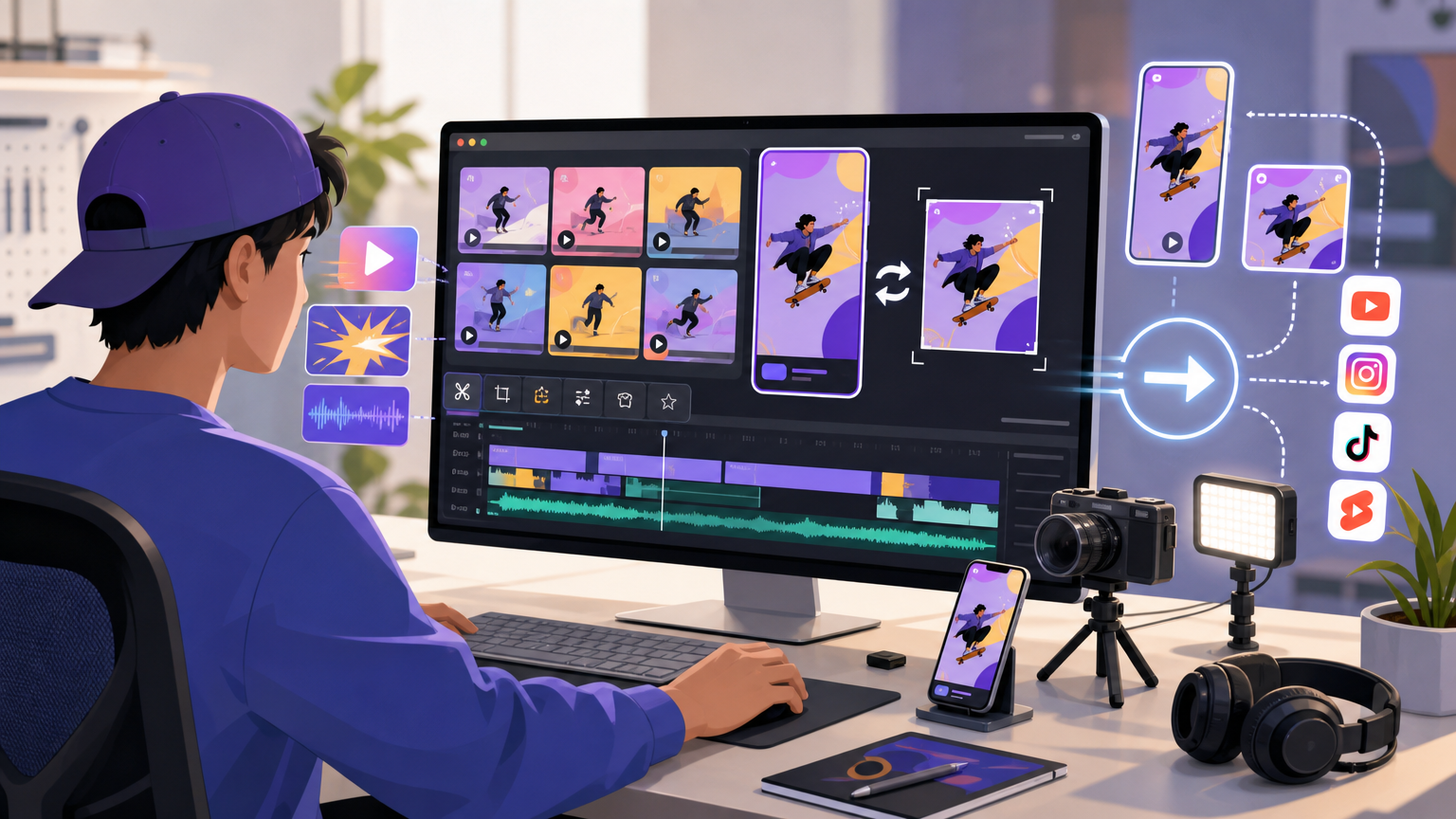
Practical advice: Choose a tool that lets you test multiple versions quickly, since content performance often depends on iteration.
For marketing teams
Marketing teams need more than speed. They need consistency, brand alignment, and repeatable workflows.
What to prioritize:
- Brand kits
- Template libraries
- Team collaboration
- Clear commercial usage terms
Practical advice: Look for a platform that supports standardized templates so multiple people can produce videos without losing brand consistency.
For businesses and training teams
Businesses often use AI video generators for onboarding, internal communication, support, and training.
What to prioritize:
- Professional presentation
- Script-based generation
- Voiceover and subtitles
- Easy updates when information changes
Practical advice: If your content changes often, choose a tool that makes script edits and version updates simple.
For educators and course creators
Educators need clarity, structure, and repeatability.
What to prioritize:
- Clear narration
- Clean visuals
- Chapter-like structure
- Accessibility features
Practical advice: Use a tool that helps you create consistent lesson videos rather than flashy output that distracts from the message.
How to choose the best AI video generator for your needs
Conclusion: The best decision comes from a simple evaluation process, not from marketing claims.
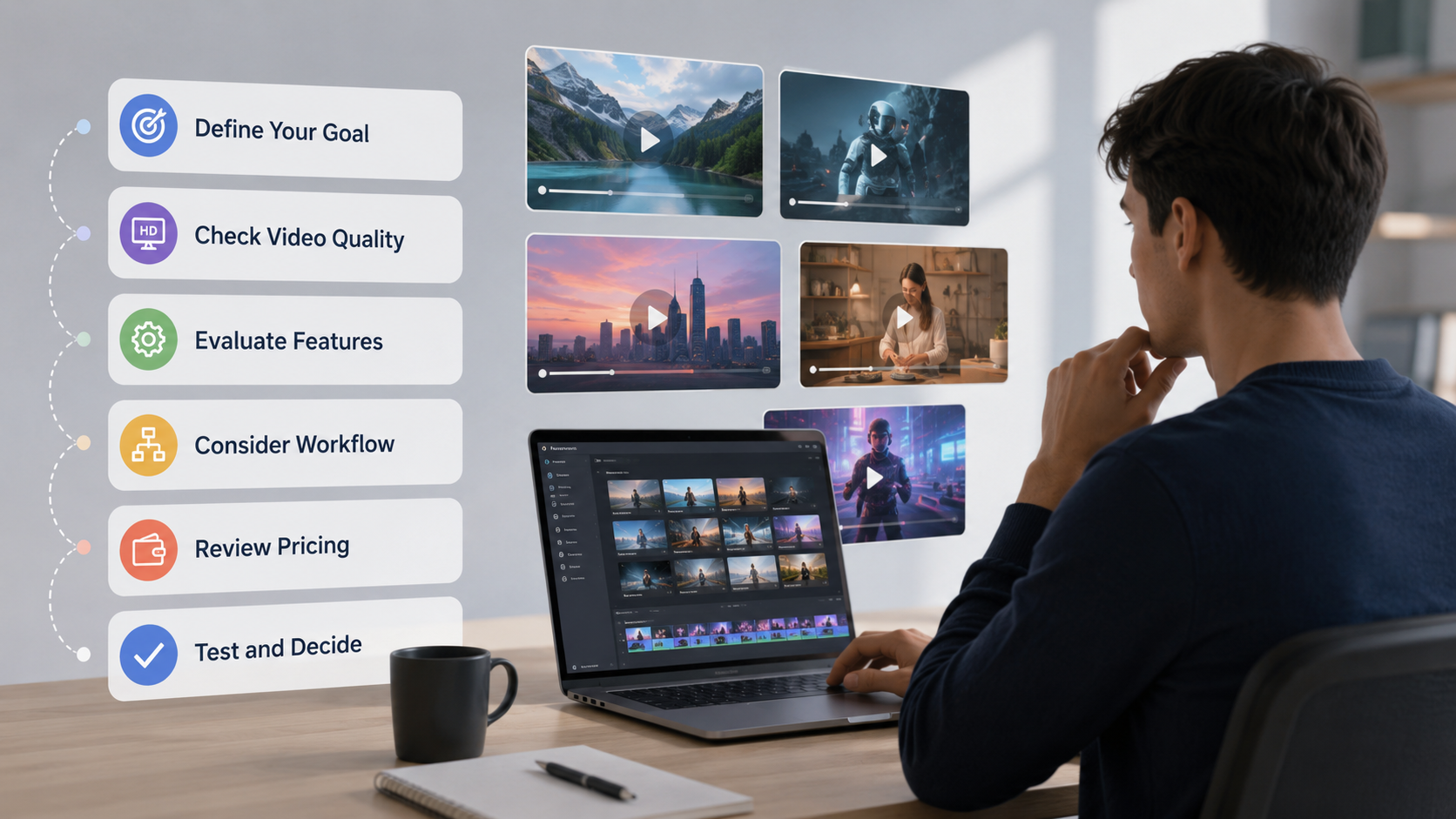
You can narrow the field quickly by asking the right questions.
A practical selection checklist
Use this checklist before committing to a platform:
- Does it support your main video format?
- Is the editing workflow easy enough for regular use?
- Can you keep your branding consistent?
- Does it produce the quality you need for your audience?
- Is pricing aligned with your usage volume?
- Can you export in the formats you need?
- Does it offer subtitles, voice, or language support if required?
A simple decision method
If you are unsure, follow this rule:
- Pick your primary use case.
- Choose the category of tool that fits that use case.
- Test 2–3 tools with the same script or idea.
- Compare output quality, speed, and ease of revision.
- Choose the tool that saves the most time while meeting your quality standard.
Practical advice
Do not choose based only on demo videos. Demos often show ideal results, while real usage depends on your script quality, assets, and workflow.
Instead, test with a real project:
- a product promo,
- a training clip,
- or a social post.
That will tell you more than any feature list.
Common mistakes when choosing an AI video generator
Conclusion: Many buyers choose the wrong tool because they focus on novelty instead of fit.
The most common mistakes are easy to avoid once you know what to watch for.
Mistake 1: Choosing based on features you will not use
Some tools offer many features, but only a small subset may matter to your workflow.
Advice: Prioritize the features you will use weekly, not the ones that sound impressive.
Mistake 2: Ignoring output quality and consistency
A tool may look powerful, but if the results are inconsistent, you will spend too much time revising.
Advice: Test several outputs before making a decision.
Mistake 3: Forgetting about scalability
A tool that works for one video may not work well when you need ten videos a week.
Advice: Consider batch production, templates, and team workflows if you plan to scale.
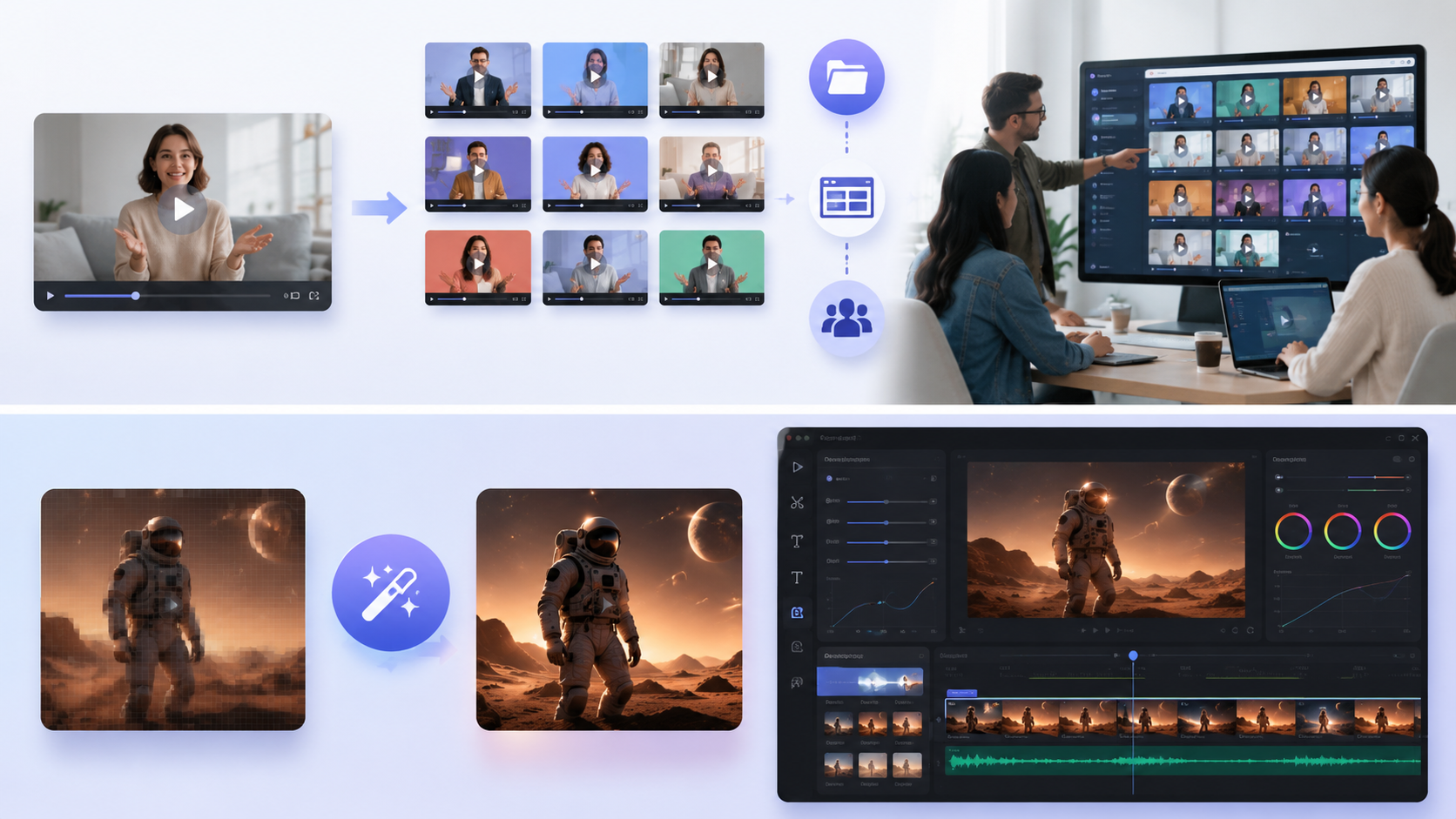
Mistake 4: Overlooking editing flexibility
Even AI-generated videos often need polishing.
Advice: Choose a platform that allows easy edits, version changes, and reuse of scenes or assets.
FAQ
What is the best AI video generator overall?
There is no universal best option. The best AI video generator depends on your goal, such as marketing, training, social content, or editing existing footage.
Is text-to-video better than avatar video?
Not always. Text-to-video is better for rapid generation and experimentation, while avatar video is better for presenter-style explanations and training content.
What should I look for in an AI video generator?
Look for ease of use, output quality, customization, speed, pricing, and whether the tool matches your specific video type and workflow.
Can AI video generators replace editors?
They can reduce editing work, but they do not always replace human editing. For polished or brand-sensitive content, review and refinement are still important.
How do I choose the right AI video generator fast?
Start with your use case, shortlist tools built for that category, and test them with the same script or idea. Compare quality, workflow, and time savings.
Conclusion
The answer to which is the best AI video generator is: the one that best fits your needs, not the one with the loudest marketing.
If you want fast content, choose a tool built for speed and simple creation. If you need presenter-style videos, choose an avatar platform. If you already have footage, choose an editing-focused AI tool. The best choice is the one that helps you produce consistent, useful videos with less effort.
For a smart purchase, define your use case, test a few tools, and choose the one that delivers the best balance of quality, speed, and control.
To try these ideas on your own material, start with Seedance 2.0 or Wan 2.7.