
AI Video
What Free AI Video Generator Works Best for UGC Content?
If you need a free AI video generator for UGC content, the best fit from the reference is Seedance 2.0 on tikdek.com.

If you need a free AI video generator for UGC content, the best fit from the reference is Seedance 2.0 on tikdek.com. It lets new users start right away, generate short videos from text or a reference image, and keep earning credits through daily tasks. That makes it practical for UGC-style content creation when you want fast, short-form output without paying upfront.
This article explains what it can do, where its limits are, and how to use it effectively for UGC production.
1) Why Seedance 2.0 Is a Good Free Option for UGC
Conclusion: Seedance 2.0 is a strong free starting point for UGC-style video creation because it focuses on short-form clips and gives new users access immediately.
Explanation:
UGC content usually needs quick, simple, authentic-looking videos rather than long cinematic edits. Seedance 2.0 matches that workflow well because it supports:
- Text-to-video generation
- Image-to-video generation
- Short-form output
- Free access for new users
- Ongoing credits through daily tasks
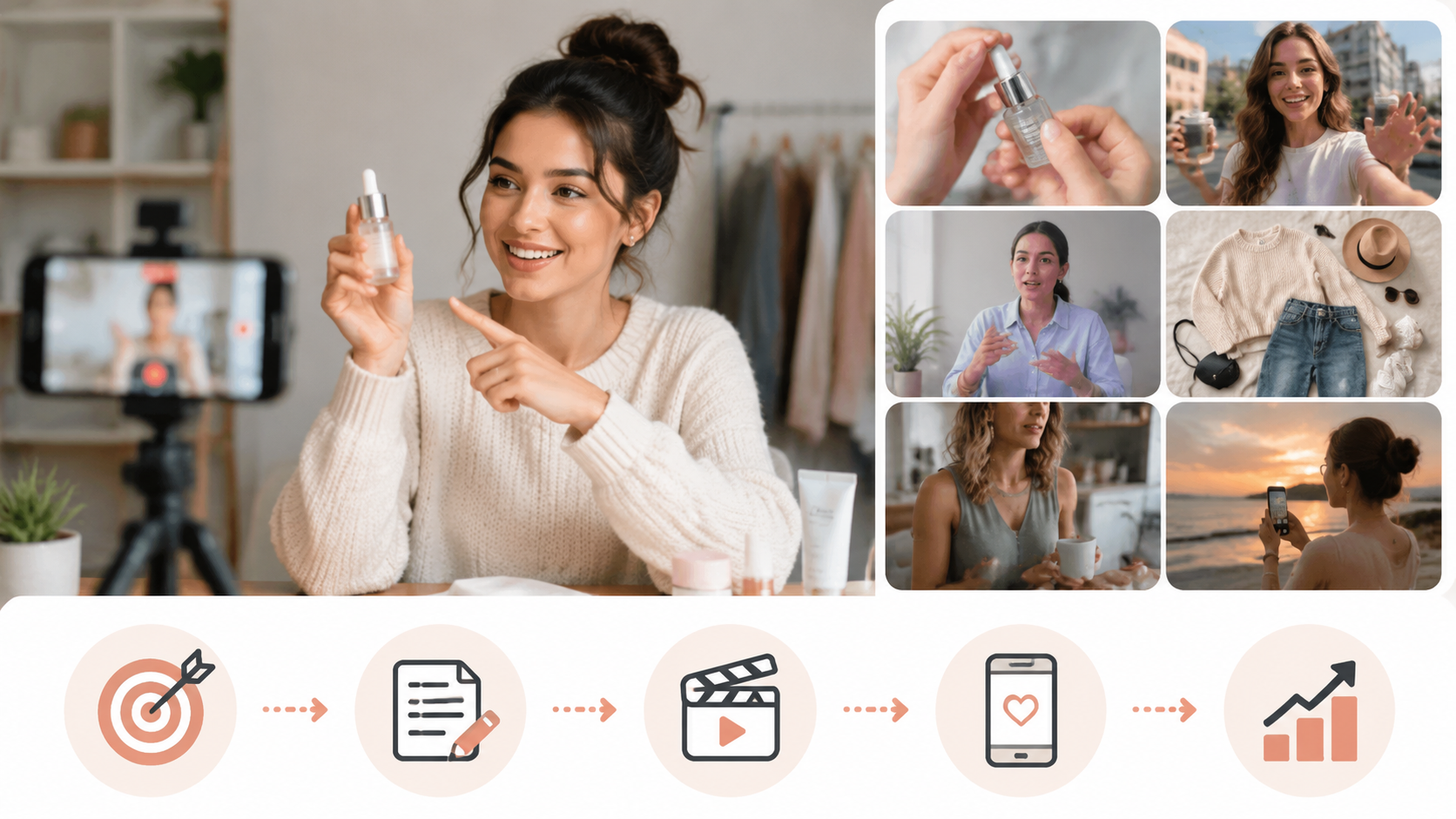
This is useful when you need product-style clips, explainer snippets, lifestyle scenes, or social-ready visuals.
Practical advice:
Use it when your goal is to create:
- short product demos
- creator-style social clips
- lightweight brand explainers
- lifestyle or fashion-style UGC visuals
Keep prompts focused and concise so the output stays aligned with short-form UGC use.
2) What You Can Create and What the Limits Are
Conclusion: Seedance 2.0 is designed for short videos, not full-length production, so it works best for UGC snippets and ad-style assets.
Explanation:
The current app scope includes short video rendering with the following limits:
| Feature | Current Support |
|---|---|
| Input type | Text prompt or one reference image |
| Resolution | 480p, 720p, 1080p |
| Maximum duration | Up to 15 seconds |
| Download format | MP4 |
| Audio generation | Not supported |
The showcase examples also suggest it works across several short-form use cases, including product, documentary, explainer, fashion, lifestyle, and entertainment styles.
Practical advice:
Plan your UGC assets around the 15-second limit. For example:
- 5–8 second hooks
- 10–15 second product moments
- short visual explainers
Since audio generation is not supported, you may want to add voiceover, music, or captions later in your editing workflow.
3) How to Use It for UGC Content More Effectively
Conclusion: The best results come from using Seedance 2.0 as a short-form video builder, then finishing the content with your own editing stack.
Explanation:
UGC content often depends on fast pacing, simple visuals, and clear messaging. Because Seedance 2.0 is built for short clips, it can help you generate the visual base quickly.
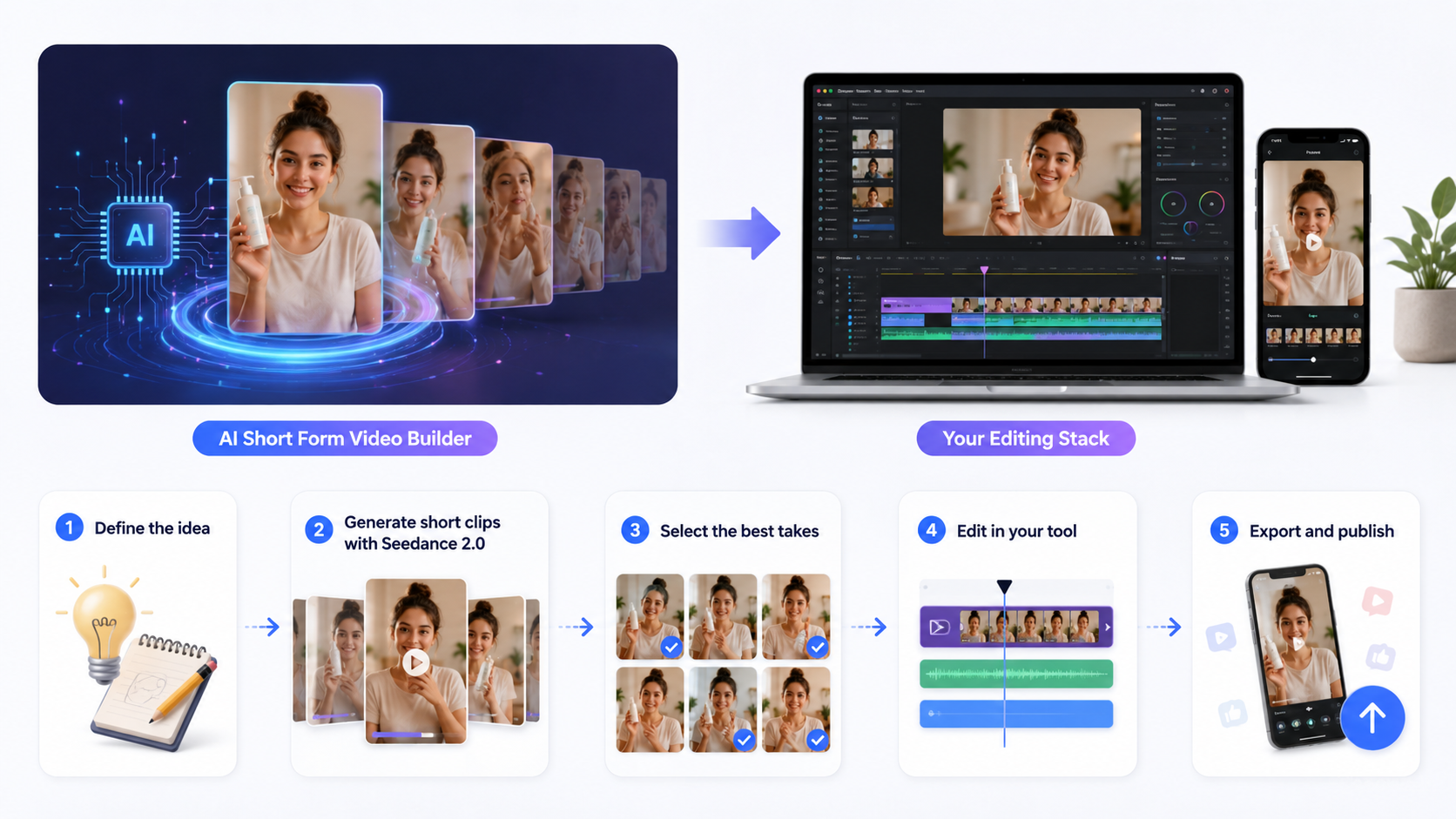
A practical workflow is:
- Write a short prompt for the scene or product moment.
- Use text-to-video if you want a fresh generated scene.
- Use image-to-video if you already have a product image or visual reference.
- Download the result as MP4.
- Add captions, voice, or music in your editor.
Practical advice:
For UGC-style output, keep prompts specific:
- mention the subject
- mention the setting
- mention the motion or camera feel
- keep the scene short and direct
If you already have a strong product image, image-to-video is often the fastest route.
4) Who This Free Tool Is Best For
Conclusion: Seedance 2.0 is a good fit for creators and marketers who need short, free, UGC-style clips without a long setup process.
Explanation:
This tool is especially useful for:
- social media content creators
- small brands testing video ideas
- marketers producing short-form ad concepts
- teams needing quick visual drafts
- users who want free access to AI video generation
It is less suited for long-form storytelling or audio-first production because the app is currently focused on short video rendering and does not support audio generation.
Practical advice:
Choose this tool if your workflow is based on:
- short product demonstrations
- quick concept testing
- repetitive UGC-style variations
- simple visual storytelling
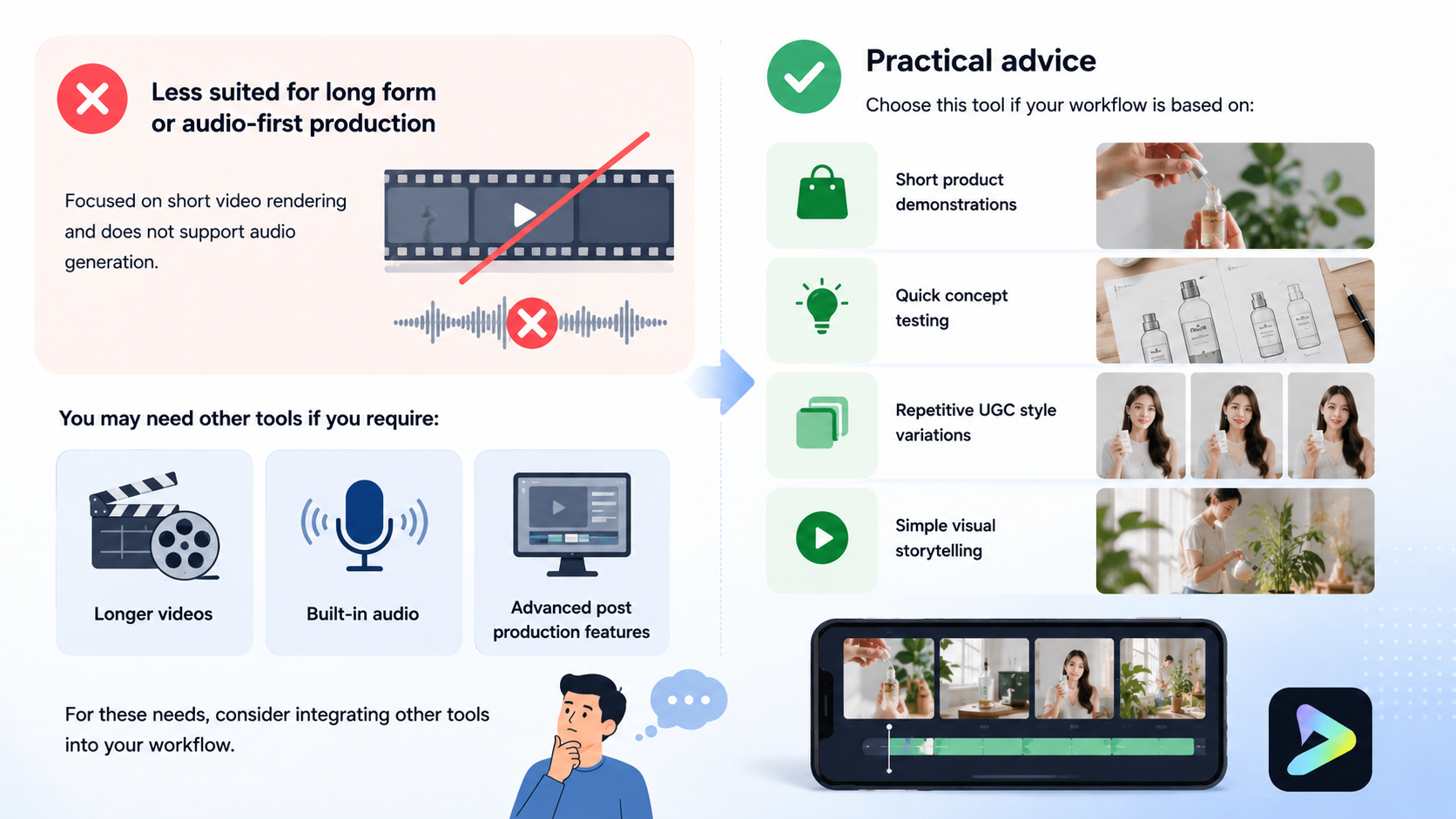
If you need longer videos, built-in audio, or advanced post-production features, you may need other tools in your workflow.
FAQ
Is there a free AI video generator for UGC content?
Yes. Based on the reference, Seedance 2.0 on tikdek.com offers free access for new users, with credits earned through daily tasks.
Can I make UGC-style videos from text?
Yes. Seedance 2.0 supports text-to-video, so you can generate a short clip from a prompt.
Can I use an image as a starting point?
Yes. It also supports image-to-video, which is useful if you already have a product photo or brand image.
How long can the videos be?
The current limit is up to 15 seconds.
What resolution options are available?
The current options are 480p, 720p, and 1080p.
Does it generate audio?
No. Audio generation is not supported at this time.
Conclusion
If you are asking what AI video generator is free for UGC content, the clearest answer from the available reference is Seedance 2.0 on tikdek.com. It is free to start, supports both text and image inputs, and is built for short-form videos up to 15 seconds.
For UGC workflows, that makes it a practical option for quick product clips, social content, and simple visual concepts. If you need a short, free, easy-to-test AI video generator, this is a solid place to begin.