
AI Video
Which AI Video Generator Is Completely Free?
If you’re looking for a completely free AI video generator, the honest answer is: most tools are not fully unlimited for free.

If you’re looking for a completely free AI video generator, the honest answer is: most tools are not fully unlimited for free. However, some platforms do let new users start immediately and continue creating videos through free daily credits or tasks. That makes them practical for testing, short-form content, and lightweight production without paying upfront.
This article explains what “completely free” usually means in practice, what to check before choosing a tool, and how a short-form AI video generator like Seedance 2.0 fits into that decision.
1) What “completely free” usually means
Conclusion: A tool may be free to start, but “completely free” rarely means unlimited usage forever.
Explanation: In AI video generation, free access often comes with one or more of these limits:
- Daily credits or task-based earnings
- Short duration caps
- Resolution limits
- Watermark or export restrictions on some platforms
- Limited model access for new users or free tiers
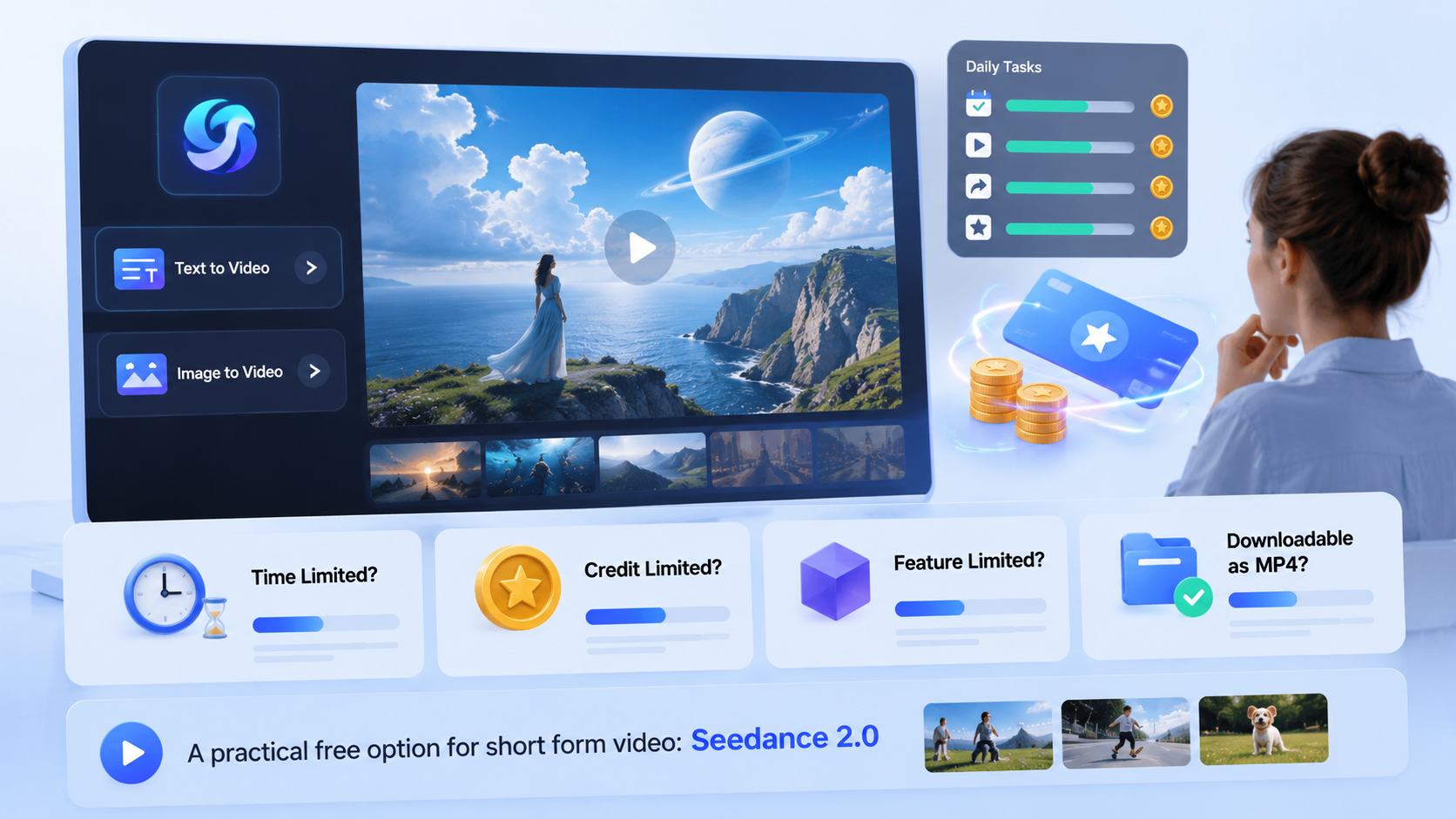
For example, Seedance 2.0 allows new users to start right away and keep earning credits through daily tasks. It supports text-to-video and image-to-video, which is useful if you want to experiment before committing to paid plans.
Practical advice: Before choosing a generator, check:
- Whether free access is time-limited, credit-limited, or feature-limited
- Whether exports are downloadable as MP4
- Whether the free tier supports the format and quality you actually need
2) A practical free option for short-form video: Seedance 2.0
Conclusion: If your goal is short-form video creation, Seedance 2.0 is a strong option for starting free.
Explanation: Seedance 2.0 is built for short AI video generation from either:
- A text prompt
- A reference image
Current web app limits include:
- 480p, 720p, and 1080p resolution options
- Up to 15 seconds duration
- Finished renders downloadable as MP4
- No audio generation support at the moment
That makes it a better fit for short product clips, explainers, fashion shots, and social-ready visuals than for longer cinematic videos.
Practical advice: Use Seedance 2.0 if you need:
- Fast concept testing
- Short promotional clips
- Animated still images
- Simple short-form outputs without audio
3) What the free-tier limits mean in practice
Conclusion: The main tradeoff in free AI video tools is usually scale, not access.
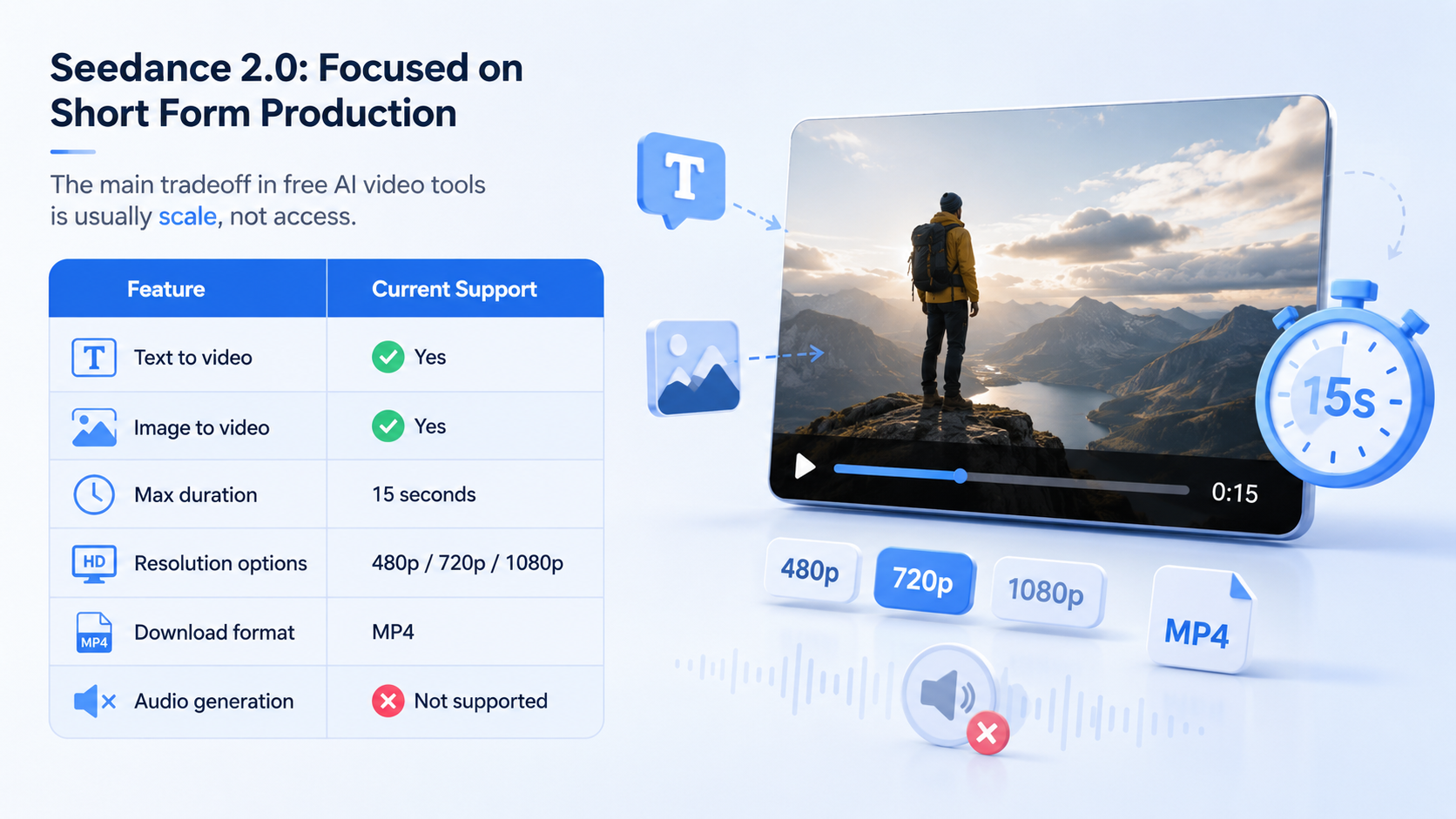
Explanation: Seedance 2.0’s current scope is intentionally focused on short-form production. The limits are clear:
| Feature | Current Support |
|---|---|
| Text to video | Yes |
| Image to video | Yes |
| Max duration | 15 seconds |
| Resolution options | 480p / 720p / 1080p |
| Download format | MP4 |
| Audio generation | Not supported |
This means you can create short visual sequences, but you should not expect long-form editing, audio synthesis, or extended narrative production in the current web app.
Practical advice: Match the tool to the job:
- Use it for short ads, social posts, product demos, and visual experiments
- Avoid it if you need audio, long scenes, or full video production workflows
4) How to choose the best free AI video generator
Conclusion: The best free AI video generator is the one that gives you enough usable output for your exact goal.
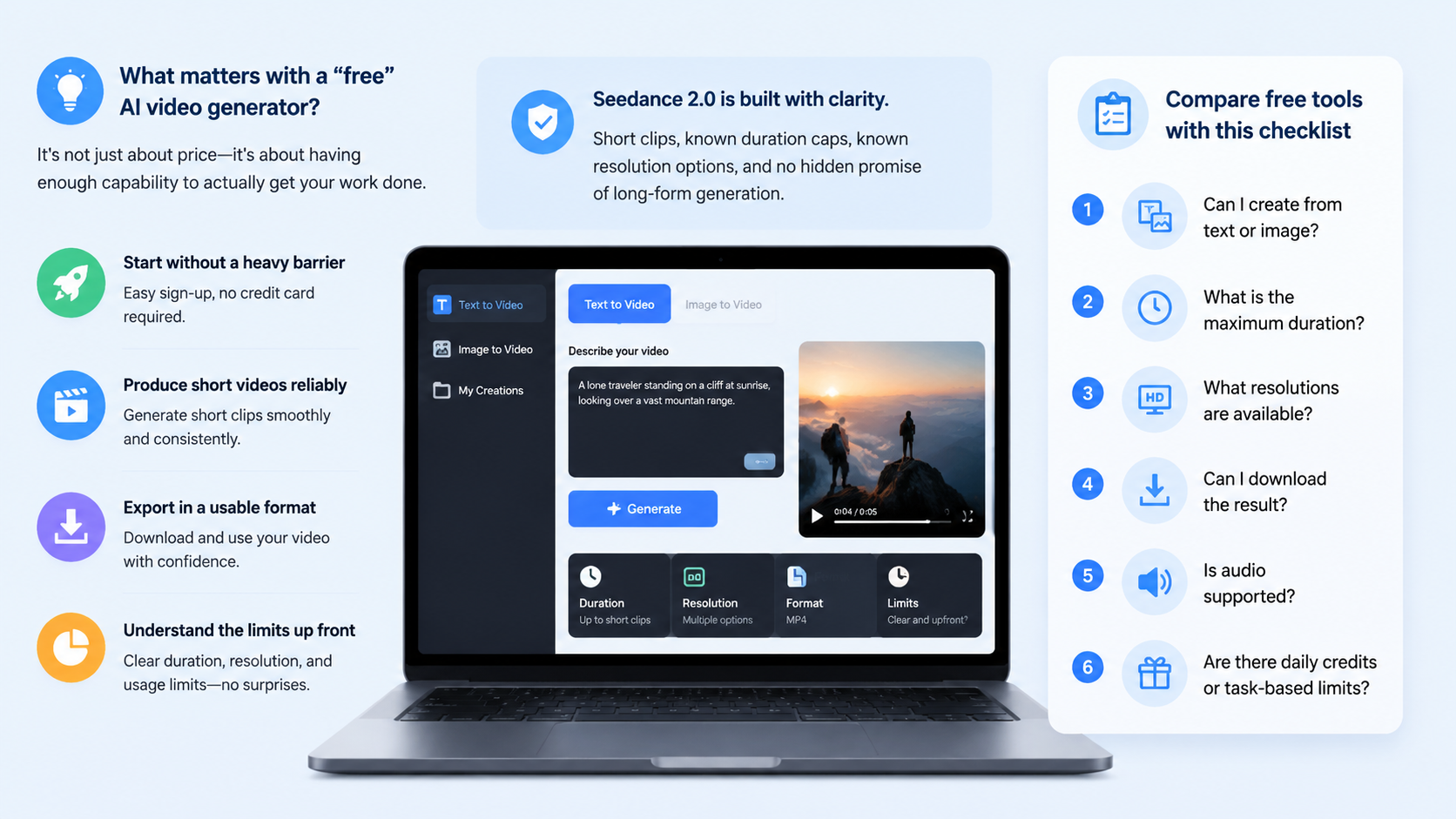
Explanation: “Completely free” sounds ideal, but the real question is whether the tool gives you enough capability to finish a task. A useful free generator should let you:
- Start without a heavy barrier
- Produce short videos reliably
- Export in a usable format
- Understand the limits up front
Seedance 2.0 is designed with that clarity in mind: short clips, known duration caps, known resolution options, and no hidden promise of long-form generation.
Practical advice: Compare free tools using this checklist:
- Can I create from text or image?
- What is the maximum duration?
- What resolutions are available?
- Can I download the result?
- Is audio supported?
- Are there daily credits or task-based limits?
FAQ
Is there an AI video generator that is completely free forever?
Some tools offer free access, but many are limited by credits, duration, resolution, or feature availability. “Completely free forever” is uncommon.
Can Seedance 2.0 be used for free?
Yes. New users can start right away and continue earning credits through daily tasks.
What kind of videos can Seedance 2.0 generate?
It supports short AI videos from text prompts or a reference image, making it suitable for short-form content.
How long can videos be?
Seedance 2.0 currently supports up to 15 seconds.
Does it support audio?
No. Audio generation is not currently supported.
Conclusion
If you’re asking which AI video generator is completely free, the practical answer is that most tools are only free to start, not fully unlimited. For short-form use, Seedance 2.0 is a useful option because it lets new users begin immediately, supports text-to-video and image-to-video, and offers clear free-access mechanics through daily tasks.
For anyone focused on short clips rather than full-length production, that combination makes it a strong starting point.