
AI Video
Which AI Video Generator Is Best for YouTube?
If your main goal is YouTube content, the best AI video generator is the one that helps you produce short, polished video clips quickly, exports…

If your main goal is YouTube content, the best AI video generator is the one that helps you produce short, polished video clips quickly, exports in a usable format, and fits your workflow. For creators focused on short-form YouTube content, Seedance 2.0 is a strong option because it supports text-to-video, image-to-video, up to 1080p, and up to 15 seconds per clip, with finished renders available as MP4.
This article helps you decide whether that kind of AI video generator is right for your YouTube needs, what it can do well, and where its limits matter.
1) What Matters Most for YouTube Videos
Conclusion: The best AI video generator for YouTube is not the one with the most features overall, but the one that matches your content format.
For YouTube, the most important factors are usually:
- Video length
- Resolution
- Ease of generation
- Export format
- Support for text or image inputs
- Whether it fits short-form or long-form production
Seedance 2.0 is built for short-form production, which makes it especially relevant if you create YouTube Shorts, promos, intros, or quick visual sequences. It supports clips up to 15 seconds, which is enough for many short-form use cases, but not for full-length YouTube episodes or long explainers.
Practical advice
Choose a generator based on the type of YouTube content you make:
- Use short-form AI video tools for Shorts, teasers, product clips, and motion visuals.
- Avoid expecting a short-clip generator to replace a full editing workflow for long YouTube videos.
- Check whether the tool exports in a format you can edit easily, such as MP4.
2) What Seedance 2.0 Offers for YouTube Creators
Conclusion: Seedance 2.0 is best suited for creators who need quick AI-generated short videos for YouTube.
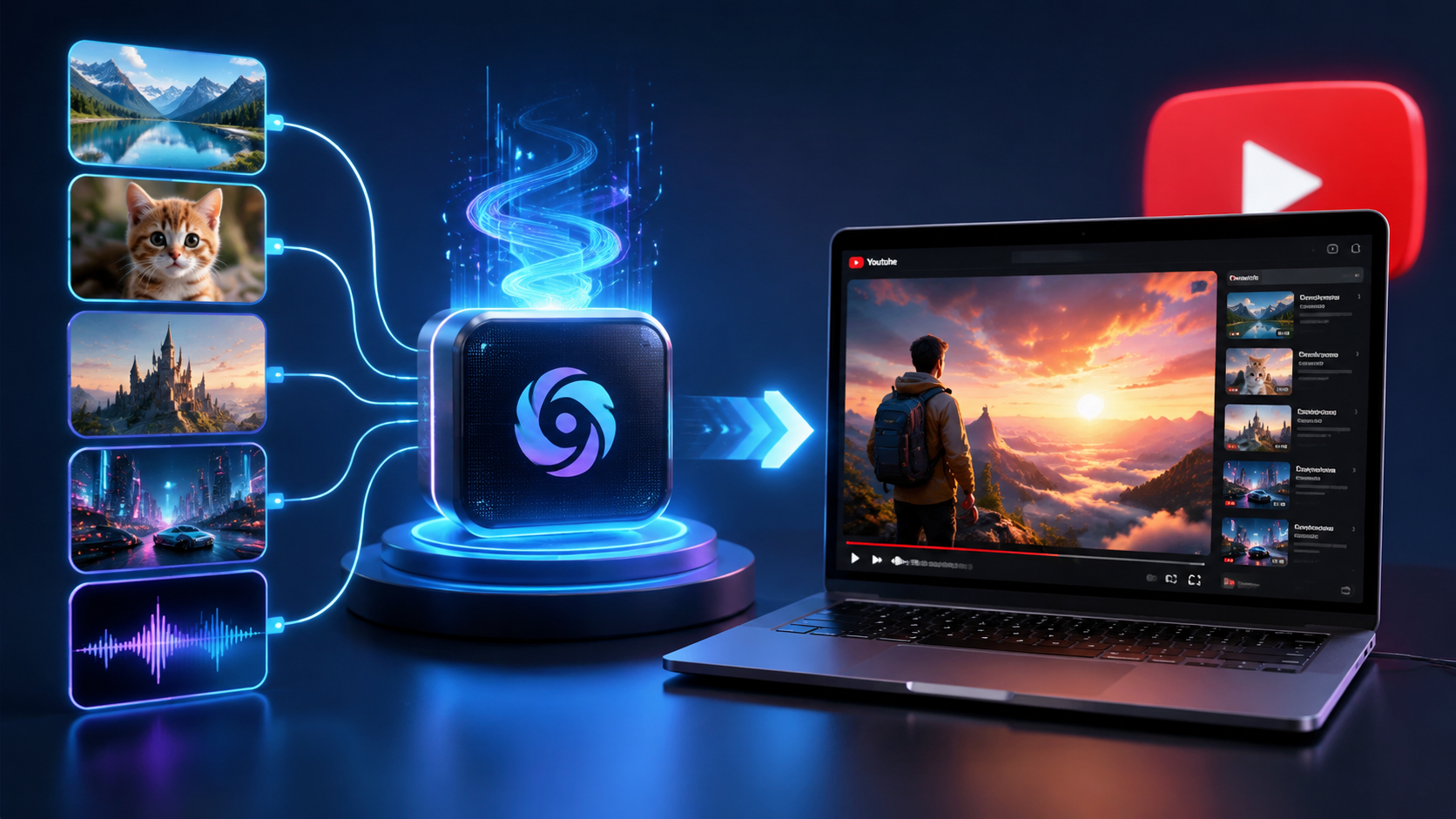
Seedance 2.0 allows you to create short AI videos from:
- Text prompts
- A reference image
It currently supports:
- 480p
- 720p
- 1080p
- Up to 15 seconds
- MP4 downloads
This makes it practical for short YouTube assets like:
- Short visual hooks
- Product showcases
- Explainer snippets
- Fashion or lifestyle clips
- Motion-based intro segments
Feature overview
| Feature | Seedance 2.0 Support | Why it matters for YouTube |
|---|---|---|
| Text to video | Yes | Quickly turn a script idea into a visual clip |
| Image to video | Yes | Animate a still image for more dynamic content |
| Resolution options | 480p, 720p, 1080p | Lets you balance speed and quality |
| Max duration | 15 seconds | Works well for short-form YouTube content |
| Download format | MP4 | Easy to edit and upload |
| Audio generation | No | You’ll need separate audio or editing tools |
Practical advice
If your YouTube workflow depends on rapid content creation, Seedance 2.0 is a good fit for:
- Testing concepts
- Creating visual transitions
- Producing short branded clips
- Adding AI-generated motion to static assets
If you need narration, music, or sound effects generated inside the same tool, you’ll need another solution for audio.
3) When Seedance 2.0 Is the Best Choice
Conclusion: Seedance 2.0 is a strong choice when your YouTube content is short, visual, and speed matters more than long-form editing.
Based on its current scope, Seedance 2.0 works well if you want to:
- Generate a quick clip from a prompt
- Animate a reference image
- Export a finished MP4 for editing
- Produce content in a short-form format
- Use a tool that focuses on video rendering rather than audio
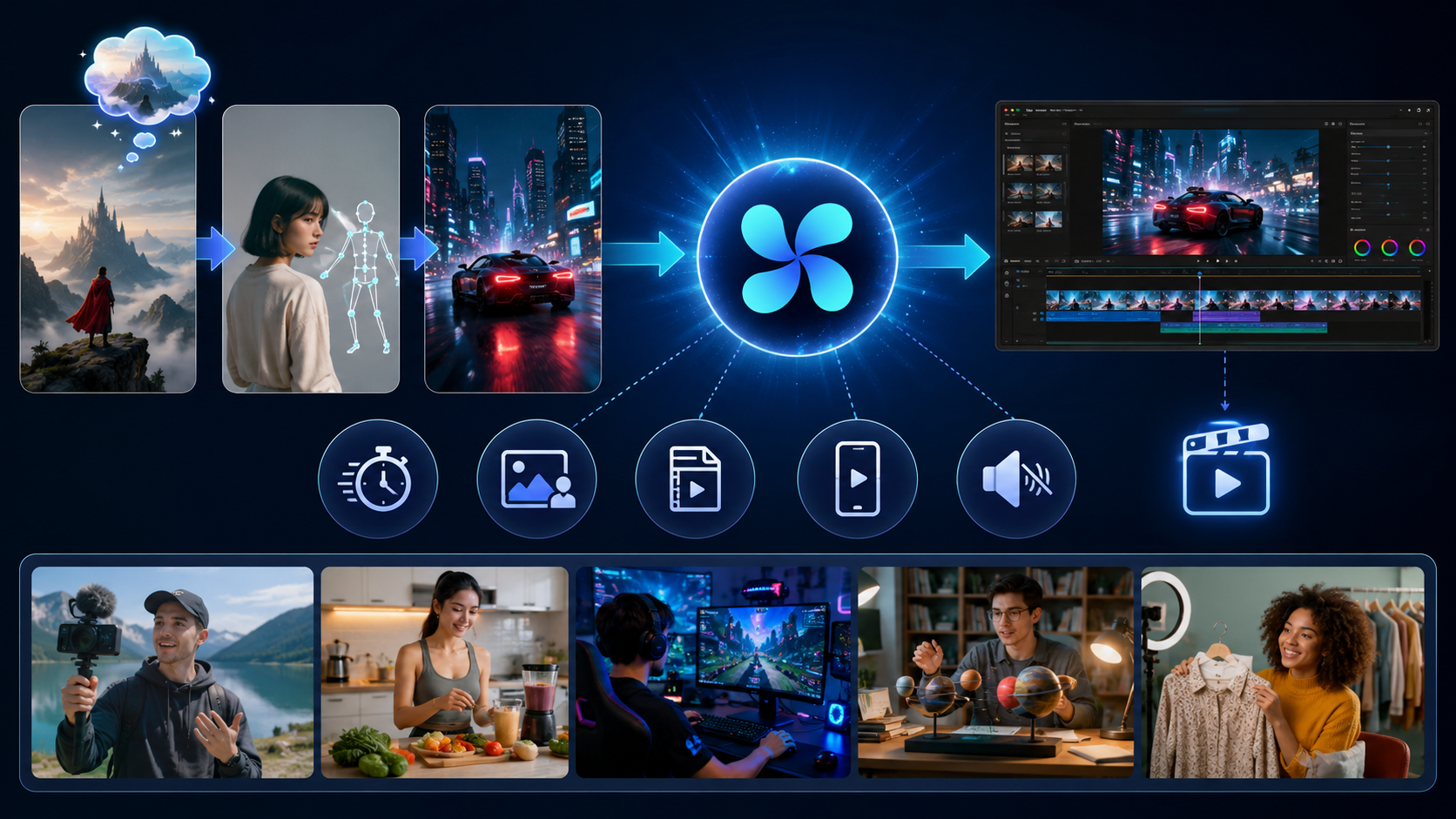
It is especially suitable for creators who publish:
- YouTube Shorts
- Visual teasers
- Ad-style clips
- Brand explainers
- Stylized content segments
Practical advice
Use Seedance 2.0 when your goal is to create short AI video assets that can be placed into a larger YouTube edit. It is less about replacing your entire production process and more about speeding up the visual creation stage.
4) Limits You Should Know Before Choosing It
Conclusion: Seedance 2.0 is not designed for full-length, audio-driven YouTube production.
There are a few important limits to consider:
- It supports up to 15 seconds
- It is built for short-form production
- Audio generation is not supported
- Resolution options are limited to 480p, 720p, and 1080p
This means it is best for visual clips, not for complete video episodes or complex projects that require built-in sound generation.
Practical advice
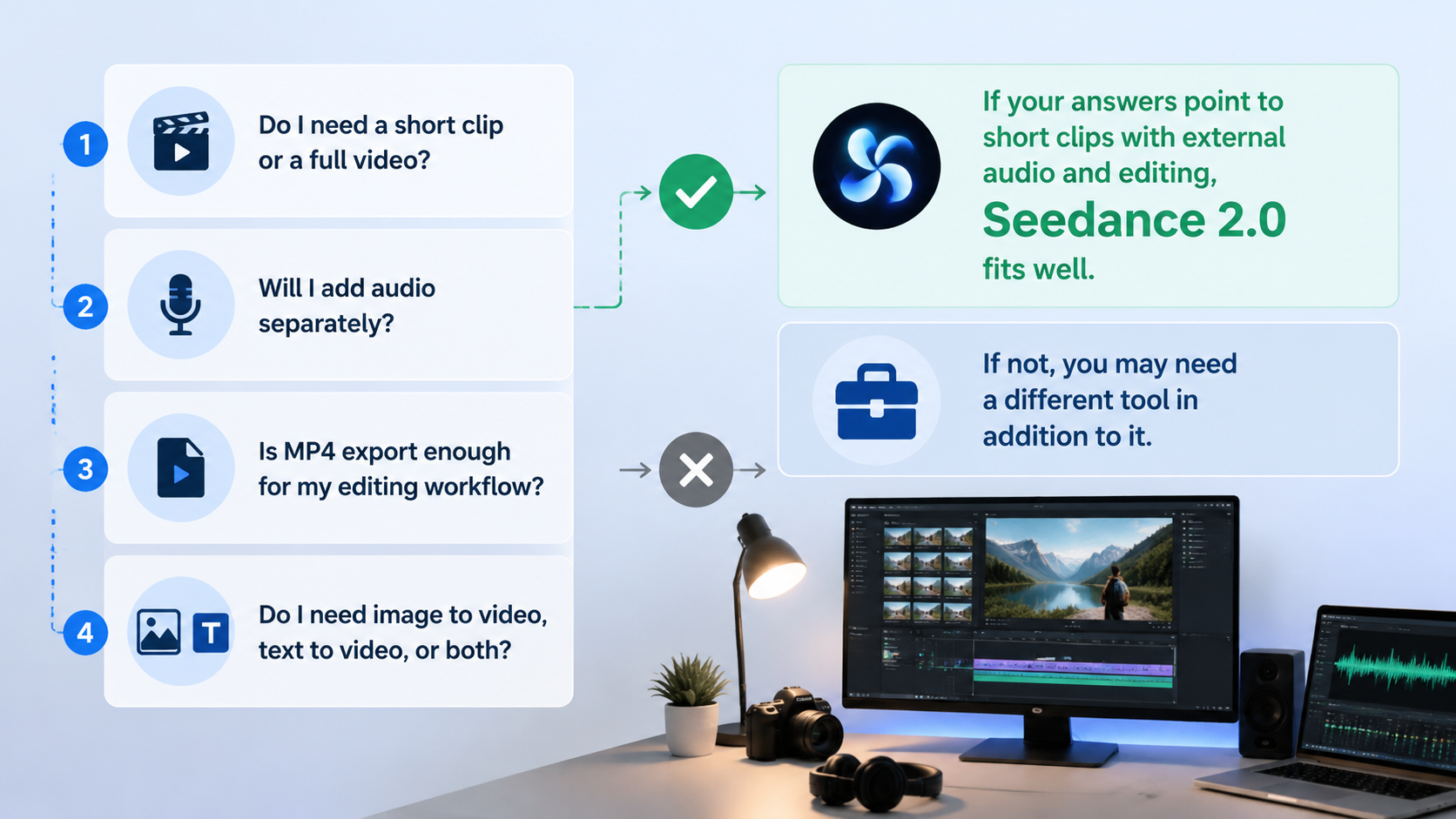
Before choosing any AI video generator for YouTube, ask:
- Do I need a short clip or a full video?
- Will I add audio separately?
- Is MP4 export enough for my editing workflow?
- Do I need image-to-video, text-to-video, or both?
If your answers point to short clips with external audio and editing, Seedance 2.0 fits well. If not, you may need a different tool in addition to it.
FAQ
Is Seedance 2.0 good for YouTube Shorts?
Yes. Its short duration limit, MP4 export, and text/image input support make it suitable for YouTube Shorts and other short-form videos.
Can Seedance 2.0 make long YouTube videos?
No. It currently supports up to 15 seconds, so it is not built for long-form YouTube videos.
Does Seedance 2.0 generate audio?
No. Audio generation is not supported right now.
What resolutions are available?
Seedance 2.0 currently supports 480p, 720p, and 1080p.
What input types does it support?
It supports text to video and image to video.
Conclusion
If you are asking which AI video generator is best for YouTube, the answer depends on your format. For short-form YouTube content, Seedance 2.0 is a practical choice because it supports text-to-video, image-to-video, up to 1080p resolution, and MP4 export, all within a short 15-second workflow.
For creators focused on quick visual content rather than full-length production, it offers a focused and useful way to generate YouTube-ready clips. If your needs include longer videos or built-in audio, you will need a broader toolset.
To try these ideas on your own material, start with Wan 2.7. Credit costs for each model are listed on the pricing page.