
AI Video
What Is the Best Photo-to-Video AI Generator?
If you want the short answer: the best photo-to-video AI generator is the one that turns a single reference image into a clean, short video…

If you want the short answer: the best photo-to-video AI generator is the one that turns a single reference image into a clean, short video with the resolution, duration, and workflow you actually need. For users focused on fast, short-form output, Seedance 2.0 AI Video Generator is a strong option because it supports image-to-video generation, up to 1080p, and clips up to 15 seconds.
This article helps you understand what to look for in a photo-to-video AI generator, what Seedance 2.0 offers, and how to choose the right tool for practical use.
1. What Makes a Photo-to-Video AI Generator “Best”?
Conclusion: The best tool is not always the one with the longest feature list. It is the one that matches your output goal, clip length, and quality needs.
A photo-to-video AI generator should take a still image and animate it into a short video without making the process complicated. For most users, the key criteria are:
- Image-to-video support from a reference image
- Short-form video output for social, product, or explainer content
- Resolution options such as 480p, 720p, and 1080p
- Reasonable duration limits so the tool fits quick production needs
- Downloadable output, ideally in a common format like MP4
Practical advice
Before choosing a generator, ask:
- Do I need to animate a single image?
- Do I need short clips or longer videos?
- Is 1080p important for my use case?
- Do I need an easy web workflow or API access?
If your answer is mostly about short clips from one image, a tool like Seedance 2.0 is worth considering.
2. Why Seedance 2.0 Is a Strong Photo-to-Video Option
Conclusion: Seedance 2.0 is well suited for users who want quick image-to-video generation with clear output limits and no unnecessary complexity.
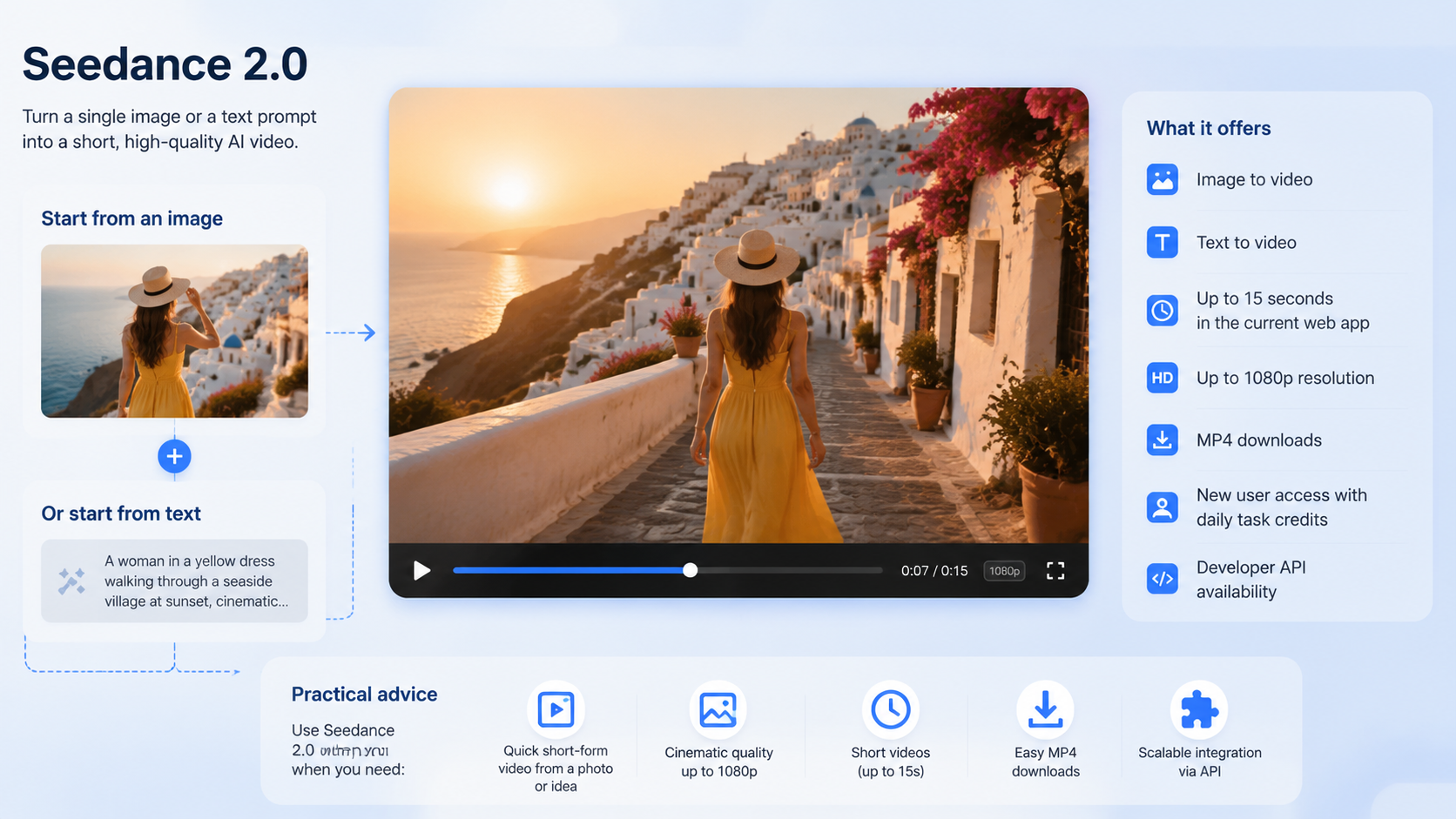
Seedance 2.0 supports creating short AI videos from text or a reference image. That makes it useful for photo-to-video workflows where the starting point is a single still image.
What it offers
- Image to video
- Text to video
- Up to 15 seconds in the current web app
- Up to 1080p resolution
- MP4 downloads
- New user access with daily task credits
- Developer API availability
Practical advice
Use Seedance 2.0 when you need:
- A short animated version of a product photo
- A quick social-style clip from a still image
- A simple workflow for short-form content
- Web-based generation without a long setup process
If your project needs longer videos or audio generation, this is not the right fit. The current focus is on short-form video rendering.
3. Resolution, Duration, and Output: What Matters Most
Conclusion: For photo-to-video AI, output constraints matter more than buzzwords. Resolution and duration should match your publishing channel.
Seedance 2.0 currently supports these resolution options:
| Feature | Current Support |
|---|---|
| Resolution | 480p, 720p, 1080p |
| Duration | Up to 15 seconds |
| Download format | MP4 |
| Audio generation | Not supported |
This makes it a practical choice for short content production, especially when you need a video that is easy to upload and reuse.
Practical advice
Choose your settings based on the final destination:
- 480p: useful for fast previews or low-bandwidth needs
- 720p: a balanced option for many online uses
- 1080p: best when quality matters more, such as product showcases or polished short ads
For best results, keep your expectations aligned with short-form output. The tool is built for concise clips, not long cinematic sequences.
4. Best Use Cases for Photo-to-Video AI
Conclusion: The best photo-to-video generator is usually the one that works well for your specific content type.
Based on the available examples, Seedance 2.0 is suitable for several short-form scenarios:
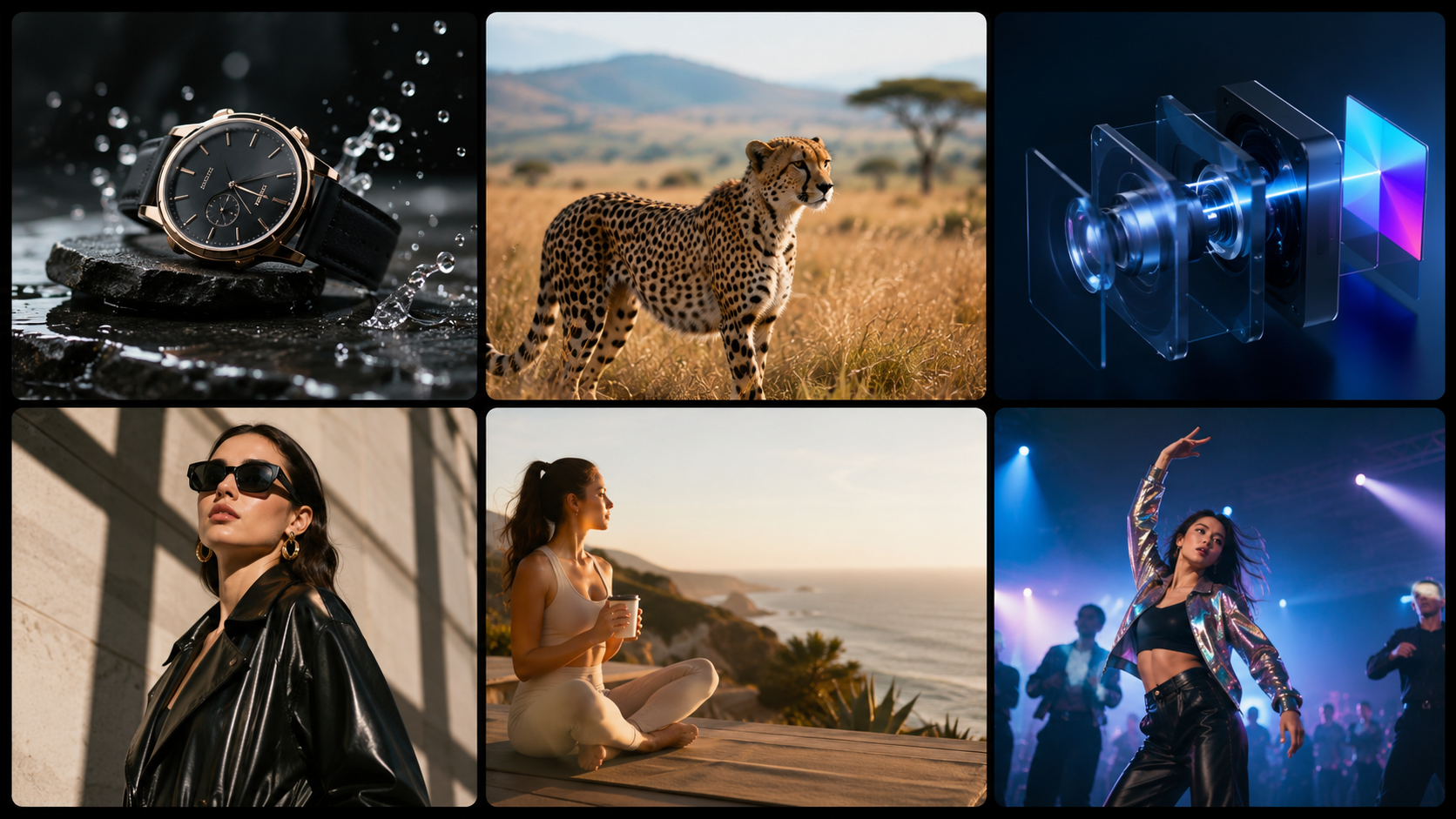
- Product clips
- Documentary-style motion
- Explainer sequences
- Fashion visuals
- Lifestyle scenes
- Entertainment extensions
Why this matters
A photo-to-video tool is most useful when you want to add motion to a still image without starting from scratch. That makes it useful for:
- Marketing teams creating quick visual assets
- Creators making social content
- Brands testing motion versions of images
- Developers building video generation into a product workflow
Practical advice
Pick a generator that can handle the kind of image you already have. For example:
- Use a product photo if you want a short promo-style clip
- Use a portrait or lifestyle image for social storytelling
- Use a reference visual when you want controlled motion from a specific starting frame
Because Seedance 2.0 supports reference-image generation, it fits this kind of workflow well.
5. How to Choose the Best Tool for Your Needs
Conclusion: There is no universal “best” generator, but there is a best match for your workflow.
When comparing photo-to-video AI tools, use this checklist:
- Does it support image-to-video?
- What is the maximum duration?
- What resolutions are available?
- Can you download MP4 files?
- Is it easy to access for new users?
- Does it include an API if you need automation?
- Does it support audio generation if that matters to you?
Practical advice
Choose Seedance 2.0 if you want:
- Short clips from a single photo
- Up to 15 seconds of output
- Up to 1080p resolution
- MP4 download
- Web access plus API support
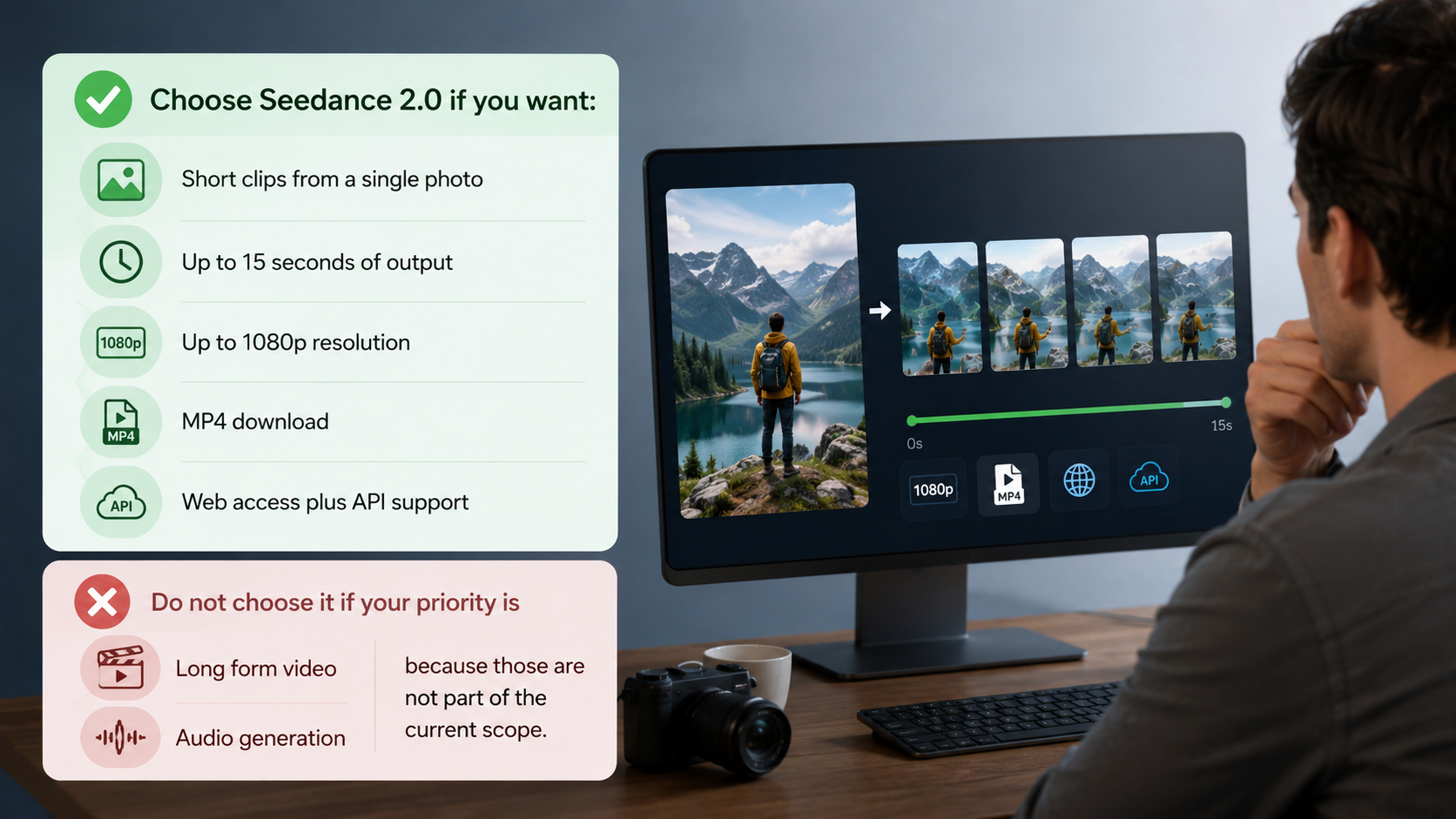
Do not choose it if your priority is long-form video or audio generation, because those are not part of the current scope.
FAQ
What is the best photo-to-video AI generator?
The best one is the tool that matches your goal, but for short-form image-to-video work, Seedance 2.0 is a strong option because it supports reference images, up to 15 seconds, and up to 1080p.
Can Seedance 2.0 generate video from a photo?
Yes. It supports image-to-video generation from one reference image.
What resolution does Seedance 2.0 support?
Current options are 480p, 720p, and 1080p.
How long can the videos be?
Seedance 2.0 supports up to 15 seconds in the current web app.
Can I download the generated video?
Yes. Finished renders can be downloaded as MP4 files.
Does it support audio generation?
No. Audio generation is not currently supported.
Conclusion
If you are asking, “What is the best photo-to-video AI generator?” the most practical answer is: choose the tool that gives you reliable image-to-video output in the length and quality you need. For short-form production, Seedance 2.0 AI Video Generator stands out because it supports reference-image animation, up to 1080p, up to 15 seconds, and MP4 downloads.
For creators, marketers, and developers focused on concise video generation from a photo, it offers a clear and usable workflow without promising more than it currently delivers.