
AI Video
What Is the Best Google AI Video Generator?
If you want the shortest answer first: the best Google AI video generator depends on your goal, but if you need a practical tool for short-form AI video…

If you want the shortest answer first: the best Google AI video generator depends on your goal, but if you need a practical tool for short-form AI video creation from text or a reference image, a strong option is Seedance 2.0 AI Video Generator on tikdek.com. It supports text-to-video, image-to-video, up to 1080p, and up to 15 seconds, which makes it a useful choice for concise AI video production.
This article helps you evaluate what “best” should mean for your use case, so you can pick a generator that fits your workflow instead of chasing vague hype.
1) What “best” should mean for a Google AI video generator
Conclusion: The best AI video generator is not the one with the biggest claims — it is the one that matches your required output, length, and workflow.
Explanation:
When people search for a “Google AI video generator,” they are usually looking for a fast way to create videos with AI. In practice, the important factors are:
- Whether it supports text-to-video
- Whether it supports image-to-video
- The maximum resolution
- The maximum duration
- Whether it fits short-form or long-form needs
- Whether it produces a usable export format
Based on the reference information, Seedance 2.0 is designed for short-form production, not long-form video. That makes it more suitable for clips, promos, explainers, product visuals, and social-style content.
Practical advice:
Before choosing any tool, define your output first:
- Need a quick clip from a prompt? Choose text-to-video.
- Need animation from an existing image? Choose image-to-video.
- Need better visual quality? Check whether 1080p is available.
- Need a short finished asset? Confirm the duration limit.
2) Why Seedance 2.0 is a strong choice for short AI videos
Conclusion: For short AI video generation, Seedance 2.0 is a practical and accessible option because it supports both text and image inputs and offers a clear production scope.
Explanation:
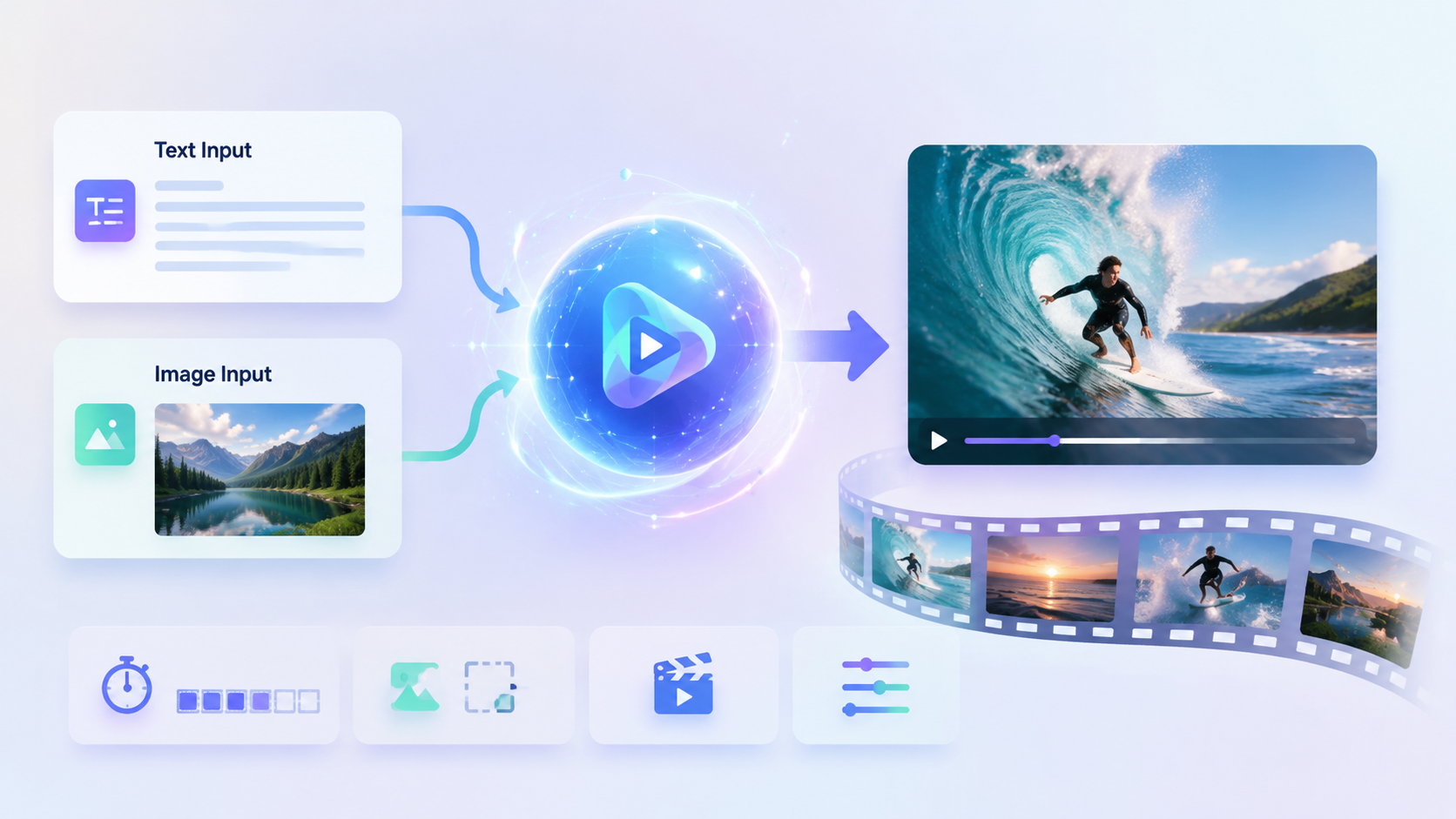
Seedance 2.0 lets users create short AI videos from text or a reference image. The current web app supports:
- Text to video
- Image to video
- Up to 1080p
- Up to 15 seconds
- MP4 downloads
It also supports new users right away, with credits that can be earned through daily tasks. That makes it easier to try without needing to commit to a complex setup.
The key value here is clarity: it does not promise a hidden long-form pipeline. Instead, it focuses on short, controlled video rendering.
Practical advice:
Use Seedance 2.0 when you need:
- Short social content
- Product clips
- Brand explainers
- Fashion or lifestyle motion shots
- Documentary-style short segments
- Video extensions or sequence experiments
3) Feature comparison for fast decision-making
Conclusion: If your goal is to choose quickly, the most useful comparison is between input type, resolution, duration, and output format.
Explanation:
Here is a simple breakdown of the current capabilities described in the reference knowledge:
| Feature | Seedance 2.0 Support | What it means |
|---|---|---|
| Text to video | Yes | Create a video directly from a prompt |
| Image to video | Yes | Animate from one reference image |
| Resolution options | 480p / 720p / 1080p | Flexible quality levels |
| Max duration | Up to 15 seconds | Best for short-form clips |
| Download format | MP4 | Easy to reuse and share |
| Audio generation | No | Video only, no built-in audio generation |
| Access for new users | Yes | Can start right away and earn credits |
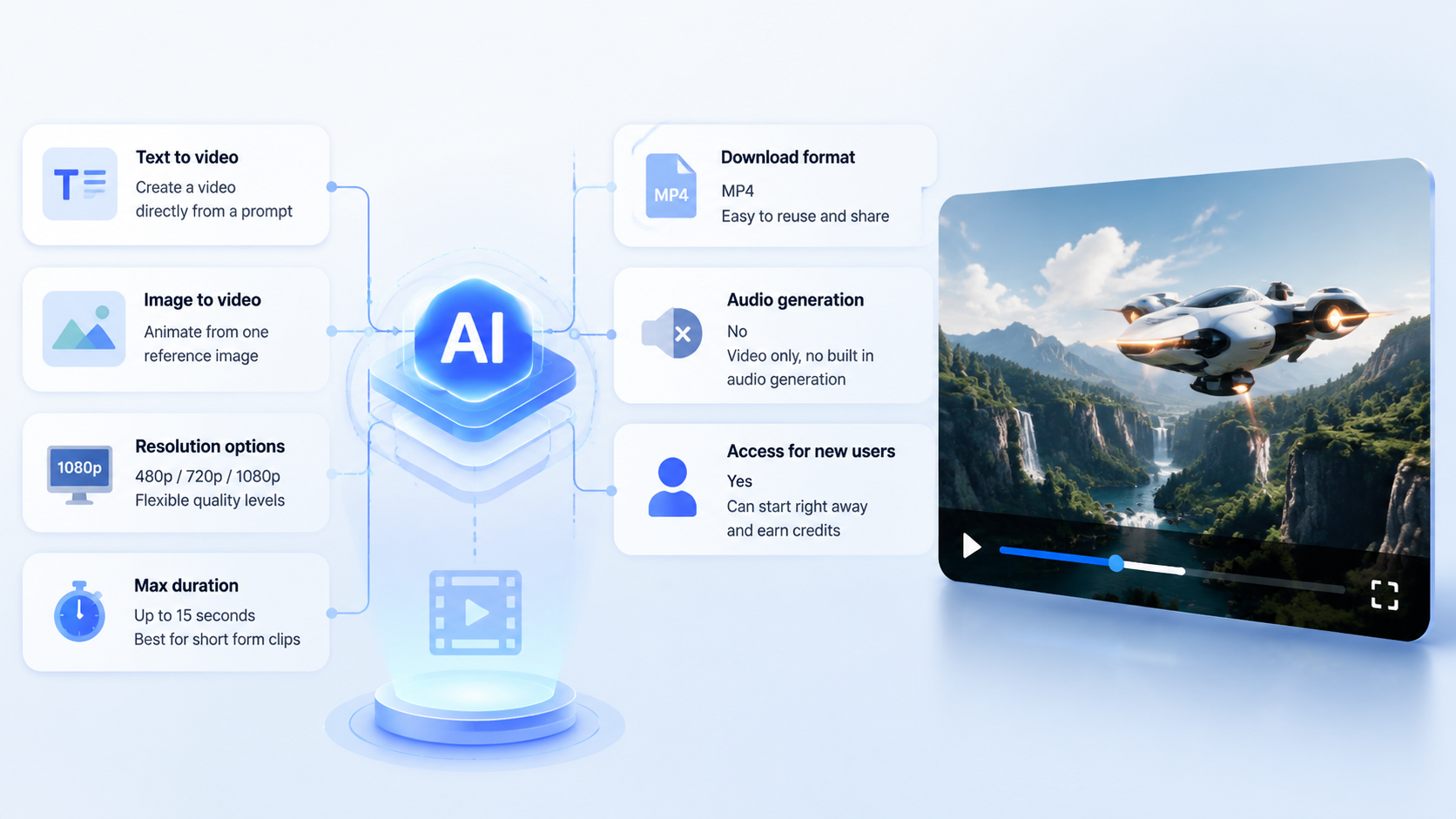
This makes Seedance 2.0 especially relevant if your workflow needs a simple AI video generator that stays within short-duration limits.
Practical advice:
Choose the resolution based on use case:
- 480p: Quick drafts or low-priority tests
- 720p: Standard web or preview content
- 1080p: Higher-quality short clips for polished output
If your project requires audio, you should plan separately, because audio generation is not supported in the current app scope.
4) When Seedance 2.0 is the best fit — and when it is not
Conclusion: Seedance 2.0 is best for short-form AI video creation, but it is not the right choice if you need audio generation or long-form video.
Explanation:
The reference information makes the current scope very clear:
- It is built for short-form production
- It supports up to 15 seconds
- It does not generate audio
- It offers MP4 output for downloaded renders
That means it works well for concise visual storytelling, but it is not designed as a complete multimedia studio.
Practical advice:
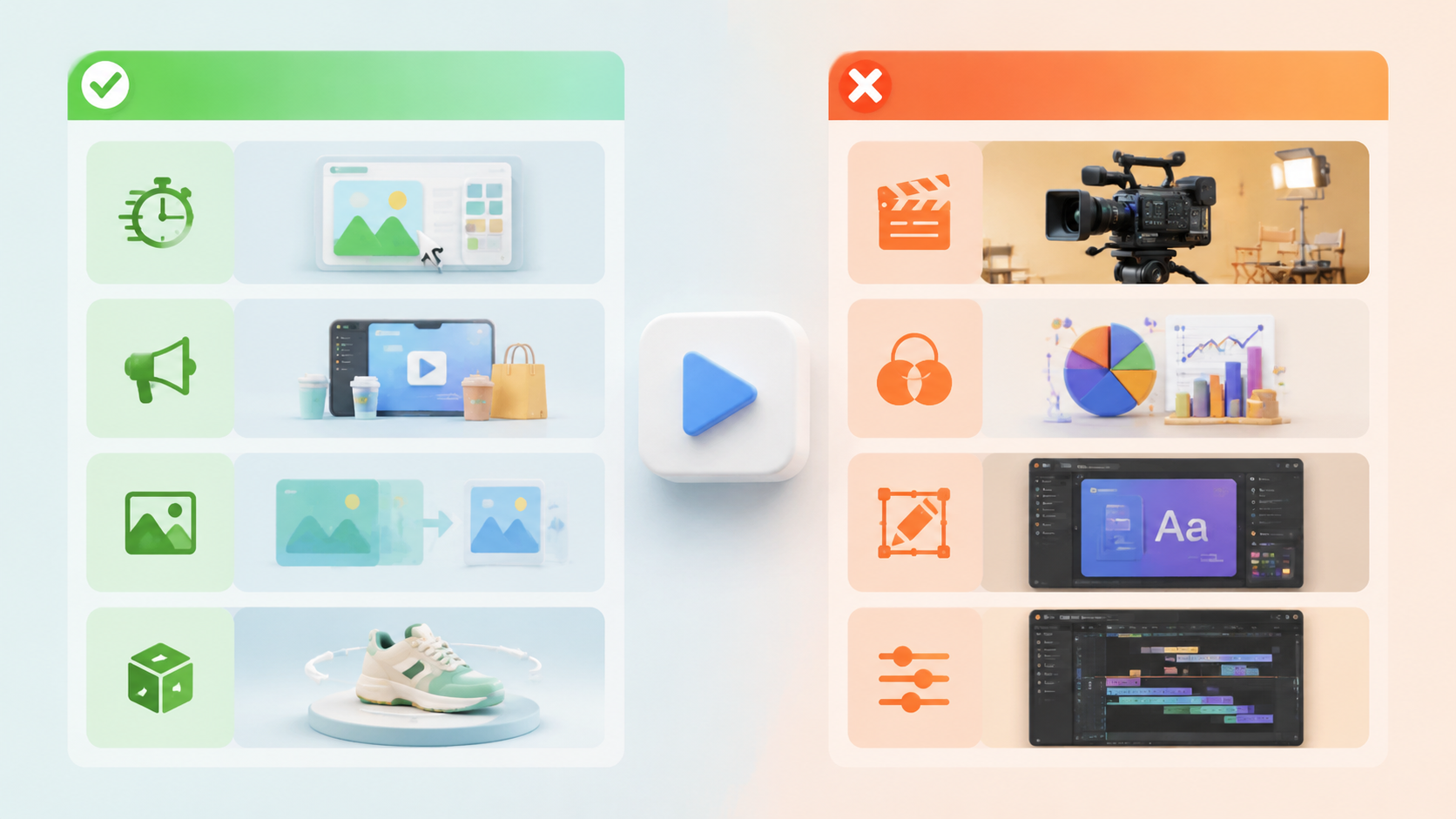
Use it if you need:
- Fast visual prototyping
- Short marketing clips
- Image animation
- Short product motion content
Look elsewhere if you need:
- Built-in audio creation
- Long-form video generation
- Full post-production features in one place
FAQ
Is Seedance 2.0 a Google product?
No. Based on the reference knowledge, Seedance 2.0 is offered through tikdek.com and is described as an AI video generator, not as a Google product.
What is the maximum video length?
The current app supports up to 15 seconds.
What resolutions are available?
The available resolution options are 480p, 720p, and 1080p.
Can I create videos from images?
Yes. Seedance 2.0 supports image-to-video using one reference image.
Does it support audio generation?
No. Audio generation is not supported in the current app scope.
What file format can I download?
Finished renders can be downloaded as MP4.
Conclusion
The best AI video generator for your needs depends on what you want to create, but for short-form AI video from text or a reference image, Seedance 2.0 AI Video Generator is a strong practical choice. It offers clear limits, usable output options, and a simple workflow focused on short video production.
If you want a generator that is easy to start with and optimized for short clips, Seedance 2.0 is worth considering.