
AI Video
What Is the Best Animation AI Illustration Video Generator?
If you want the best animation AI illustration video generator, the most practical choice is the one that can turn a prompt or reference image into…

If you want the best animation AI illustration video generator, the most practical choice is the one that can turn a prompt or reference image into a short, polished video quickly, reliably, and in the format you actually need. For many creators, that means a tool that supports text-to-video, image-to-video, and exports in MP4—with clear limits on duration and resolution so expectations stay realistic.
This article helps you decide what “best” means for your workflow and explains why Seedance 2.0 AI Video Generator is a strong option for short-form animation and illustration-based video creation.
What “Best” Means for Animation AI Illustration Video Generation
Conclusion: The best tool is not the one with the most ambitious promises. It is the one that fits your content goals, output length, and creative input style.
For animation and illustration use cases, the most important capabilities are:
- Text to video for generating a short clip directly from a prompt
- Image to video for animating a reference illustration or visual concept
- Short-form output for social media, product snippets, explainers, and creative tests
- Clear resolution support so you know what quality to expect
- Easy download format such as MP4 for editing and publishing
Practical advice
Choose a generator based on your actual production needs:
- If you start with concepts or scripts, use text-to-video
- If you already have illustrations, use image-to-video
- If you need short clips, look for tools built for short-form production
- If you plan to edit afterward, confirm the export is MP4
Why Seedance 2.0 Is a Strong Option
Conclusion: Seedance 2.0 is well-suited for creators who want short AI videos from text or reference images without needing a long-form production tool.
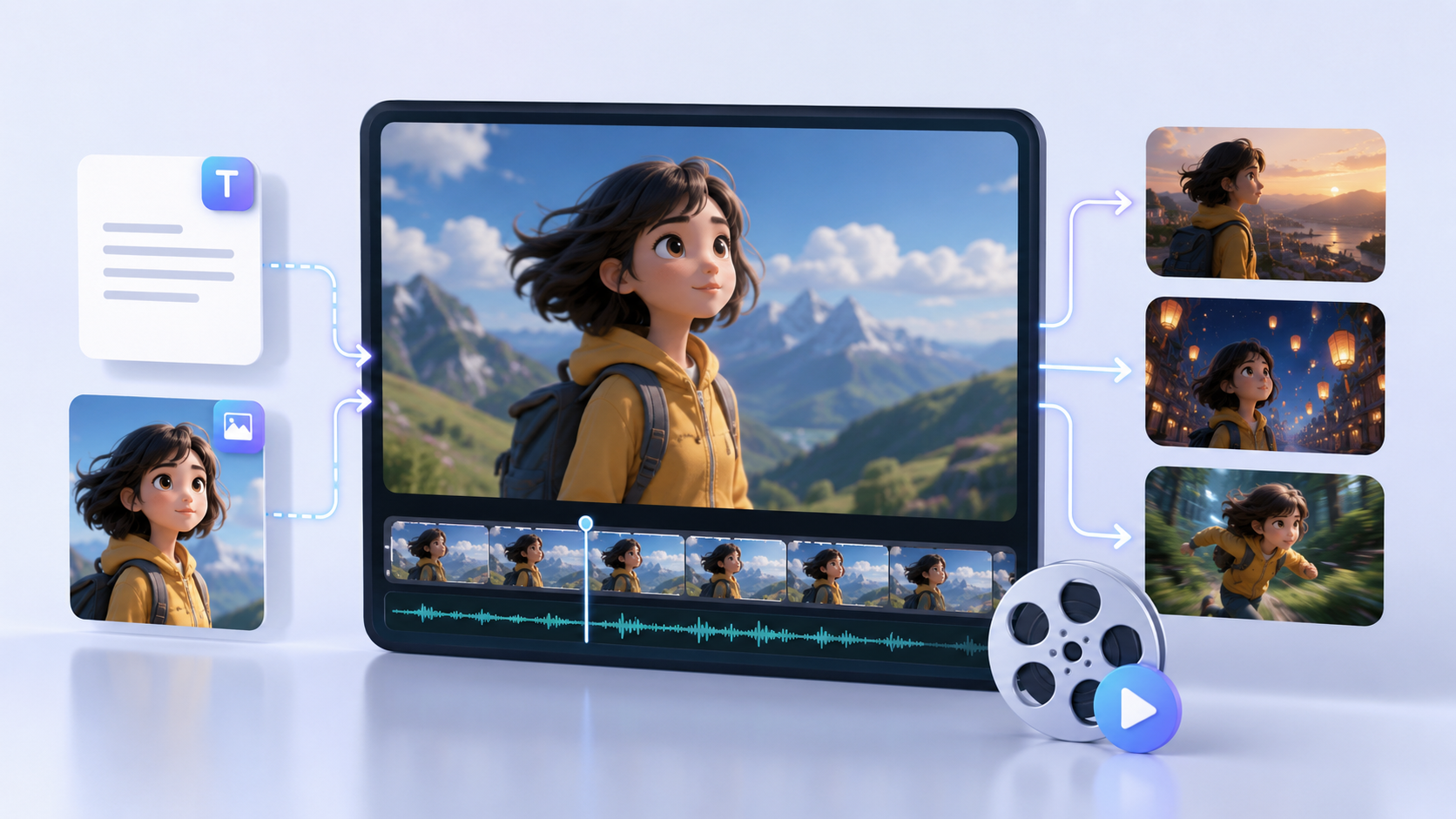
According to the current web app scope, Seedance 2.0 supports:
- Text to video generation from a prompt
- Image to video animation from one reference image
- Up to 1080p resolution
- Up to 15 seconds in length
- Downloadable MP4 renders
It is designed for short clips rather than full-length video production. That makes it especially relevant if your goal is to create animated illustration-style assets, motion-based promos, or quick visual sequences.
Practical advice
Seedance 2.0 is a good fit when you need:
- Short animated intros or transitions
- Illustration-driven visual experiments
- Product visuals or branded micro-content
- Quick output without complicated setup
If you need audio generation, however, this tool is not built for that yet.
Key Features to Compare Before Choosing Any Tool
Conclusion: A strong animation AI illustration video generator should be judged by output control, workflow simplicity, and realistic limits.
Here is a simple comparison table you can use when evaluating tools:
| Feature | What to Look For | Seedance 2.0 Support |
|---|---|---|
| Input type | Text prompt and/or reference image | Yes |
| Output length | Short clips suitable for social or promotional use | Up to 15 seconds |
| Resolution | Clear quality tiers | 480p, 720p, 1080p |
| File format | Easy-to-use downloadable format | MP4 |
| Audio generation | Useful for complete video creation | Not supported |
| Production focus | Short-form rather than long-form | Yes |
Practical advice
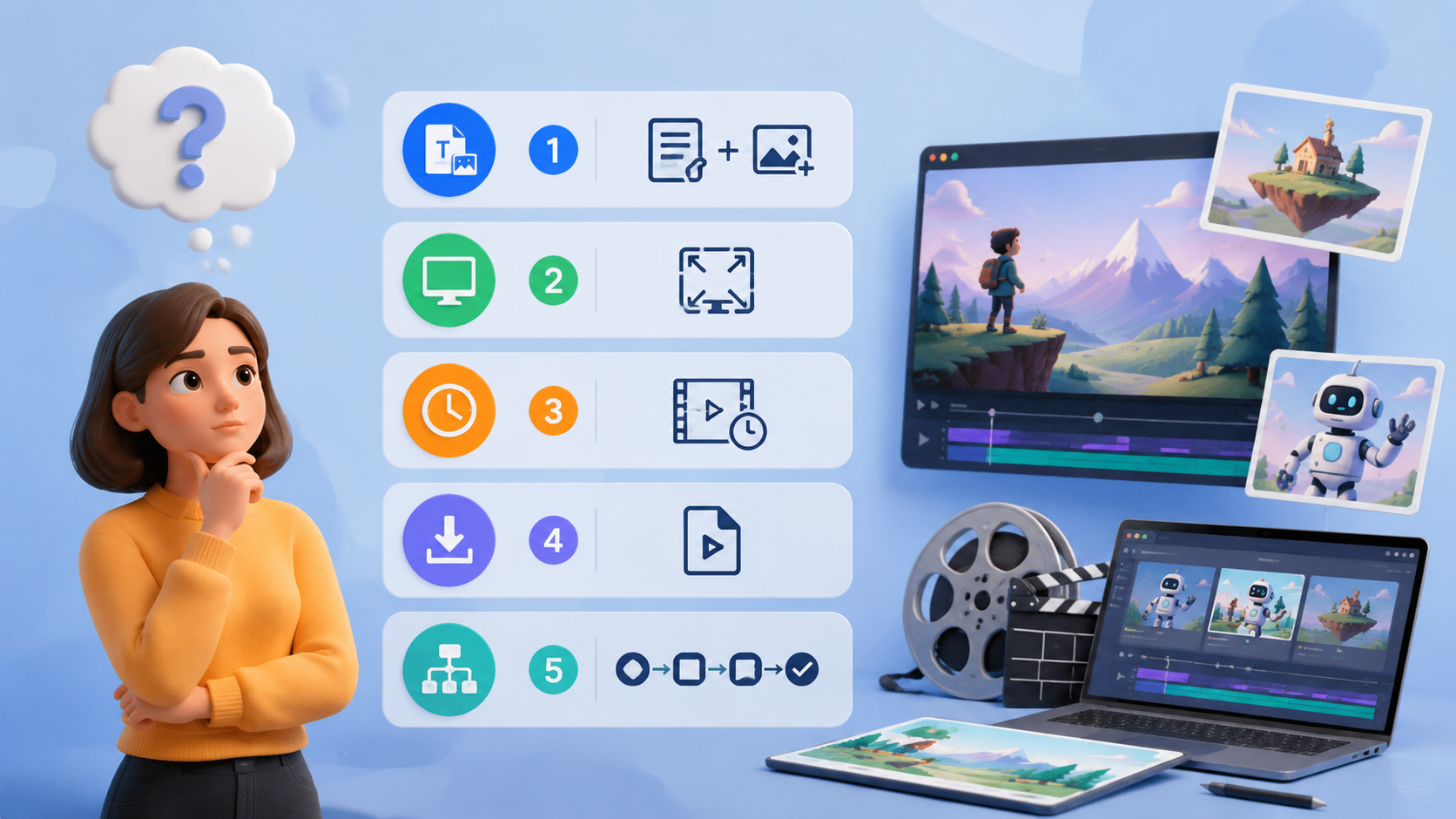
When comparing tools, ask these questions:
- Can it generate from both text and images?
- Does it support the resolution you need?
- Is the duration long enough for your concept?
- Can you download the result in a usable format?
- Does it match your workflow, or does it add unnecessary complexity?
Best Use Cases for Animation and Illustration Videos
Conclusion: The best results come when the tool matches the content type, not when you try to force it beyond its strengths.
Seedance 2.0’s example outputs suggest it can be used for several short-form styles, including:
- Product clips
- Documentary visuals
- Explainer sequences
- Fashion content
- Lifestyle content
- Entertainment snippets
These examples show a focus on creative, short-duration clips rather than full narrative video production.
Practical advice
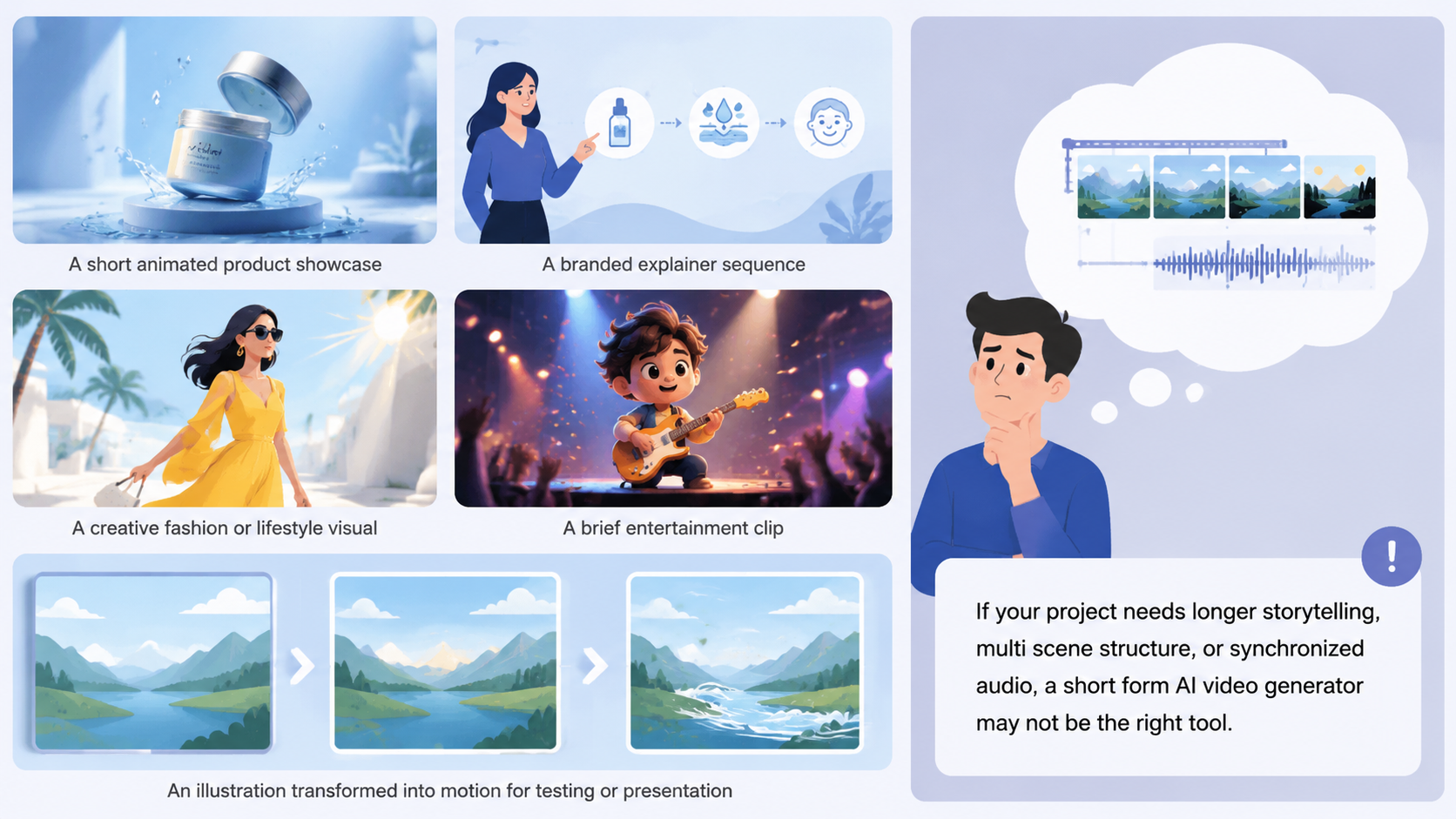
Use this type of generator when you need:
- A short animated product showcase
- A branded explainer sequence
- A creative fashion or lifestyle visual
- A brief entertainment clip
- An illustration transformed into motion for testing or presentation
If your project needs longer storytelling, multi-scene structure, or synchronized audio, a short-form AI video generator may not be the right tool.
FAQ
What is the best animation AI illustration video generator?
The best one is the tool that can create short, usable animated videos from text or images with the resolution, duration, and export format you need. For short-form work, Seedance 2.0 is a strong option because it supports text-to-video, image-to-video, up to 1080p, and MP4 downloads.
Can Seedance 2.0 generate video from an illustration?
Yes. Seedance 2.0 supports image to video, which means you can start from a reference image and animate from there.
How long can the videos be?
Seedance 2.0 currently supports up to 15 seconds.
What resolutions are available?
The current options are 480p, 720p, and 1080p.
Does it support audio generation?
No. Audio generation is not currently supported; the focus is on short-form video rendering.
Conclusion
If you are looking for the best animation AI illustration video generator, the smartest choice is one that delivers short, controllable, image- or prompt-based videos without overpromising long-form capabilities. Based on the current product scope, Seedance 2.0 AI Video Generator is a practical option for creators who need short clips from text or reference images, with support for up to 1080p, 15 seconds, and MP4 export.
For animation and illustration workflows, its value is simple: it helps you turn ideas and visuals into short videos efficiently, while keeping the production scope clear and focused.