
AI Video
What Is the Best AI Video Generator Right Now?
If your main question is “what is the best AI video generator right now?”, the practical answer is: the best tool depends on what you need to make.

If your main question is “what is the best AI video generator right now?”, the practical answer is: the best tool depends on what you need to make. For short-form video, especially if you want fast text-to-video or image-to-video creation, Seedance 2.0 on tikdek.com is a strong current option because it is built for short AI videos, supports up to 1080p, and allows clips of up to 15 seconds. This article helps you decide whether that matches your workflow.
1) The Best AI Video Generator Depends on the Job
Conclusion: There is no single best AI video generator for every use case, but for short-form production, Seedance 2.0 is a practical choice right now.
Explanation:
Some users want cinematic output, some want product-style clips, and others need a quick animated version of a reference image. Seedance 2.0 focuses on exactly that kind of work: short AI videos from either text prompts or one reference image. It is designed for compact, output-ready clips rather than long-form promises.
Practical advice:
Choose an AI video generator based on these core needs:
- Text-to-video if you want to create a clip from a prompt
- Image-to-video if you want to animate a still image
- Short duration if your content is for ads, social media, product demos, or explainers
- Higher resolution if visual clarity matters more than length
2) Why Seedance 2.0 Stands Out for Short-Form Video
Conclusion: Seedance 2.0 is well suited for creators who need short, polished videos without a complicated workflow.
Explanation:
According to the current app scope, Seedance 2.0 supports:
- Text to video
- Image to video
- Up to 1080p resolution
- Up to 15 seconds duration
- MP4 download
- Access for new users with daily task credits
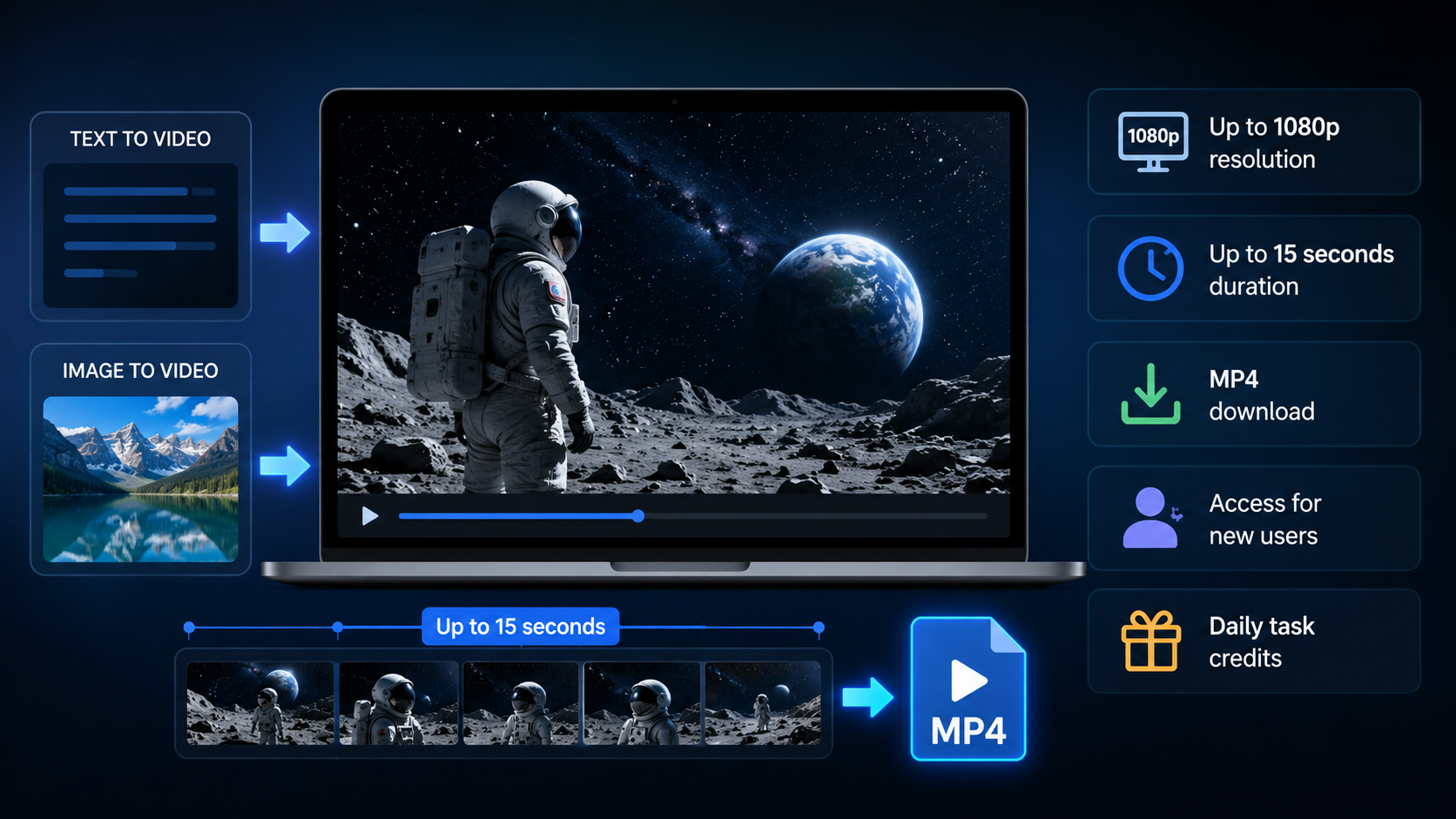
That makes it especially useful for users who want to quickly create short clips and export them in a common format.
Practical advice:
Use Seedance 2.0 if you are making:
- Product promos
- Social media clips
- Documentary-style snippets
- Explainer sequences
- Fashion or lifestyle short videos
- Entertainment or extension-style edits
3) Key Limits You Should Know Before Choosing It
Conclusion: Seedance 2.0 is strong for short videos, but it is not built for everything.
Explanation:
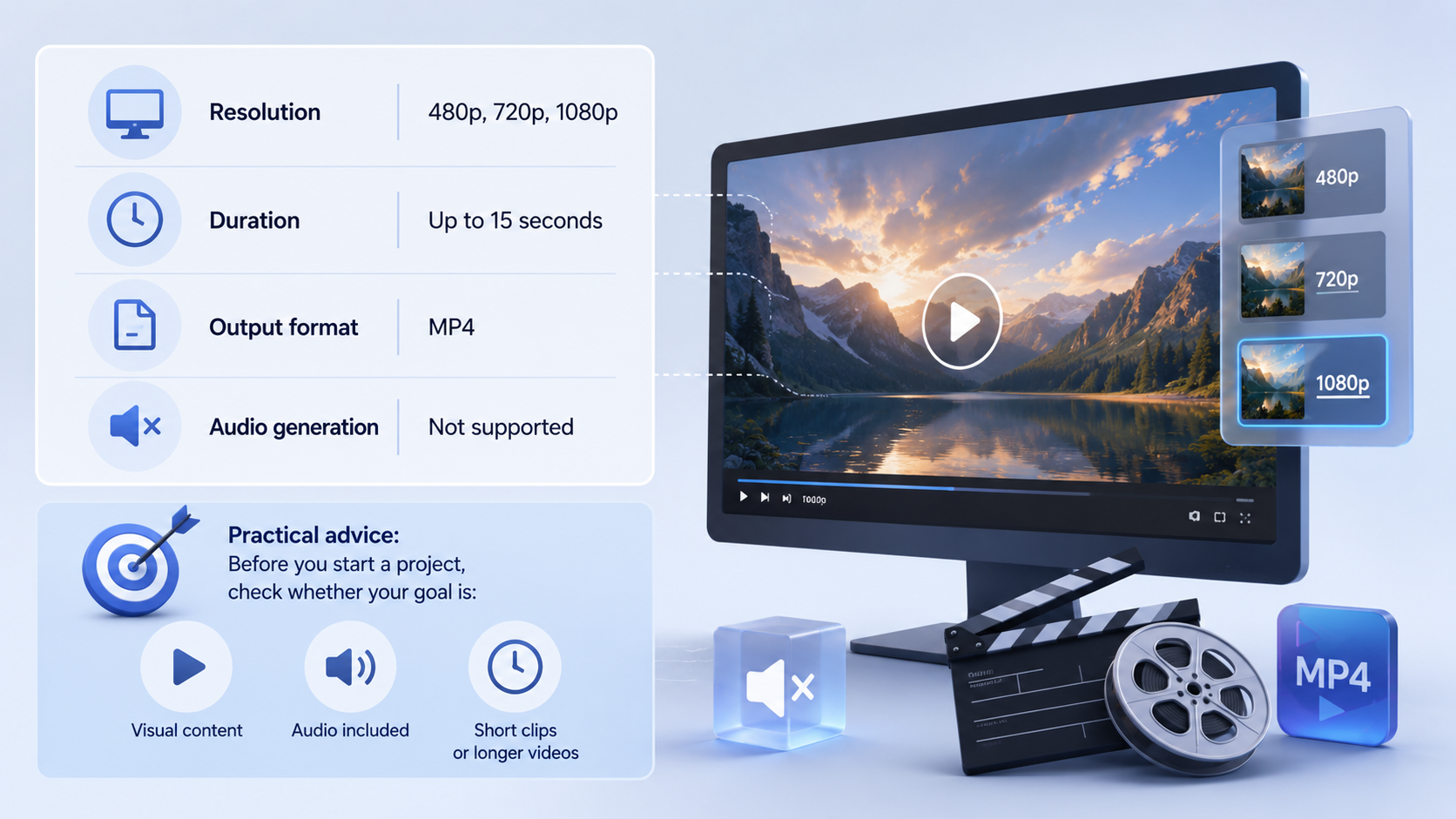
The current limits are clear:
| Feature | Current Support |
|---|---|
| Resolution | 480p, 720p, 1080p |
| Duration | Up to 15 seconds |
| Output format | MP4 |
| Audio generation | Not supported |
This means the tool is focused on visual rendering rather than full multimedia production. If you need built-in audio generation, this platform is not designed for that right now.
Practical advice:
Before you start a project, check whether your goal is:
- Video-only output: Seedance 2.0 fits well
- Audio + video in one tool: you may need a different workflow
- Long-form content: this is not the right fit
- Short clips with clean export: this is a good match
4) How to Decide If It Is the Best Choice for You
Conclusion: Seedance 2.0 is likely one of the best AI video generators right now if your priority is short-form creation with simple access and clear output limits.
Explanation:
The main reasons it stands out are:
- It supports both prompt-based and image-based creation
- It offers 1080p output for a short clip
- It keeps the workflow centered on short-form production
- New users can start and earn credits through daily tasks
That combination makes it a practical option for creators who want speed, accessibility, and a straightforward video generation scope.
Practical advice:
Ask yourself these three questions:
- Do I need a video from text or one image?
- Is a clip under 15 seconds enough?
- Do I only need video output, not audio generation?
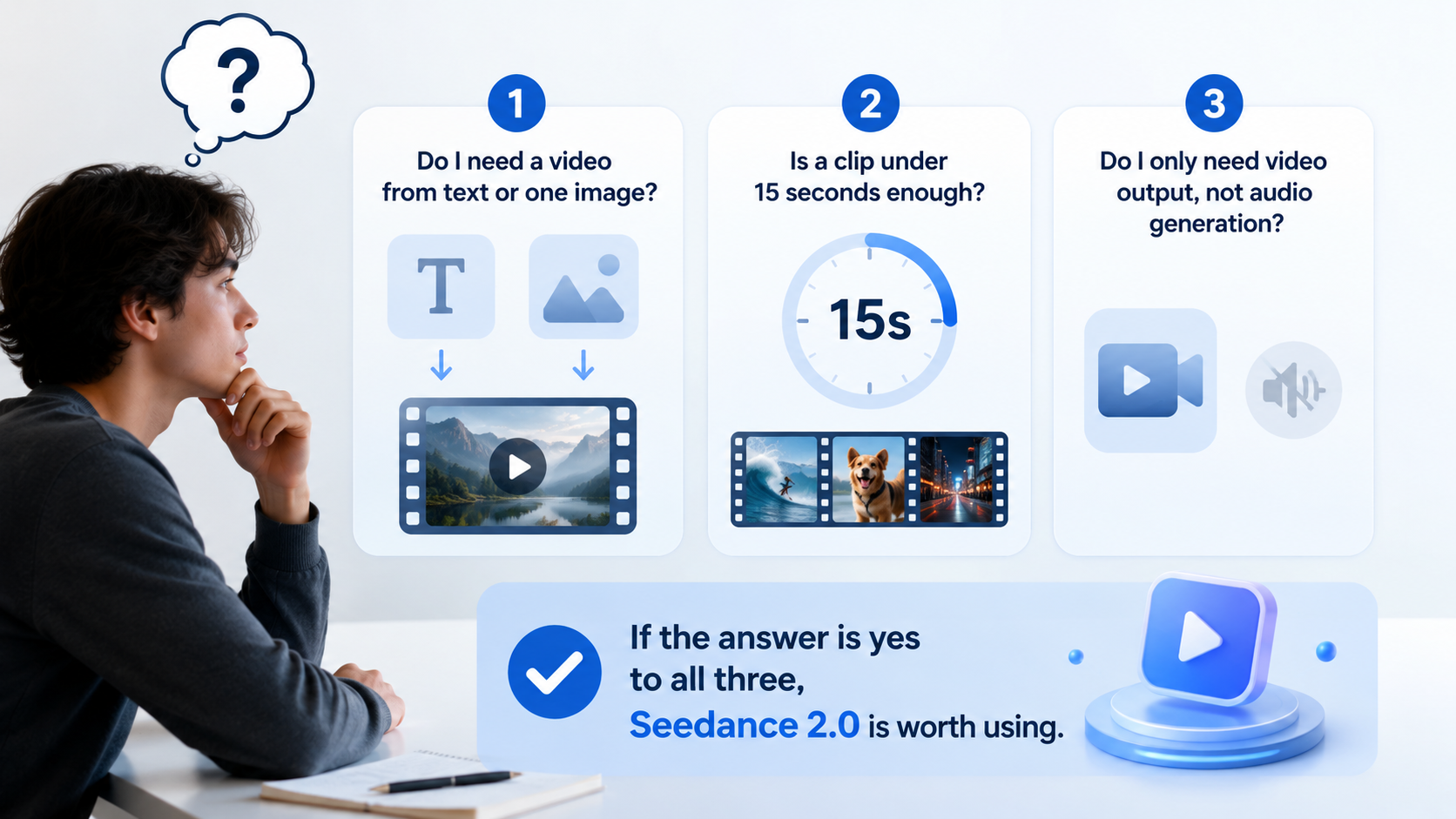
If the answer is yes to all three, Seedance 2.0 is worth using.
FAQ
Is Seedance 2.0 the best AI video generator right now?
It is a strong option for short-form AI video generation, especially if you want text-to-video or image-to-video output with up to 1080p resolution.
How long can Seedance 2.0 videos be?
Seedance 2.0 currently supports videos of up to 15 seconds.
Does Seedance 2.0 support audio generation?
No. Audio generation is not supported at the moment. The focus is on short-form video rendering.
What formats can I download?
Finished renders can be downloaded as MP4.
Can new users try it easily?
Yes. New users can access Seedance 2.0 right away and earn credits through daily tasks.
Conclusion
If you are asking what is the best AI video generator right now, the most accurate answer is the one that fits your content goal. For short-form AI video, Seedance 2.0 on tikdek.com is a compelling current choice because it supports text-to-video, image-to-video, up to 1080p, and up to 15 seconds with MP4 export. If you need longer videos or audio generation, you should look for a different tool. For short, focused video production, though, it is a strong option worth considering.