
AI Video
What Is the Best AI Video Generator for Realistic Videos?
If your main goal is to create realistic short videos from text or a reference image, the best AI video generator is usually the one that gives you…

If your main goal is to create realistic short videos from text or a reference image, the best AI video generator is usually the one that gives you the strongest balance of visual quality, motion consistency, output control, and ease of use. For short-form realistic video production, Seedance 2.0 AI Video Generator is a practical option to consider because it supports text-to-video, image-to-video, and outputs up to 1080p with videos up to 15 seconds long.
This article helps you understand what to look for in a realistic AI video generator, what Seedance 2.0 currently offers, and how to choose the right tool for your use case.
1. What Makes an AI Video Generator “Good” for Realistic Videos?
Conclusion: The best realistic AI video generator is not just the one that makes video quickly. It should produce believable motion, preserve important visual details, and give you enough control to match your creative goal.
Why this matters: Realistic videos depend on more than image quality. You also need smooth motion, stable subject appearance, and a format that works for your production workflow.
Practical factors to evaluate
- Input type: Can you start from text, or do you need a reference image?
- Resolution: Higher resolution usually helps realism, especially for close-up details.
- Duration: Short clips can be easier to keep visually consistent.
- Output format: MP4 is convenient for editing and sharing.
- Workflow speed: A simple web app can be helpful for rapid testing.
Practical advice
If you want realistic results, start by testing the same prompt or reference image across multiple settings. Compare the outputs at different resolutions and durations to see which combination looks most natural.
2. Why Seedance 2.0 Is a Strong Option for Short Realistic Videos
Conclusion: Seedance 2.0 is a strong choice if you want to generate short realistic videos rather than long cinematic scenes.
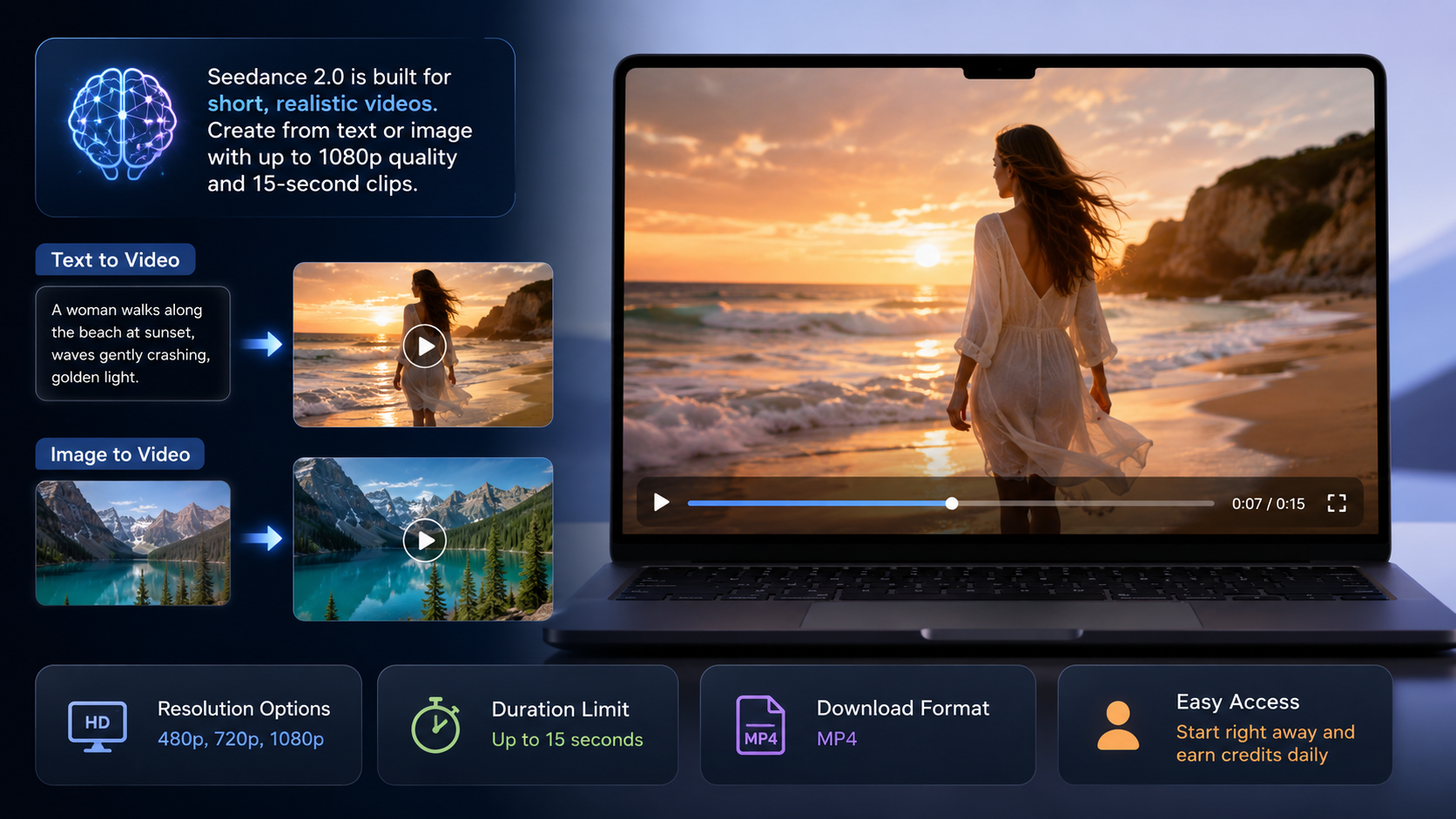
Why this matters: According to the available information, Seedance 2.0 is built for short-form video creation and supports both text-to-video and image-to-video workflows. It also offers up to 1080p resolution and up to 15 seconds of duration, which makes it suitable for short clips where realism and clarity matter.
What Seedance 2.0 offers
- Text to video: Generate a short clip directly from a prompt.
- Image to video: Animate from one reference image.
- Resolution options: 480p, 720p, and 1080p.
- Duration limit: Up to 15 seconds.
- Download format: MP4.
- Access: New users can start right away and earn credits through daily tasks.
Practical advice
Use Seedance 2.0 when your project needs:
- Product-style clips
- Documentary-style short scenes
- Explainer sequences
- Fashion or lifestyle short-form visuals
- Short video extensions
For realistic output, image-to-video can be especially useful when you already have a strong visual reference and want the motion to stay close to it.
3. How to Choose the Right Settings for Realism
Conclusion: The quality of realistic AI video often depends on choosing the right combination of input and output settings.
Why this matters: Even a strong generator can produce less convincing results if the source input is weak or the clip is too ambitious for the available duration.
Comparison table
| Goal | Best starting option | Why it helps |
|---|---|---|
| Realistic scene from scratch | Text to video | Good for generating a fresh scene from a prompt |
| Realistic motion from a known look | Image to video | Keeps the visual style anchored to a reference image |
| Better visual detail | 1080p | Helps improve clarity in the final render |
| Faster testing | 480p or 720p | Useful for quick iteration before final output |
| Short social-ready clip | Up to 15 seconds | Fits short-form production workflows |
Practical advice
- Use image-to-video when visual accuracy is more important than full creative freedom.
- Use 1080p when detail and realism are the priority.
- Keep prompts clear and specific to reduce guesswork in the generation process.
- If you are testing ideas, start with lower resolutions first, then move to the final setting.
4. What Seedance 2.0 Does Not Do Yet
Conclusion: Seedance 2.0 is focused on short video rendering, so it is not a full multimedia studio.
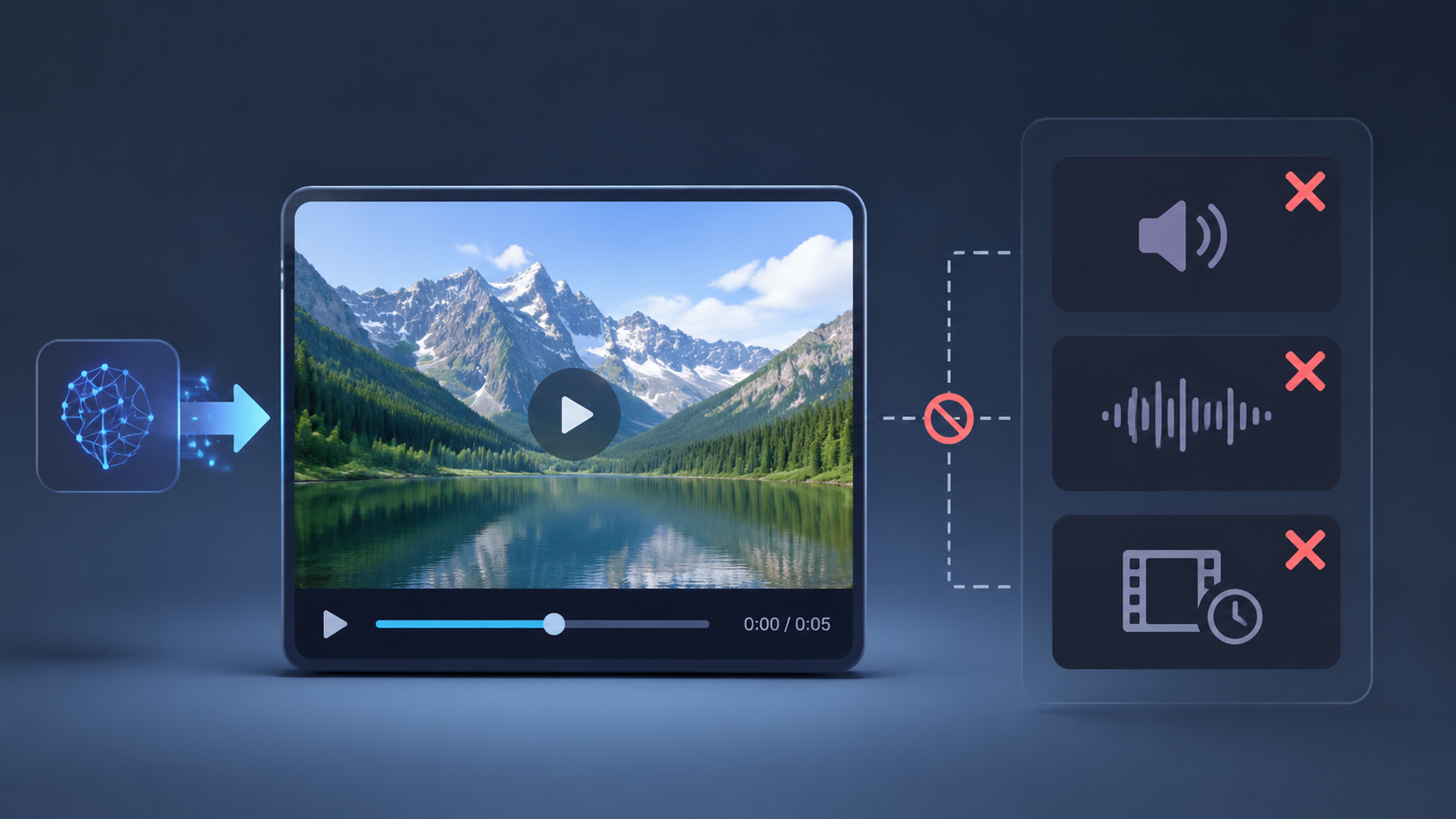
Why this matters: Some users expect AI video tools to generate everything at once, including audio or long-form video. Based on the reference information, audio generation is not supported currently.
Key limitation to know
- No audio generation support
- Designed for short-form video rendering
- No long-form production promise in the current app scope
Practical advice
If your project needs sound, you will need to add audio separately in your editing workflow. This makes Seedance 2.0 a better fit for visual-first production where the video is created first and audio is added later.
5. Who Should Use Seedance 2.0 for Realistic Video Creation?
Conclusion: Seedance 2.0 is a good fit for creators who want short, realistic-looking videos without needing a complex production setup.
Why this matters: The tool’s current scope makes it useful for fast iteration, content testing, and short-form visuals where realism is important but the clip length is limited.
Best fit for
- Content creators making short videos
- Marketers producing product visuals
- Designers testing motion concepts
- Teams needing quick visual prototypes
- Users who want text-to-video or image-to-video generation
Practical advice
If you need:
- Short clips: Seedance 2.0 fits well
- High-detail visuals: Try 1080p
- Reference-based realism: Use image-to-video
- Audio built in: Use another tool for sound editing
FAQ
Is Seedance 2.0 the best AI video generator for realistic videos?
It is a strong option for short realistic videos, especially if you want text-to-video or image-to-video generation with up to 1080p output. The best tool for you depends on whether you need short clips, audio, or long-form video.
Can Seedance 2.0 generate realistic videos from text?
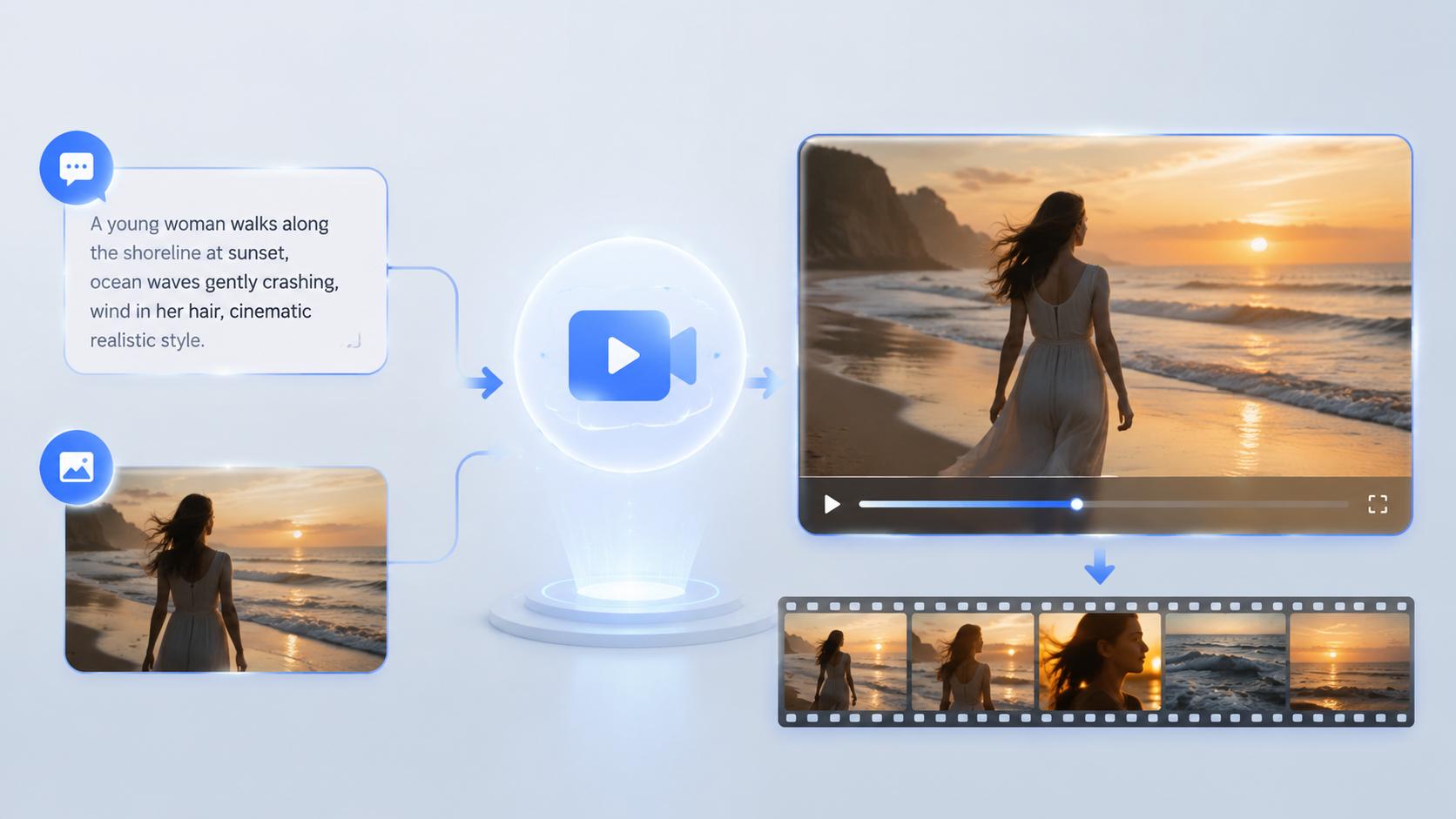
Yes. It supports text-to-video, allowing you to create a short clip directly from a prompt.
Can I use an image as a reference?
Yes. Seedance 2.0 supports image-to-video, which lets you animate from one reference image.
What is the maximum video length?
Seedance 2.0 currently supports videos up to 15 seconds.
Does it support audio generation?
No. Audio generation is not supported at the moment.
What format can I download the finished video in?
Finished renders can be downloaded as MP4.
Conclusion
If you are asking, “What is the best AI video generator for realistic videos?”, the best answer depends on your goal. For short-form realistic video creation, Seedance 2.0 AI Video Generator is a practical choice because it supports text-to-video, image-to-video, 480p/720p/1080p resolution options, and clips up to 15 seconds.
It is especially useful when you want a fast, focused workflow for realistic short videos and do not need built-in audio generation. For many creators, that makes it a strong fit for product clips, explainer sequences, fashion visuals, and other short-form content.