
AI Video
What Is a Good Free AI Video Generator?
A good free AI video generator should let you create short videos easily, without forcing you into a paid plan before you can test the tool.

A good free AI video generator should let you create short videos easily, without forcing you into a paid plan before you can test the tool. For most readers, the best option is one that supports text-to-video or image-to-video, offers usable export quality, and gives you enough free credits or access to actually finish a project.
If you are looking for a practical answer, a good free AI video generator is one that helps you make short-form videos fast, with clear limits, predictable output, and no hidden complexity. That is especially useful for marketers, creators, and developers who need quick results rather than long, cinema-style production.
What Makes a Free AI Video Generator “Good”?
A good free AI video generator should do more than just exist for free. It should be usable.
Conclusion
The best free tools are the ones that let you start immediately, generate short clips reliably, and understand exactly what you can export.
What to look for
A strong free AI video generator usually has these traits:
- Easy entry: new users can start without a complicated setup
- Short-form support: useful for clips, ads, explainers, and social content
- Text-to-video or image-to-video: enough flexibility for common workflows
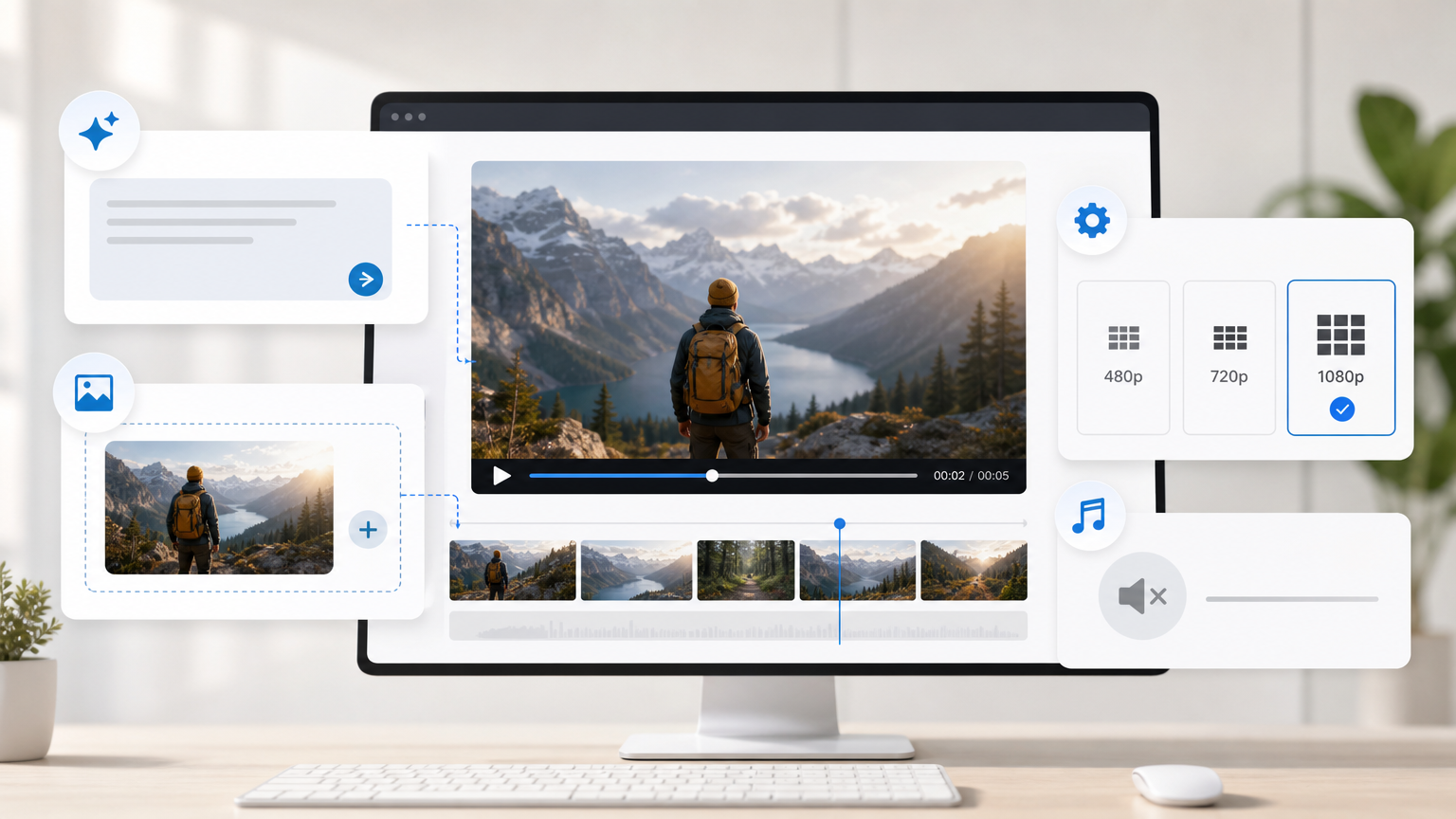
- Clear quality options: for example, 480p, 720p, or 1080p
- Simple download format: MP4 is the most practical choice
- Transparent limits: you know the duration and resolution limits upfront
Practical advice
If a free tool hides its limits or only gives you vague previews, it may not be a good choice. A better free generator is one that clearly shows what you can create before you commit time to it.
A Practical Example: Seedance 2.0 AI Video Generator
Conclusion
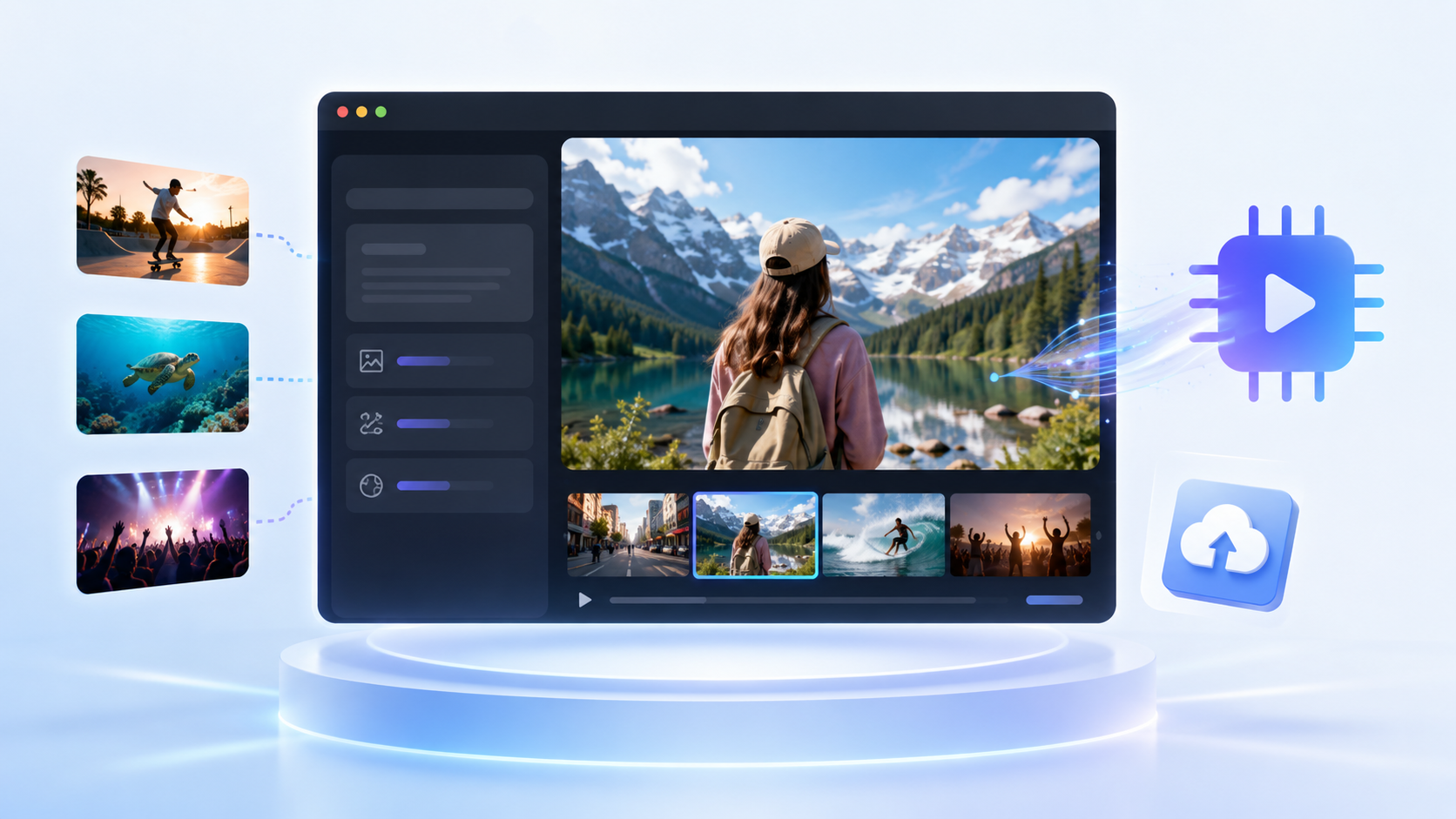
Seedance 2.0 is a useful example of a free-access AI video generator built for short-form video creation.
What it supports
Based on the current web app scope, Seedance 2.0 lets users:
- Create short AI videos from text
- Animate from one reference image
- Access the model right away as a new user
- Earn more credits through daily tasks
- Export finished renders as MP4
Limits to know
The current app supports:
| Feature | Available Options |
|---|---|
| Resolution | 480p, 720p, 1080p |
| Duration | Up to 15 seconds |
| Input types | Text prompt, reference image |
| Download format | MP4 |
| Audio generation | Not supported |
Practical advice
If your goal is to test AI video generation without paying upfront, a tool like this is useful because it focuses on a clear use case: short videos. It is not trying to promise long-form production, which makes expectations easier to manage.
When a Free AI Video Generator Is the Right Choice
Conclusion
Free AI video generators are best for testing ideas, creating short content, and producing quick visual drafts.
Best use cases
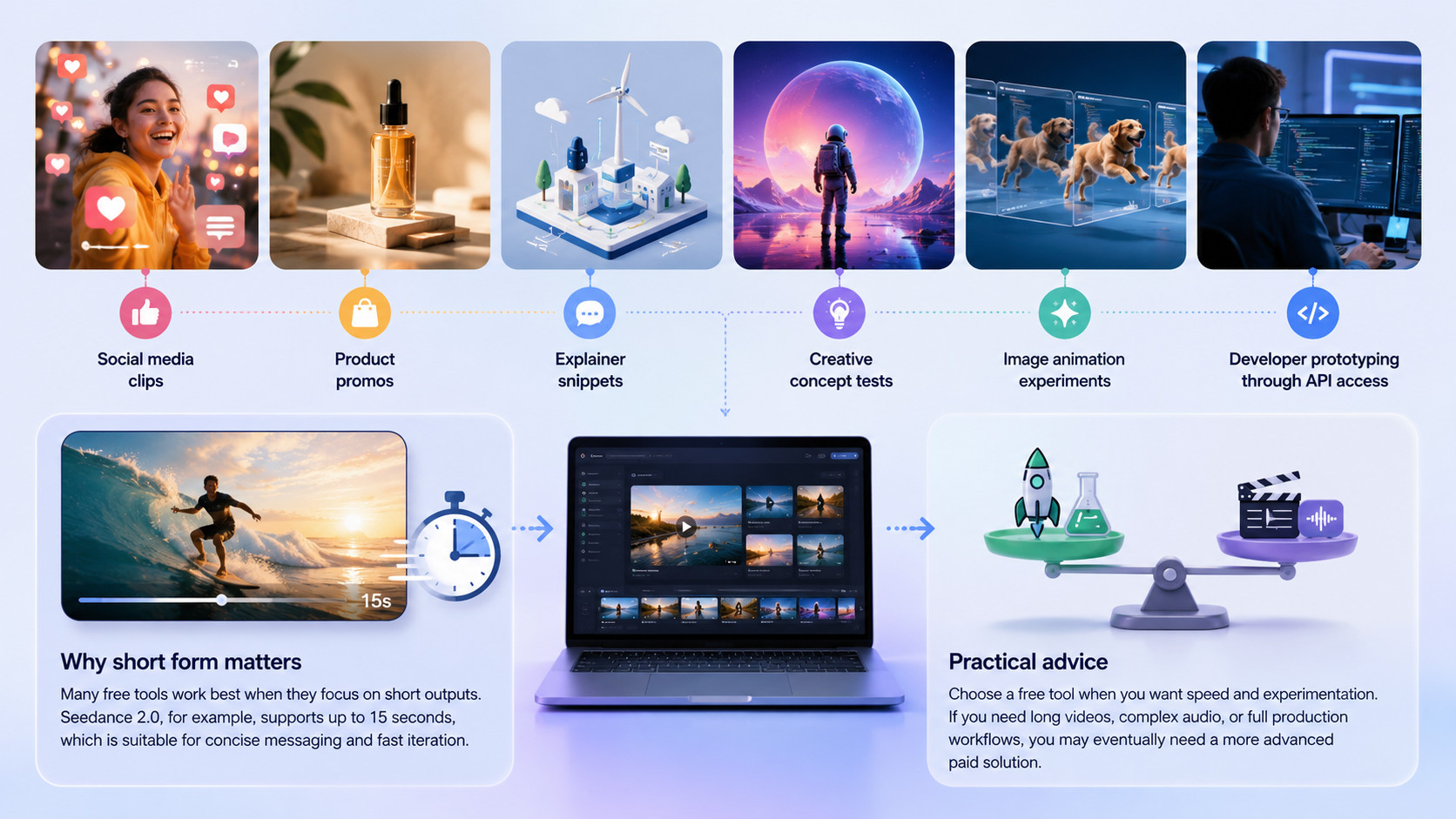
A free generator can be especially helpful for:
- Social media clips
- Product promos
- Explainer snippets
- Creative concept tests
- Image animation experiments
- Developer prototyping through API access
Why short-form matters
Many free tools work best when they focus on short outputs. Seedance 2.0, for example, supports up to 15 seconds, which is suitable for concise messaging and fast iteration.
Practical advice
Choose a free tool when you want speed and experimentation. If you need long videos, complex audio, or full production workflows, you may eventually need a more advanced paid solution.
How to Judge Whether a Free Tool Is Actually Worth Using
Conclusion
A good free AI video generator should be judged by output quality, workflow clarity, and real usability, not just by the word “free.”
Simple evaluation checklist
Use this checklist when comparing tools:
- Can you start immediately?
- Does it support text or image input?
- Are resolution and duration limits clearly stated?
- Can you download the final video in MP4?
- Is the free access enough to complete a real test project?
- Does the tool avoid misleading long-form claims?
Practical advice
A free generator is more useful if it gives you consistent, short output and enough credits or access to keep testing. If you can only generate a single preview or the limits are hidden, it is harder to trust the tool for real work.
FAQ
What is a good free AI video generator?
A good free AI video generator is one that lets you create short videos easily, supports practical input types like text or reference images, and gives you enough free access to test real use cases.
Does a free AI video generator support audio?
Not always. For example, Seedance 2.0 currently focuses on short-form video rendering and does not support audio generation.
What resolution should I expect from a free AI video generator?
Some free tools offer multiple resolution options such as 480p, 720p, and 1080p. The best choice depends on your use case and output needs.
How long can the videos be?
That depends on the tool. Seedance 2.0 currently supports videos up to 15 seconds.
What format do AI video tools usually export?
A practical free generator should export to MP4, since it is widely usable and easy to share.
Conclusion
A good free AI video generator is one that gives you usable short-form output, clear limits, and easy access without upfront payment. If you want to create quick videos from text or images, a tool like Seedance 2.0 is a strong example because it supports short clips, multiple resolution options, and MP4 downloads while keeping the workflow simple.
For most users, the best free AI video generator is not the one with the biggest promises. It is the one that helps you make a real video quickly, with minimal friction and enough freedom to test your ideas.