
AI Video
What Are the Best AI Video Generators?
If you’re trying to choose the best AI video generator, the most useful answer is this: the “best” tool depends on your goal, output length, and the kind…

If you’re trying to choose the best AI video generator, the most useful answer is this: the “best” tool depends on your goal, output length, and the kind of input you want to use. For short-form video production, an AI generator like Seedance 2.0 stands out because it supports both text-to-video and image-to-video workflows, produces up to 15-second clips, and exports in MP4 up to 1080p.
This article is valuable because it helps you evaluate AI video generators based on practical limits, not hype. Instead of promising every possible use case, it focuses on what the tool can actually do today.
1. What Makes an AI Video Generator “Best”?
Conclusion: The best AI video generator is the one that matches your production needs, not the one with the broadest marketing claims.
Explanation:
When comparing AI video generators, the most important factors are:
- Input type: text prompt, reference image, or both
- Output length: short clips vs. longer videos
- Resolution options
- Export format
- Ease of access and workflow
- Whether it is built for short-form or long-form content
For example, Seedance 2.0 is designed for short AI videos. It supports text to video and image to video, with current resolution options of 480p, 720p, and 1080p, and durations up to 15 seconds.
Practical advice:
Use these questions to narrow your choice:
- Do you need text-to-video or image-to-video?
- Is 15 seconds enough for your workflow?
- Do you need 1080p output?
- Do you want a tool that supports quick web use and API access?
If the answer to most of these is yes, a short-form generator like Seedance 2.0 may be a strong fit.
2. Best AI Video Generator Features to Look For
Conclusion: The best AI video generators are useful when they are fast, flexible, and clear about their limits.
Explanation:
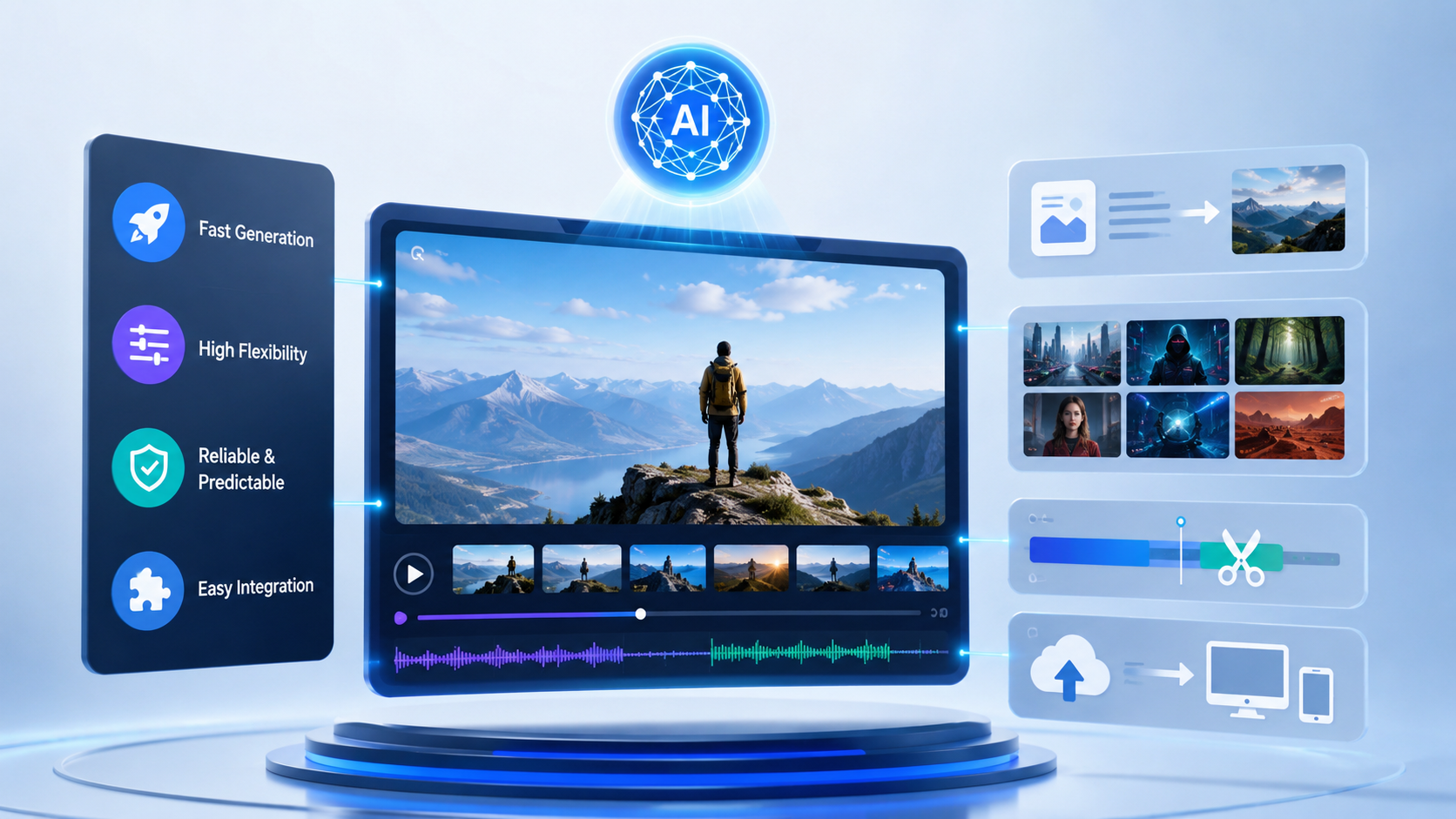
A strong AI video generator should make it easy to create clips from simple inputs while keeping the production process predictable. Based on the available reference, Seedance 2.0 offers these core features:
- Create short AI videos from text prompts
- Animate a single reference image
- Support 480p, 720p, and 1080p output
- Render clips up to 15 seconds
- Download finished videos as MP4
- Offer access through the web app
- Provide developer API support
It also appears built specifically for short-form production, which is important because not every AI video tool is intended for longer narrative work.
Practical advice:
When you compare tools, look for a clear answer to these points:
- Can it generate from text alone?
- Can it animate an image?
- What is the maximum duration?
- What file format do you get at the end?
- Is there API access if you want to automate?
Quick Comparison Table
| Feature | Seedance 2.0 Support |
|---|---|
| Text to video | Yes |
| Image to video | Yes |
| Maximum duration | Up to 15 seconds |
| Resolution options | 480p, 720p, 1080p |
| Download format | MP4 |
| Audio generation | Not supported |
| API access | Yes |
3. When Seedance 2.0 Is a Good Choice
Conclusion: Seedance 2.0 is a good option if you need short, high-quality AI video clips rather than long-form video generation.
Explanation:
Seedance 2.0 is designed for short AI videos created from text or a reference image. That makes it useful for a range of short-form use cases, including:
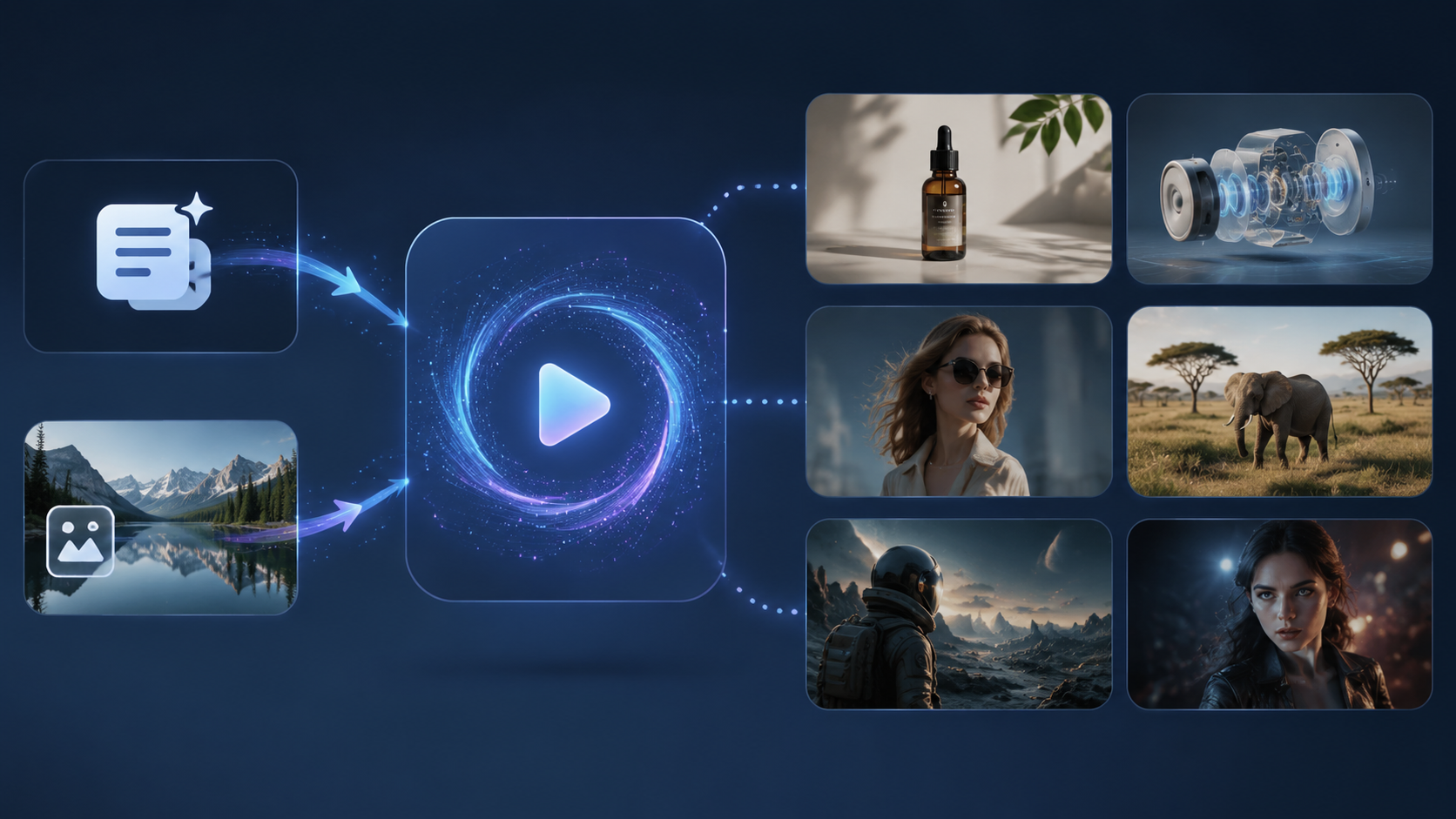
- Product clips
- Explainer-style sequences
- Fashion and lifestyle visuals
- Documentary-style shots
- Entertainment or video extension concepts
The showcase examples indicate that it can produce clips in both vertical and horizontal formats, with durations ranging from 10 to 15 seconds. This makes it suitable for social media, ad-style creative, and quick visual concepts.
It is also worth noting that audio generation is not currently supported, so the tool focuses on visual video rendering rather than full multimedia production.
Practical advice:
Choose Seedance 2.0 if your project fits these conditions:
- You need a short clip, not a full-length video
- You want to start from text or a single image
- You are okay adding audio separately
- You want MP4 output for easy editing and sharing
- You value a tool that already supports daily credit-based access for new users
4. How to Choose the Right AI Video Generator for Your Workflow
Conclusion: The best AI video generator for you is the one that aligns with your content format and production speed.
Explanation:
Different workflows require different tools. A short-form generator is ideal when you need fast iteration, simple inputs, and ready-to-use clips. Seedance 2.0 is especially relevant if you want to create short videos directly from prompts or images without aiming for long-form storytelling.
Here is a simple decision guide:
- Choose text-to-video if you have a clear idea or script prompt.
- Choose image-to-video if you already have a visual concept or reference frame.
- Choose 1080p if output quality matters more than speed or file size.
- Choose 480p or 720p if you want lighter files or faster iteration.
- Choose API access if you are building a workflow, product, or automation layer.
Practical advice:
Before you commit to a generator, test it against one real task. For example:
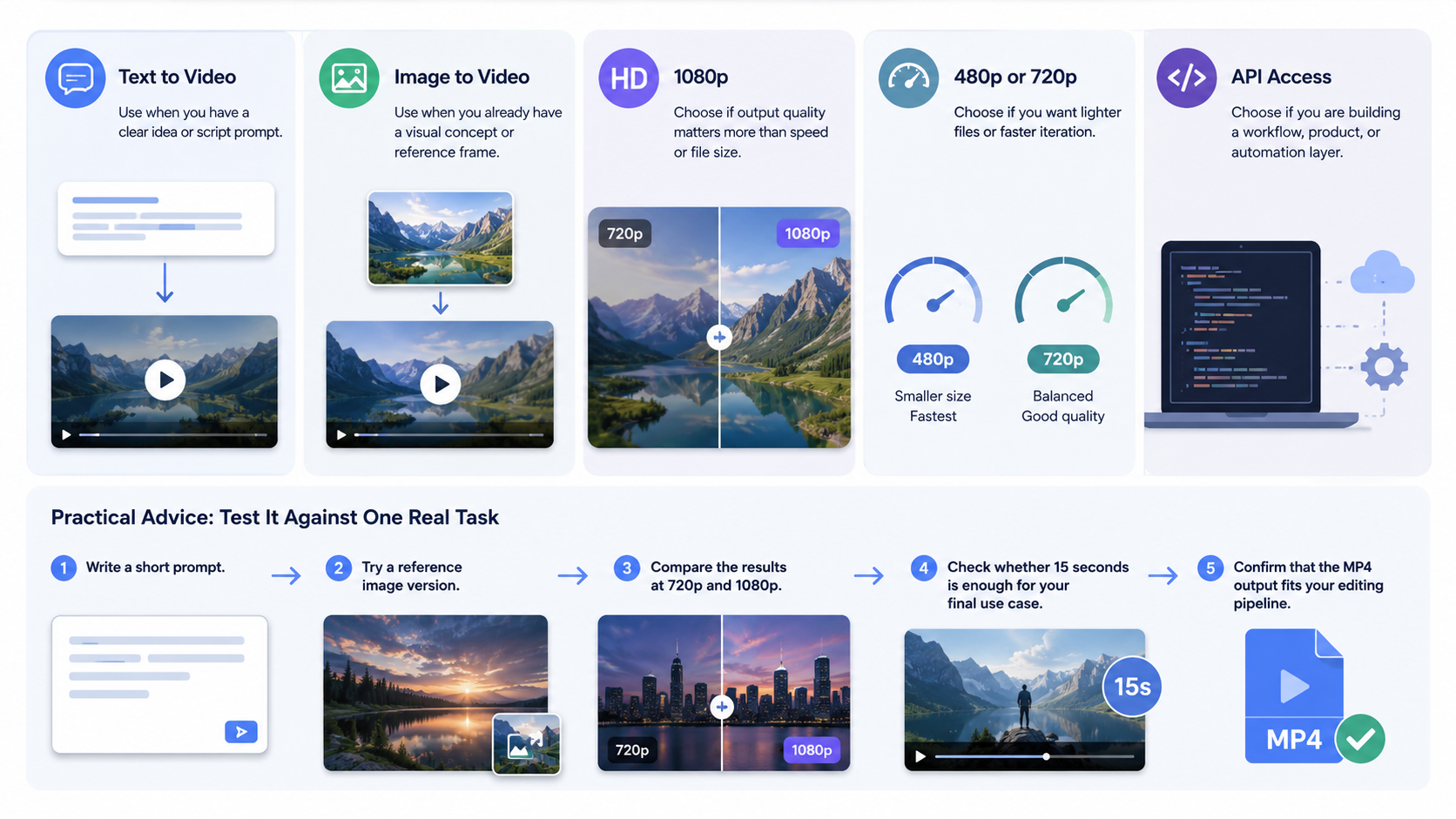
- Write a short prompt.
- Try a reference image version.
- Compare the results at 720p and 1080p.
- Check whether 15 seconds is enough for your final use case.
- Confirm that the MP4 output fits your editing pipeline.
This will give you a more accurate answer than feature lists alone.
FAQ
What is the best AI video generator for short clips?
For short clips, Seedance 2.0 is a strong option because it supports text-to-video and image-to-video, with up to 15 seconds of output and resolutions up to 1080p.
Can Seedance 2.0 generate audio?
No. Audio generation is not currently supported. It focuses on short-form video rendering.
What resolutions does Seedance 2.0 support?
The current options are 480p, 720p, and 1080p.
What file format can I download?
Finished renders can be downloaded as MP4.
Is Seedance 2.0 suitable for long-form video?
No. The current app scope is built for short-form production, with a maximum duration of 15 seconds.
Does Seedance 2.0 support API access?
Yes. Developer API access is available.
Conclusion
The best AI video generator is the one that matches your actual production needs. If you want short, prompt-based or image-based video creation with clear limits, Seedance 2.0 is a practical choice. It supports up to 15-second clips, offers 480p, 720p, and 1080p options, exports MP4 files, and includes both web app and API access.
If your goal is short-form video creation, this combination of features makes it one of the most relevant AI video generator options to evaluate.