
AI Video
What AI Generators Can Make AI Video for Free?
If you want to create AI videos without paying upfront, the short answer is: some AI video generators offer free access, but usually with limits.

If you want to create AI videos without paying upfront, the short answer is: some AI video generators offer free access, but usually with limits. The most practical free option in the reference material is Seedance 2.0 on tikdek.com, which lets new users start creating short AI videos right away and earn more credits through daily tasks.
This article helps you understand what a free AI video generator can do, what limits to expect, and how to choose the right tool for short-form video creation. That matters because many people search for “free AI video” expecting unlimited generation, while most tools actually focus on short clips, limited resolution, and a credit-based model.
1. The Best Free Option in the Reference: Seedance 2.0
Conclusion: If you are looking for a free way to make AI video, Seedance 2.0 is a strong starting point because new users can access it immediately and continue earning credits through daily tasks.
Seedance 2.0 is an AI video generator available through tikdek.com. It supports:
- Text to video: generate a short clip from a prompt
- Image to video: animate from one reference image
- Short-form output: up to 15 seconds
- Resolution options: 480p, 720p, and 1080p
- Download format: MP4
This makes it useful for creators who need quick AI clips rather than long videos.
Practical advice:
- Use it for short social clips, explainers, product shots, or experimental content.
- Start with concise prompts to keep the output focused.
- If you want motion from an existing image, choose image-to-video instead of text-to-video.
2. What “Free” Usually Means for AI Video Generators
Conclusion: Free AI video tools usually come with restrictions, so the real question is not just whether they are free, but whether their limits match your goal.

In the reference knowledge, the free access model is credit-based. That means you can begin without paying, but you may need to use daily tasks to keep generating videos.
Common free-tier limits
| Feature | What the reference supports |
|---|---|
| Access | New users can start right away |
| Credits | Earn more through daily tasks |
| Video length | Up to 15 seconds |
| Resolution | 480p, 720p, 1080p |
| Output format | MP4 |
| Audio generation | Not supported |
This is important because “free” does not usually mean unlimited. It often means free to start, with limited rendering capacity.
Practical advice:
- Plan one short video at a time.
- Keep prompts simple and specific.
- Treat free credits as a testing budget, not a full production pipeline.
3. What You Can Realistically Create with a Free AI Video Generator
Conclusion: A free AI video generator is best for short-form content, not full-length video production.
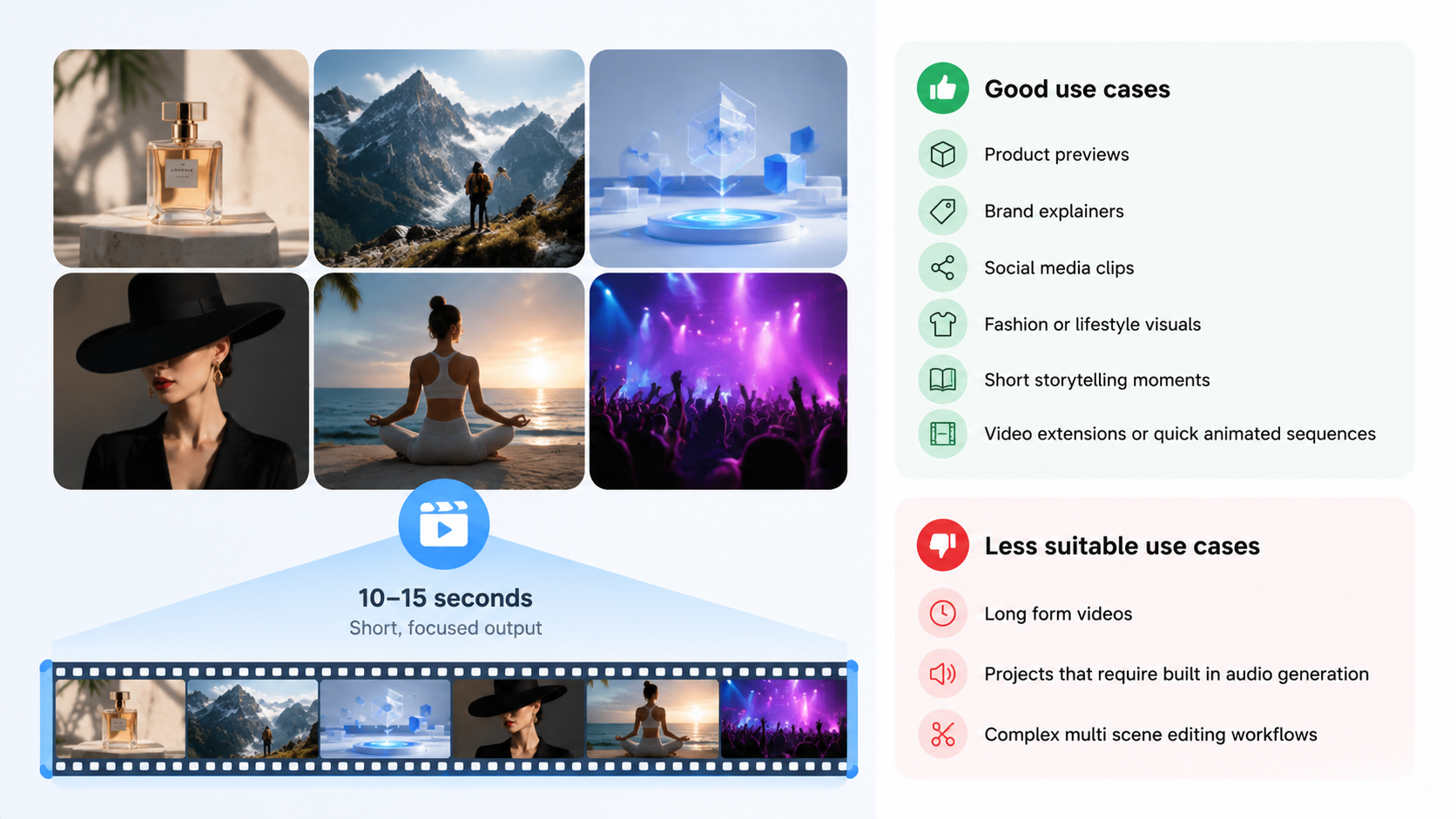
Seedance 2.0 is built for short-form production, and the showcase examples in the reference include product, documentary, explainer, fashion, lifestyle, and entertainment clips. The examples range from about 10 to 15 seconds, which shows the tool is designed for brief, focused output.
Good use cases
- Product previews
- Brand explainers
- Social media clips
- Fashion or lifestyle visuals
- Short storytelling moments
- Video extensions or quick animated sequences
Less suitable use cases
- Long-form videos
- Projects that require built-in audio generation
- Complex multi-scene editing workflows
The reference also notes that audio generation is not supported, so if your project needs voice, music, or synced sound, you will need to add that separately.
Practical advice:
- Use the generator for visuals first, then edit audio in another tool if needed.
- Break longer ideas into multiple 10–15 second segments.
- Focus on one clear scene or message per clip.
4. How to Choose the Right Free AI Video Tool
Conclusion: The best free AI video generator is the one that matches your output goals, not just the one that says “free.”
When comparing options, prioritize these points:
- Can you start without payment?
- Does it support text-to-video, image-to-video, or both?
- How long can each clip be?
- What resolution options are available?
- Can you download the result in a usable format like MP4?
- Does it support audio, or will you need separate tools?
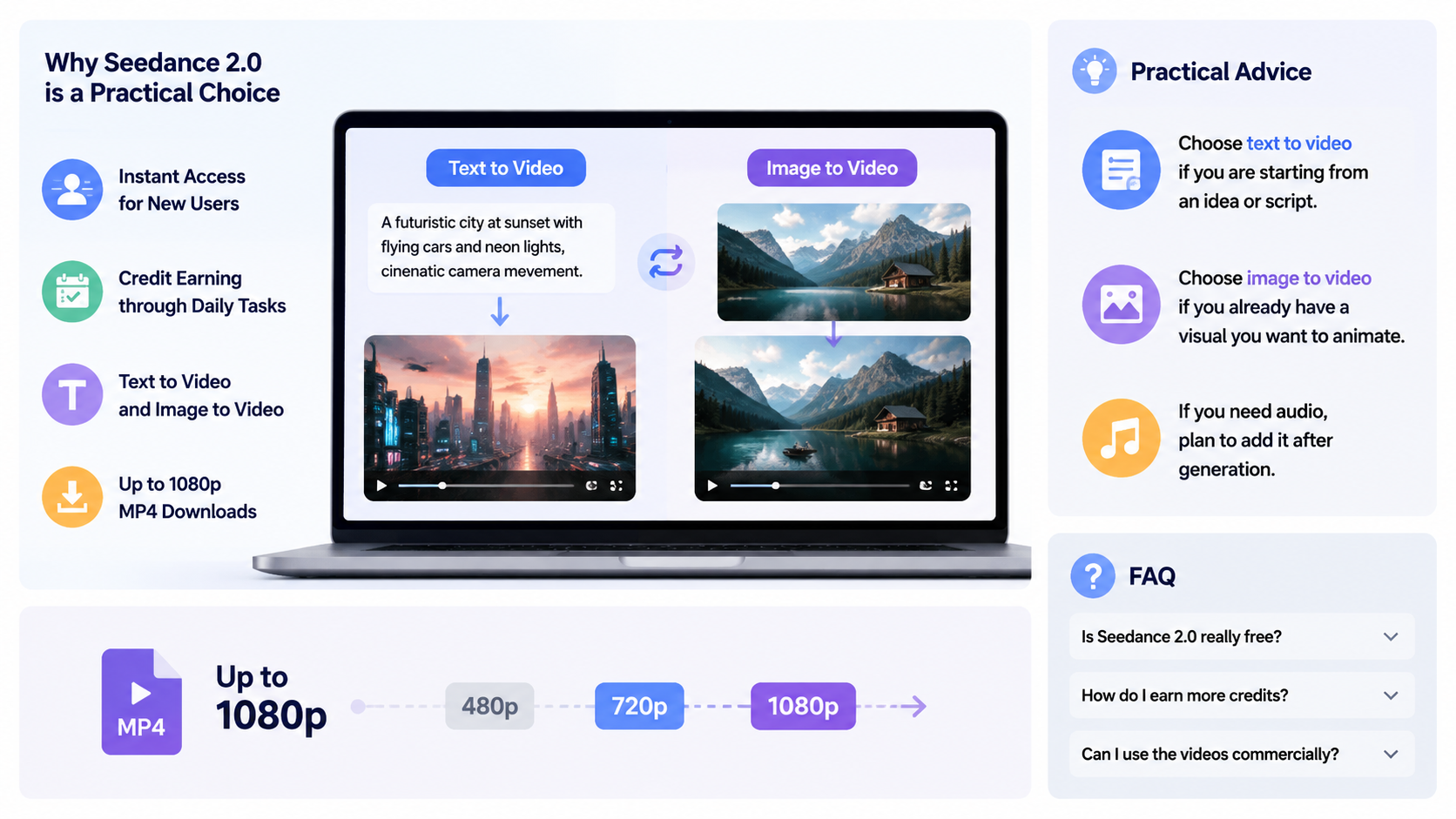
For the reference tool, Seedance 2.0 is a practical choice because it checks several important boxes:
- instant access for new users
- credit earning through daily tasks
- text-to-video and image-to-video
- up to 1080p
- MP4 downloads
Practical advice:
- Choose text-to-video if you are starting from an idea or script.
- Choose image-to-video if you already have a visual you want to animate.
- If you need audio, plan to add it after generation.
FAQ
What AI generators make AI video for free?
Some AI video generators offer free access with limits. Based on the reference knowledge, Seedance 2.0 on tikdek.com is one option that lets new users start creating videos and earn more credits through daily tasks.
Is Seedance 2.0 really free?
It offers free access for new users, but generation is credit-based. You can also earn more credits through daily tasks.
How long can the videos be?
Seedance 2.0 supports videos of up to 15 seconds.
What resolutions are available?
The current options are 480p, 720p, and 1080p.
Can it generate audio?
No. The reference notes that audio generation is not supported.
What format can I download?
Finished renders can be downloaded as MP4.
Conclusion
If you are asking what AI generators make AI video for free, the most accurate answer from the reference material is that Seedance 2.0 on tikdek.com offers free starting access with credit-based usage. It is well suited for short-form AI video, especially if you want text-to-video or image-to-video creation without paying upfront.
For the best results, use it for short clips, simple scenes, and visual-first content, then add audio or longer editing elsewhere if needed.