
AI Video
What Are Some Free AI Video Generators?
If you want to make videos without paying upfront, there are several free AI video generators you can try.

If you want to make videos without paying upfront, there are several free AI video generators you can try. The best option depends on what you need most: text-to-video creation, social media clips, avatar videos, or quick edits from existing footage. This guide explains the main free tools, what they do well, and how to choose one that fits your workflow.
What a Free AI Video Generator Can Do
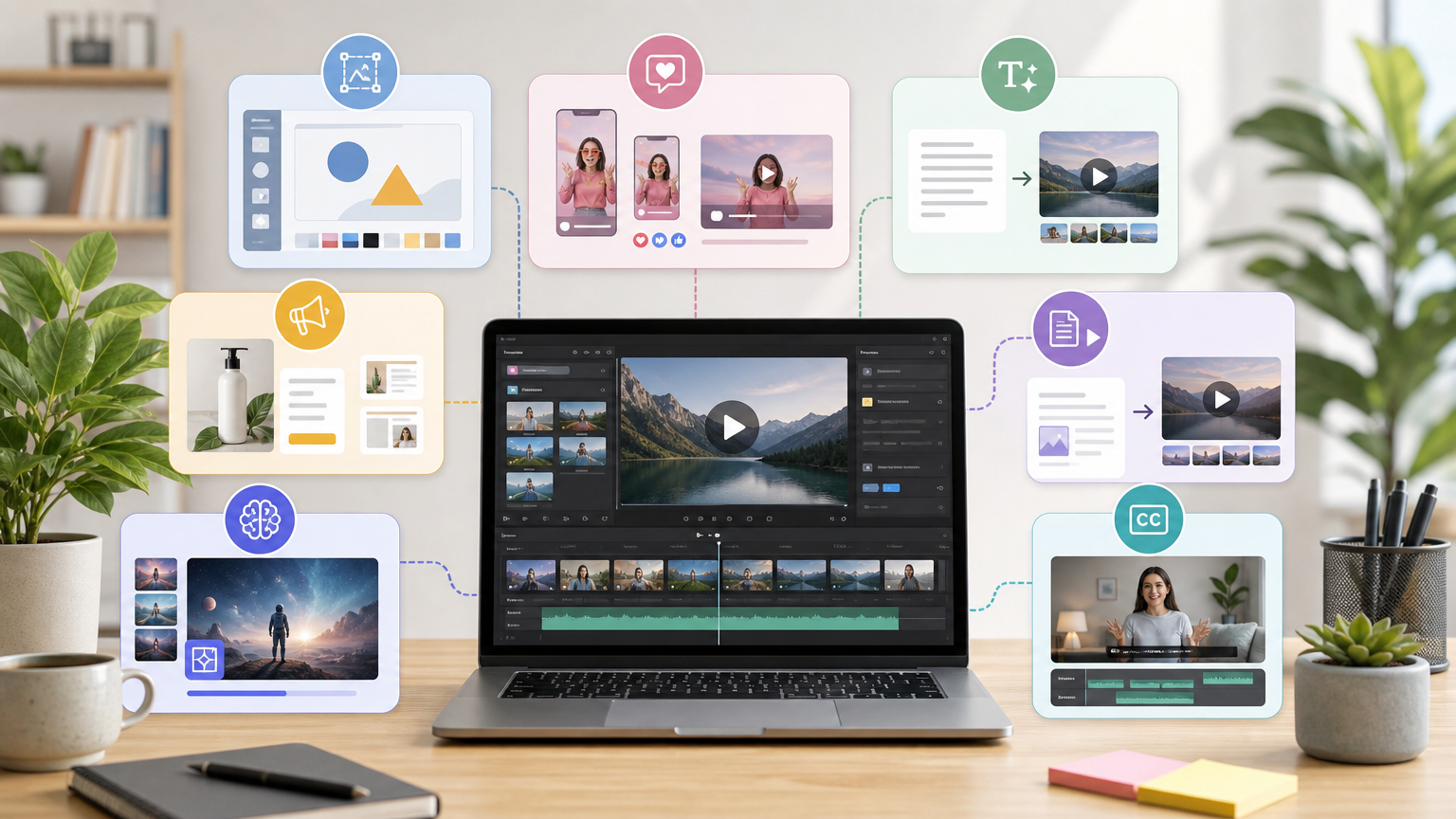
Free AI video generators usually help you create videos from text prompts, images, scripts, or existing clips. Some focus on automatic editing, while others generate new scenes, voiceovers, captions, or avatars.
Conclusion: A free AI video generator is best for testing ideas, making simple content quickly, and learning what type of video creation fits your needs.
Practical advice: Start with one clear use case:
- Convert a script into a short video
- Turn blog content into social media clips
- Create talking-avatar explainers
- Auto-edit existing footage with captions and music
Free AI Video Generators to Consider
Here are some commonly used tools that offer free plans or free access to basic features.
| Tool | Best for | Typical free-use focus |
|---|---|---|
| Canva | Simple video design and AI-assisted editing | Templates, basic video creation, easy branding |
| CapCut | Social media videos and fast editing | Auto captions, templates, effects, basic AI tools |
| Pictory | Turning text into short videos | Script-to-video workflows and stock-based videos |
| InVideo | Marketing videos and template-driven creation | Text prompts, templates, and quick exports on limited plans |
| Lumen5 | Blog-to-video content | Converting articles and text into branded videos |
| Runway | Advanced AI video creation and editing | AI-powered generation and editing tools with limited free access |
| VEED | Online editing with AI features | Subtitles, trimming, and simple AI-assisted video workflows |
Conclusion: The “best” free tool is not the one with the most features, but the one that matches your content goal and editing style.
Practical advice: If you are a beginner, try Canva, CapCut, or VEED first. If you want text-to-video automation, test Pictory, InVideo, or Lumen5. If you need more advanced AI editing, explore Runway.
How to Choose the Right Free Tool
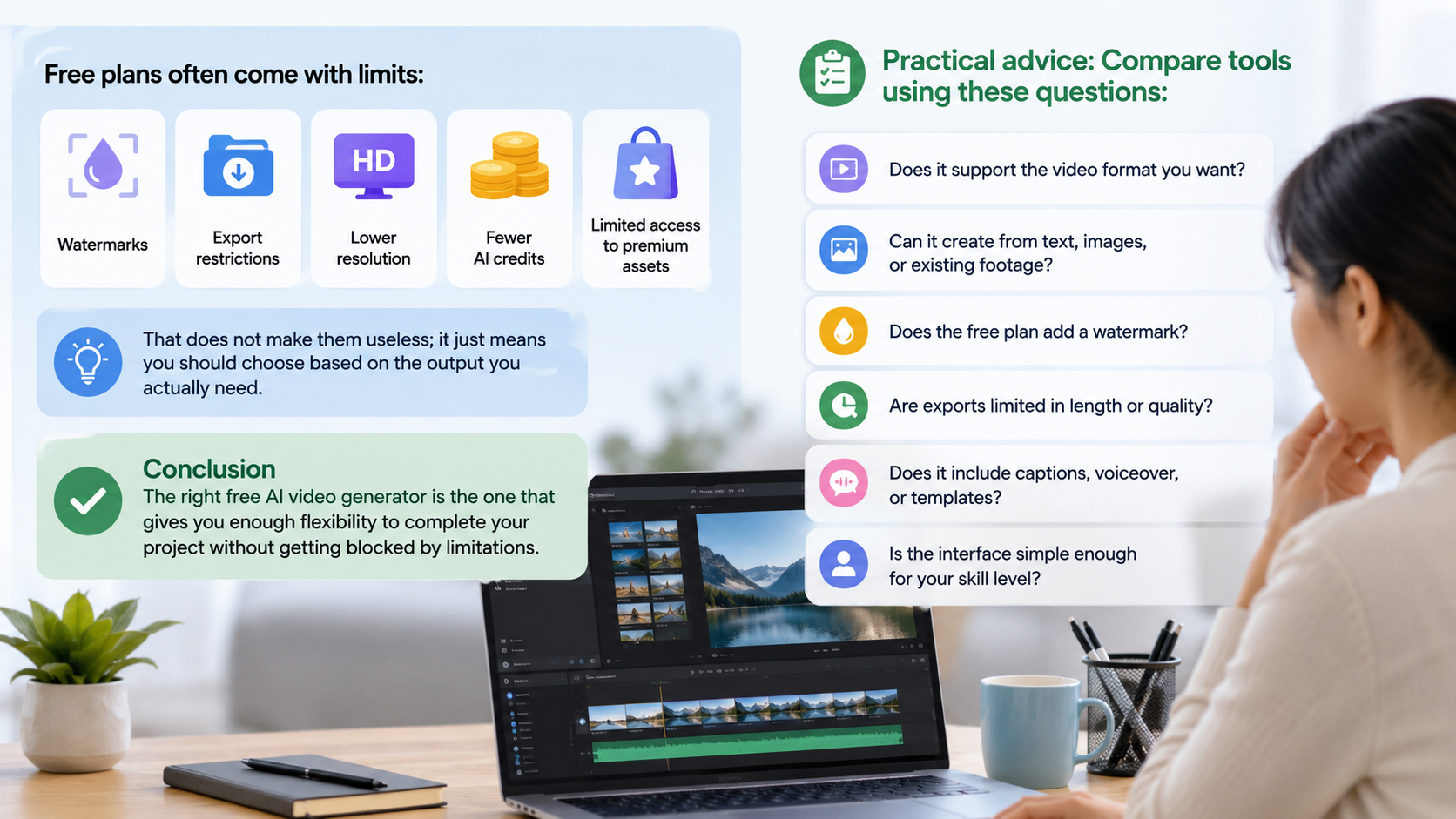
Free plans often come with limits such as watermarks, export restrictions, lower resolution, fewer AI credits, or limited access to premium assets. That does not make them useless; it just means you should choose based on the output you actually need.
Conclusion: The right free AI video generator is the one that gives you enough flexibility to complete your project without getting blocked by limitations.
Practical advice: Compare tools using these questions:
- Does it support the video format you want?
- Can it create from text, images, or existing footage?
- Does the free plan add a watermark?
- Are exports limited in length or quality?
- Does it include captions, voiceover, or templates?
- Is the interface simple enough for your skill level?
Best Use Cases for Free AI Video Generators
Free AI video generators are especially useful for content creators, marketers, educators, and small businesses that need quick turnaround content.
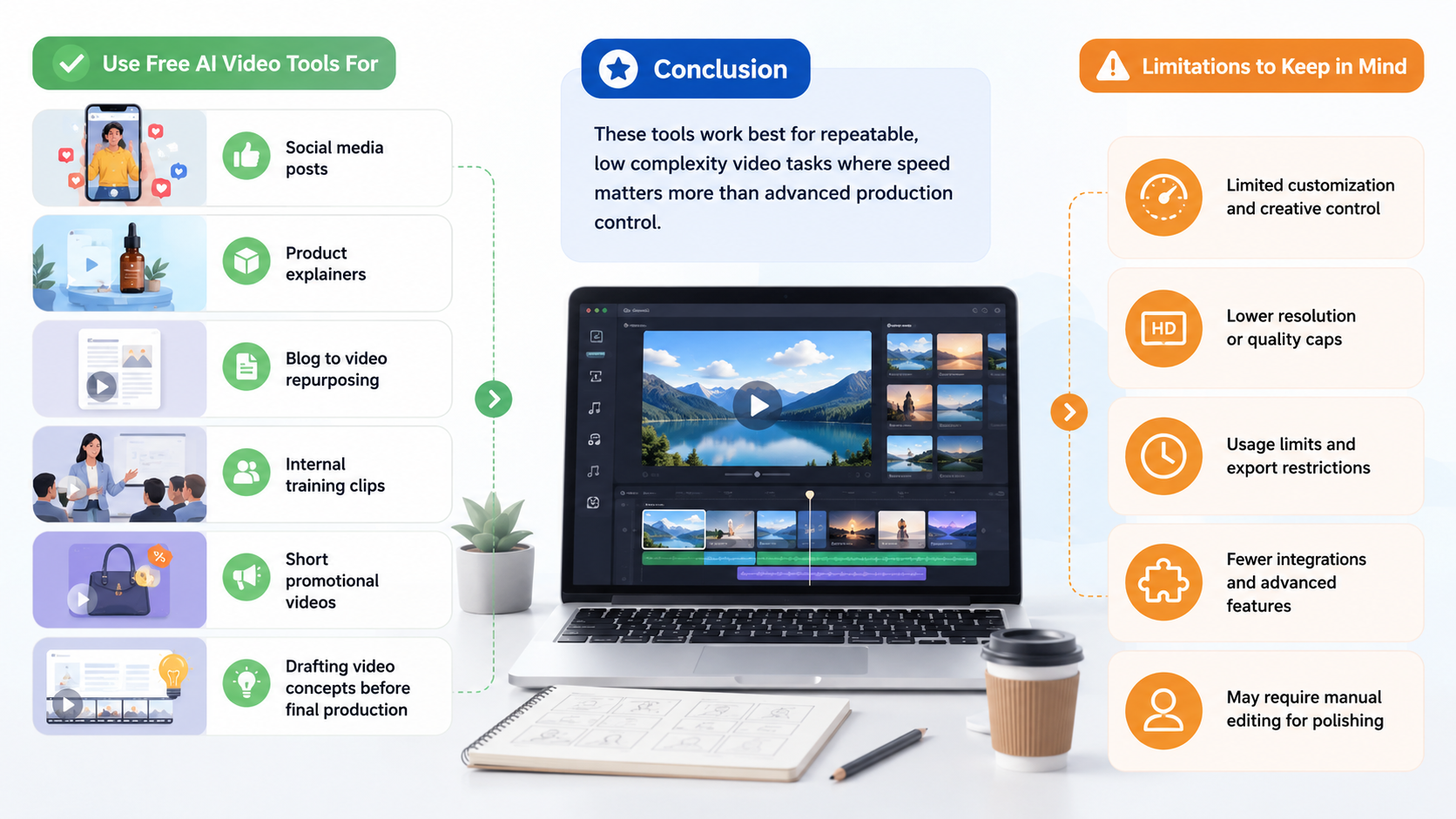
Conclusion: These tools work best for repeatable, low-complexity video tasks where speed matters more than advanced production control.
Practical advice: Use free AI video tools for:
- Social media posts
- Product explainers
- Blog-to-video repurposing
- Internal training clips
- Short promotional videos
- Drafting video concepts before final production
Limitations to Keep in Mind
Free AI video generators are helpful, but they usually cannot replace full professional video production tools. You may run into export caps, branding restrictions, or limited AI generation credits.
Conclusion: Free tools are ideal for experimentation and lightweight production, but not always for polished, high-volume, or watermark-free commercial use.
Practical advice: Before committing to a tool, make sure you:
- Read the free-plan terms
- Check export quality
- Review whether a watermark appears
- Test how much you can create before upgrading
- Save time by using templates and reusable styles
FAQ
What are some free AI video generators for beginners?
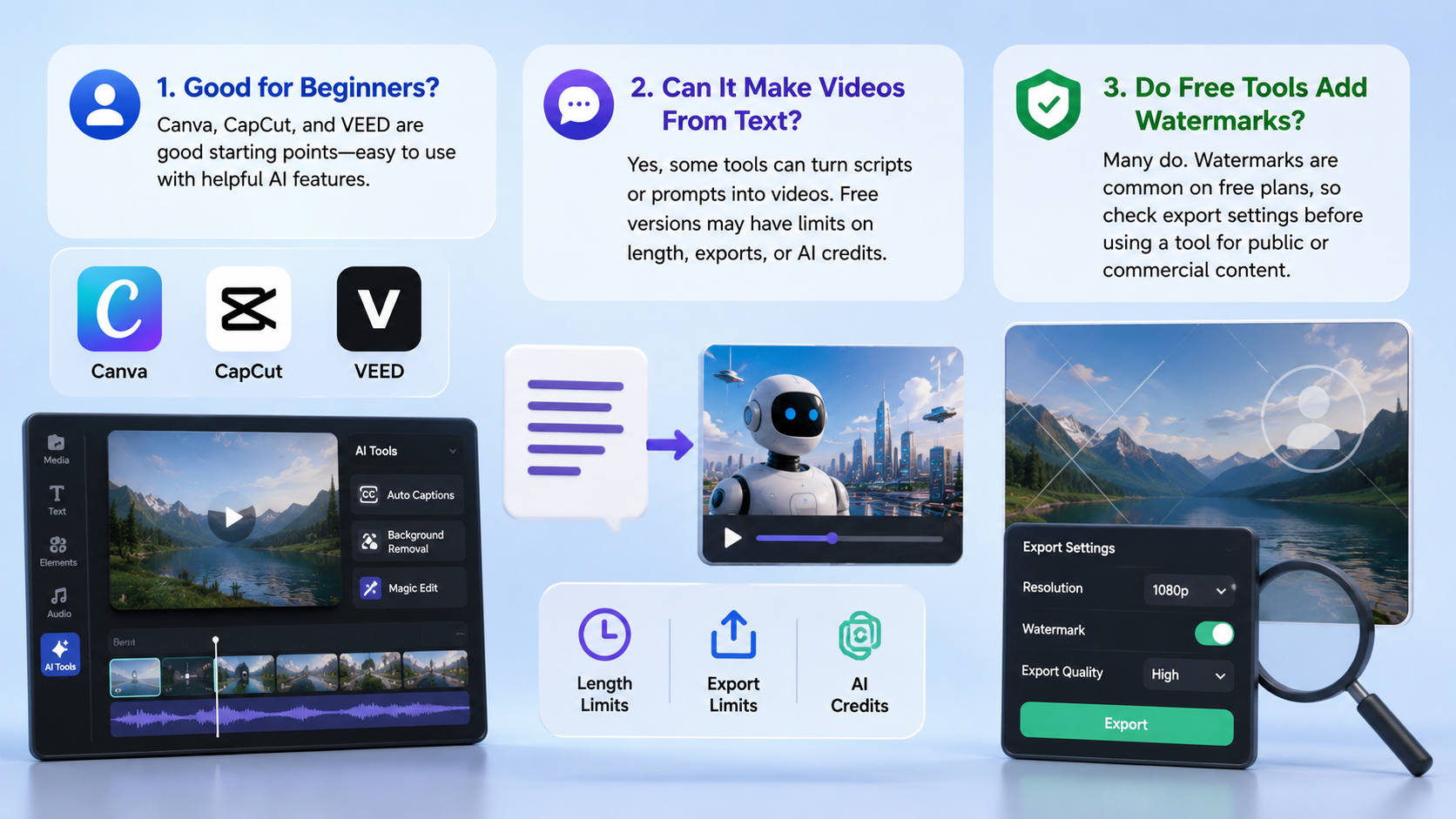
Canva, CapCut, and VEED are good starting points because they are easy to use and include helpful AI-assisted editing features.
Can free AI video generators make videos from text?
Yes, some tools can turn scripts or prompts into videos, though the free version may have limits on length, exports, or AI credits.
Do free AI video generators usually add watermarks?
Many do. Watermarks are common on free plans, so check the export settings before using a tool for public or commercial content.
Are free AI video generators good for social media?
Yes. Tools like CapCut, Canva, and InVideo are often used for short-form social content, captions, and quick promotional edits.
Which free AI video generator is best for text-to-video?
Pictory, InVideo, and Lumen5 are often considered useful for text-to-video workflows, especially when you want to repurpose written content into video format.
Conclusion
There are many free AI video generators available, and the best one depends on your goal. If you want simple editing, try Canva or CapCut. If you want text-to-video automation, explore Pictory, InVideo, or Lumen5. If you need more advanced AI editing, Runway may be worth testing. Start with a free plan, review the limits carefully, and choose the tool that helps you create the type of video you need with the least friction.
To try these ideas on your own material, start with Seedance 2.0 or Wan 2.7.