
AI Video
What Are Free AI Video Generator Apps?
Free AI video generator apps are tools that let you create short videos from text prompts or reference images without paying upfront.

Free AI video generator apps are tools that let you create short videos from text prompts or reference images without paying upfront. For most readers, the main question is not just “what are they?” but “can I actually use them for real projects?” The answer is yes—if you understand their limits. This article explains what free AI video generator apps do, what to expect from them, and how to choose one that fits your needs.
1) What Free AI Video Generator Apps Actually Do
Conclusion: Free AI video generator apps help you turn simple inputs into short AI-generated clips, usually for social content, demos, or creative experiments.
These apps typically support two main workflows:
- Text to video: You type a prompt, and the app generates a short video clip.
- Image to video: You upload one reference image, and the app animates it into a video.
Some platforms also provide API access for developers, but the core value for most users is quick creation without a steep learning curve.
Practical advice
- Use them for short-form content, not full-length productions.
- Start with a clear prompt or a strong reference image.
- If you need a fast output for testing ideas, free access can be enough to begin.
2) What You Can Expect from Free Plans
Conclusion: Free AI video generator apps are useful, but they usually come with strict limits on duration, resolution, and features.
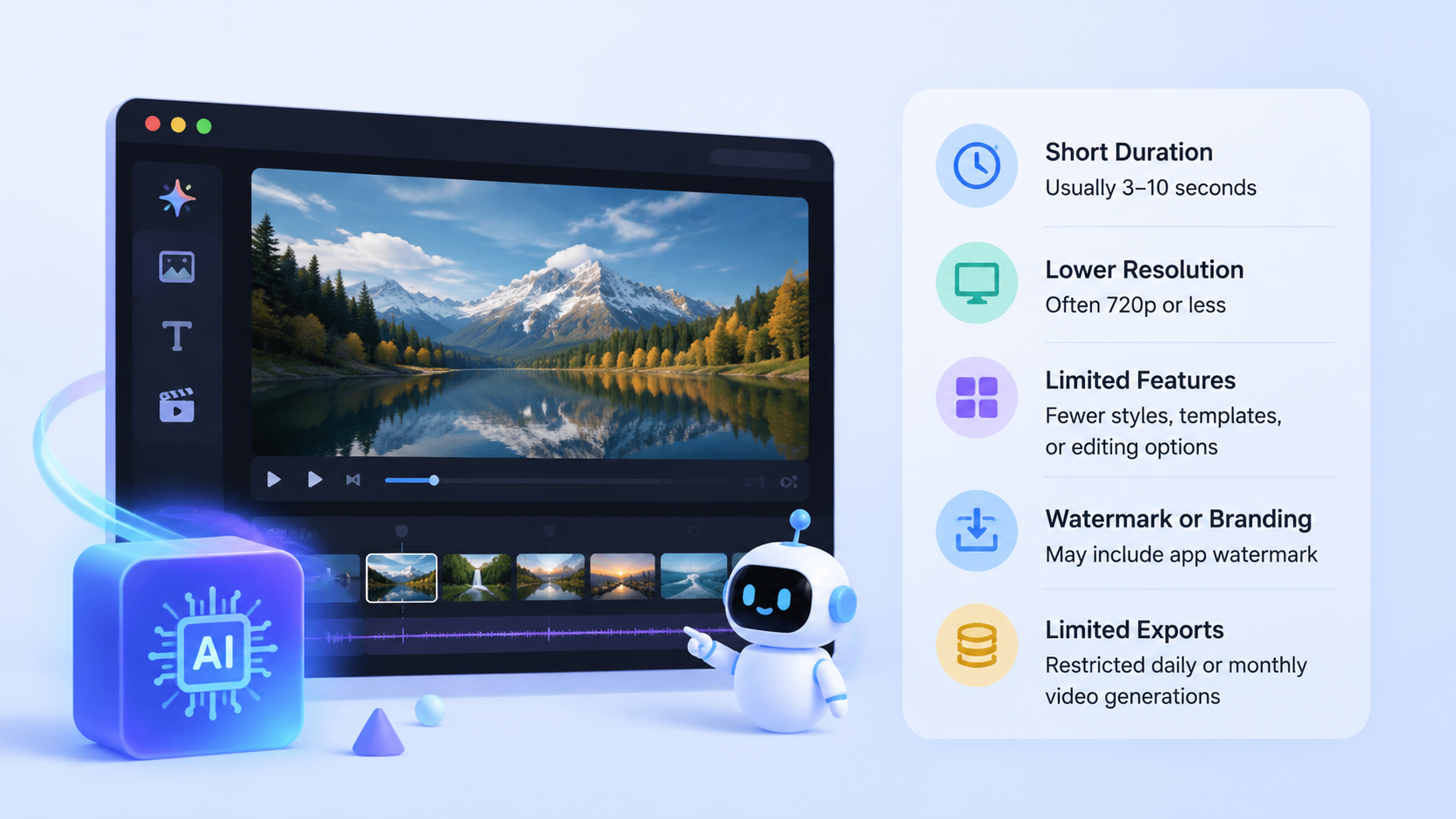
For example, one current app scope supports:
| Feature | Typical Limit |
|---|---|
| Video type | Text to video, image to video |
| Resolution | 480p, 720p, 1080p |
| Duration | Up to 15 seconds |
| Download format | MP4 |
| Audio generation | Not supported |
That means free access is best for short, focused clips rather than anything long or highly complex.
Practical advice
- Check the maximum video length before you start.
- Confirm the available resolution options if quality matters.
- If you need audio, plan to add it later in another editor since audio generation may not be supported.
3) Why Free AI Video Generator Apps Are Useful
Conclusion: These apps are valuable because they reduce the time and effort needed to create short videos.
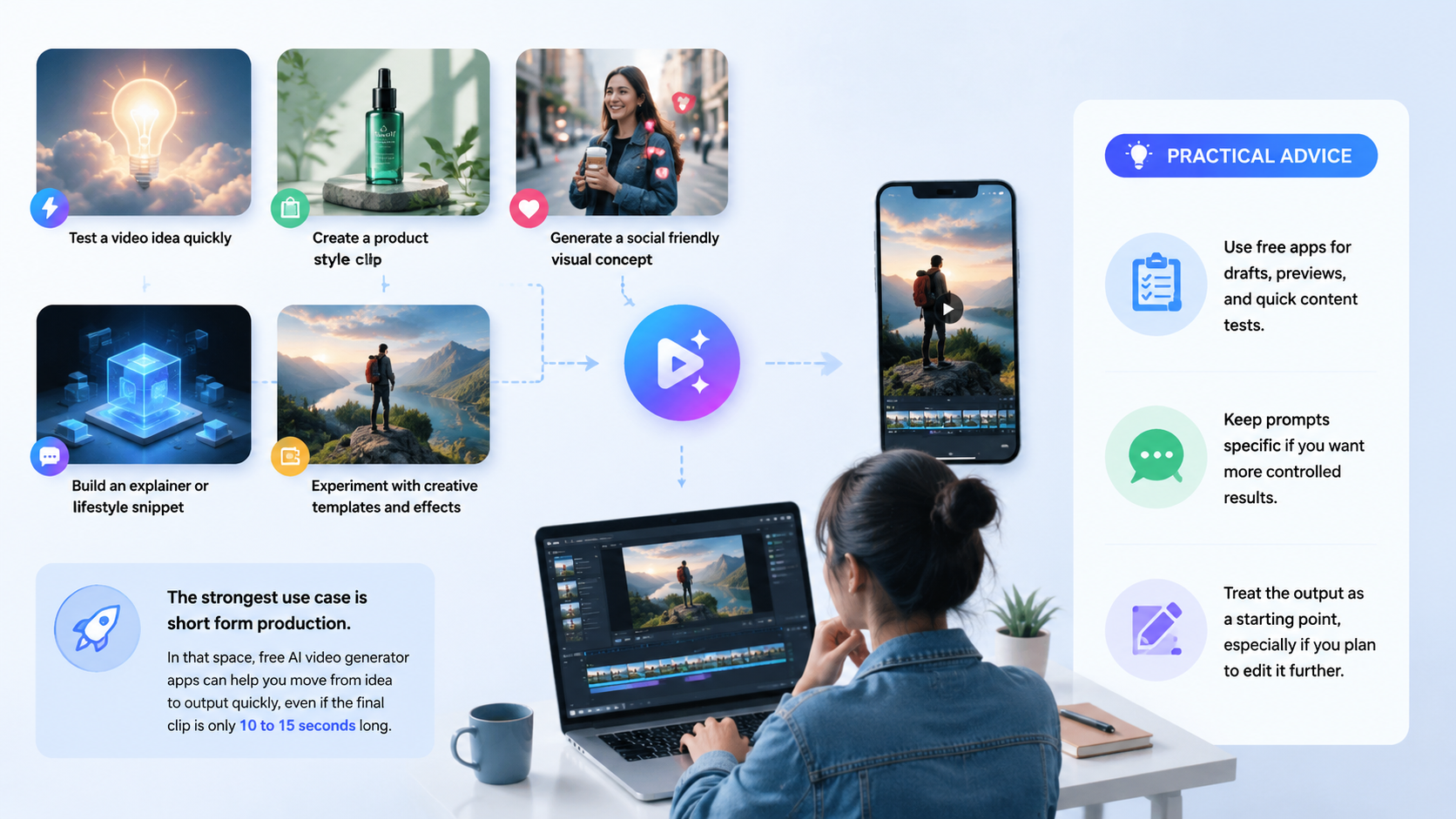
They are especially helpful when you want to:
- Test a video idea quickly
- Create a product-style clip
- Generate a social-friendly visual concept
- Build an explainer or lifestyle snippet
- Experiment with creative templates and effects
The strongest use case is short-form production. In that space, free AI video generator apps can help you move from idea to output quickly, even if the final clip is only 10 to 15 seconds long.
Practical advice
- Use free apps for drafts, previews, and quick content tests.
- Keep prompts specific if you want more controlled results.
- Treat the output as a starting point, especially if you plan to edit it further.
4) How to Choose the Right Free AI Video Generator App
Conclusion: The best app is the one that matches your output needs, not the one with the longest feature list.
When comparing free AI video generator apps, focus on these factors:
-
Input type
- Does it support text to video?
- Can it animate a reference image?
-
Output limits
- What resolutions are available?
- How long can each video be?
-
Export format
- Can you download the final video as MP4?
-
Access model
- Is there free access for new users?
- Are credits available through daily tasks or similar usage methods?
-
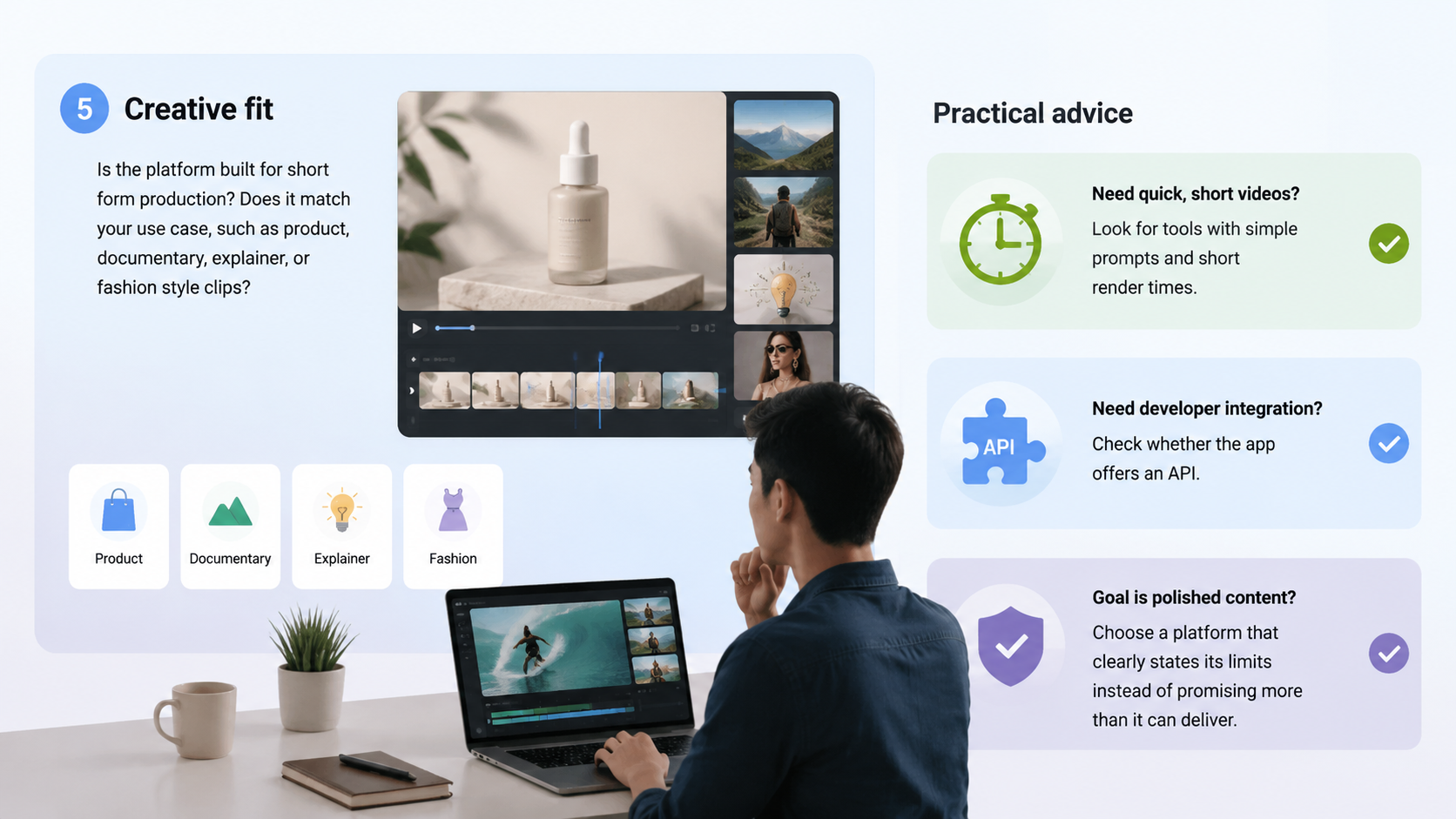
Creative fit
- Is the platform built for short-form production?
- Does it match your use case, such as product, documentary, explainer, or fashion-style clips?
Practical advice
- If you need quick, short videos, look for tools with simple prompts and short render times.
- If you need developer integration, check whether the app offers an API.
- If your goal is polished content, choose a platform that clearly states its limits instead of promising more than it can deliver.
FAQ
Are free AI video generator apps really free?
Yes, some apps offer free access to new users or credit-based usage. However, free use usually comes with limits on length, resolution, or the number of videos you can create.
What kinds of videos can they make?
They are usually best for short clips such as product shots, explainers, documentary-style visuals, fashion content, lifestyle scenes, and entertainment-style snippets.
Can free AI video generator apps generate audio?
Not always. Some current apps focus on video rendering only and do not support audio generation.
What file format do they usually export?
A common download format is MP4.
Are they good for long videos?
No, most free AI video generator apps are designed for short-form content. For example, one current model supports up to 15 seconds.
Conclusion
Free AI video generator apps are best understood as fast, accessible tools for making short videos from text or images. Their value lies in convenience, experimentation, and short-form production—not in replacing full video editing or long-form generation. If you need quick output with clear limits, a free AI video generator app can be a practical place to start.
To try these ideas on your own material, start with Seedance 2.0 or Wan 2.7.