
AI Video
What Are the Best AI Video Generators?
If you want to turn text, prompts, scripts, or images into video quickly, the best AI video generators are the ones that match your goal: marketing…

If you want to turn text, prompts, scripts, or images into video quickly, the best AI video generators are the ones that match your goal: marketing, social media, training, product demos, or creative experimentation. There is no single “best” tool for everyone, but there are clear best options by use case. This guide helps you compare the main types of AI video generators, understand what they do well, and choose the right one without wasting time.
1) What AI video generators are best for different goals?
Conclusion: The best AI video generator depends on what you want to create, how much control you need, and whether you care more about speed or realism.
Explanation: AI video generators generally fall into a few categories:
- Text-to-video tools that create clips from prompts
- Image-to-video tools that animate still images
- Avatar tools that create presenter-style videos
- Editing assistants that help you repurpose or enhance footage
Each category serves a different workflow. A marketing team may want polished avatar videos for explainers. A creator may prefer prompt-based generation for short experimental clips. A business may need fast text-to-video or caption-based editing for social content.
Practical advice: Start by asking:
- Do I need a talking presenter, cinematic footage, or short social clips?
- Do I need realism, brand consistency, or speed?
- Will I edit the output heavily, or do I want near-finished results?
That answer will narrow the field much faster than comparing every tool.
2) The main types of AI video generators
Conclusion: Knowing the type of generator is more useful than chasing a single “best” brand name.
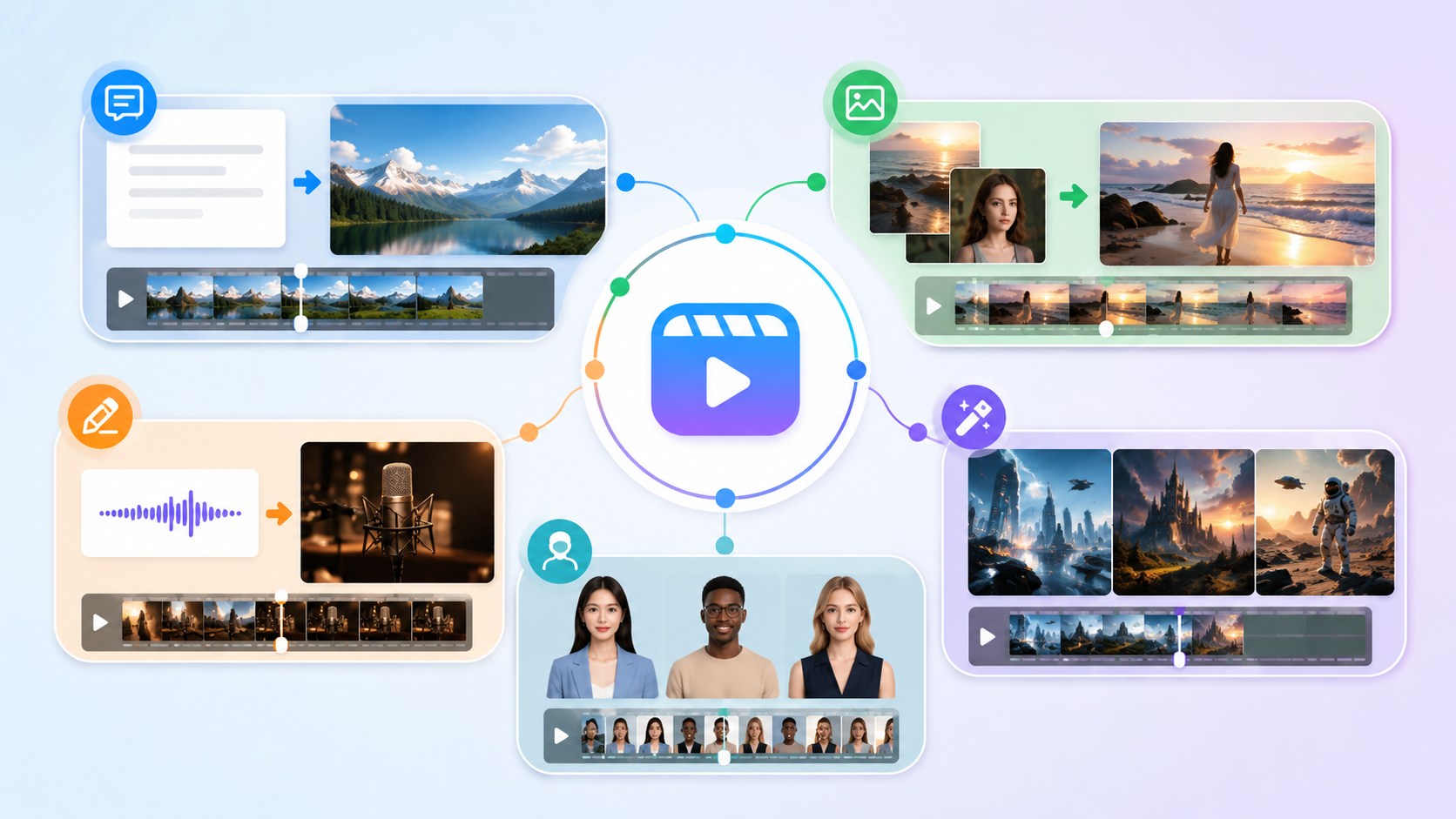
Explanation: Here is a simple breakdown:
| Type | Best for | Strengths | Trade-offs |
|---|---|---|---|
| Text-to-video | Quick idea generation, creative clips | Fast prompt-based creation | Output can be unpredictable |
| Image-to-video | Animating still images | Useful for social content and visuals | Motion may be limited |
| Avatar video tools | Training, sales, internal comms | Presenter-style videos without filming | Can feel less natural than live video |
| AI editing tools | Repurposing and improving footage | Captions, trimming, resizing, automation | Less useful for fully synthetic video |
| Hybrid platforms | Teams needing multiple features | Flexible workflows | Can be more complex to learn |
Practical advice: Choose the type first, then compare platforms within that category. For example:
- If you need a spokesperson, prioritize avatar tools
- If you want creative scenes, prioritize text-to-video
- If you already have footage, prioritize AI editing tools
This keeps you from paying for features you will never use.
3) What features matter most when choosing an AI video generator?
Conclusion: The best AI video generators are not just the ones with the fanciest demos—they are the ones that give you reliable output and a workflow you can actually use.
Explanation: The most important features to evaluate are:
- Ease of use: Can a beginner create something useful quickly?
- Output quality: Does the video look clean enough for your audience?
- Prompt control: Can you guide style, motion, or scene details?
- Editing flexibility: Can you adjust timing, text, audio, or visuals?
- Brand consistency: Can you keep fonts, colors, and tone aligned?
- Aspect ratio options: Can you create for YouTube, TikTok, LinkedIn, and more?
- Export quality: Does the tool support the resolution and format you need?
For business use, reliability matters more than novelty. For content creators, speed and creative variation may matter more. For teams, collaboration and consistency may be essential.
Practical advice: Test each tool with the same short prompt or script. Compare:
- First-draft quality
- Time to create
- How much editing is needed
- Whether the result fits your audience
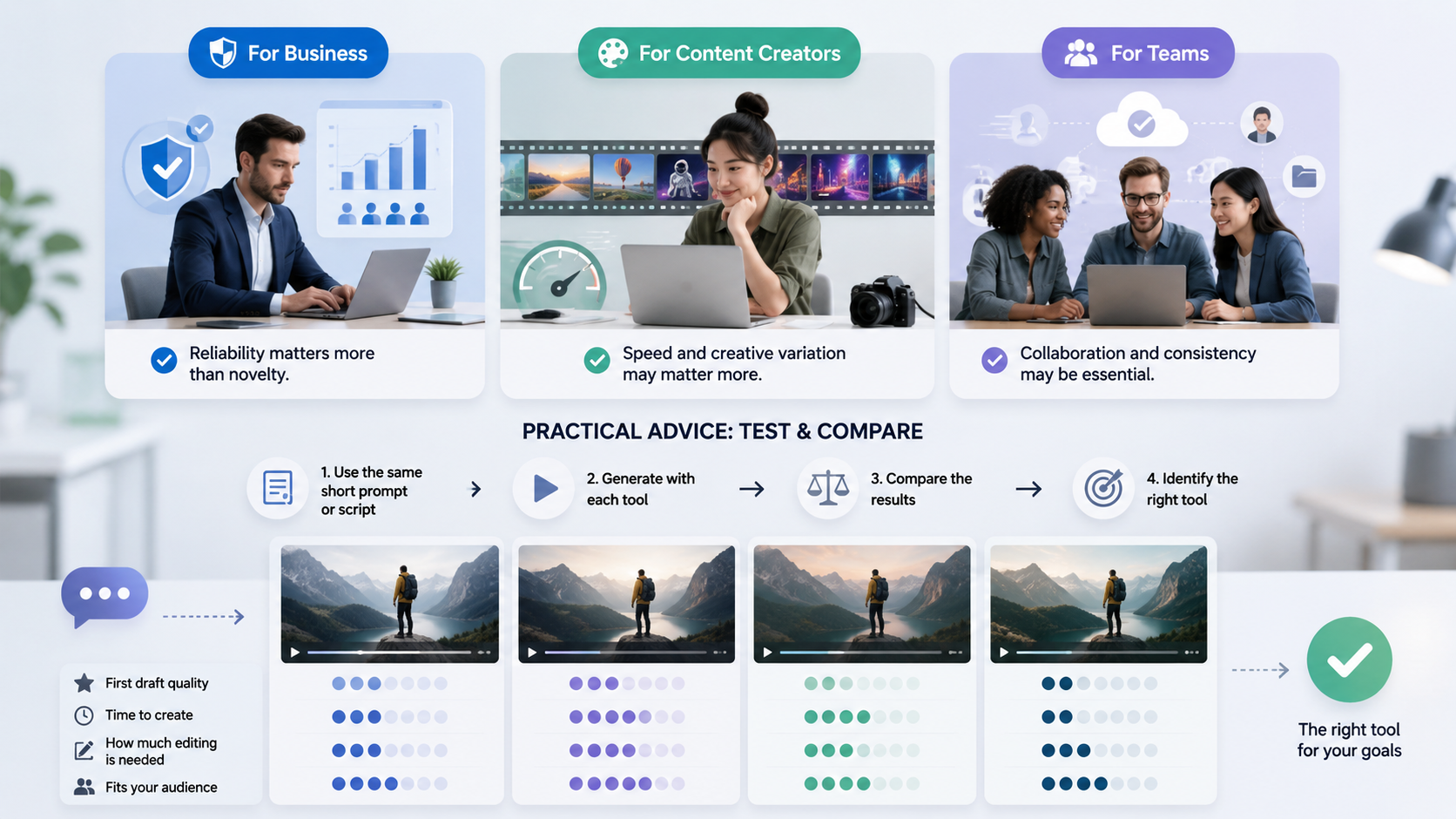
That simple test is often enough to identify the right tool.
4) Best AI video generators by common use case
Conclusion: The “best” AI video generator changes depending on your workflow, so it helps to match the tool to the task.
Explanation: Use this practical guide to narrow your choices:
- For marketing videos: Look for tools that support branding, templates, and quick resizing.
- For training or explainers: Avatar tools are often a strong fit because they can produce consistent presenter-led content.
- For social media: Prioritize fast generation, captions, aspect-ratio changes, and easy editing.
- For creative experimentation: Text-to-video tools are useful when you want to explore visual ideas quickly.
- For repurposing long content: AI editing tools can help turn one asset into multiple short clips.
If your goal is to publish regularly, workflow speed matters more than perfect output. If your goal is premium storytelling, then quality and control should come first.
Practical advice: Build a shortlist of 2–3 tools:
- One for creation
- One for editing
- One for collaboration or brand consistency
This gives you flexibility without overwhelming your team or budget.
5) How to choose the best AI video generator for you
Conclusion: The best choice is the tool that fits your content plan, not the one with the most features.
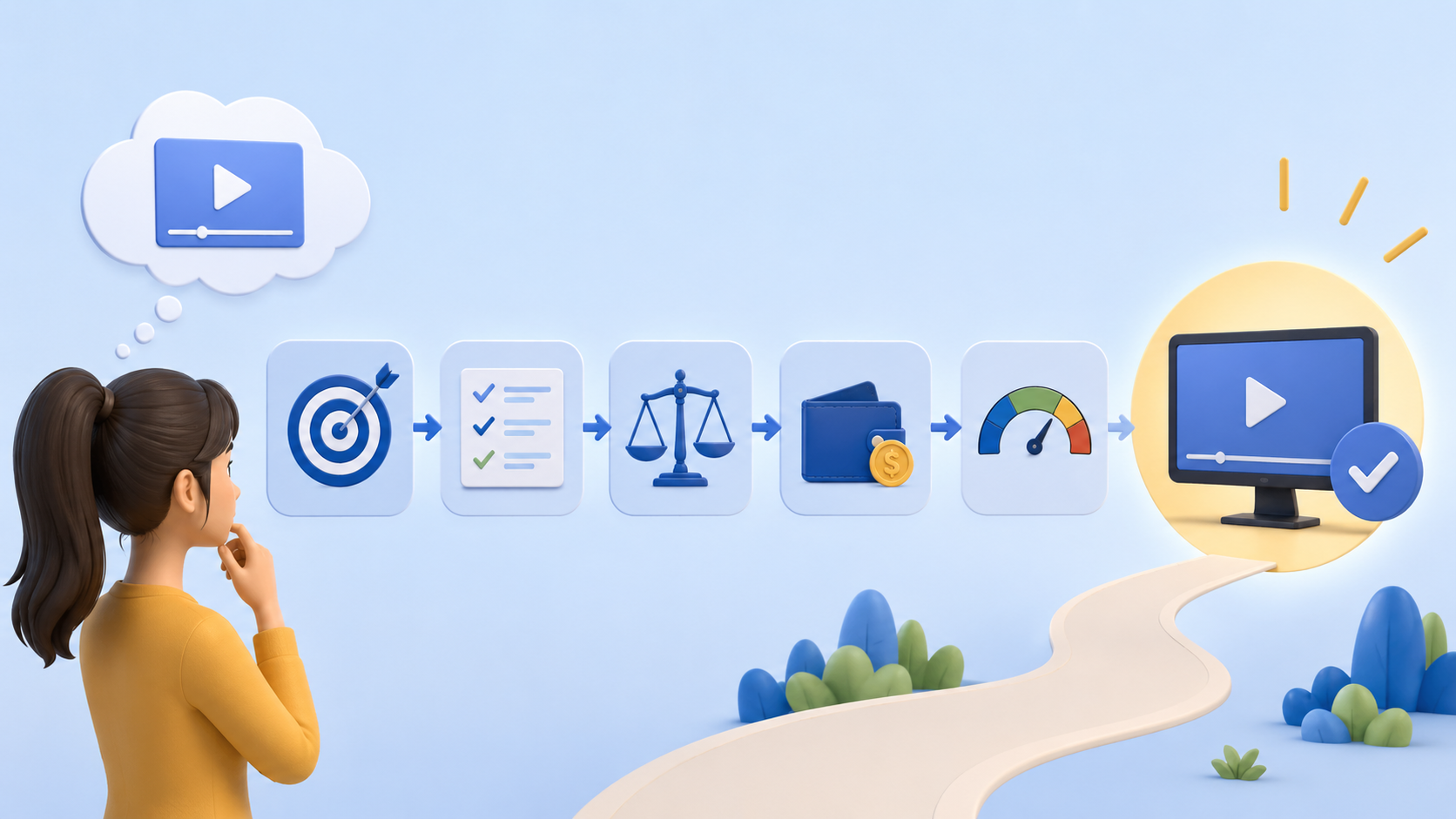
Explanation: A simple decision process works well:
-
Define your video type
Is it an ad, explainer, tutorial, social clip, or creative test? -
Set your priority
Is your top priority quality, speed, cost, or control? -
Check the workflow
Can you go from idea to export without unnecessary steps? -
Review output consistency
Does the tool perform well across several different prompts? -
Consider future needs
Will you need team access, branding, or localization later?
The best AI video generator today may not be the best one for a growing team tomorrow. If you expect to scale, choose a platform that can handle more than one content format.
Practical advice: Before committing, make a small test plan:
- Create one short promo video
- Create one educational video
- Create one social clip
If the tool handles those three well, it is probably a good fit.
FAQ
What are the best AI video generators for beginners?
The best options for beginners are usually tools with simple interfaces, templates, and guided workflows. Look for products that let you start from text, a script, or a template without needing advanced editing skills.
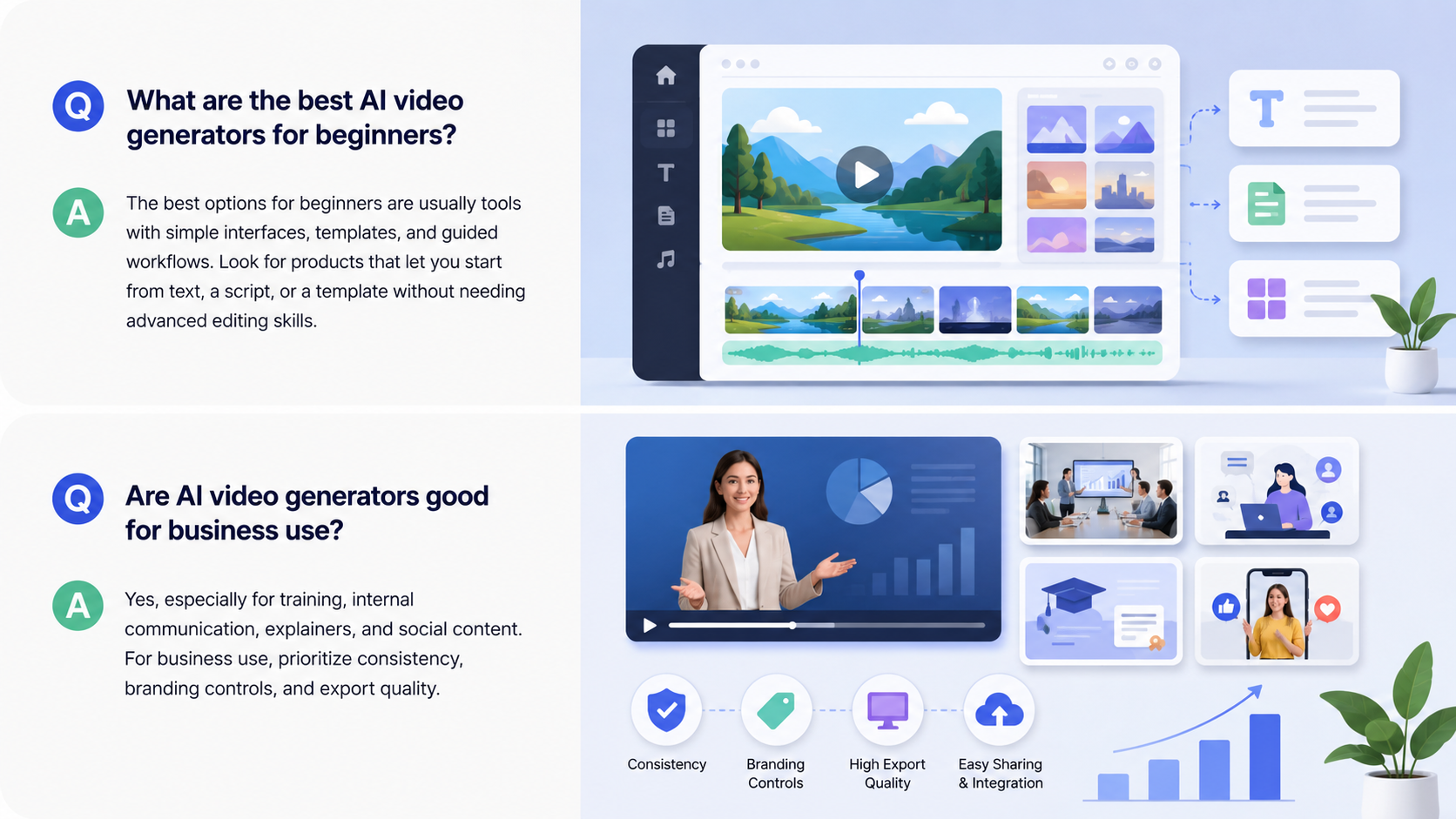
Are AI video generators good for business use?
Yes, especially for training, internal communication, explainers, and social content. For business use, prioritize consistency, branding controls, and export quality.
Can AI video generators create realistic videos?
Some can create highly polished results, but realism varies by tool and use case. Always test the output before using it in a customer-facing campaign.
Do AI video generators replace video editing software?
Not completely. Many AI video generators reduce manual work, but traditional editing software is still useful for fine control, advanced finishing, and complex productions.
How do I choose between text-to-video and avatar video tools?
Choose text-to-video if you want creative scene generation. Choose avatar tools if you need a presenter-style video for training, sales, or explainers.
Conclusion
The best AI video generators are the ones that match your goal, workflow, and quality needs. If you want creative clips, choose text-to-video tools. If you need a presenter, choose avatar-based platforms. If you already have footage, use AI editing tools to save time. The smartest approach is to test a few options with the same content and compare ease of use, output quality, and editing flexibility. That will lead you to the right tool much faster than relying on marketing claims alone.
To try these ideas on your own material, start with Seedance 2.0 or Wan 2.7.