
AI Video
What Is the Best AI Video Generator?
The best AI video generator is the one that matches your goal, budget, workflow, and quality expectations.

The best AI video generator is the one that matches your goal, budget, workflow, and quality expectations. There is no single tool that is best for every user, but there is a best choice for your specific use case. This article will help you identify the right option by comparing the main types of AI video generators, the features that matter most, and the practical trade-offs to consider before you choose.
What “Best” Means for an AI Video Generator
The right answer depends on what you need the tool to do. Some AI video generators are built for marketing clips, some for text-to-video creation, and others for avatars, social content, or rapid editing.
Conclusion: The best AI video generator is the one that delivers the output you need with the least friction.
Explanation: “Best” can mean different things:
- Highest video quality
- Fastest creation process
- Most realistic avatars
- Best text-to-video generation
- Easiest editing workflow
- Best value for money
Practical advice: Before comparing tools, define your primary goal:
- Create ads or social videos
- Turn scripts into explainer videos
- Make talking-head avatar videos
- Generate cinematic or concept footage
- Repurpose existing content faster
Key Features to Compare
Not all AI video generators are equal. The most useful tools usually balance creation quality, editing control, and ease of use.
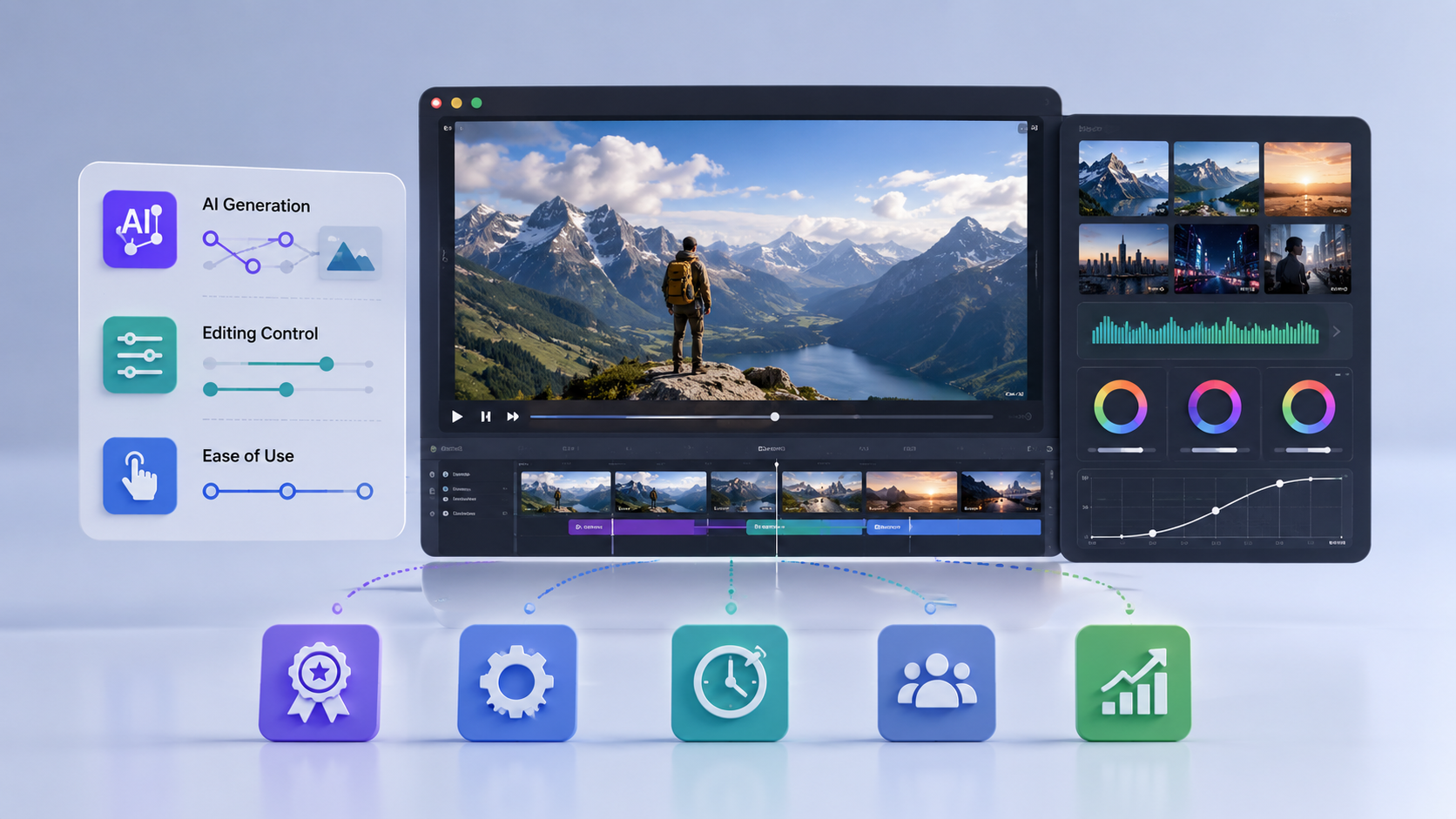
Conclusion: Focus on features that affect output quality and workflow efficiency, not just flashy demos.
Explanation: Here are the most important features to evaluate:
| Feature | Why It Matters | What to Look For |
|---|---|---|
| Text-to-video quality | Determines how well prompts become usable footage | Clear motion, coherent scenes, consistent style |
| Editing tools | Helps refine the output | Trimming, scene control, captions, overlays |
| Templates | Speeds up production | Ready-made formats for ads, shorts, explainers |
| Avatar options | Useful for presenters and training videos | Natural lip sync, voice quality, customization |
| Output resolution | Affects final video quality | HD or higher where available |
| Brand controls | Important for marketing teams | Fonts, colors, logos, and style consistency |
| Ease of use | Reduces production time | Simple interface and straightforward workflow |
Practical advice: If you are creating content for business, prioritize:
- Reliability
- Editing control
- Brand consistency
- Export quality
If you are experimenting creatively, prioritize:
- Motion quality
- Style variety
- Prompt flexibility
Best AI Video Generator by Use Case
Different users need different tools. The best choice for one workflow may be a poor fit for another.
Conclusion: Match the tool to the job instead of searching for one universal winner.
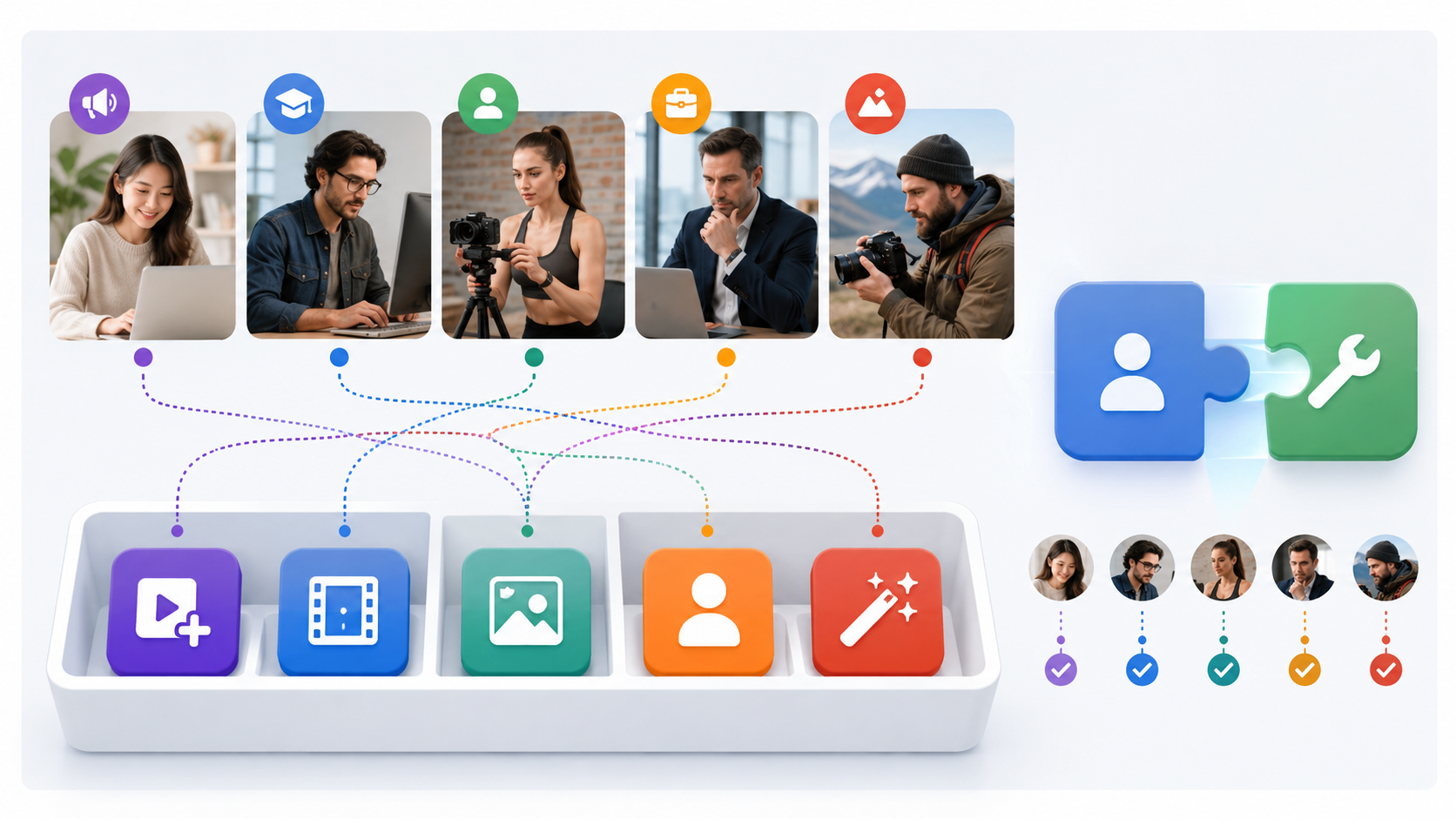
Explanation: A practical way to choose is by use case:
- For marketing and social media: Choose a tool with templates, captions, and fast editing.
- For training and internal communications: Choose an avatar-based generator with clear narration and presentation features.
- For creative storytelling or concept videos: Choose a text-to-video tool with strong scene generation.
- For repurposing written content: Choose a tool that can turn scripts or blog posts into videos quickly.
Practical advice: Ask these questions before deciding:
- Do I need realistic people or animated scenes?
- Will I edit the video after generation?
- Do I need brand assets and templates?
- Is speed more important than cinematic quality?
- Will I use this tool weekly or occasionally?
How to Choose the Right AI Video Generator
A good choice comes from testing, not guesswork. Most platforms look impressive in screenshots, but practical performance matters more.
Conclusion: The best AI video generator for you should save time while producing content you can actually use.
Explanation: Use this simple selection process:
- Write down your main video goal.
- Decide whether you need avatars, text-to-video, or both.
- Check the editing features.
- Review output quality at your target resolution.
- Compare pricing against how often you will use it.
- Test the workflow with a short project.
Practical advice: When testing a tool, create one sample project that reflects your real work. For example:
- A 30-second ad
- A short explainer
- A product demo
- A social media clip
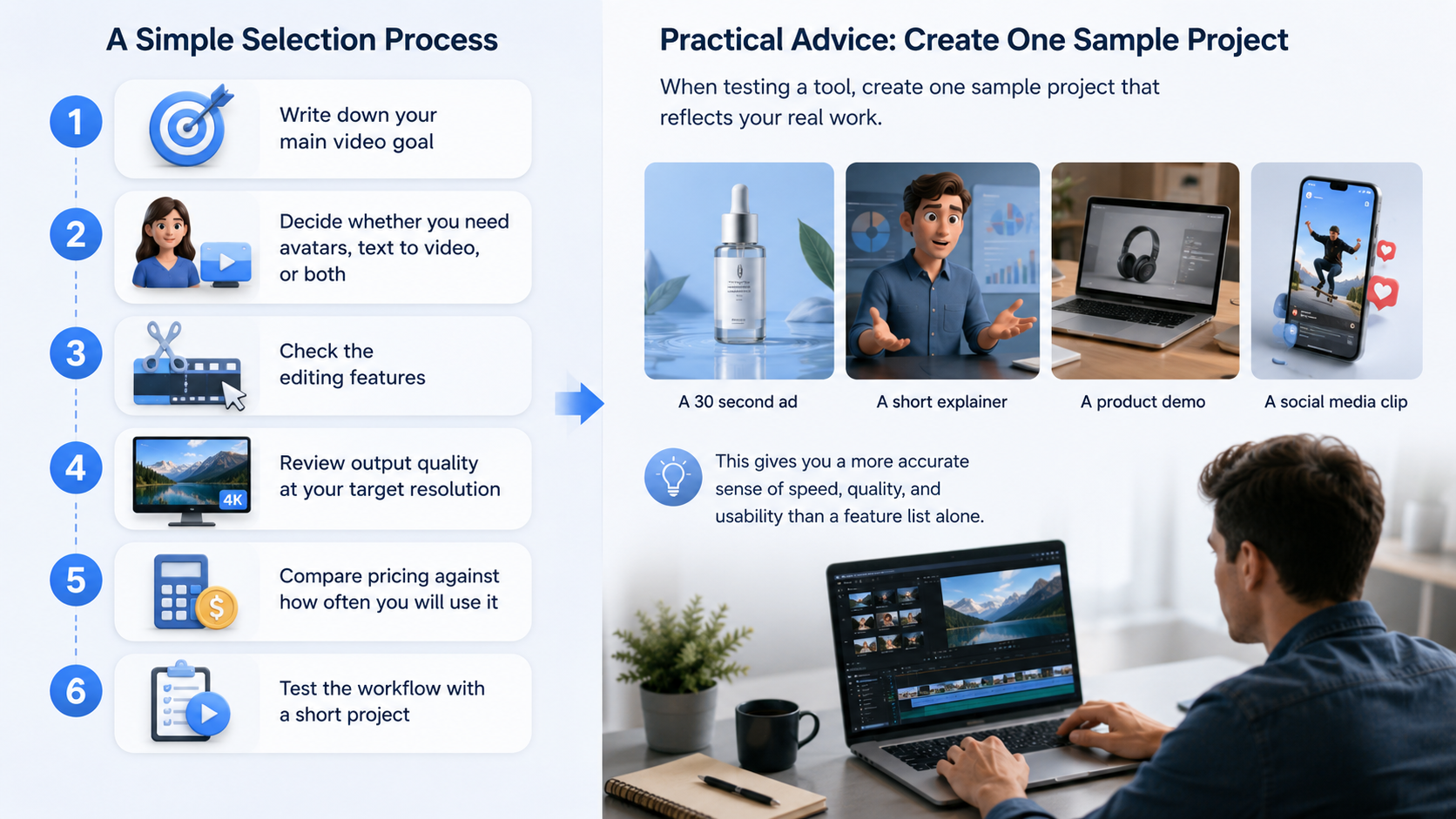
This gives you a more accurate sense of speed, quality, and usability than a feature list alone.
Common Mistakes to Avoid
Many users choose an AI video generator based only on novelty, then find it difficult to use for real projects.
Conclusion: The wrong choice often comes from ignoring workflow and output consistency.
Explanation: Common mistakes include:
- Picking a tool only because it is trending
- Ignoring export quality
- Overlooking editing limitations
- Choosing without testing the interface
- Paying for advanced features you will not use
Practical advice: Avoid tools that make basic tasks harder than they should be. A strong AI video generator should help you move from idea to final video with minimal extra work.
FAQ
What is the best AI video generator overall?
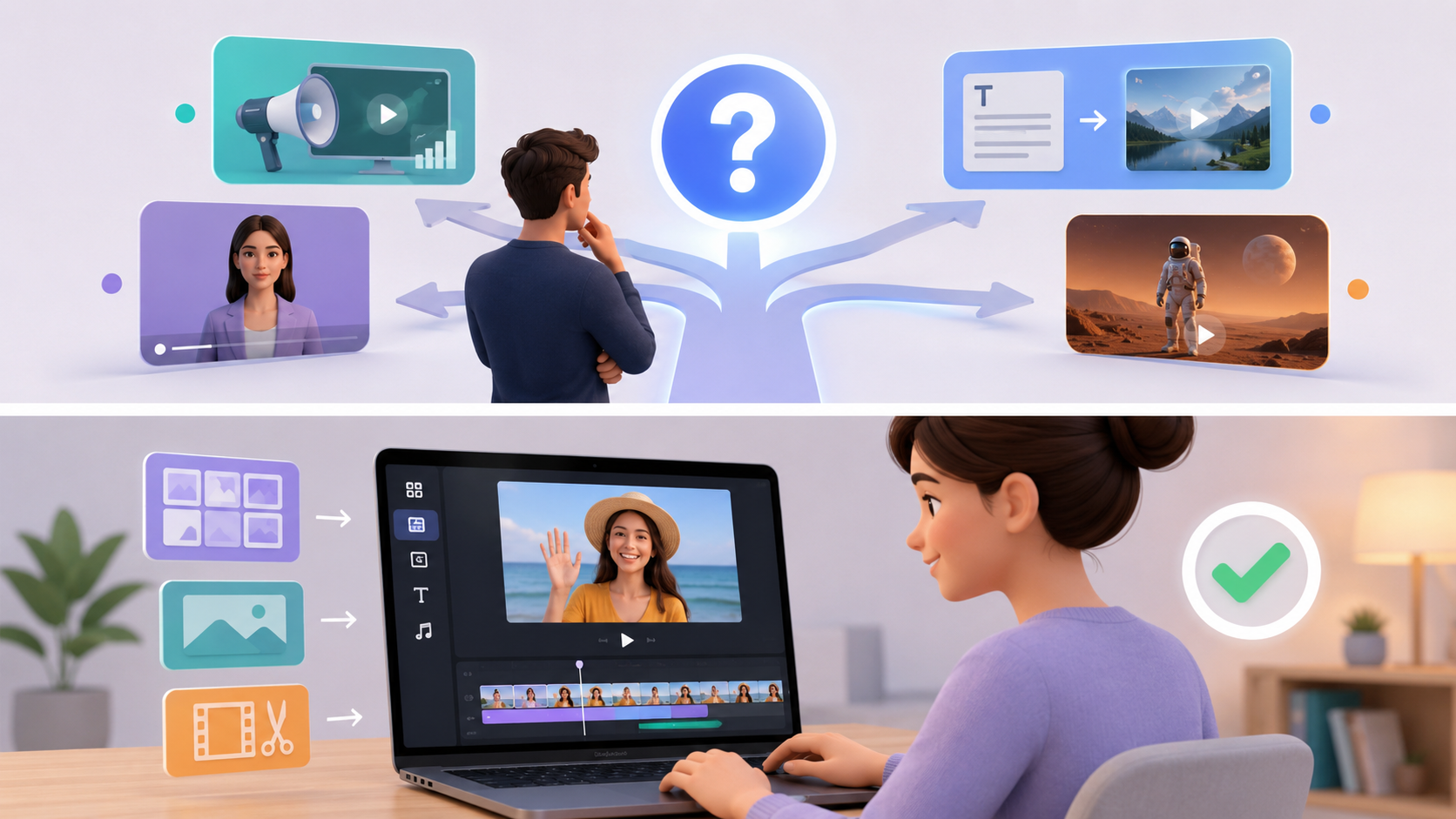
There is no single best option for everyone. The best AI video generator depends on whether you need marketing videos, avatars, text-to-video creation, or creative footage.
Which AI video generator is best for beginners?
The best beginner-friendly tool is usually the one with templates, simple editing, and a clear interface. Ease of use matters more than advanced features for first-time users.
Is AI video generation good for business use?
Yes, if the tool offers reliable output, brand controls, and enough editing flexibility for your workflow. It is especially useful for social media, training, and content repurposing.
What should I look for before subscribing?
Check video quality, editing options, export limits, template variety, and whether the tool fits your actual content process.
Can one AI video generator do everything?
Usually not well. Some tools are better at avatars, while others are better at scene generation or quick editing. The best choice is usually specialized for your main use case.
Conclusion
The best AI video generator is not the most famous one—it is the one that fits your content goals, production style, and budget. If you want the most useful result, focus on output quality, ease of use, editing control, and whether the tool supports your real workflow. Test a few options with a project similar to your everyday content, and choose the one that helps you create polished videos faster with less effort.
To try these ideas on your own material, start with Seedance 2.0 or Wan 2.7.