
AI Image
What Is the Best AI Image Generator for Free Mockup Design?
If your goal is to create mockup designs without paying upfront, the best AI image generator is the one that gives you the right mix of free access…

If your goal is to create mockup designs without paying upfront, the best AI image generator is the one that gives you the right mix of free access, image quality, ease of use, and commercial flexibility. For most people, the smartest choice is not one “perfect” tool, but the tool that best fits your workflow: quick concept mockups, realistic product visuals, app screens, posters, or branded presentations.
This guide explains how to choose a free AI image generator for mockup design, what features matter most, and which types of tools are usually best for different mockup needs.
What Makes a Good Free AI Image Generator for Mockup Design?
A good free AI image generator for mockups should do more than just produce attractive images. It should help you move from idea to usable design quickly.
Key things to look for
- Free tier availability: Enough credits or usage to test ideas.
- Prompt control: Ability to describe layout, style, lighting, and composition.
- Image quality: Clear, realistic, and usable outputs.
- Consistency: Important when you need multiple images in the same style.
- Commercial use terms: Check the platform’s rules before using outputs in client work.
- Export options: Useful formats and decent resolution.
Practical advice
If you are designing mockups for websites, apps, packaging, or social media, choose a tool that lets you create clean, structured visuals rather than only artistic images. For mockup work, control matters more than randomness.
The Best Free AI Image Generator Depends on Your Mockup Type
There is no single best tool for every mockup design job. Different generators are better for different tasks.
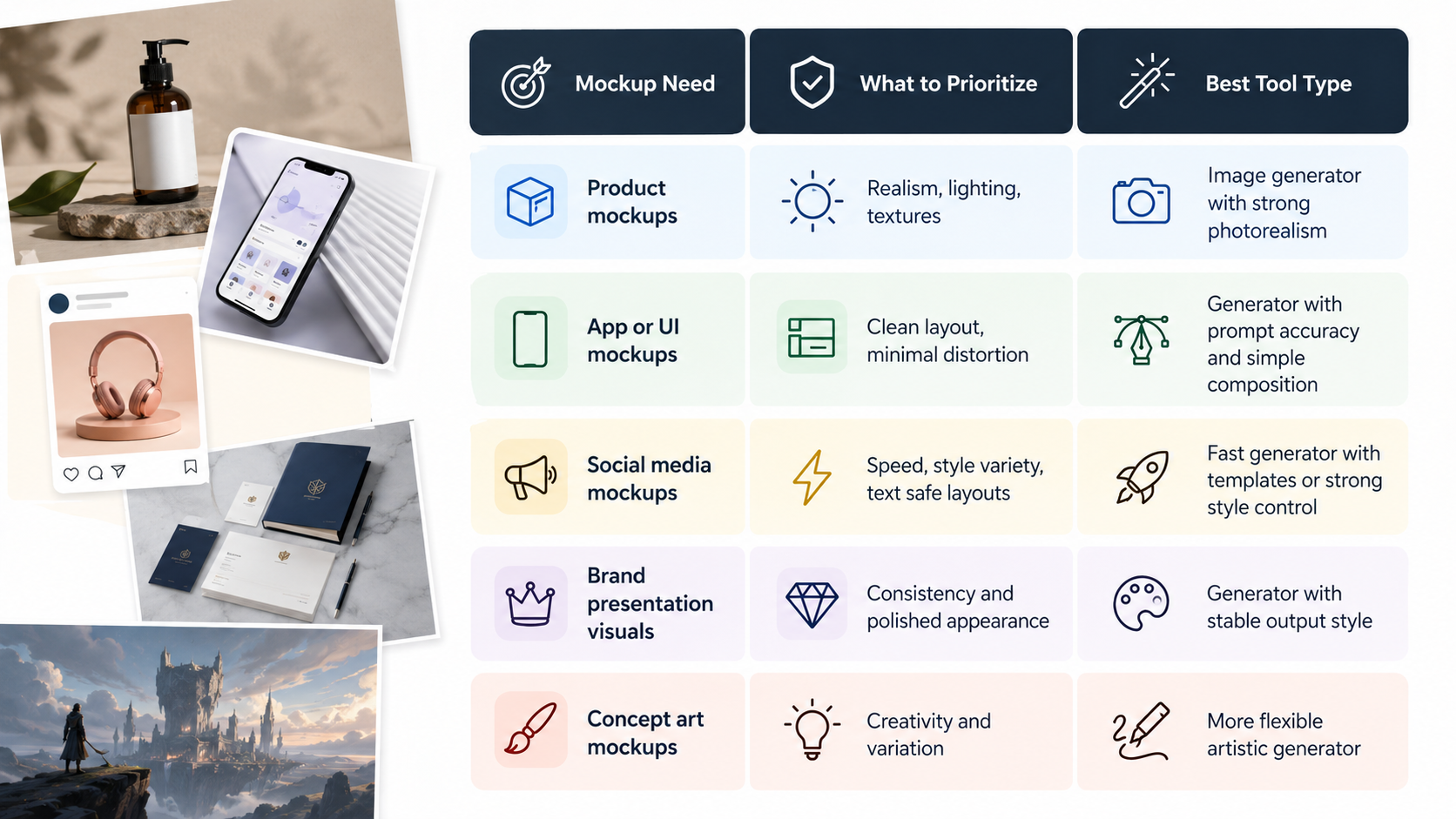
| Mockup Need | What to Prioritize | Best Tool Type |
|---|---|---|
| Product mockups | Realism, lighting, textures | Image generator with strong photorealism |
| App or UI mockups | Clean layout, minimal distortion | Generator with prompt accuracy and simple composition |
| Social media mockups | Speed, style variety, text-safe layouts | Fast generator with templates or strong style control |
| Brand presentation visuals | Consistency and polished appearance | Generator with stable output style |
| Concept art mockups | Creativity and variation | More flexible artistic generator |
Conclusion
The best free AI image generator is the one that fits the end use of your mockup. A photorealistic generator may be ideal for product shots, while a more controllable tool may be better for app screens or ad concepts.
Practical advice
Before choosing a tool, define your output:
- Do you need realism or stylization?
- Is the mockup for a client, a pitch, or internal brainstorming?
- Will text appear inside the image?
These answers will narrow down the best option quickly.
How to Evaluate Free AI Tools for Mockup Design
When comparing free AI image generators, use a simple checklist instead of relying on hype or feature lists.
Evaluation checklist
-
Quality of the free output
- Are the images sharp and usable?
- Do they look polished enough for your purpose?
-
Prompt reliability
- Does the tool follow instructions accurately?
- Can it handle mockup-related details like angles, screens, or product placements?
-
Editing flexibility
- Can you regenerate variations easily?
- Does it allow refinement without starting over?
-
Usage limits
- Are credits limited daily or monthly?
- Does the tool watermark free images?
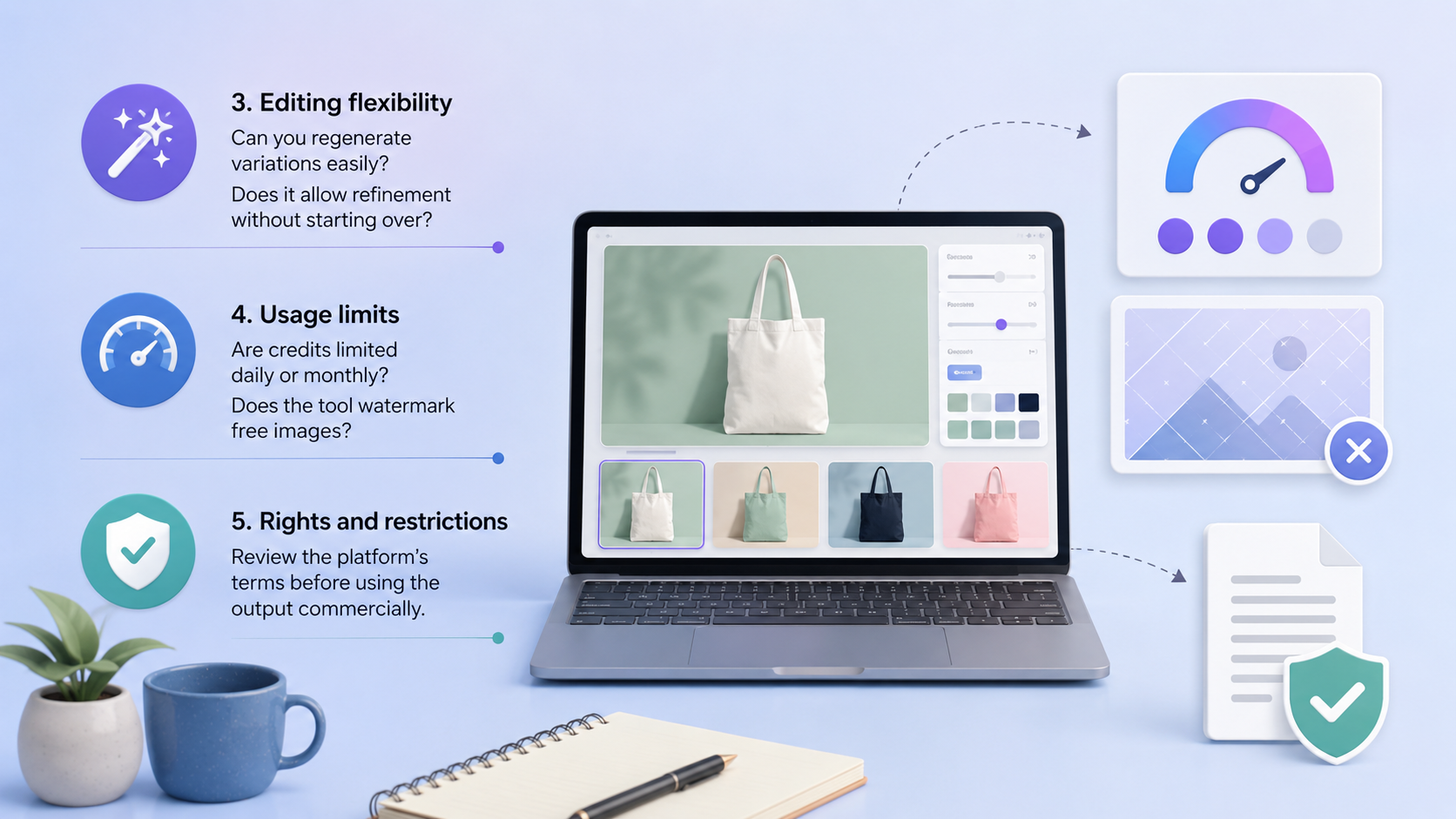
- Rights and restrictions
- Review the platform’s terms before using the output commercially.
Practical advice
Test the same mockup prompt in two or three free tools. Use a prompt that includes:
- object type
- background
- lighting
- style
- angle or perspective
- intended use
For example:
“Minimalist smartphone app mockup on a clean desk, soft natural light, modern workspace, high realism, front-facing composition.”
This makes comparisons much easier.
Best Workflow for Creating Mockups with Free AI Image Generators
Even the best tool will underperform if the workflow is weak. A simple process helps you get better results from free AI generators.
Recommended workflow
-
Start with a clear brief
- Define what you are mocking up and who it is for.
-
Write a precise prompt
- Include visual details and avoid vague language.
-
Generate multiple versions
- Free tools often produce inconsistent results, so variation matters.
-
Pick the cleanest composition
- Choose images with the fewest distortions and the best layout.
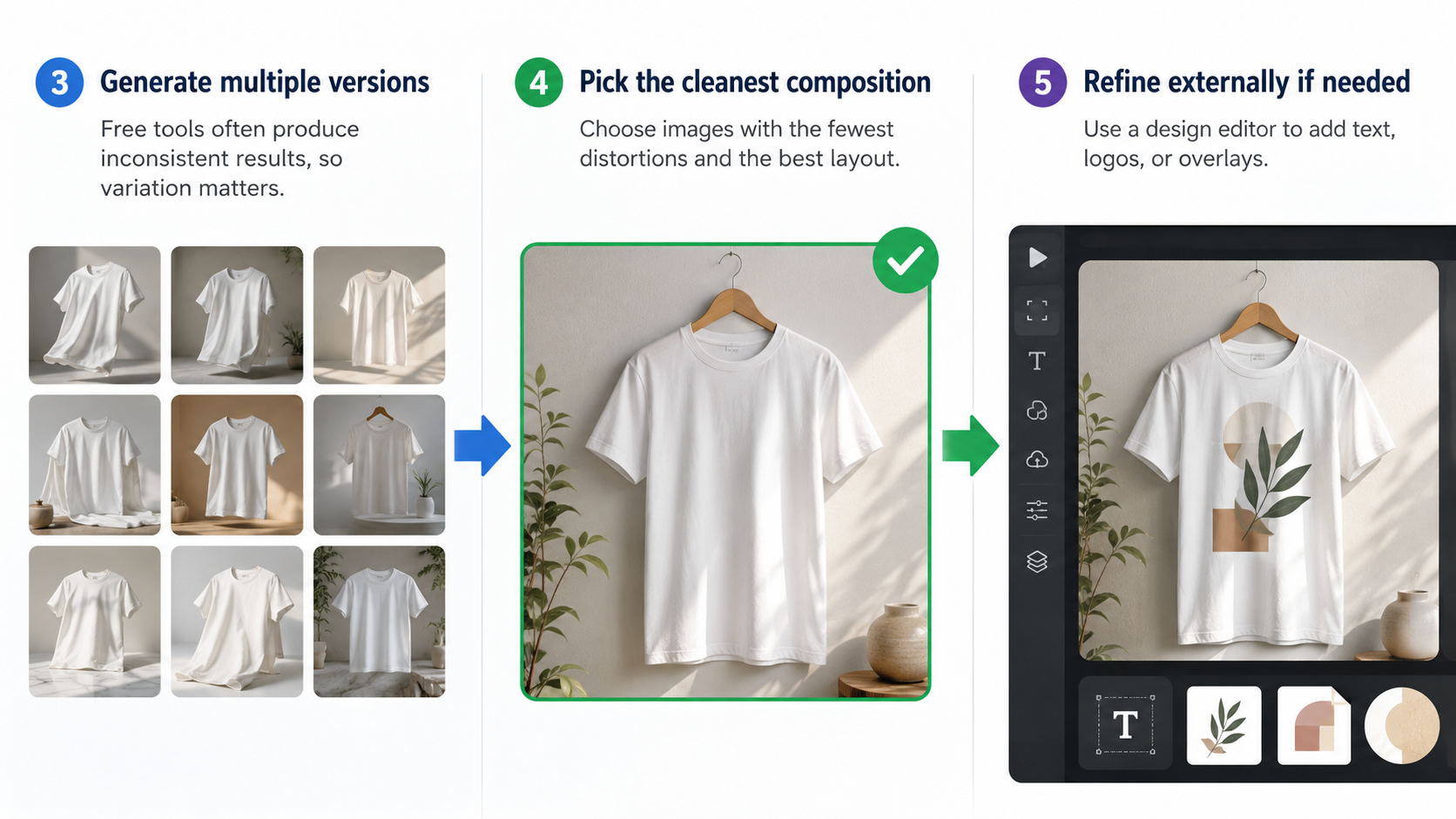
- Refine externally if needed
- Use a design editor to add text, logos, or overlays.
Conclusion
Free AI image generators are best used as a visual starting point. They can create the base image, but finishing touches often happen in a design tool.
Practical advice
If your mockup includes typography, logo placement, or exact dimensions, use AI for the background or scene, then finalize the design in a layout tool. This reduces errors and makes the result look more professional.
Which Free AI Image Generator Is Best Overall?
If you want the simplest answer, the best free AI image generator for mockup design is the one that gives you:
- strong visual quality,
- usable free credits,
- prompt accuracy,
- and clear usage terms.
For most users, the “best overall” choice is often a balanced general-purpose AI image generator rather than a highly artistic one. That is because mockup design usually needs structure, realism, and control more than dramatic effects.
Practical advice
Choose based on your main goal:
- For realism: pick a generator known for photorealistic results.
- For speed: pick a tool with an easy free tier and fast output.
- For precision: pick a generator that follows prompts closely.
- For experimentation: pick a flexible tool with many style options.
FAQ
What is the best free AI image generator for mockup design?
The best one depends on your specific mockup type. A good choice is a tool with strong realism, prompt accuracy, and a usable free plan.
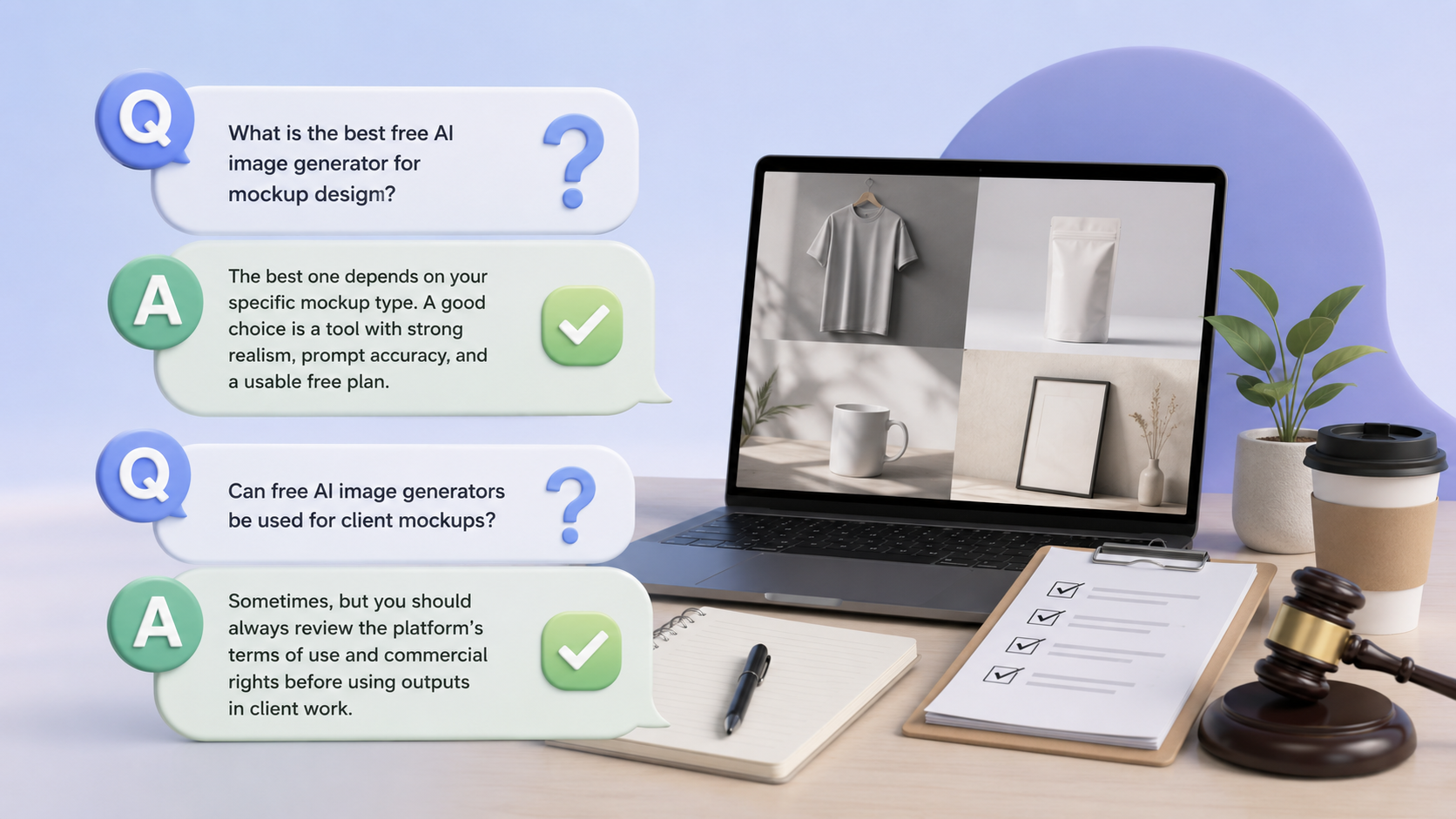
Can free AI image generators be used for client mockups?
Sometimes, but you should always review the platform’s terms of use and commercial rights before using outputs in client work.
Are AI-generated mockups good enough for presentations?
Yes, they can be useful for concept presentations, early-stage pitches, and internal reviews, especially when you need fast visuals.
Do free AI image generators add watermarks?
Some do, and some do not. It depends on the platform’s free tier and policy.
How do I get better mockup results from AI?
Use detailed prompts, generate several versions, and choose the clearest composition. Then refine the result in a design editor if needed.
Conclusion
The best AI image generator for free mockup design is not just the one with the flashiest results. It is the one that gives you enough control, quality, and freedom to match your exact mockup needs. For product, app, and brand visuals, focus on realism, prompt accuracy, and practical licensing terms.
If you approach free tools strategically and test them with the same prompt, you can quickly find the best option for your workflow without wasting time or money.
To try these ideas on your own material, start with text to image or image to image editing.