
AI Image
What Is the Best Free AI Image Generator for Design?
If you are looking for the best free AI image generator for design, the short answer is: the best tool is the one that matches your workflow, image…

If you are looking for the best free AI image generator for design, the short answer is: the best tool is the one that matches your workflow, image quality needs, and usage limits. For most users, the right choice is a free AI image generator that balances creative control, fast output, and simple licensing or export options.
This article helps you compare free AI image generators for design work, understand what matters most, and choose a tool that fits your project without wasting time.
What to Look for in a Free AI Image Generator
Conclusion: The best free AI image generator for design is not just the one that looks impressive—it is the one that reliably helps you create usable visuals.
Explanation:
When evaluating free AI image generators, focus on the features that matter in real design workflows:
- Image quality: Are the results clean, detailed, and visually consistent?
- Prompt control: Can you guide style, composition, and subject clearly?
- Ease of use: Is the interface simple enough for fast iteration?
- Export options: Can you download images in a format that works for your design process?
- Free plan limits: Does the tool offer enough generations to test and use it regularly?
- Commercial use terms: Are the generated images suitable for your intended purpose?
Practical advice:
Before committing to one tool, test the same prompt in two or three generators. This makes it easier to compare realism, style flexibility, and how closely each tool follows your instructions.
Best Types of Free AI Image Generators for Design
Conclusion: There is no single universal winner, but some tools are better suited for design than others depending on your goal.
Explanation:
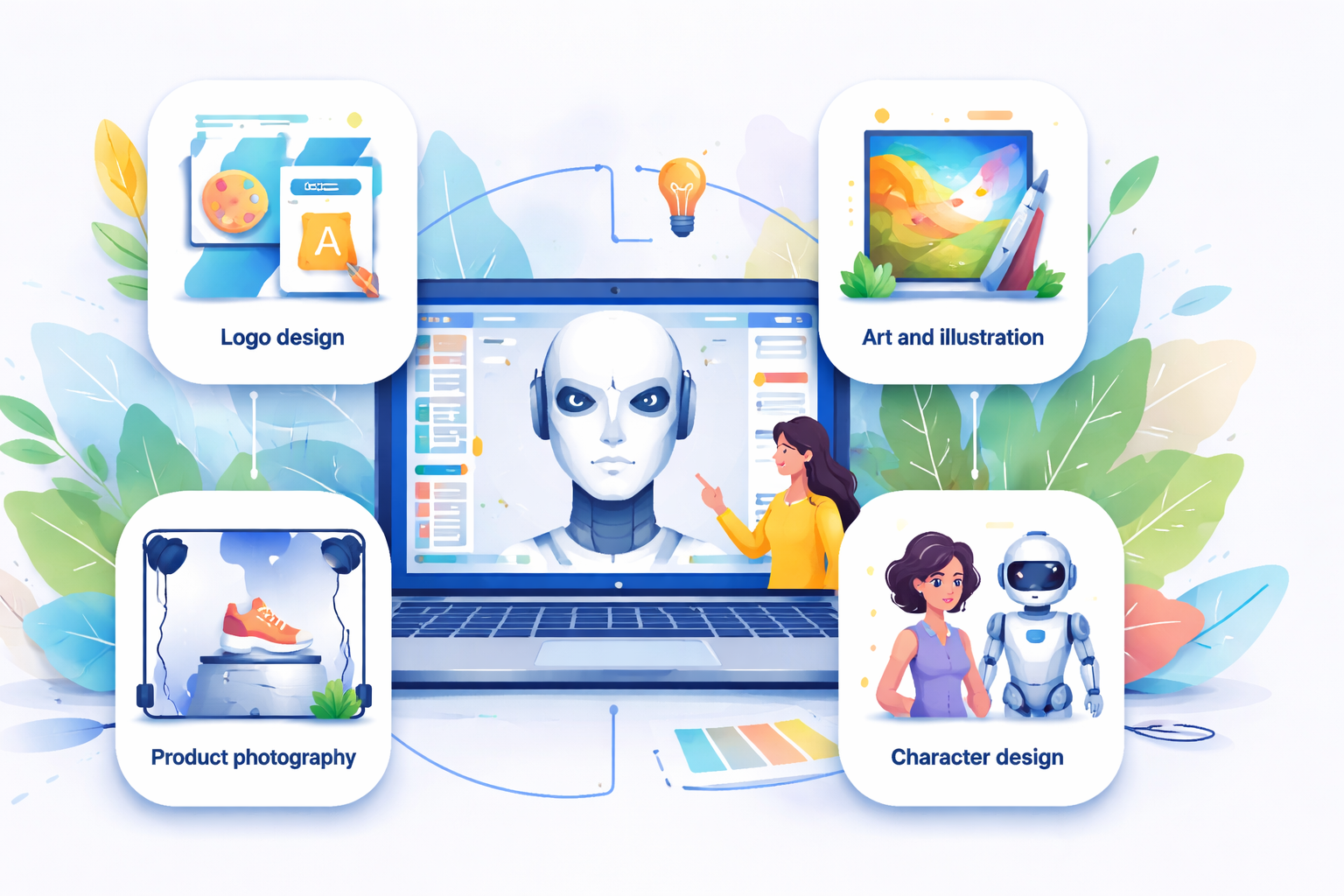
Free AI image generators usually fall into a few practical categories:
| Type of AI image generator | Best for | Strengths | Limitations |
|---|---|---|---|
| Text-to-image tools | Concept art, marketing visuals, mockups | Fast generation, broad style options | Results can vary by prompt quality |
| Design-focused generators | Social graphics, layouts, brand visuals | More structured output, easier for design use | May have fewer creative extremes |
| Editing and enhancement tools | Refining existing images | Good for adjustments and polishing | Not ideal for generating from scratch |
| Open or community-based tools | Experimentation and customization | Flexible and often accessible | Quality and consistency may vary |
For design work, many users prefer tools that combine simple prompting with strong visual output. If you need quick concept images, a text-to-image generator may be enough. If you need something closer to branded creative assets, a design-focused generator may be better.
Practical advice:
Choose the tool based on your use case:
- For brainstorming, use a fast text-to-image generator.
- For social media or branding, use a tool with layout-friendly outputs.
- For editing existing visuals, use a generator with image refinement features.
How to Choose the Best Free Option for Your Workflow
Conclusion: The best free AI image generator for design is the one that fits your process, not just the one with the most features.
Explanation:
Different users have different priorities:
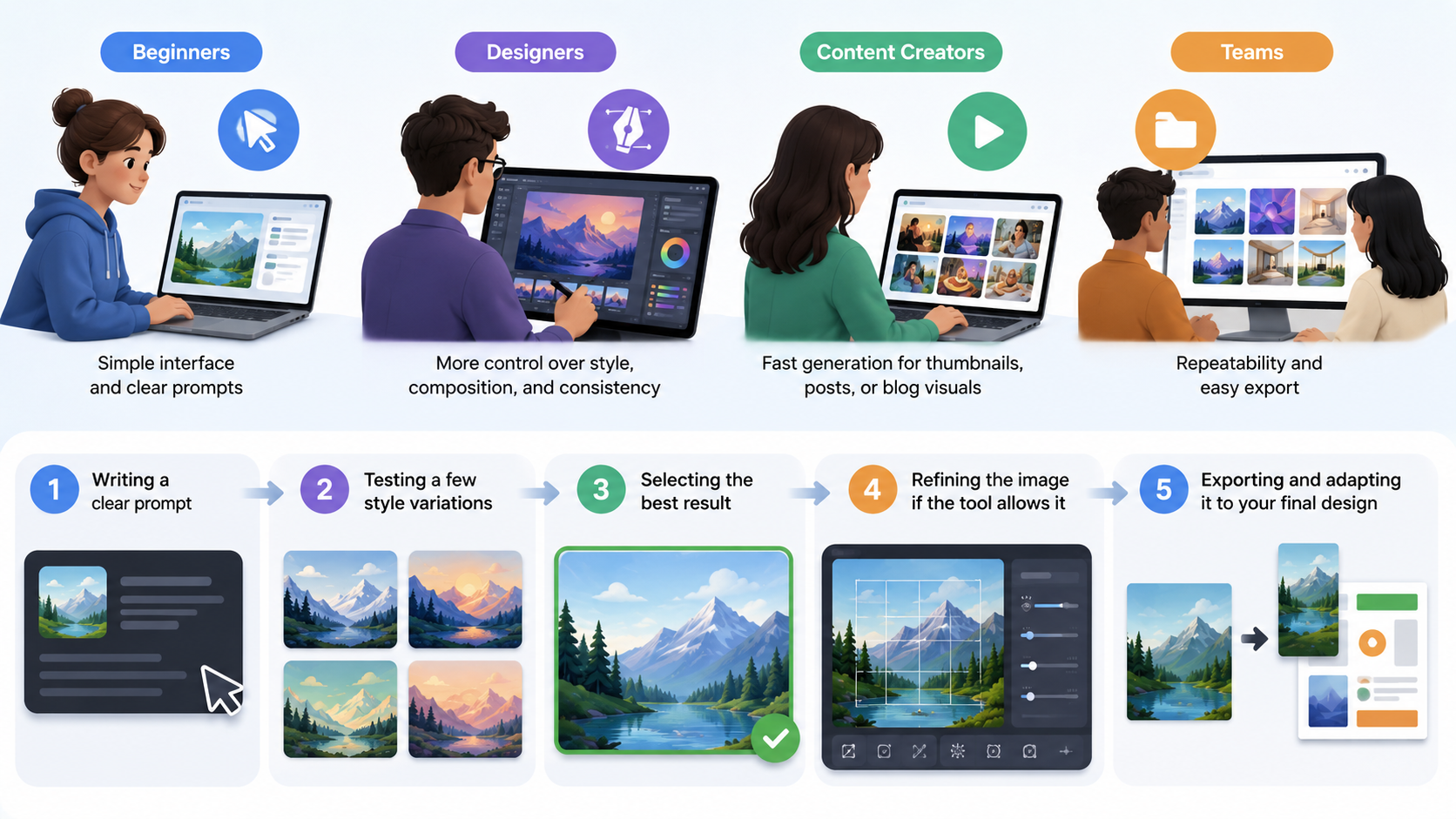
- Beginners often need a tool with a simple interface and clear prompts.
- Designers usually need more control over style, composition, and consistency.
- Content creators may want fast generation for thumbnails, posts, or blog visuals.
- Teams may care more about repeatability and easy export than advanced art styles.
A good workflow usually includes:
- Writing a clear prompt.
- Testing a few style variations.
- Selecting the best result.
- Refining the image if the tool allows it.
- Exporting and adapting it to your final design.
Practical advice:
Use prompts that are specific but not overloaded. For example, include the subject, style, mood, color palette, and composition. This often improves output more than trying to add too many instructions at once.
Common Limits of Free AI Image Generators
Conclusion: Free tools are useful, but they usually come with trade-offs you should understand before relying on them for design work.
Explanation:
Common limitations include:
- Limited daily or monthly generations
- Watermarks or reduced export quality
- Less control over image consistency
- Slower generation during busy periods
- Fewer advanced editing features
- Restrictions on commercial use or reuse
These limits do not make free tools unusable. They simply mean you should treat them as testing and production-light options, especially when working on professional design tasks.
Practical advice:
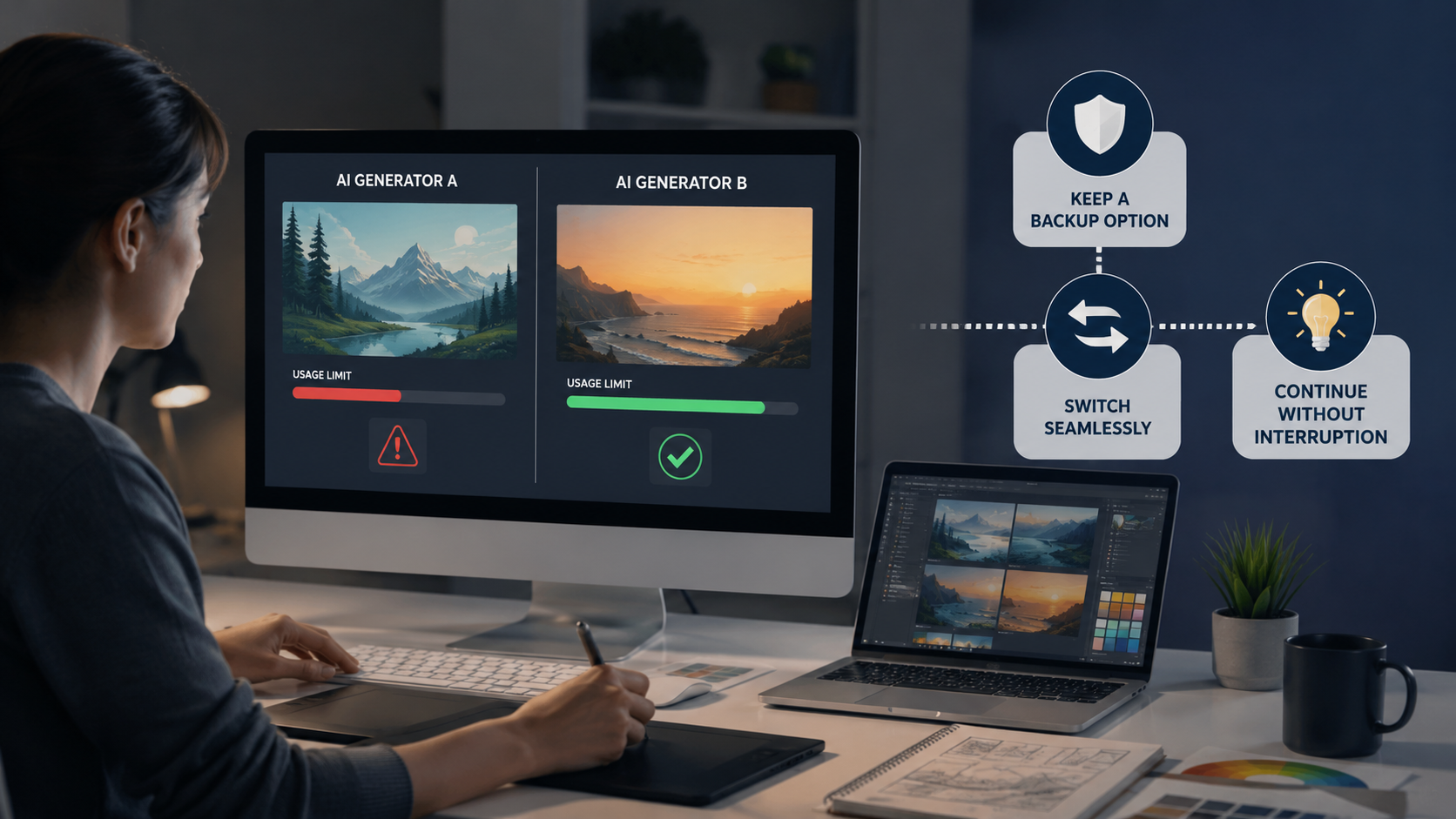
If you need a free tool for regular use, keep a backup option ready. That way, if one generator hits its limit or produces weak results, you can continue working without interruption.
Practical Recommendation
Conclusion: The best free AI image generator for design is usually the one that gives you the best balance of image quality, control, and usable free output.
Explanation:
If your goal is to create design assets, look for a free generator that supports:
- Clear prompt interpretation
- Visually polished results
- Flexible style options
- Easy downloading or reuse
- A free tier that actually supports your workflow
The “best” tool will depend on whether you are designing for concept art, social content, web visuals, or brand mockups.
Practical advice:
Start with one tool, test it on your real project, and compare the results against your actual needs—not just sample images. The right free generator is the one that saves you time and produces usable designs consistently.
FAQ
What is the best free AI image generator for design?
The best free AI image generator for design is the one that gives you strong visual quality, easy prompting, and enough free usage for your workflow.
Are free AI image generators good enough for professional design?
They can be, depending on the project. Free tools are often great for concepts, drafts, and lightweight visuals, but they may have limitations that affect production work.
What should I test before choosing a free AI image generator?
Test image quality, prompt accuracy, style control, export options, and free-plan limits using the same prompt across different tools.
Can I use free AI-generated images for commercial design?
It depends on the tool’s terms. Always review the platform’s usage rights before using generated images in commercial projects.
Conclusion
If you are asking what is the best free AI image generator for design, the most accurate answer is that it depends on your goals. The best choice is the free tool that combines good image quality, practical control, and usable limits for your specific design needs.
For most users, the smartest approach is to test a few tools, compare the outputs, and choose the one that fits your workflow rather than the one with the most hype.
To try these ideas on your own material, start with image to image editing. Credit costs for each model are listed on the pricing page.