
AI Video
What Is a Good Free AI Video Generator?
A good free AI video generator is one that helps you create usable videos without forcing you to pay upfront, while still giving you enough quality…

A good free AI video generator is one that helps you create usable videos without forcing you to pay upfront, while still giving you enough quality, control, and export options to finish a real project. The best free tools are usually the ones that balance ease of use, output quality, and clear limits so you can test ideas before upgrading.
This article explains what to look for, how to compare free AI video generators, and how to choose one that fits your goal—whether you want social clips, marketing videos, explainers, or simple text-to-video content.
What Makes a Free AI Video Generator “Good”?
A good free AI video generator is not just the one with the most features. It is the one that matches your use case and does not block you too early with restrictive limits.
What to look for
A strong free option usually has these qualities:
- Easy workflow: You can start from a prompt, script, image, or template.
- Decent output quality: The video should look clean enough for testing, drafts, or social sharing.
- Clear free-plan limits: You should know exactly what is free, such as watermarking, export length, or resolution.
- Useful editing controls: Basic trimming, captions, scene changes, or style settings are helpful.
- Fast enough generation: If the tool is too slow, it becomes hard to use regularly.
Practical advice
Before choosing a tool, decide what “good” means for you. A creator making short social videos may care most about templates and speed, while someone building product demos may care more about script-to-scene accuracy and captions.
Conclusion
A free AI video generator is good when it helps you create the type of video you need with minimal friction and acceptable limits.
Key Features to Compare in Free AI Video Tools
Not every free AI video generator is designed for the same purpose. Some focus on text-to-video, some on avatar-style presentation videos, and others on editing existing footage. Comparing a few core features will help you avoid wasting time.
Important comparison points
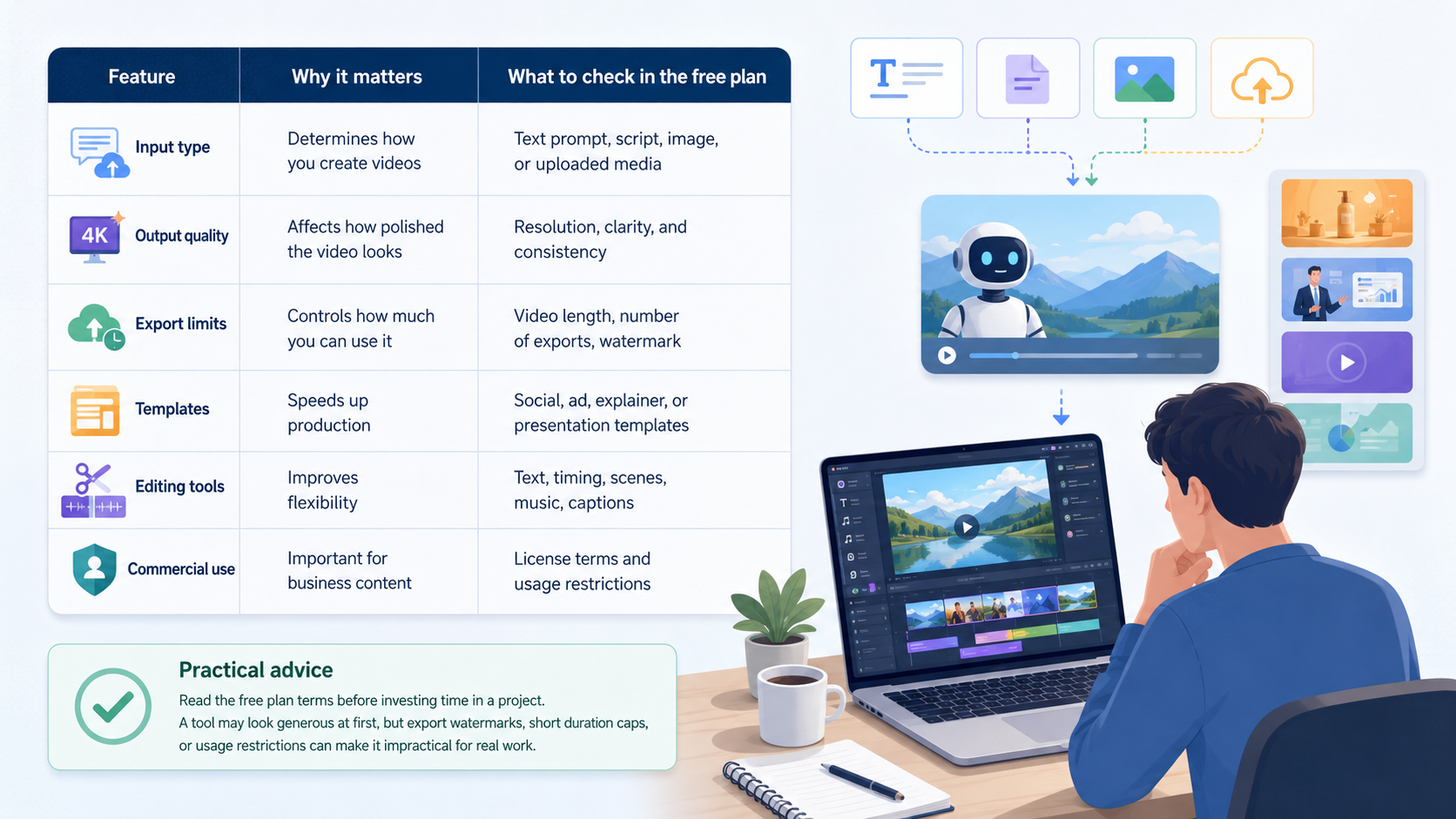
| Feature | Why it matters | What to check in the free plan |
|---|---|---|
| Input type | Determines how you create videos | Text prompt, script, image, or uploaded media |
| Output quality | Affects how polished the video looks | Resolution, clarity, and consistency |
| Export limits | Controls how much you can use it | Video length, number of exports, watermark |
| Templates | Speeds up production | Social, ad, explainer, or presentation templates |
| Editing tools | Improves flexibility | Text, timing, scenes, music, captions |
| Commercial use | Important for business content | License terms and usage restrictions |
Practical advice
Read the free-plan terms before investing time in a project. A tool may look generous at first, but export watermarks, short duration caps, or usage restrictions can make it impractical for real work.
Conclusion
The best free AI video generator is not always the most advanced one; it is the one whose free tier gives you enough room to actually finish and reuse videos.
Best Types of Free AI Video Generators for Different Goals
Different tools work better for different content goals. Choosing the right type can save time and reduce frustration.
1. Text-to-video tools
These are useful when you want to turn a prompt or script into a video quickly.
Best for:
- Explainers
- Social content
- Quick drafts
- Marketing concepts
Practical advice: Use short, clear prompts and break longer scripts into smaller scenes for better results.
2. Avatar or presenter video tools
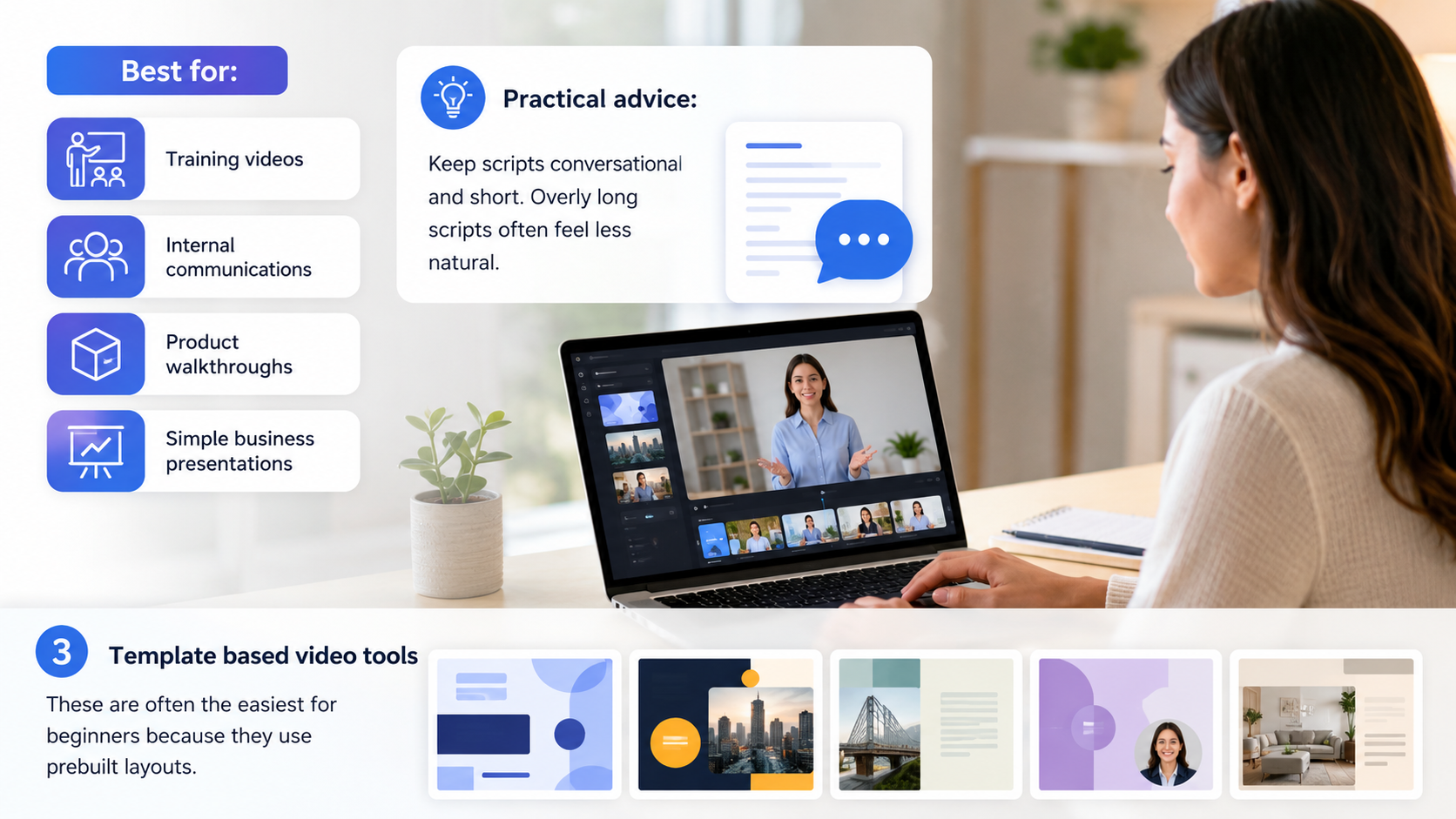
These tools are useful if you want a virtual presenter to speak a script.
Best for:
- Training videos
- Internal communications
- Product walkthroughs
- Simple business presentations
Practical advice: Keep scripts conversational and short. Overly long scripts often feel less natural.
3. Template-based video tools
These are often the easiest for beginners because they use prebuilt layouts.
Best for:
- Promotions
- Reels and short-form content
- Announcements
- Basic branded clips
Practical advice: Choose templates that match your platform first, then customize text and media.
4. AI-assisted editors
These do not always generate a full video from scratch, but they help you create or improve videos faster.
Best for:
- Repurposing existing footage
- Adding captions
- Scene cleanup
- Quick edits
Practical advice: If you already have footage, this may be more useful than a fully generative tool.
Conclusion
The right free AI video generator depends on your content format. Matching the tool type to your goal matters more than chasing the most powerful feature list.
How to Choose the Right Free Tool
Choosing a free AI video generator is easier when you use a simple decision process. The goal is to find a tool that is useful now, not one that only looks impressive in a demo.
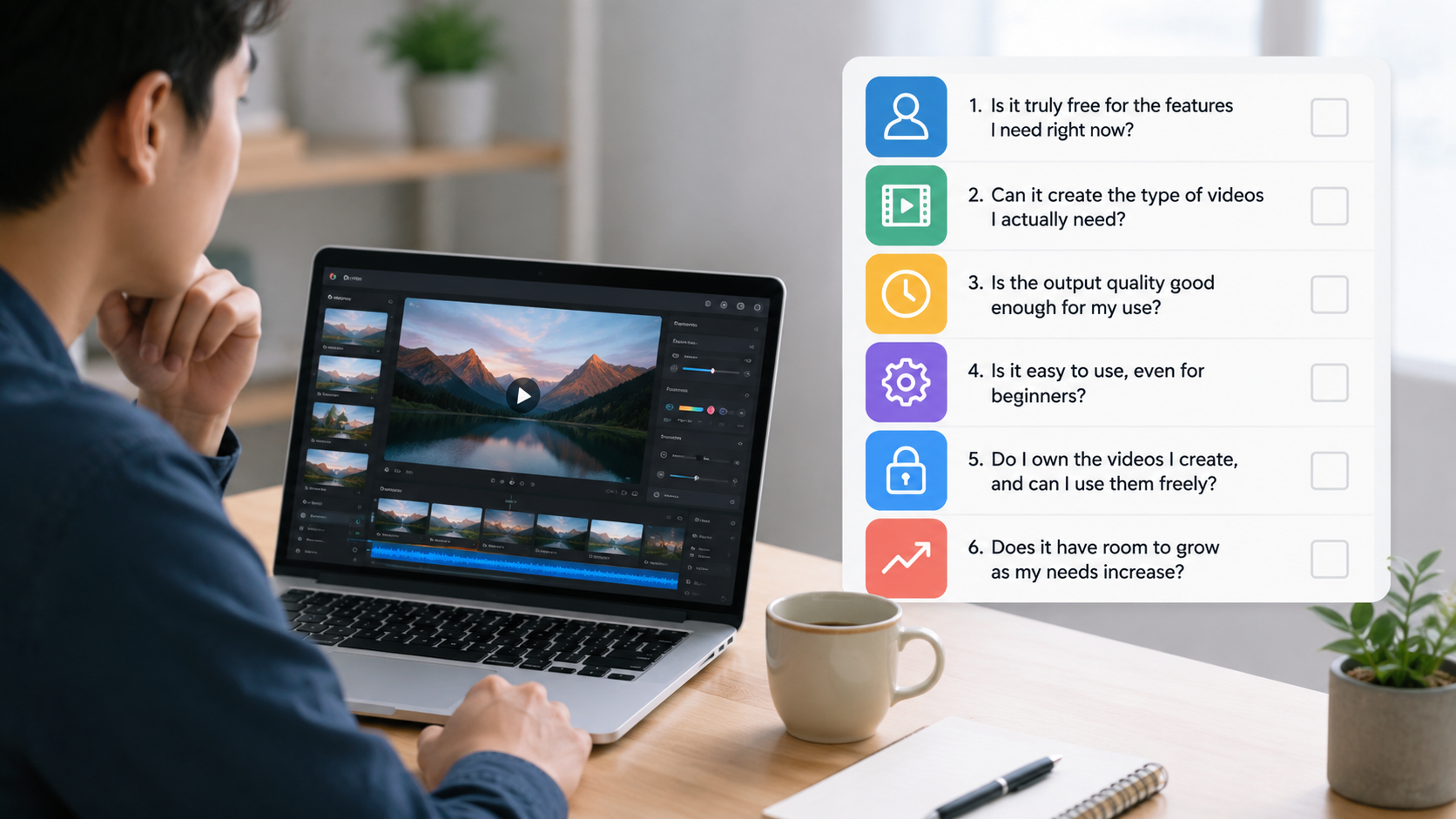
Decision checklist
Ask yourself:
- Do I need fully generated video or just AI help in editing?
- Am I making short social clips or longer explainers?
- Do I need captions, voice, or avatars?
- Is a watermark acceptable for my use case?
- Will I need commercial usage rights?
Simple recommendation framework
| Your goal | Best tool type | Why |
|---|---|---|
| Fast social posts | Template-based generator | Quick to use and easy to customize |
| Scripted explainers | Text-to-video tool | Converts text into scenes efficiently |
| Training or onboarding | Avatar/presenter tool | Good for structured spoken content |
| Editing existing clips | AI-assisted editor | Improves footage without starting from scratch |
Practical advice
Test one short project before committing. The best free AI video generator for you is the one that lets you complete a real task with acceptable quality and minimal rework.
Conclusion
A simple checklist helps you avoid choosing a tool based only on marketing claims. Focus on fit, limits, and workflow.
Common Limitations of Free AI Video Generators
Free tools are useful, but they often come with trade-offs. Knowing the limits ahead of time helps you plan better and avoid disappointment.
Common limitations
- Watermarks on exports
- Short video length limits
- Lower resolution
- Restricted templates or styles
- Limited daily credits
- Fewer editing features
- Usage restrictions for commercial work
Practical advice
If you only need draft content, a free tool may be enough. If the final video must look polished or be used in a business campaign, make sure the free plan still supports your quality and licensing needs.
Conclusion
Free AI video generators are often best for testing, prototyping, and lightweight production—not always for final professional delivery.
FAQ
What is a good free AI video generator?
A good free AI video generator is one that offers enough quality, speed, and usability for your goal without forcing you to pay immediately. The best choice depends on whether you need text-to-video, avatars, templates, or editing support.
Are free AI video generators actually usable?
Yes, many are usable for drafts, social content, internal videos, and simple marketing assets. However, free plans often include watermarks, credit limits, or shorter export lengths.
Can I use a free AI video generator for business content?
Sometimes, but you should always check the plan terms. Some tools restrict commercial use or require an upgrade for branding, exports, or licensing.
What should I compare first?
Start with output quality, export limits, watermark rules, and the type of video the tool is designed to create. These factors matter more than a long feature list.
Is a free AI video generator enough for professional videos?
It can be enough for some professional use cases, especially rough cuts or internal content. For final client-facing or brand-critical videos, a paid plan or a more advanced workflow may be better.
Conclusion
A good free AI video generator is one that helps you create the kind of video you need with minimal friction and clear limitations. The best choice depends on your workflow: text-to-video tools work well for quick concepts, avatar tools suit presentation-style videos, template tools are great for speed, and AI-assisted editors are ideal if you already have footage.
If you want the most practical result, compare tools by input type, export limits, quality, and usage rights—not just by how impressive the demo looks.
To try these ideas on your own material, start with Seedance 2.0 or Wan 2.7.