
AI Video
What Is the Best AI Image and Video Generator?
If you are trying to choose the best AI image and video generator, the short answer is: the best tool depends on your goal, budget, and workflow.

If you are trying to choose the best AI image and video generator, the short answer is: the best tool depends on your goal, budget, and workflow. There is no single winner for everyone, but there are clear differences between tools that are best for realism, speed, creative control, and ease of use.
This article helps you compare the main options, understand what matters most, and choose the right generator for your content needs without wasting time on features you may not use.
1) What “best” really means for AI image and video generators
Conclusion: The best AI generator is the one that fits your use case, not necessarily the one with the most features.
AI image and video generators vary widely. Some are better for photorealistic images, while others are stronger at stylized art, text-to-video, motion consistency, or simple user experience. For many teams, the real question is not “Which tool is best overall?” but “Which tool is best for my specific output?”
What to evaluate
When comparing tools, focus on these practical factors:
- Output quality: Does it create realistic, usable visuals?
- Prompt control: Can you guide the result precisely?
- Editing options: Can you refine images or videos after generation?
- Speed: How quickly does it generate content?
- Ease of use: Can beginners use it without a steep learning curve?
- Commercial usage: Does the tool support your intended publishing or business use?
- Consistency: Can it keep characters, style, or brand elements stable across multiple outputs?
Practical advice
Before choosing a generator, define your primary task:
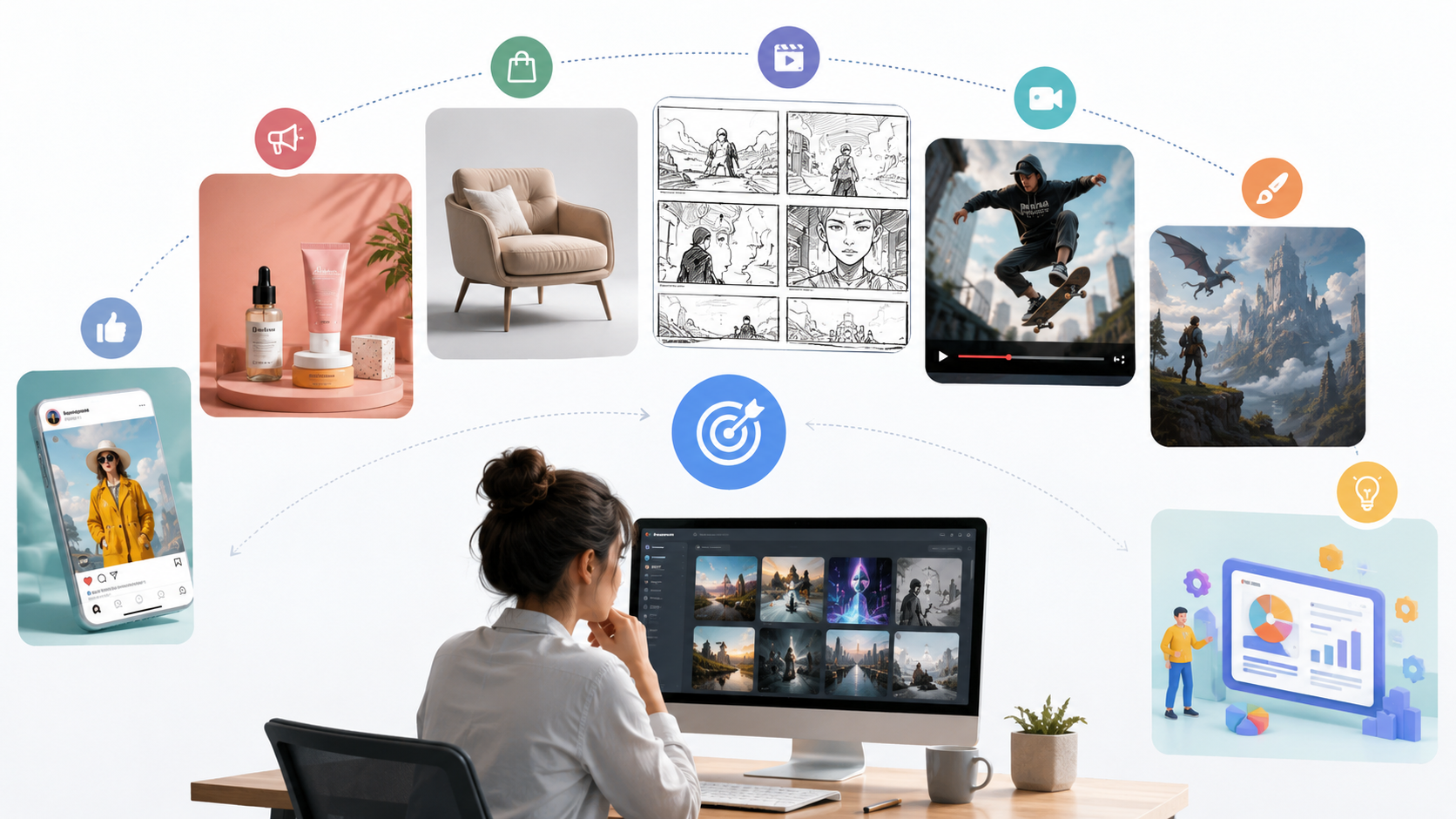
- Social media graphics
- Marketing visuals
- Product mockups
- Storyboards
- Short-form videos
- Concept art
- Explainer content
Once the use case is clear, you can compare tools more effectively and avoid paying for features you do not need.
2) Best types of AI image generators by use case
Conclusion: Different image generators perform best in different creative scenarios.
Some image generators excel at realism, while others are more useful for artistic styles or fast ideation. The ideal tool depends on whether you need polished brand visuals or rough concept generation.
Common use cases and what to look for
| Use case | What matters most | Best-fit generator type |
|---|---|---|
| Marketing graphics | Clean composition, text handling, brand consistency | Design-friendly image tools |
| Photorealistic images | Realism, lighting, detail quality | High-fidelity image models |
| Concept art | Style variety, imagination, prompt flexibility | Creative-focused image generators |
| E-commerce visuals | Product clarity, clean backgrounds, editing control | Product image tools |
| Quick ideation | Speed, many variations, easy prompting | Fast concept generators |
Practical advice
If you need a tool for business content, prioritize:
- Consistency
- Editing control
- Commercial usability
- Fast iteration
If you are creating creative artwork, prioritize:
- Style quality
- Prompt interpretation
- Visual originality
- Variation output
For teams, the best image generator is often the one that integrates smoothly with your existing workflow, such as content planning, social publishing, or design review.
3) Best types of AI video generators by use case
Conclusion: The best AI video generator is usually the one that can turn prompts or assets into stable, useful motion without excessive editing.
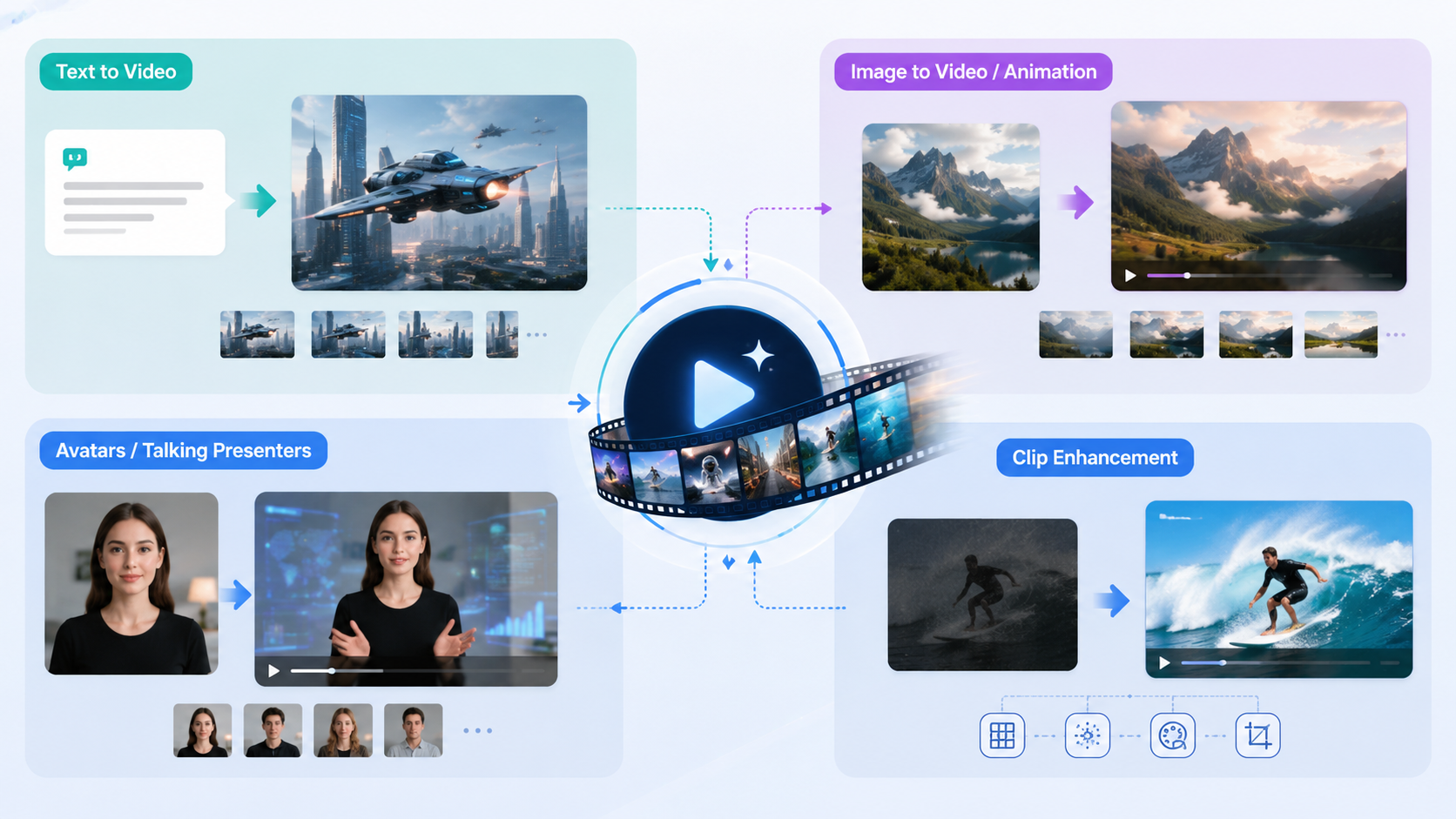
AI video tools differ even more than image tools. Some are designed for text-to-video generation, while others are stronger at image-to-video animation, avatars, or clip enhancement.
What to look for in a video generator
A strong AI video tool should offer some combination of:
- Motion quality: Smooth and believable movement
- Scene consistency: Stable characters and objects from frame to frame
- Prompt adherence: The video matches your description
- Length flexibility: Enough duration for your content format
- Editing workflow: Ability to refine, trim, or regenerate sections
- Aspect ratio support: Works for vertical, square, and horizontal formats
Practical advice
Choose based on the kind of video you create most often:
- Social clips: Prioritize speed, vertical output, and lightweight editing
- Brand content: Prioritize consistency, controlled motion, and polished visuals
- Concept previews: Prioritize rapid generation and variation
- Training or explainers: Prioritize clear structure and predictable scenes
If your goal is professional content, remember that AI video often works best as part of a hybrid workflow: generate a draft, then edit manually for clarity and polish.
4) How to choose the right tool for your workflow
Conclusion: The right generator should reduce work, not add complexity.
A tool can be technically impressive and still be a poor choice if it slows down your process. The best option is the one that helps you publish faster and with fewer revisions.
Decision checklist
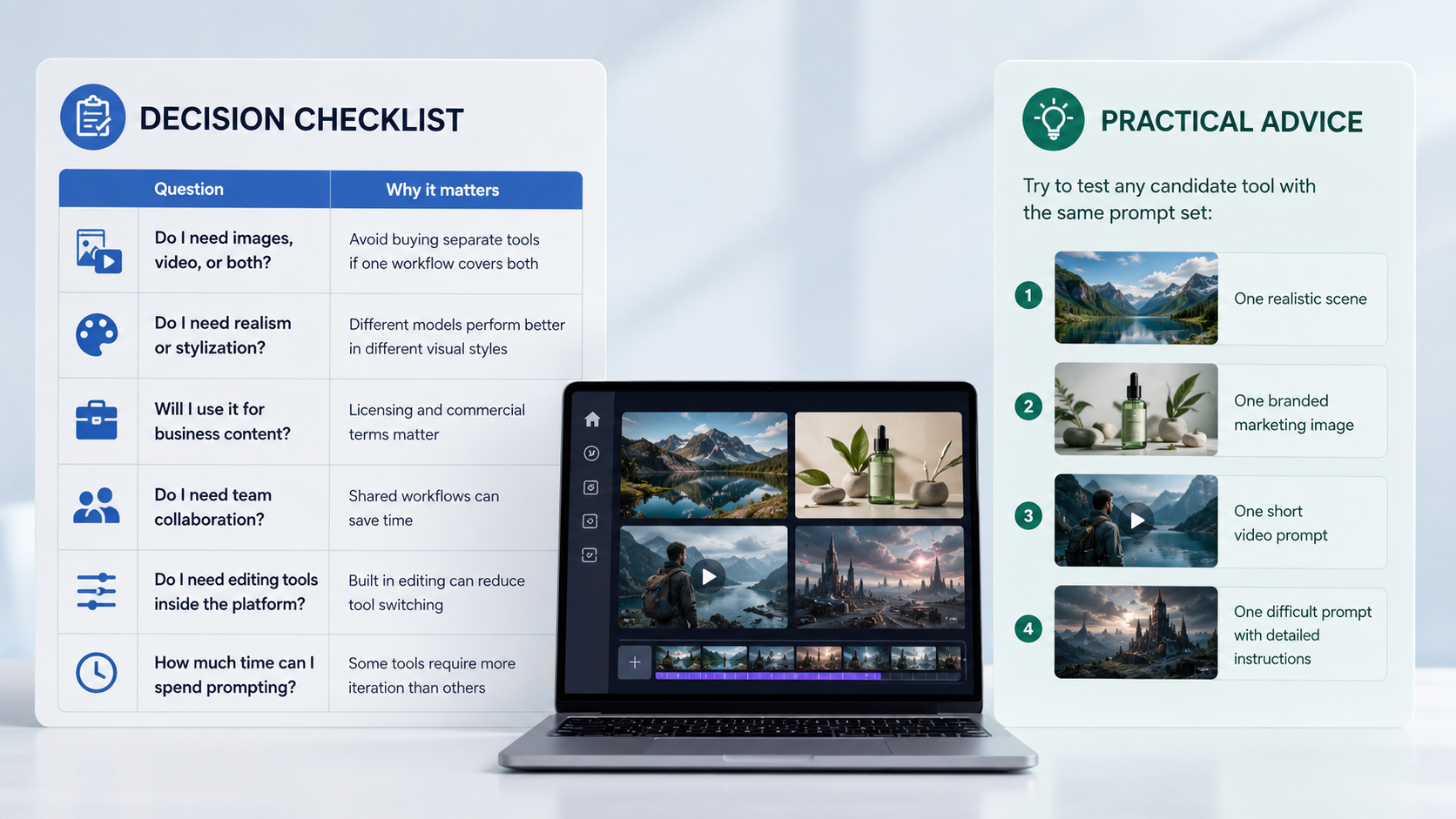
| Question | Why it matters |
|---|---|
| Do I need images, video, or both? | Avoid buying separate tools if one workflow covers both |
| Do I need realism or stylization? | Different models perform better in different visual styles |
| Will I use it for business content? | Licensing and commercial terms matter |
| Do I need team collaboration? | Shared workflows can save time |
| Do I need editing tools inside the platform? | Built-in editing can reduce tool switching |
| How much time can I spend prompting? | Some tools require more iteration than others |
Practical advice
Try to test any candidate tool with the same prompt set:
- One realistic scene
- One branded marketing image
- One short video prompt
- One difficult prompt with detailed instructions
Compare the results side by side. The best tool is usually the one that delivers the most usable output with the least correction.
5) Best practice for getting better results from any AI generator
Conclusion: Prompting and workflow matter as much as the tool itself.
Even the best AI image and video generator will produce better output when you give clear instructions and use a repeatable process.
Tips for better results
- Use specific prompts instead of vague ideas
- Describe subject, style, lighting, mood, and composition
- Add format details such as aspect ratio or scene length
- Generate multiple variations before selecting a final option
- Refine outputs with editing tools instead of regenerating from scratch every time
- Keep a prompt library for repeatable brand content
Practical advice
A simple workflow often works best:
- Write a clear prompt
- Generate several versions
- Pick the strongest result
- Edit for brand fit
- Export in the correct format
- Reuse the prompt structure for future projects
This approach saves time and makes your content output more consistent across campaigns.
FAQ
What is the best AI image and video generator overall?
There is no single best tool for everyone. The best choice depends on whether you need realism, speed, creative control, editing, or business-friendly usage.
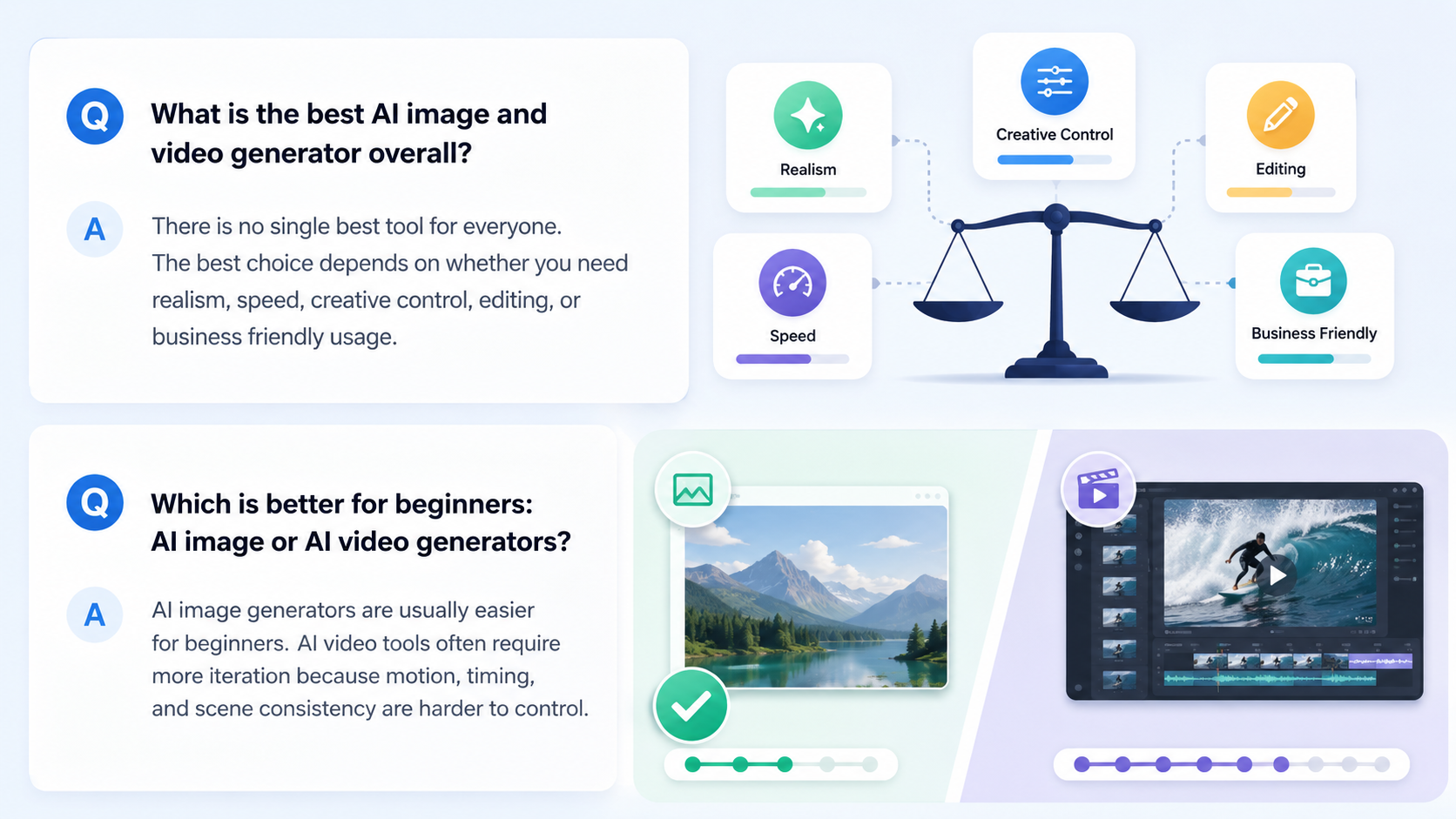
Which is better for beginners: AI image or AI video generators?
AI image generators are usually easier for beginners. AI video tools often require more iteration because motion, timing, and scene consistency are harder to control.
Can one tool be best for both images and video?
Some platforms offer both image and video generation, but quality can vary by feature. A combined tool is useful if it fits your workflow, but separate specialized tools may perform better in some cases.
What should I prioritize when choosing a tool?
Prioritize output quality, ease of use, editing control, commercial usage rights, and consistency. These factors usually matter more than a long feature list.
How can I improve results without changing tools?
Use more specific prompts, test variations, and build a repeatable workflow. Good prompting and editing can significantly improve the final output.
Conclusion
The best AI image and video generator is the one that matches your content goals. If you need realistic visuals, choose a tool that excels at fidelity and control. If you need quick creative output, prioritize speed and prompt flexibility. If you are producing business content, focus on consistency, editing, and commercial usability.
In practice, the best strategy is to define your use case, test a few tools with the same prompts, and choose the one that gives you the most usable results with the least effort.