
Guides
Which Mobile Device Supports the Best Video AI Generator?
If you want the shortest answer: the best mobile device is the one that can comfortably run a modern browser, keep a stable internet connection…

If you want the shortest answer: the best mobile device is the one that can comfortably run a modern browser, keep a stable internet connection, and handle fast uploads and downloads. For tools like Seedance 2.0 AI Video Generator, the real deciding factor is usually not raw phone power alone, but how well the device handles web-based short-form video creation in the browser.
This article helps you choose the right mobile device for AI video generation and explains what matters most when using a mobile-friendly tool for text-to-video and image-to-video workflows.
What Matters Most on a Mobile Device for AI Video Generation
Conclusion: For mobile AI video creation, a device with a good screen, reliable browser support, and stable performance is more important than a high-end camera or gaming features.
AI video generators like Seedance 2.0 are designed for short-form creation and currently support:
- Text to video
- Image to video
- Up to 1080p
- Up to 15 seconds
- MP4 downloads
- No audio generation
That means your mobile device should make it easy to:
- write prompts,
- upload a reference image,
- review results on-screen,
- download finished clips.
Practical advice
Choose a phone or tablet that has:
- a modern browser,
- enough screen space for editing prompts,
- strong Wi‑Fi or mobile data,
- enough storage for downloaded MP4 files.
Best Mobile Device Types for Video AI Generator Use
Conclusion: The best mobile device is usually a large-screen smartphone or tablet, because it makes prompt entry, previewing, and file handling much easier.
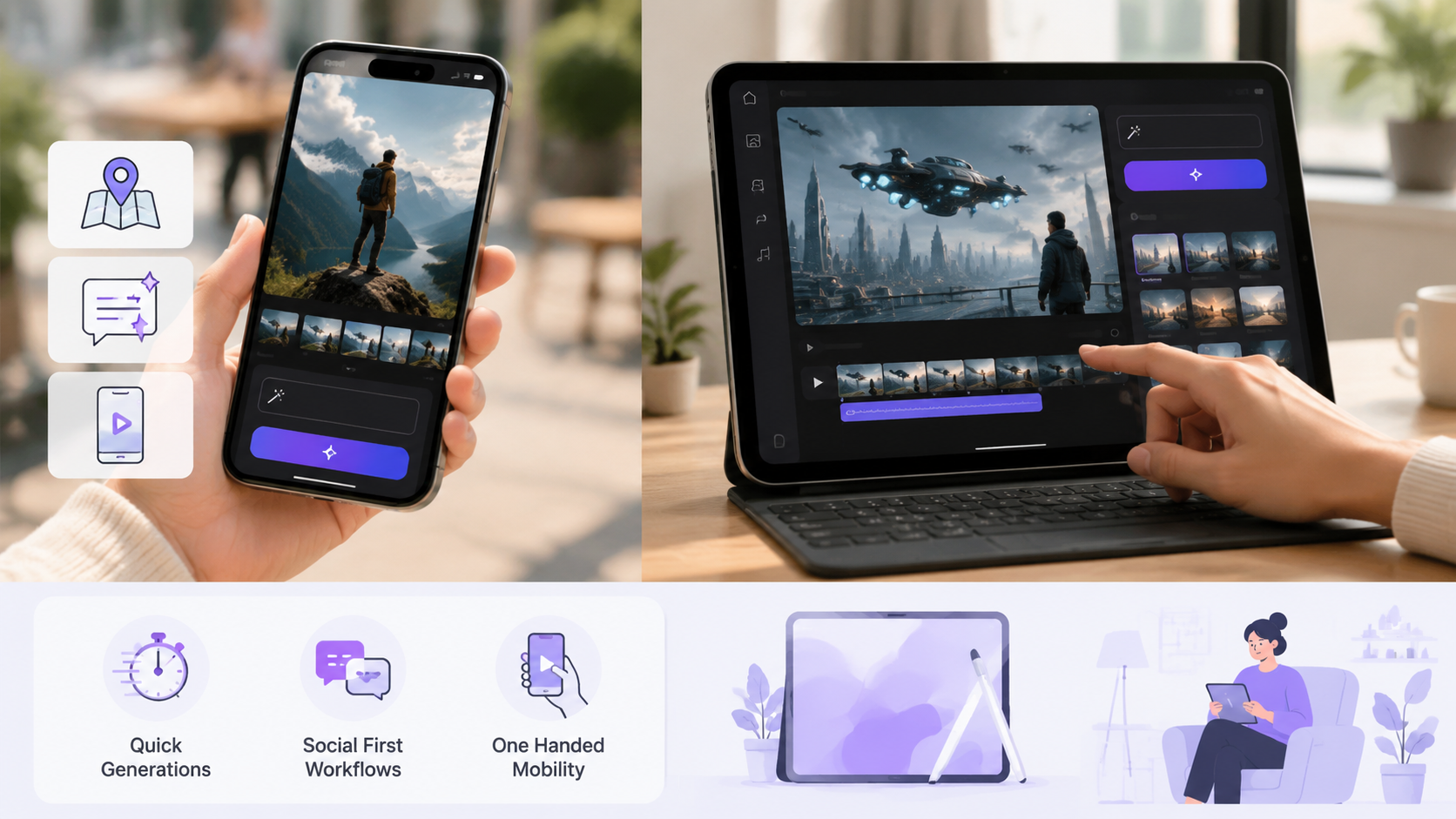
1. Large-screen smartphones
These are a strong choice if you want portability.
Why they work well:
- easy to use anywhere,
- good for short prompt-based tasks,
- convenient for previewing vertical video outputs.
Best for:
- quick generations,
- social-first workflows,
- users who prefer one-handed mobility.
2. Tablets
Tablets often provide the most comfortable mobile experience for AI video tools.
Why they work well:
- larger display for prompt editing,
- easier image upload and selection,
- better viewing of generated clips,
- less cramped interface than a phone.
Best for:
- creators who work with multiple reference images,
- users who generate frequently,
- teams that review drafts on the go.
3. Mid-range phones with good browsers
A mid-range device can still work well if the browser and network are stable.
Why they work well:
- enough power for web apps,
- usually cheaper than flagship devices,
- sufficient for short video generation.
Best for:
- casual creators,
- users focused on occasional short clips,
- people who prioritize value over premium hardware.
Features to Look For Before You Use a Mobile AI Video Generator
Conclusion: The right features make the experience smoother than simply buying the most expensive phone.
Here is a practical comparison of what to prioritize:
| Feature | Why it matters | What to aim for |
|---|---|---|
| Screen size | Easier prompt writing and previewing | Large phone or tablet |
| Browser quality | Web apps depend on stable browser performance | Modern, updated browser |
| Network stability | Uploads and downloads need reliable connection | Strong Wi‑Fi or fast mobile data |
| Storage | MP4 downloads need local space | Enough free storage |
| Battery life | Generating and previewing clips can drain power | Long battery life |
| Touch responsiveness | Faster workflow in web apps | Smooth, responsive screen |
Practical advice
Before choosing a device, test:
- login speed,
- image upload speed,
- prompt input comfort,
- download reliability.
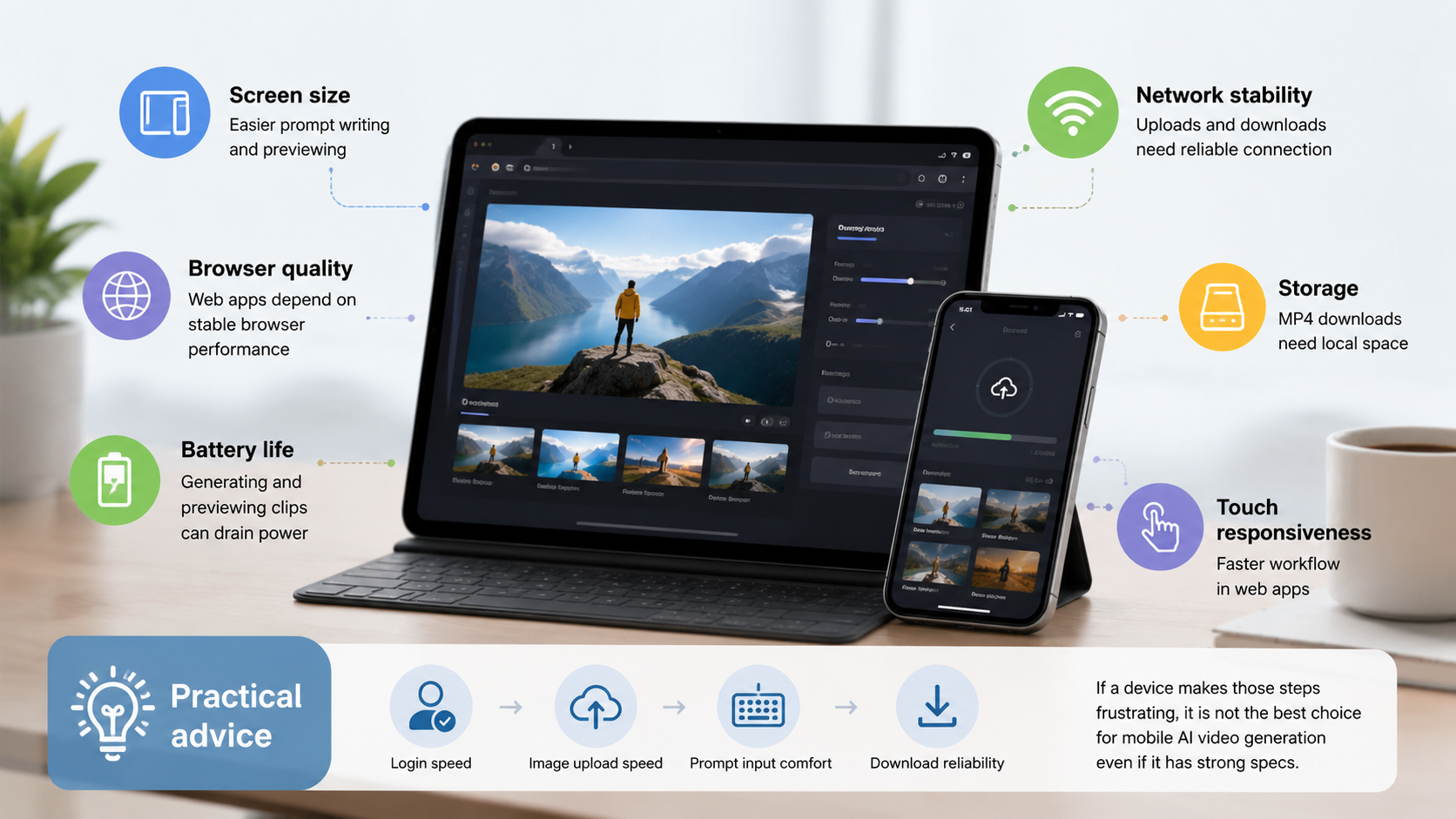
If a device makes those steps frustrating, it is not the best choice for mobile AI video generation even if it has strong specs.
How Seedance 2.0 Fits Mobile Video Creation
Conclusion: Seedance 2.0 is well suited to mobile browsers because it focuses on short-form video, not long complex editing.
The current web app is built for:
- short AI videos from text or a reference image
- up to 15 seconds
- 480p, 720p, and 1080p options
- MP4 downloads
- no audio generation
This makes it practical for mobile use because the workflow is simple:
- Open the web app in your browser.
- Enter a prompt or upload one reference image.
- Generate a short clip.
- Download the finished MP4.
Practical advice
Use a mobile device that makes this workflow fast and comfortable. If you often create vertical clips, make sure the screen is large enough to review framing and motion clearly.
Mobile Device Recommendation Based on Use Case
Conclusion: The best mobile device depends on how often and how seriously you create AI videos.
If you want maximum convenience
Use a large-screen smartphone.
- Easy to carry
- Good for quick generations
- Works well for short-form content
If you want the best mobile editing experience
Use a tablet.
- Better for reading prompts
- Easier for image review
- More comfortable for repeated use
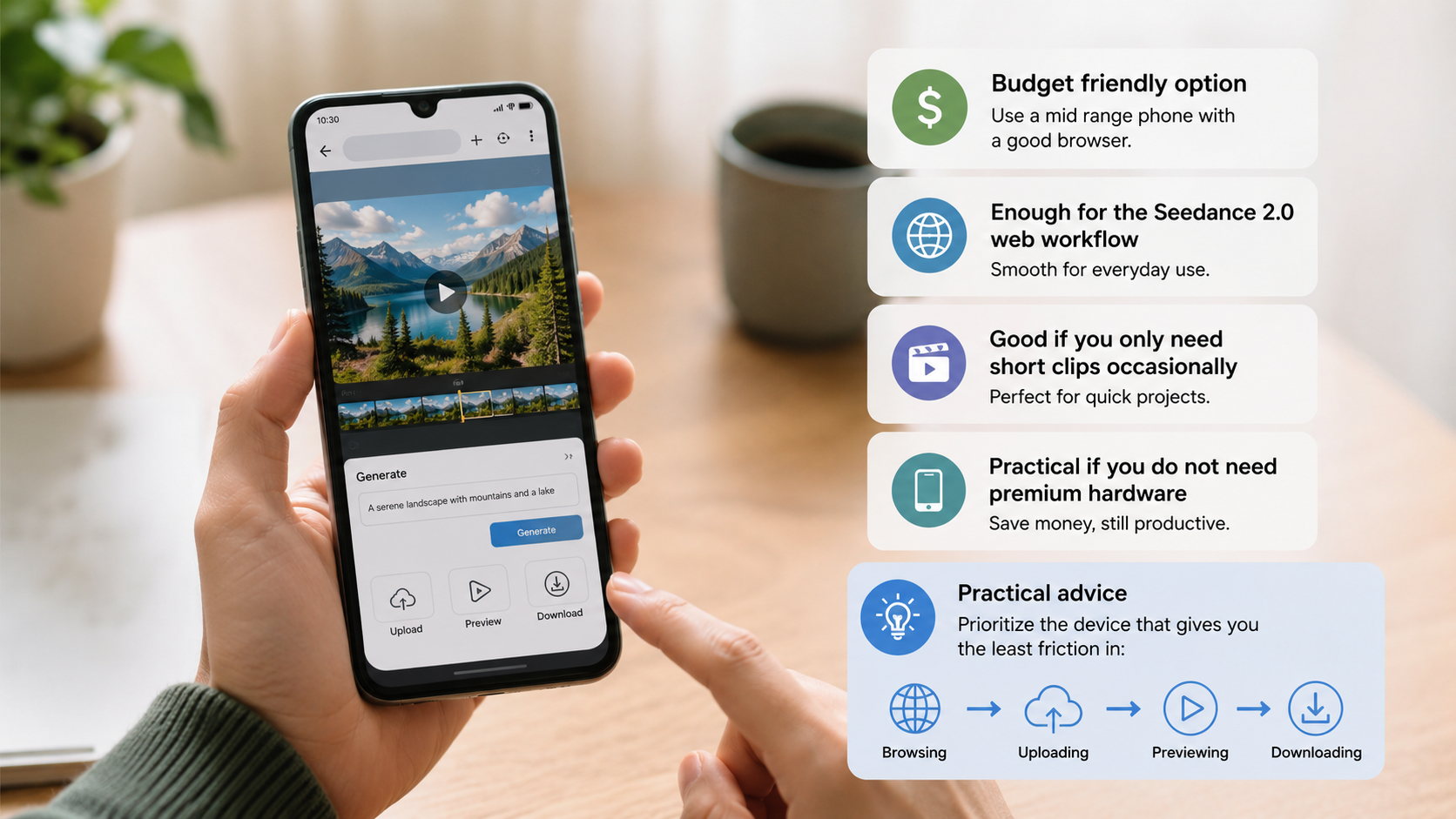
If you want a budget-friendly option
Use a mid-range phone with a good browser.
- Enough for the Seedance 2.0 web workflow
- Good if you only need short clips occasionally
- Practical if you do not need premium hardware
Practical advice
Prioritize the device that gives you the least friction in:
- browsing,
- uploading,
- previewing,
- downloading.
That is the real test for AI video generation on mobile.
FAQ
Can a mobile device generate AI videos?
Yes. A mobile device can access web-based AI video generators like Seedance 2.0 through a browser.
What is the best mobile device type for AI video generation?
A tablet is often the most comfortable, but a large-screen smartphone is also a strong choice for portability.
Does Seedance 2.0 support audio generation?
No. Audio generation is currently not supported.
What video formats and limits does Seedance 2.0 support?
It supports 480p, 720p, and 1080p, with clips up to 15 seconds, and finished renders can be downloaded as MP4.
Is Seedance 2.0 better for long videos or short videos?
It is built for short-form production, not long-form video.
Conclusion
If you are asking which mobile device supports the best video AI generator, the practical answer is: choose a mobile device that runs a modern browser well, has a large enough screen, and offers stable internet and storage.
For Seedance 2.0, a tablet offers the most comfortable workflow, while a large-screen smartphone is the best option for portability. Since the tool is designed for short AI video creation, the best device is the one that makes prompting, previewing, and downloading MP4 files smooth and reliable.
To try these ideas on your own material, start with Wan 2.7. Credit costs for each model are listed on the pricing page.