
Guides
What Is a Seed in an AI Video Generator?
A seed in an AI video generator is a number used to guide the model’s starting point when creating a video.

A seed in an AI video generator is a number used to guide the model’s starting point when creating a video. In practical terms, it helps influence how the output is generated, especially when you want to reproduce a similar result or compare small changes in prompts, settings, or reference images.
For anyone working with short-form AI video tools, understanding seed values is useful because it can help make experimentation more organized and results more repeatable. This article explains what a seed is, why it matters, and how it fits into a short-video workflow like Seedance 2.0.
1) What a Seed Does in AI Video Generation
Conclusion: A seed helps determine the initial randomness of an AI-generated video.
In AI generation systems, many outputs are influenced by randomness. A seed is the value that initializes that randomness. If the same model, prompt, and settings are used with the same seed, the result is often more consistent than using a different seed.
For AI video tools, this matters because video generation usually involves multiple frames and motion decisions. A seed can affect the visual direction, composition, and overall feel of the clip.
Practical advice:
- Use the same seed when you want to test prompt changes fairly.
- Change the seed when you want to explore alternative looks.
- Keep track of the seed value if you are trying to reproduce a result later.
2) Why Seed Matters in Short AI Video Tools
Conclusion: Seeds are especially useful in short-form video generation because they help control variation during fast testing.
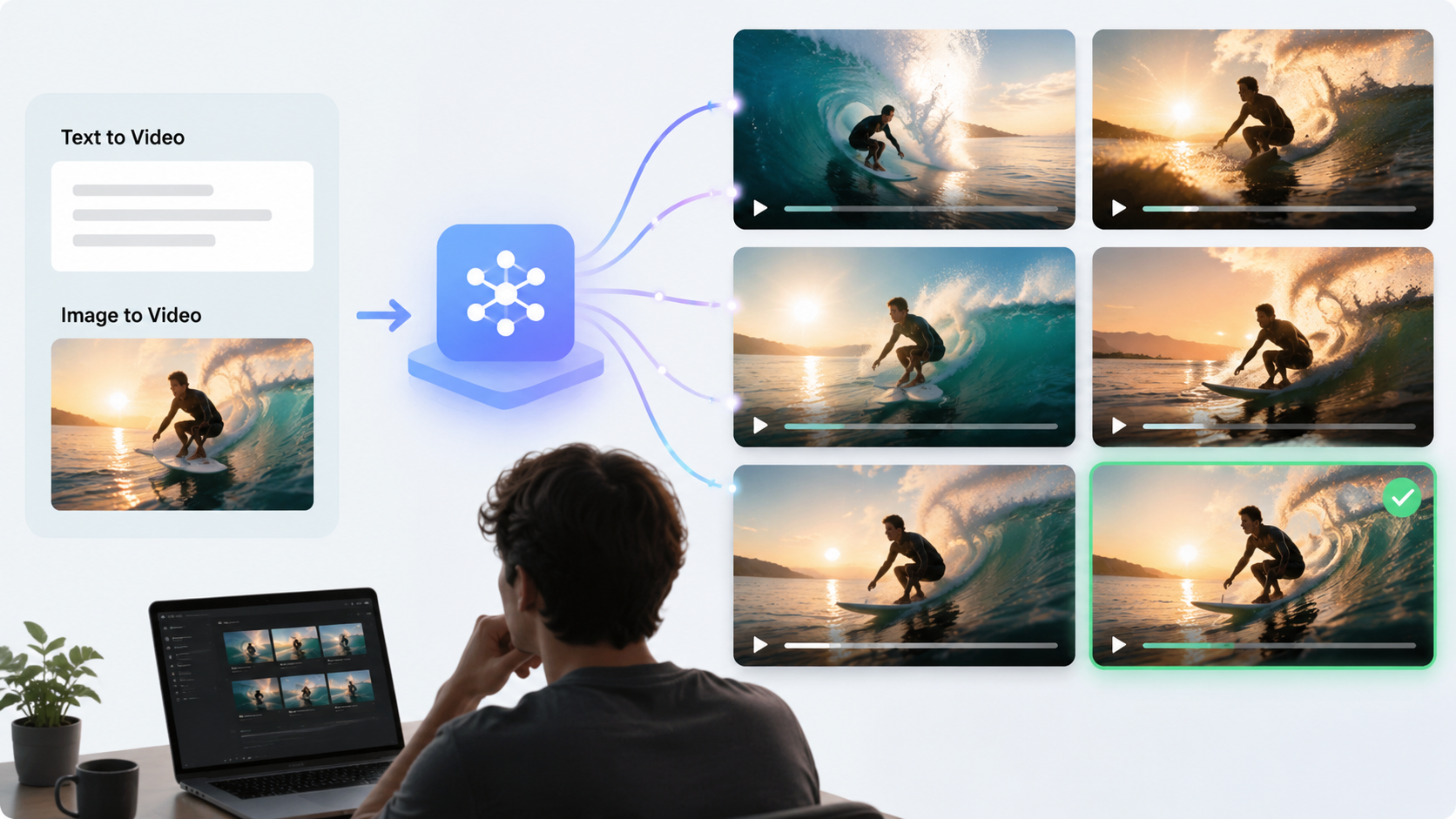
Platforms like Seedance 2.0 are built for short clips, with support for text-to-video and image-to-video workflows. In this kind of production, creators often generate multiple versions before choosing the best one. A seed can make that process easier by giving you a stable starting point.
This is helpful when working with limited-duration outputs, such as clips up to 15 seconds. Since the tool is focused on short-form rendering rather than long-form video, users often benefit from repeatable generation instead of unpredictable variation.
Practical advice:
- If a clip looks close to what you want but not perfect, keep the same seed and adjust the prompt.
- If you want more creative diversity, try different seeds across several generations.
- Save successful seed values alongside the prompt and image reference used.
3) How Seed Fits Into Seedance 2.0 Workflows
Conclusion: In Seedance 2.0, seed is part of the creative process, but it is only one piece of the final result.
Seedance 2.0 supports:
- Text to video generation
- Image to video generation
- Short outputs up to 15 seconds
- Resolutions including 480p, 720p, and 1080p
- Downloadable MP4 renders
That means a seed can help influence the outcome, but the prompt, reference image, duration, and resolution also matter. For example, if you are animating from one reference image, the seed may affect how the model interprets motion or visual detail around that image.
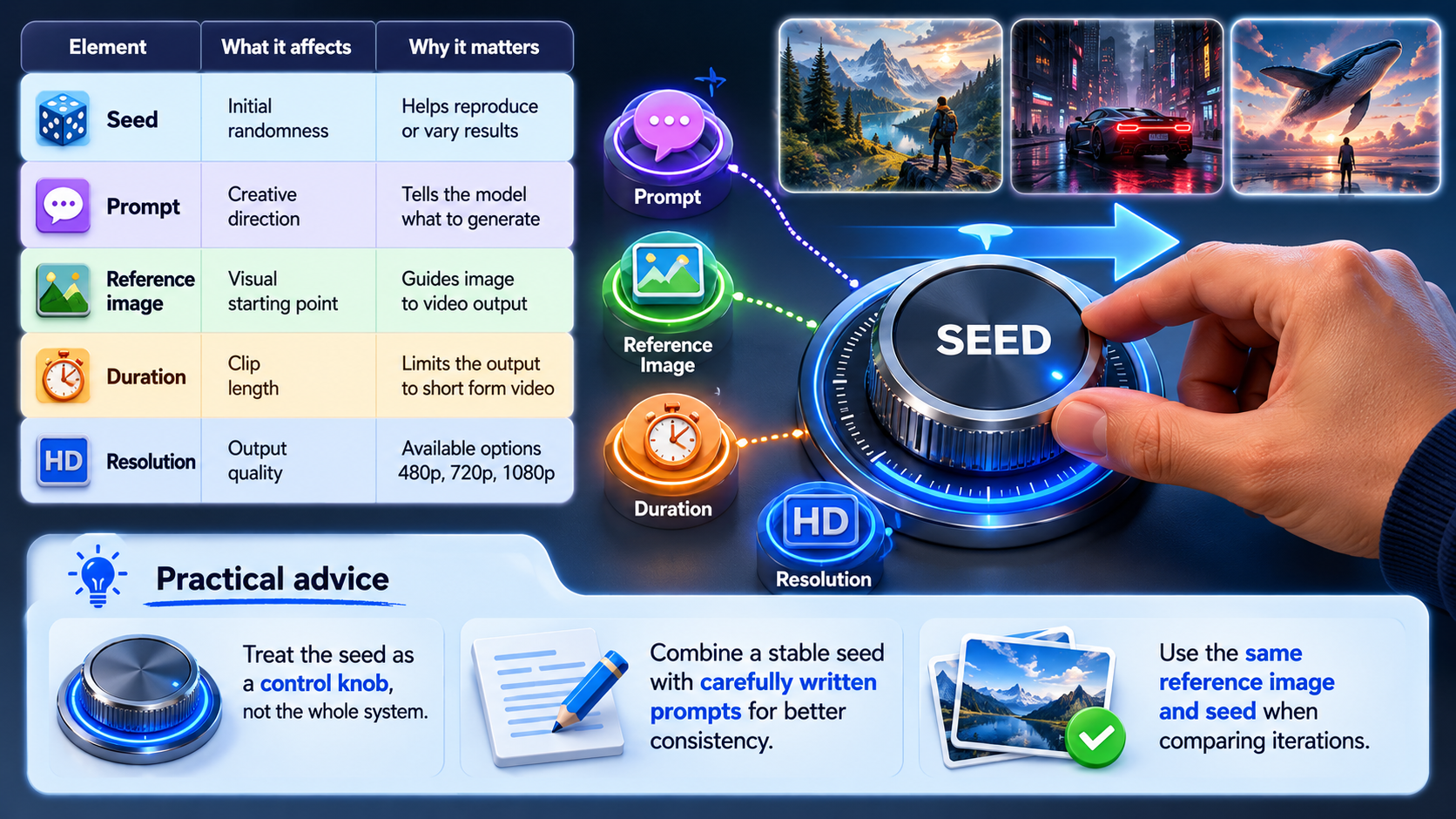
Quick reference table
| Element | What it affects | Why it matters |
|---|---|---|
| Seed | Initial randomness | Helps reproduce or vary results |
| Prompt | Creative direction | Tells the model what to generate |
| Reference image | Visual starting point | Guides image-to-video output |
| Duration | Clip length | Limits the output to short-form video |
| Resolution | Output quality | Available options include 480p, 720p, and 1080p |
Practical advice:
- Treat the seed as a control knob, not the whole system.
- Combine a stable seed with carefully written prompts for better consistency.
- Use the same reference image and seed when comparing iterations.
4) What Seed Does Not Do
Conclusion: A seed does not guarantee identical results in every situation, and it does not replace the model’s core generation logic.
A seed is not a magic fix for quality. It will not automatically make a video better, more detailed, or more cinematic. It simply affects how the model starts the generation process. Other factors still shape the final output, including the prompt, the input image, the duration limit, and the model itself.
Also, Seedance 2.0 currently focuses on short-form video rendering. Audio generation is not supported, so seed values should be understood in the context of visual output only.
Practical advice:
- Do not rely on seed alone to improve quality.
- If the output is weak, revise the prompt or reference image first.
- Remember that audio is not currently part of the workflow.
FAQ
What is a seed in an AI video generator?
A seed is a numeric value that initializes randomness in the generation process. It helps influence how the video is created.
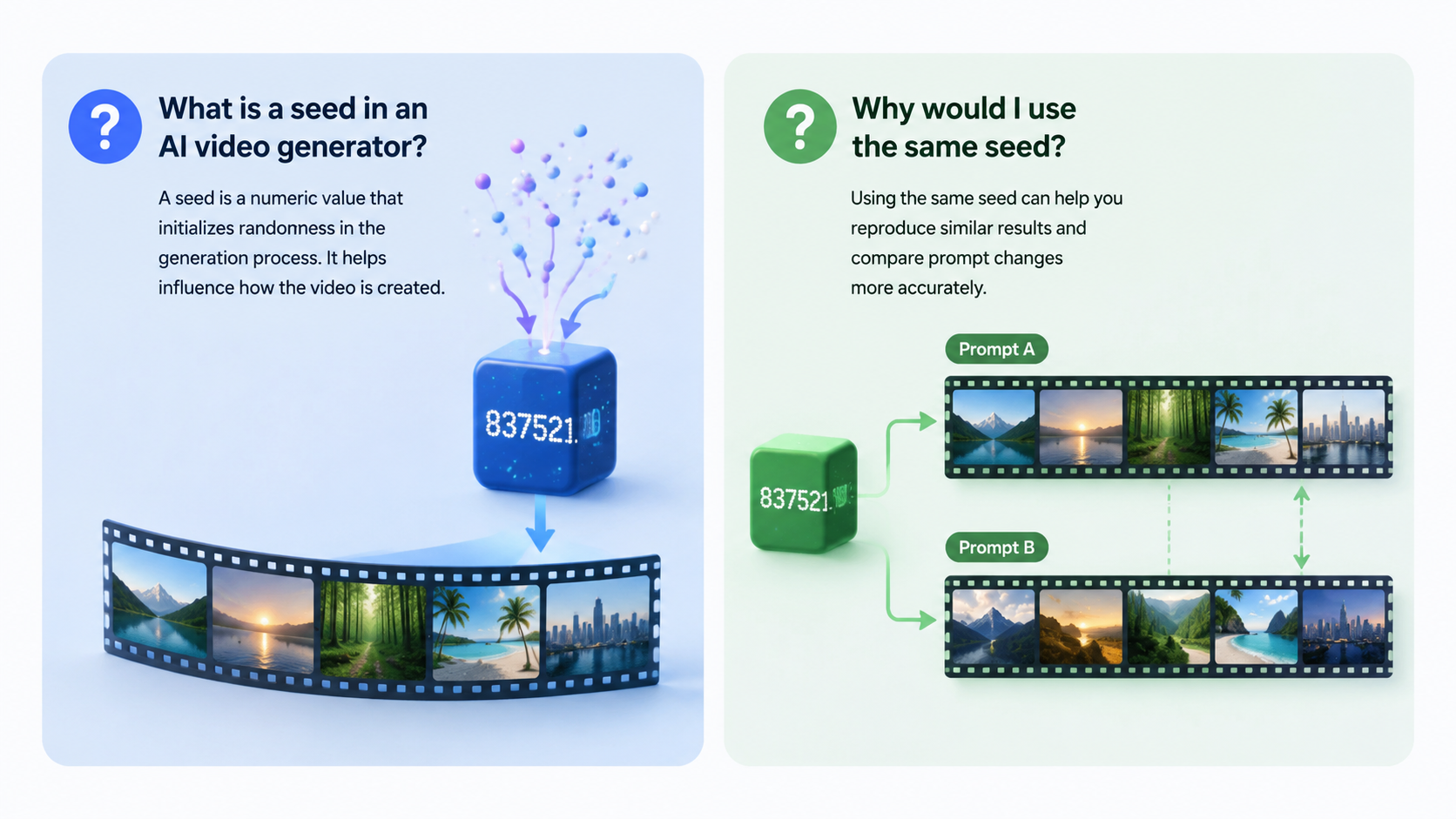
Why would I use the same seed?
Using the same seed can help you reproduce similar results and compare prompt changes more accurately.
Does seed control the whole video?
No. Seed is only one factor. Prompt, reference image, duration, resolution, and model behavior also affect the output.
Can seed make videos look better?
Not by itself. A seed helps with consistency and variation, but quality still depends on the input and generation settings.
Does Seedance 2.0 support audio generation?
No. Current support focuses on short-form video rendering, and audio generation is not supported.
Conclusion
A seed in an AI video generator is the starting value that influences randomness and helps shape the output. For short-form tools like Seedance 2.0, it is useful for testing, iteration, and reproducing results across text-to-video and image-to-video workflows.
If you are creating short clips, the best approach is to treat seed as one part of a larger setup: use a clear prompt, a strong reference image when needed, and consistent settings to get more reliable results.
To try these ideas on your own material, start with Wan 2.7. Credit costs for each model are listed on the pricing page.