
AI Video
What Is the Best AI Image and Video Generator?
The best AI image and video generator depends on your goal, budget, and workflow. If you want the fastest path to high-quality creative output, the best…

The best AI image and video generator depends on your goal, budget, and workflow. If you want the fastest path to high-quality creative output, the best tool is usually the one that matches your use case: still images, short videos, marketing assets, product visuals, or social content. This article helps you compare the main factors that matter so you can choose the right generator with confidence.
1) Define What “Best” Means for Your Use Case
Conclusion: The best AI generator is not the one with the most features—it is the one that produces the results you need with the least friction.
Explanation: AI image and video generators vary widely in output quality, speed, control, realism, consistency, and ease of use. Some tools are stronger at photorealistic images, while others are better for cinematic video, animation, or quick marketing assets. If you choose based only on popularity, you may end up with a tool that does not fit your workflow.
Practical advice:
- Choose an AI image generator if you need:
- blog visuals
- social media graphics
- concept art
- product mockups
- ad creative
- Choose an AI video generator if you need:
- short-form video
- explainer clips
- motion graphics
- social ads
- rapid visual storytelling
- Prioritize the features that matter most to you:
- output quality
- prompt accuracy
- editing controls
- aspect ratios
- export options
- commercial usage terms
2) Compare the Main Factors That Matter
Conclusion: The best choice comes from balancing quality, control, and convenience.
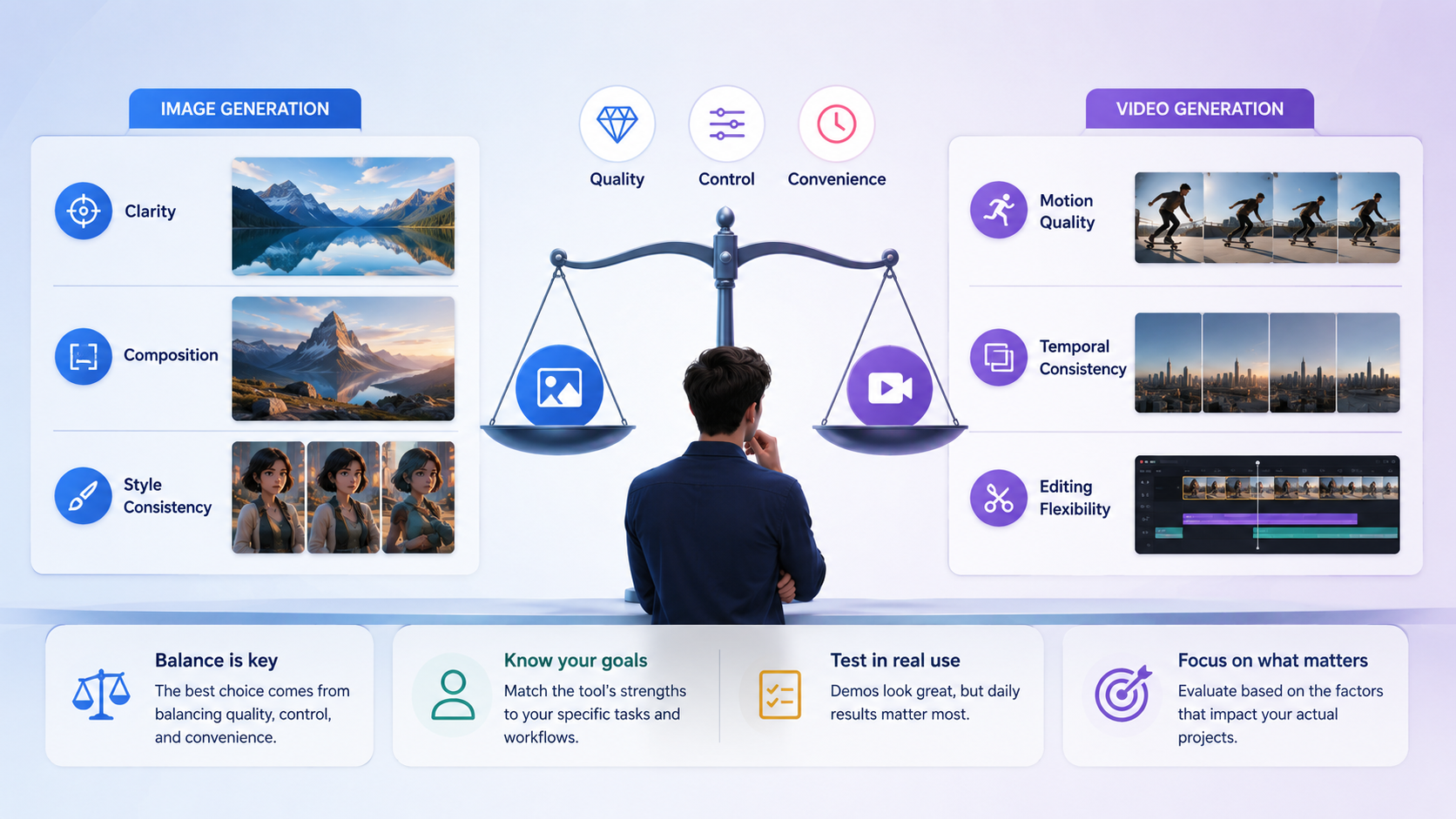
Explanation: A generator that looks impressive in demos may not be the best day-to-day tool. To compare options fairly, focus on how well the tool handles your actual tasks. For image generation, clarity, composition, and style consistency are key. For video generation, motion quality, temporal consistency, and editing flexibility matter most.
| Factor | Why It Matters | What to Look For |
|---|---|---|
| Output quality | Determines how professional the result looks | Sharp details, clean composition, realistic motion |
| Prompt control | Helps you shape the result more precisely | Strong text prompt adherence, style modifiers, negative prompts |
| Speed | Affects workflow efficiency | Fast generation and quick revisions |
| Editing tools | Improves flexibility after generation | Inpainting, variation controls, timeline editing |
| Consistency | Important for brand and series content | Character consistency, style consistency, repeated scenes |
| Ease of use | Reduces learning time | Simple interface, clear settings, good templates |
| Usage rights | Matters for business use | Clear licensing and commercial terms |
Practical advice:
- Test the same prompt across several tools.
- Compare not just the first result, but also the edits and refinements.
- If you create content regularly, value speed and consistency as much as raw quality.
- For brand work, check whether the tool can keep the same style across multiple outputs.
3) Best AI Image Generators vs. Best AI Video Generators
Conclusion: Image and video generation solve different problems, so the best tools are usually different for each category.
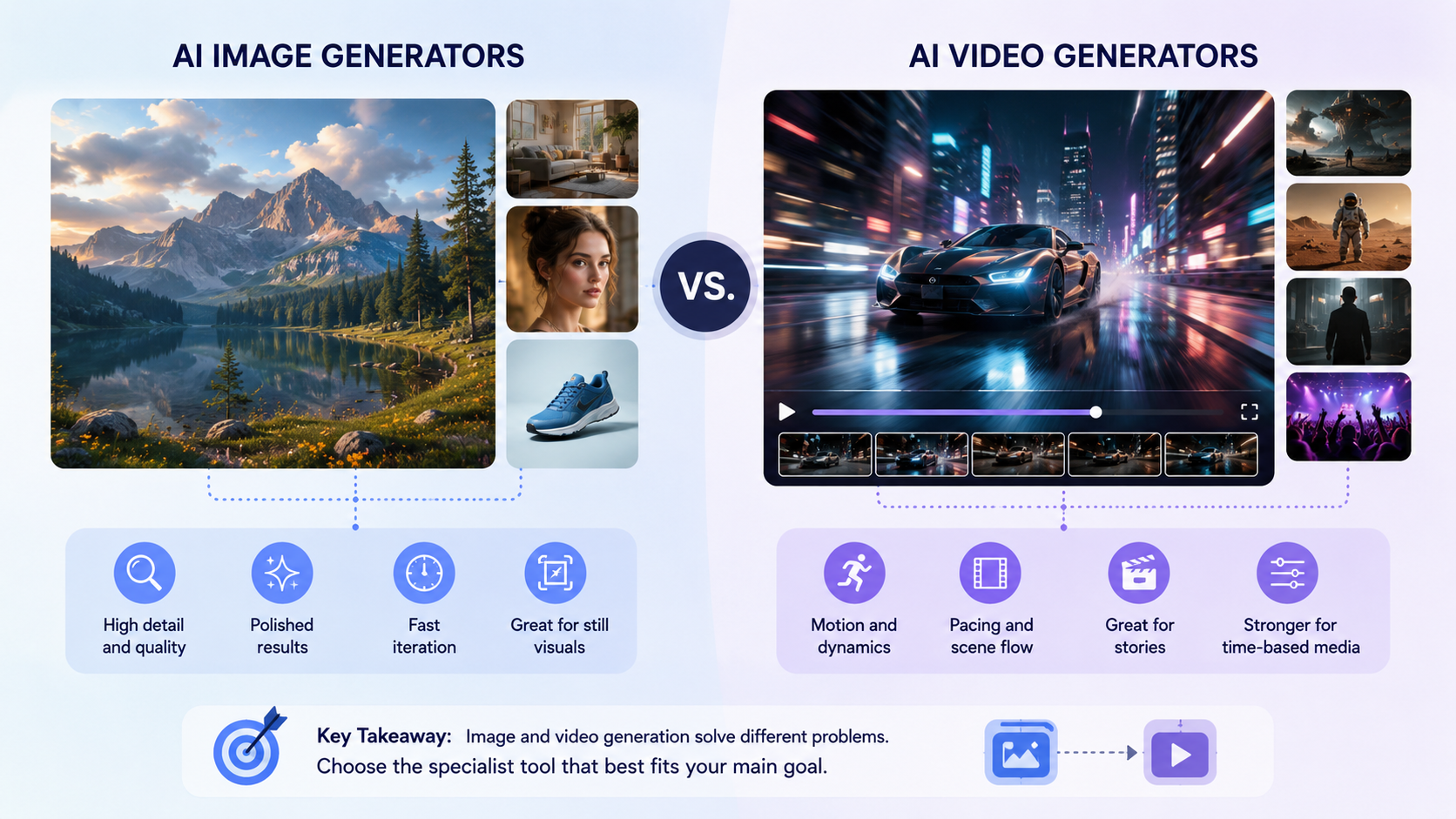
Explanation: AI image generators are typically better for still visuals that need detail, polish, and fast iteration. AI video generators are better when motion, pacing, and scene flow matter. Some platforms do both, but many users still get better results by selecting a specialist tool for the main task.
AI image generators are best for:
- blog and article illustrations
- ad creatives
- mood boards and concept art
- thumbnails and social posts
- product and brand visuals
AI video generators are best for:
- animated explainers
- short promotional clips
- social-first content
- visual storyboarding
- motion-based content experiments
Practical advice:
- Use an image generator first if you are building a visual concept or campaign direction.
- Use a video generator when the message depends on movement, transition, or timing.
- If you need both, consider using one tool to create still assets and another to animate or expand them into video.
- For marketing, start with a strong image asset and then test video variations for engagement.
4) How to Choose the Right Tool for You
Conclusion: The best generator is the one that fits your workflow, not just the one with the strongest marketing claims.
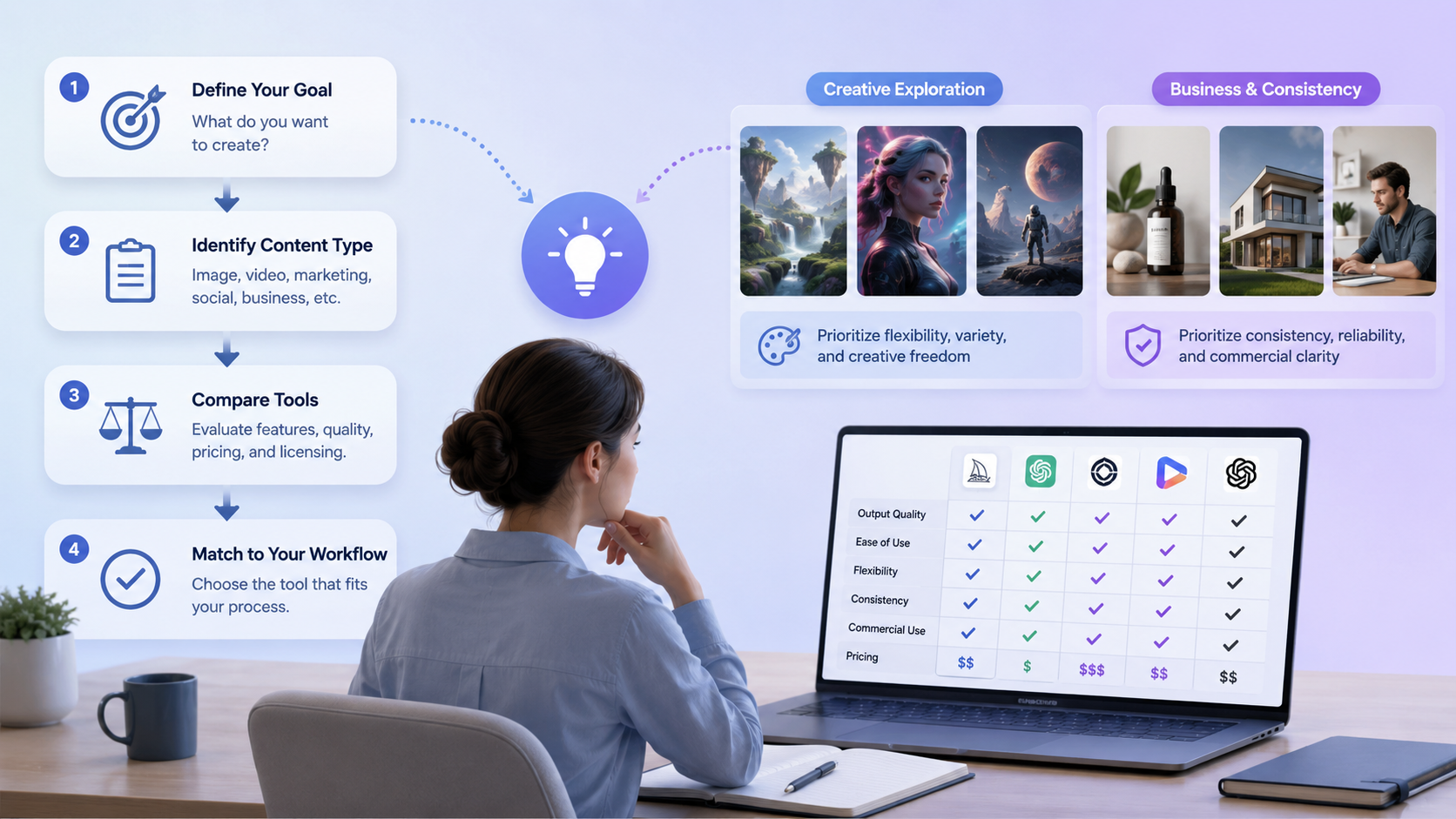
Explanation: A practical selection process saves time and avoids subscription regret. Start by identifying your content type, then compare tools based on the output you need. If your work is mostly creative exploration, prioritize flexibility. If you need repeatable business assets, prioritize consistency and commercial clarity.
Practical advice:
- List your primary use case.
- Example: social media images, product videos, blog visuals, or ad creative.
- Set your quality standard.
- Decide whether you need realistic, stylized, cinematic, or minimal visuals.
- Check workflow needs.
- Look for batch generation, templates, editing tools, or API access if relevant.
- Review usage terms.
- Make sure the tool’s licensing supports your intended use.
- Run a short test.
- Generate a small set of assets before committing to a paid plan.
FAQ
What is the best AI image and video generator overall?
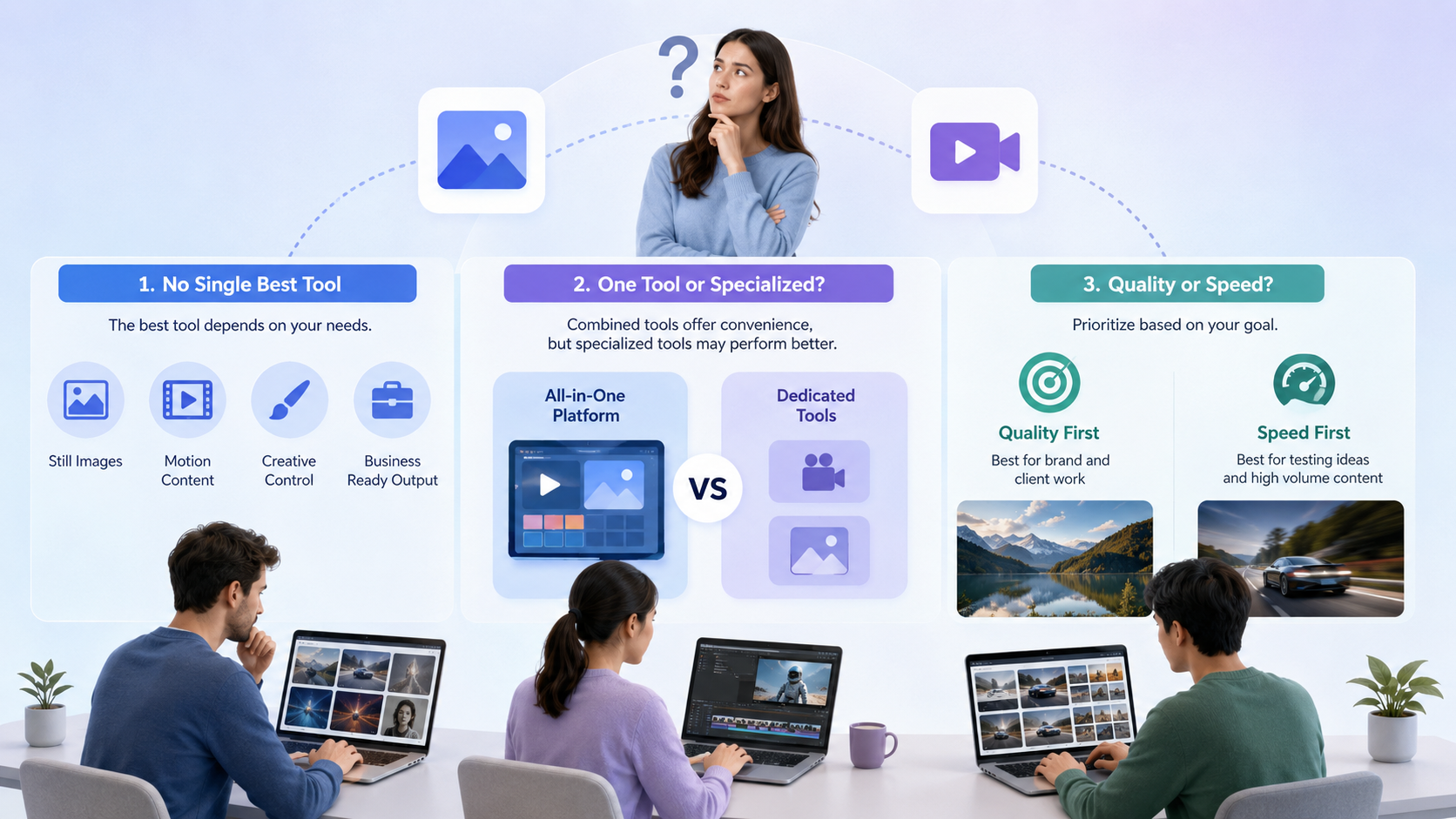
There is no single best tool for everyone. The best AI image and video generator depends on whether you need still images, motion content, creative control, or business-ready output.
Should I use one tool for both image and video generation?
Sometimes, yes. A combined platform can be convenient. However, dedicated image or video tools may produce better results for their specific format.
What should I prioritize first: quality or speed?
If you are creating brand or client content, quality and consistency should come first. If you are testing ideas or producing high-volume content, speed may matter more.
Can AI generators be used for commercial work?
Often yes, but you should always review the tool’s licensing and usage terms before using outputs in business projects.
How do I know if an AI generator is good for my workflow?
Test it with your real prompts, compare the output quality, and check whether the editing and export features match your needs.
Conclusion
The best AI image and video generator is the one that matches your specific goal. If you need polished still visuals, focus on image generation quality and control. If you need motion content, choose a video generator with strong consistency and editing features. The smartest approach is to define your use case, compare the core factors, and test a few tools before committing.