
Guides
How Do We Get Access to China’s AI Video Generators?
If your main question is “How can I actually use a Chinese AI video generator?”, the short answer is: access depends on the platform, your location…

If your main question is “How can I actually use a Chinese AI video generator?”, the short answer is: access depends on the platform, your location, and whether the service is public, invite-only, or business-only. This article explains the most practical ways to get access, what usually blocks users, and how to prepare so you can move from interest to actual use without wasting time.
1) Start by identifying the platform you want to use
Conclusion: You cannot get access until you know which AI video generator you are targeting.
China has several AI video tools, but they do not all use the same access model. Some are open to the public, some require a mainland China phone number, and some are only available through enterprise sales, beta invites, or a local app store.
What to check first:
- The product name and official website
- Whether it is a web app, mobile app, or enterprise platform
- Whether sign-up is open or invite-only
- Whether the platform supports non-Chinese users
- Whether the interface, support, and legal terms are in Chinese only
Practical advice:
- Search for the official product page before trying third-party links.
- Look for phrases like “sign up,” “beta,” “waitlist,” “enterprise,” or “invite code.”
- If you cannot find an English page, assume the onboarding process may require Chinese-language navigation.
2) Understand the most common access requirements
Conclusion: Most access issues come from identity verification, regional restrictions, or account setup rules.
Even when a Chinese AI video generator is technically available, access often depends on specific requirements. These can vary by platform, but the most common ones are listed below.

| Access requirement | What it means | What you should do |
|---|---|---|
| Mainland China phone number | Verification may be tied to a local number | Check whether foreign numbers are accepted |
| Chinese-language account setup | Signup and onboarding may be in Chinese | Use browser translation or a bilingual teammate |
| Regional availability | The product may only work in certain locations | Review the service terms and login rules |
| Invitation or beta access | Access is limited to approved users | Apply through the official waitlist or partner channel |
| Business/enterprise onboarding | Sales contact may be required | Reach out to the company’s official business team |
Practical advice:
- Prepare a reliable email address and phone number before signup.
- Use the platform’s official support or business contact if public signup is blocked.
- Do not assume a tool is unavailable just because the interface is Chinese; many services are still accessible through browser translation.
3) Use the safest and most direct access path
Conclusion: The best route is always the official one.
If you want access to a China-based AI video generator, the safest path is to go through the provider’s official channels rather than clones, resellers, or unofficial download pages. This reduces the risk of fake apps, account loss, or security issues.
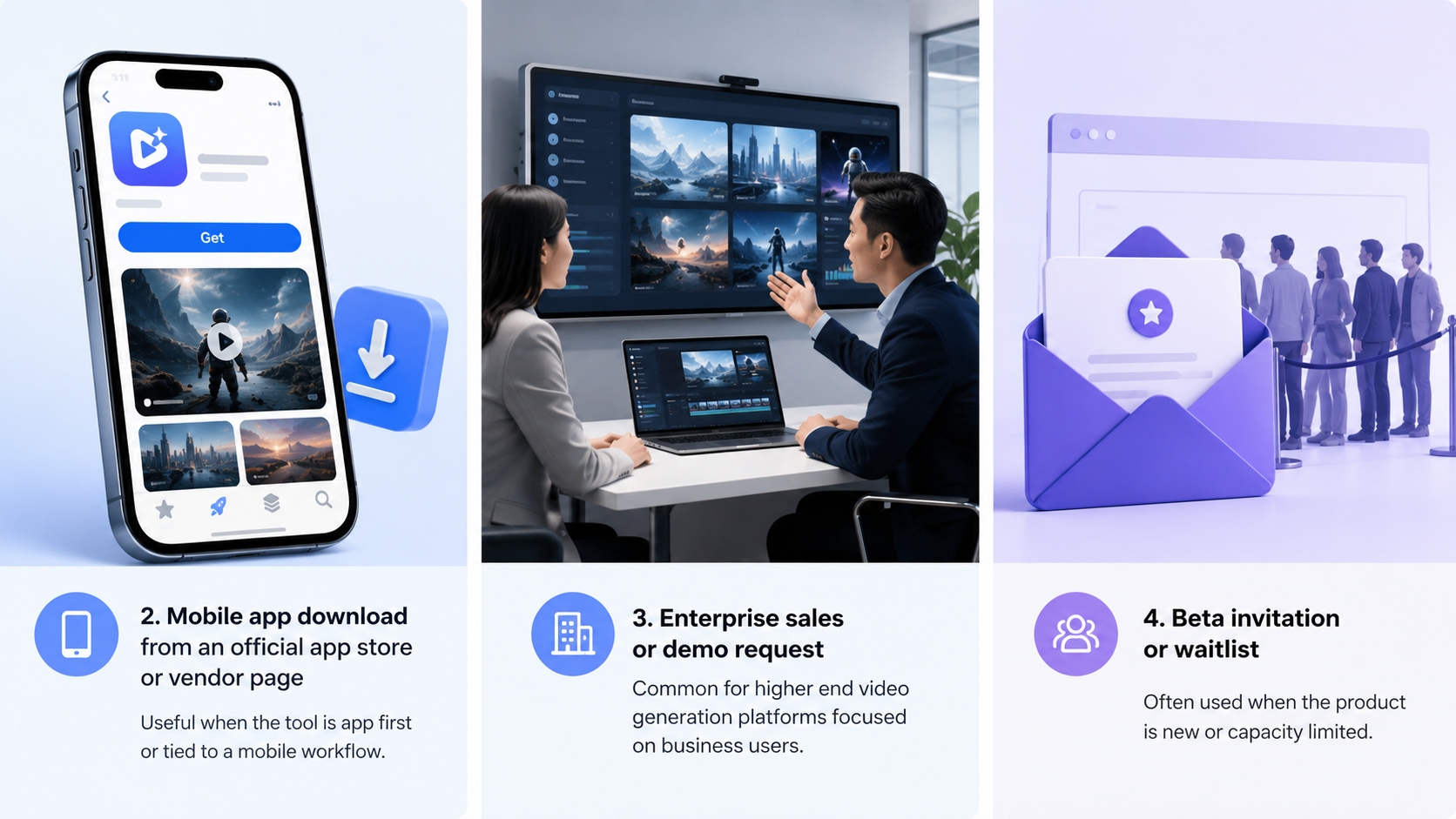
Common access paths include:
-
Official website signup
Best for publicly available tools with direct registration. -
Mobile app download from an official app store or vendor page
Useful when the tool is app-first or tied to a mobile workflow. -
Enterprise sales or demo request
Common for higher-end video generation platforms focused on business users.
-
Beta invitation or waitlist
Often used when the product is new or capacity-limited. -
Partner or distributor access
Sometimes used for overseas clients or agency partners.
Practical advice:
- Verify the domain and app publisher carefully.
- If an official English page exists, use it first.
- Keep screenshots of signup requirements in case you need support later.
- If you are a company, ask whether they offer international onboarding or an overseas sales contact.
4) Prepare for language, payment, and compliance issues
Conclusion: Access is only the first step; using the tool smoothly usually requires preparation.
Many users can technically sign up but then get stuck on language, payment, or policy barriers. Planning ahead makes the experience much easier.
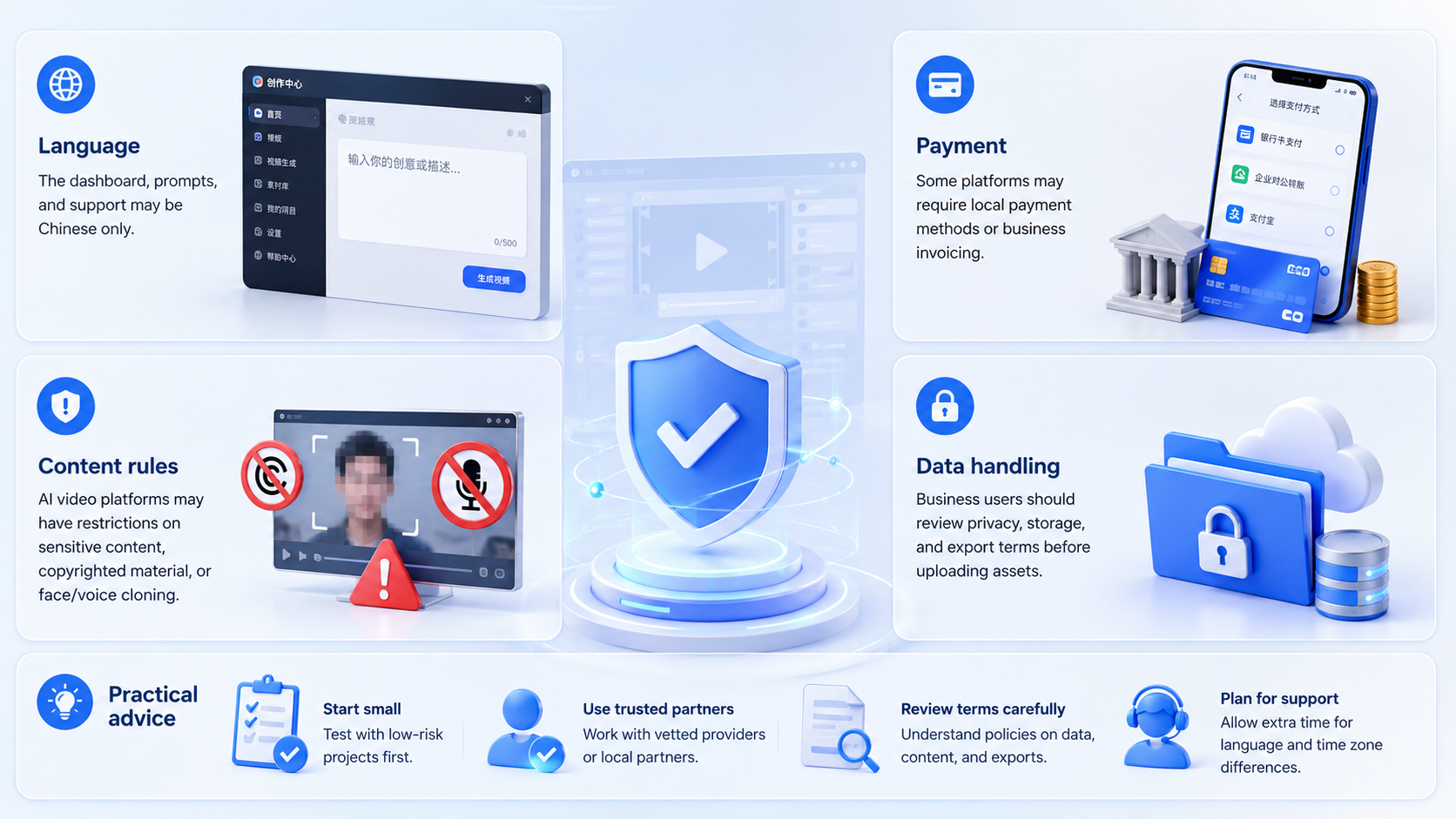
Key issues to expect:
- Language: The dashboard, prompts, and support may be Chinese-only.
- Payment: Some platforms may require local payment methods or business invoicing.
- Content rules: AI video platforms may have restrictions on sensitive content, copyrighted material, or face/voice cloning.
- Data handling: Business users should review privacy, storage, and export terms before uploading assets.
Practical advice:
- Use browser translation to navigate the interface.
- Ask whether the platform supports international cards or only local payment rails.
- Read the content policy before generating videos for marketing, commercial, or public use.
- If your workflow involves customer data, confirm how the platform handles uploads and retention.
5) Choose a practical access strategy based on your user type
Conclusion: The right access strategy depends on whether you are an individual, creator, or business.
Not everyone needs the same level of access. Your best route will depend on how you plan to use the generator.
| User type | Best access approach | What to prioritize |
|---|---|---|
| Individual user | Public signup or app download | Ease of onboarding, language support |
| Content creator | Public beta or creator program | Fast generation, export options |
| Agency | Enterprise or partner access | Team accounts, commercial usage rights |
| Business | Official sales contact | Compliance, support, invoicing, integrations |
| Developer | API or partner program | Documentation, rate limits, access terms |
Practical advice:
- If you just want to experiment, start with public signup or a trial.
- If you need commercial use, focus on licensing and output rights.
- If you are building a product, ask for API access and technical documentation.
- If you are outside China, confirm whether the platform supports overseas users before investing time in onboarding.
FAQ
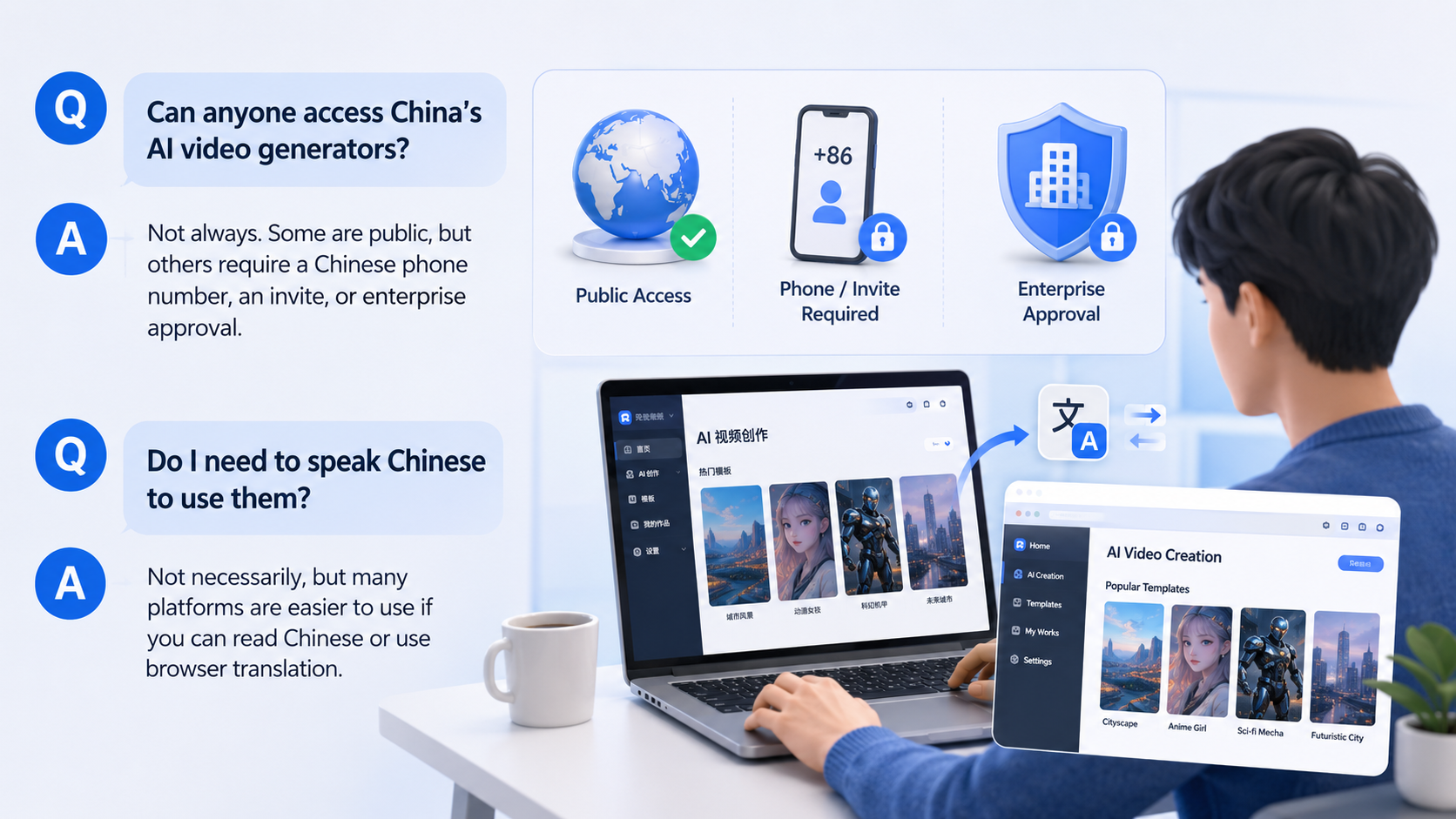
Can anyone access China’s AI video generators?
Not always. Some are public, but others require a Chinese phone number, an invite, or enterprise approval.
Do I need to speak Chinese to use them?
Not necessarily, but many platforms are easier to use if you can read Chinese or use browser translation.
Are these tools available outside China?
Some are, but availability varies by company and product. Check the official site and signup rules.
What is the safest way to get access?
Use the official website, official app listing, or the company’s business contact. Avoid unofficial downloads or reseller links.
What if registration fails?
Check whether the platform requires a local phone number, invite code, or region-specific account setup. If needed, contact official support.
Conclusion
Getting access to a China-based AI video generator is usually a matter of finding the official platform, checking the onboarding requirements, and choosing the right access path for your situation. The main obstacles are typically language, regional restrictions, verification, and business-only onboarding. If you start with the official channel and prepare for those requirements in advance, you can usually determine quickly whether the tool is accessible to you and what steps are needed next.
To try these ideas on your own material, start with Seedance 2.0 or Wan 2.7.