
Guides
Grok Imagine Product Video Prompt Template
A reusable Grok Imagine image-to-video prompt for product reveals, ads, and ecommerce clips.
By Editorial teamJul 18, 20261 min read
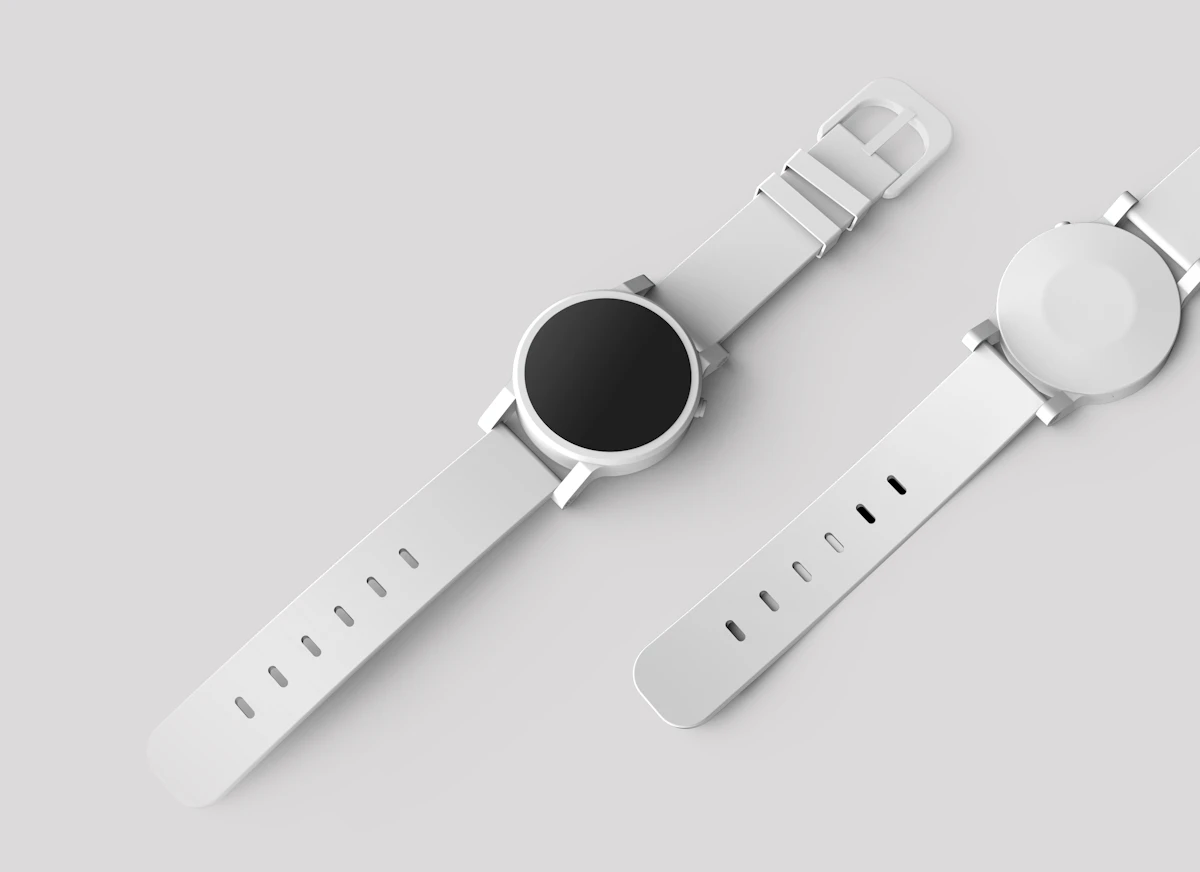
Use this image-to-video prompt structure to keep a product recognizable while adding controlled camera movement, light changes, and subtle environmental motion.
Prompt
Keep the product shape, logo, materials, and colors unchanged. Add a slow camera push-in, subtle parallax in the background, soft moving highlights across the surface, realistic shadows, premium commercial lighting, smooth motion, no warping, no extra objects.
Variables
camera_motion(Camera motion)background_motion(Background motion)lighting_style(Lighting style)output_ratio(Output ratio)
Example input
Slow push-in, gentle mist in the background, cool studio lighting, vertical 9:16 output.
Example output
A short vertical product reveal with stable branding, restrained motion, and commercial lighting.
Tips
- State what must remain unchanged before describing motion.
- Use one main camera move instead of several competing moves.
- Describe subtle motion when product accuracy is the priority.
FAQ
Should the prompt describe several camera moves?
Usually no. One clear camera move is easier to control and helps keep the product stable.
To try these ideas on your own material, start with Seedance 2.0 or Wan 2.7.