
Guides
What Is the Best AI Video Generator With a Prompt?
If you want the shortest path from a text prompt to a usable video, the best AI video generator with a prompt is one that is simple, fast, and honest…

If you want the shortest path from a text prompt to a usable video, the best AI video generator with a prompt is one that is simple, fast, and honest about what it can actually produce. Based on the reference information, Seedance 2.0 on tikdek.com is a strong option for short-form prompt-to-video creation because it supports text-to-video, offers up to 1080p, and can generate clips up to 15 seconds long.
This article helps you evaluate whether a prompt-based AI video generator is the right fit for your workflow, what to expect from the current tool scope, and how to use it effectively without wasting time on unrealistic assumptions.
1. What “Best” Means for Prompt-Based AI Video Generation
Conclusion: The best AI video generator with a prompt is not necessarily the one with the most features. It is the one that matches your actual production needs.
Why this matters
When people search for an AI video generator with a prompt, they usually want one of three things:
- A fast way to turn text into video
- A simple tool that does not require complex editing
- A short-form output that is ready to download and use
Seedance 2.0 fits that use case because it is built for short AI videos from text prompts and is available online through the web app.
Practical advice
Choose a prompt-based generator by checking:
- Input type: Does it support text prompts directly?
- Output length: Can it create the length you need?
- Resolution: Is the quality enough for your platform?
- File format: Can you download the result in a usable format?
- Scope: Is it built for short-form or long-form production?
2. What Seedance 2.0 Offers for Prompt-to-Video Creation
Conclusion: Seedance 2.0 is designed for short prompt-based video generation, not broad long-form video production.
Core capabilities
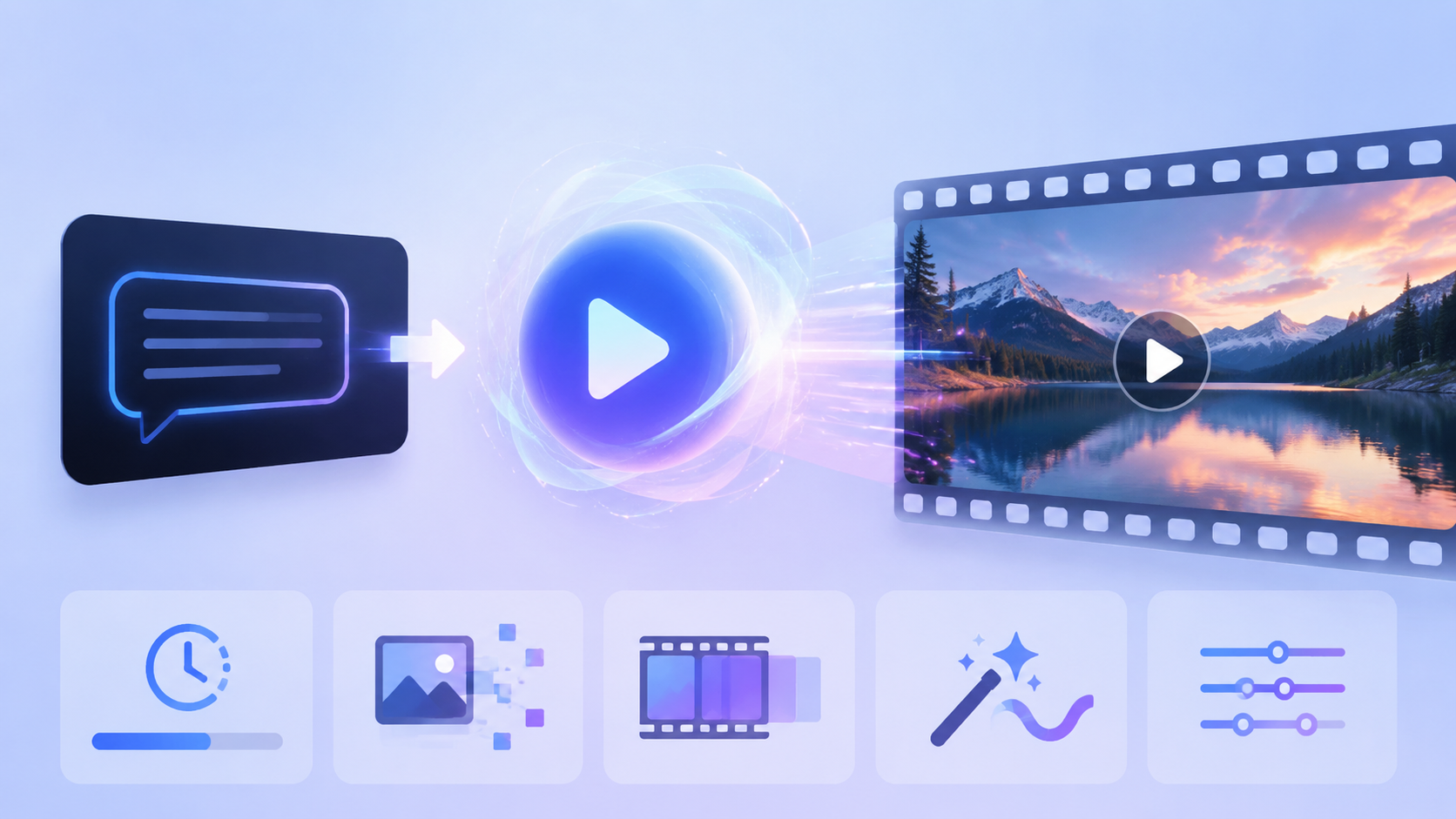
According to the reference material, Seedance 2.0 supports:
- Text to video generation from a prompt
- Image to video generation using one reference image
- Short-form output up to 15 seconds
- Resolution options of 480p, 720p, and 1080p
- MP4 downloads
- Access through the web app, with credits available to new users through daily tasks
Table: Seedance 2.0 feature summary
| Feature | Current Support |
|---|---|
| Text-to-video | Yes |
| Image-to-video | Yes |
| Maximum duration | 15 seconds |
| Resolution options | 480p, 720p, 1080p |
| Download format | MP4 |
| Audio generation | Not supported |
| Access model | Online web app and API |
Practical advice
Use Seedance 2.0 if your goal is:
- Social media clips
- Product shots
- Explainer-style short videos
- Fashion or lifestyle visual sequences
- Fast concept testing from a prompt
Do not expect it to be a full long-form video studio, because its current scope is clearly short-form focused.
3. When Prompt-Based AI Video Works Best
Conclusion: Prompt-to-video tools work best when the desired output is short, visually focused, and simple enough to fit within a limited duration.
Why this matters
The reference examples show that Seedance 2.0 is used for short categories such as:
- Product
- Documentary
- Explainer
- Fashion
- Lifestyle
- Entertainment
These examples suggest the tool is useful when you want a compact video that communicates one idea, one visual scene, or one motion sequence.
Practical advice
Write prompts that are:
- Specific about subject matter
- Clear about style or scene type
- Short enough to fit in a 15-second sequence
- Focused on one main action or visual goal
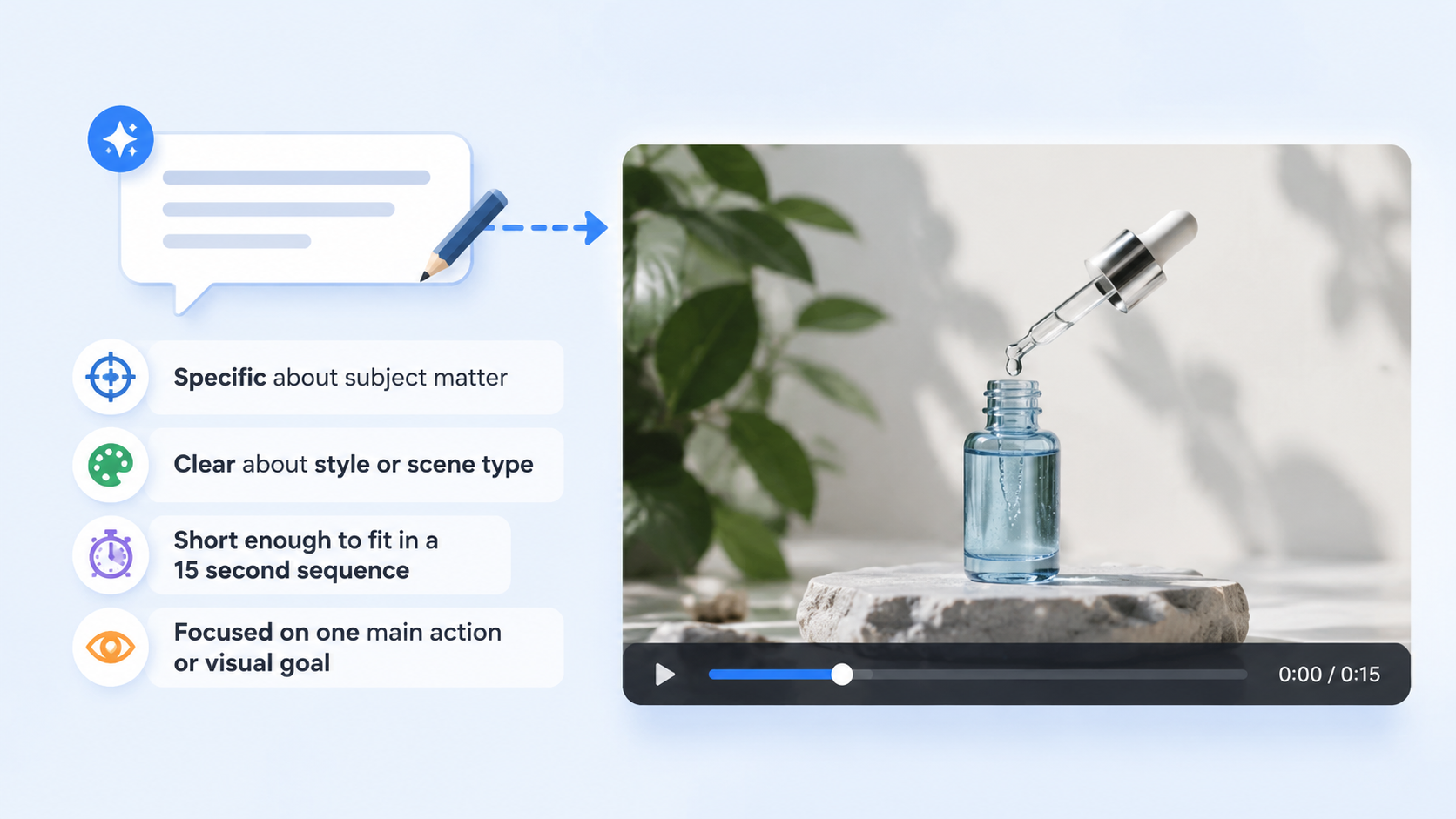
For example, a prompt works better when it describes a single scene or product motion rather than a full story with multiple chapters.
4. Important Limits to Know Before You Choose a Tool
Conclusion: The best AI video generator with a prompt should be judged not only by what it can do, but also by what it does not do.
Key limitations from the reference
Seedance 2.0 currently has these constraints:
- Maximum duration is 15 seconds
- No audio generation
- Short-form rendering only
- Resolution is limited to 480p, 720p, and 1080p
What this means in practice
If you need:
- Longer videos
- Built-in narration
- Music or sound effects
- Full-length storytelling
then this tool is not designed for that workflow right now.
Practical advice
Before starting, confirm three things:
- Your prompt fits a short clip
- Silent video is acceptable for your use case
- The resolution level matches your publishing channel
This avoids disappointment and helps you pick the right tool for the right job.
5. How to Get Better Results From a Prompt
Conclusion: Better prompts usually lead to better video results, especially when the tool is designed for short-form generation.
Practical prompt tips
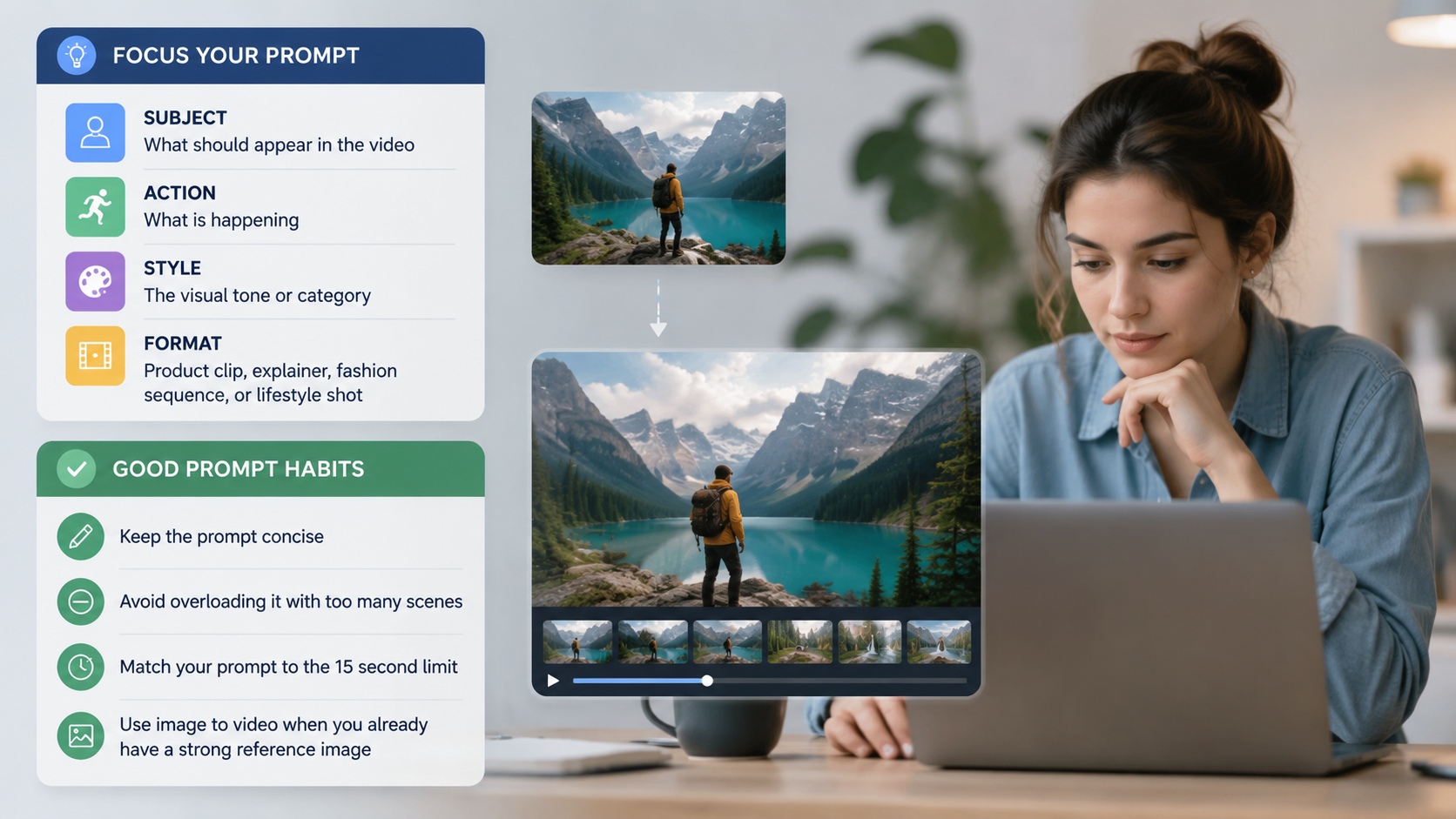
To improve your output, keep the prompt focused on:
- Subject: what should appear in the video
- Action: what is happening
- Style: the visual tone or category
- Format: whether the result should feel like a product clip, explainer, fashion sequence, or lifestyle shot
Good prompt habits
- Keep the prompt concise
- Avoid overloading it with too many scenes
- Match your prompt to the 15-second limit
- Use image-to-video when you already have a strong reference image
Practical advice
If your first result is not ideal, refine the prompt by simplifying it. Short-form generators often perform better with clear direction than with complex instructions.
FAQ
What is the best AI video generator with a prompt?
Based on the reference information, Seedance 2.0 on tikdek.com is a strong choice for prompt-based short AI videos because it supports text-to-video, offers up to 1080p, and generates clips up to 15 seconds.
Does Seedance 2.0 support audio?
No. Audio generation is currently not supported.
Can I generate videos from text only?
Yes. Seedance 2.0 supports text-to-video generation from a prompt.
What video length does it support?
It supports up to 15 seconds.
What resolutions are available?
Current options are 480p, 720p, and 1080p.
What format can I download?
Finished renders can be downloaded as MP4.
Conclusion
If your main goal is to turn a prompt into a short video quickly, the best AI video generator is one that stays focused on that job. Based on the available reference details, Seedance 2.0 is a practical option for short-form prompt-to-video creation because it supports text prompts, offers multiple resolutions, downloads as MP4, and keeps the workflow centered on fast video rendering.
For creators who need short clips rather than full-length productions, that focus is often exactly what makes a tool the right choice.