
Guides
Runway Product Image-to-Video Prompt
A reusable Runway image-to-video prompt for product ads and ecommerce motion assets.
By Editorial teamJul 18, 20261 min read
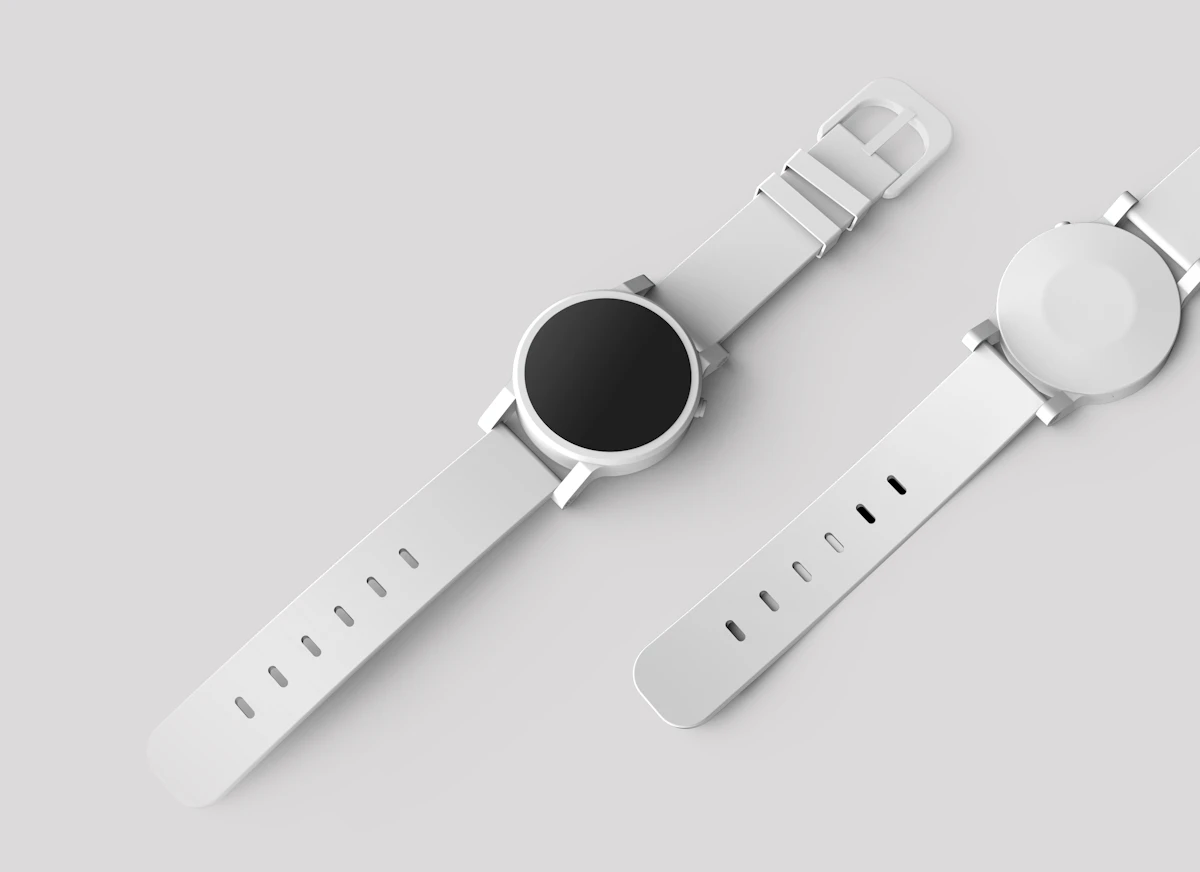
Use this prompt structure to add controlled camera movement and environmental motion while keeping the uploaded product recognizable.
Prompt
Keep the uploaded product unchanged and in sharp focus. Add {{camera_motion}} while {{environment_motion}}. {{lighting}}. Clean commercial composition, realistic materials, no text, no logo distortion.
Variables
camera_motion(Camera motion): Examples: slow push-in, gentle orbit, or fixed camera.environment_motion(Environment motion): Describe subtle movement around the product.lighting(Lighting): Define stable commercial lighting for the whole clip.
Example input
Slow camera push-in, soft fabric moving in the background, warm studio rim lighting.
Example output
A short commercial clip with a stable product, restrained background motion, and a slow push-in.
Tips
- Describe motion instead of repeating every object in the reference image.
- Use one clear camera action per test.
- Review brand marks and product geometry before publishing.
FAQ
Should I describe the source image again?
Focus on motion and camera behavior unless a visible element needs clarification.
Can I use this for vertical video?
Yes. Select the appropriate aspect ratio in the generator when it is available.
To try these ideas on your own material, start with the AI video generator or Seedance 2.0.