
AI Video
Product Image to Video with Runway
Animate a product image with Runway for ecommerce, advertising, and social video workflows.
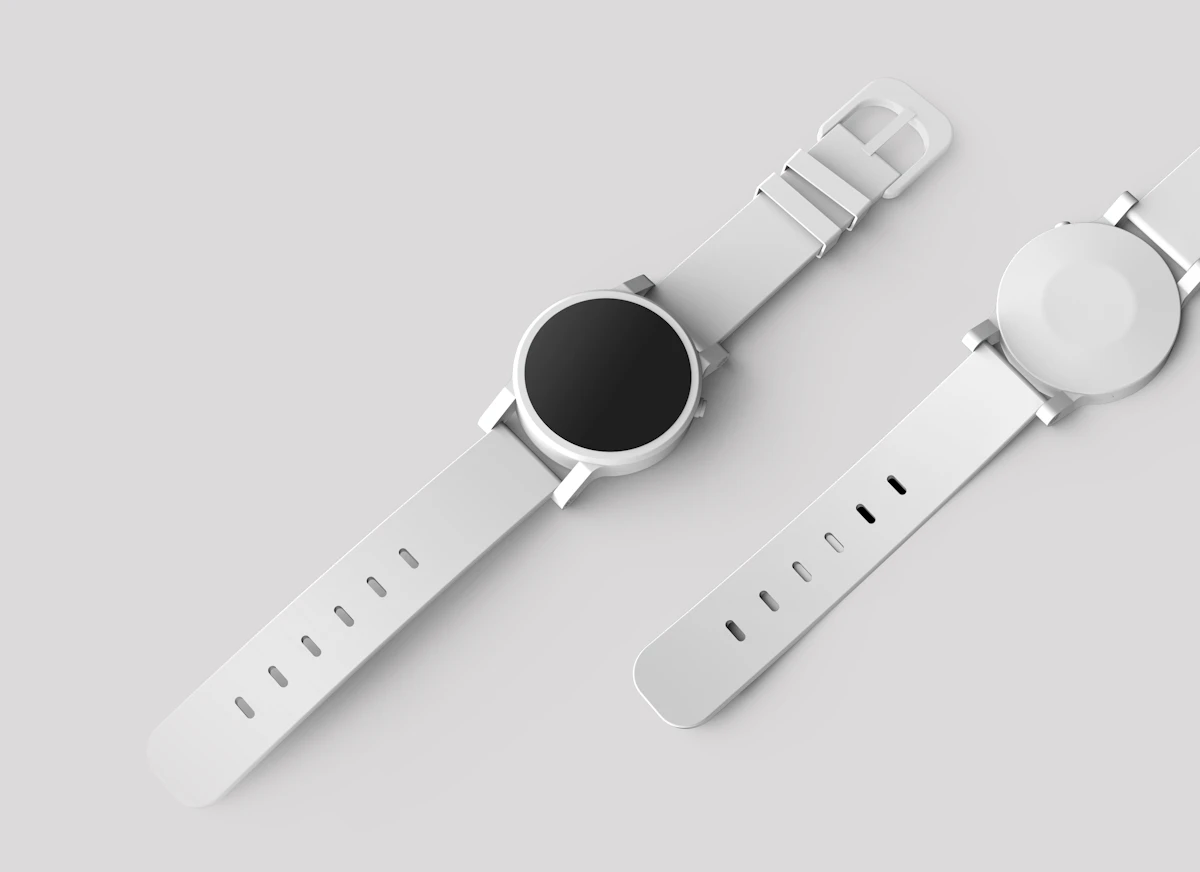
Convert a polished product image into controlled, campaign-ready motion.
Turn an approved product image into short motion assets for ads, product pages, and social campaigns.
Best for
- Ecommerce product launches
- Social media ads
- Product detail page motion
- Fast creative testing
Create short product videos without organizing a new shoot for every campaign variation.
Who it is for
Ecommerce sellers, performance marketers, brand teams, and creative studios.
Benefits
- Protect the product look: Start from an approved product image to retain visual direction.
- Test motion quickly: Compare camera and movement ideas before full production.
- Reuse across channels: Adapt the result for ads, product pages, and social posts.
How it works
- Upload an approved product image: Use a clean image with sufficient resolution and clear edges.
- Describe motion and camera behavior: Keep the product stable and specify only visible movement.
- Choose format and duration: Match aspect ratio and length to the target channel.
- Review, download, and reuse: Check product accuracy before publishing or automating.
FAQ
What image works best?
Use a sharp, well-lit product image with minimal visual clutter.
Can I create vertical ads?
Use the aspect-ratio option shown in the generator for the target placement.
Does the Runway workflow create the source image?
No. Prepare the source image in your preferred design or image tool, then upload it for video generation.
To try these ideas on your own material, start with Seedance 2.0 or Wan 2.7.