
AI Video
Animate a Product Photo with Grok Imagine
Use Grok Imagine image-to-video to animate a product photo with controlled motion, framing, and short-form output settings.
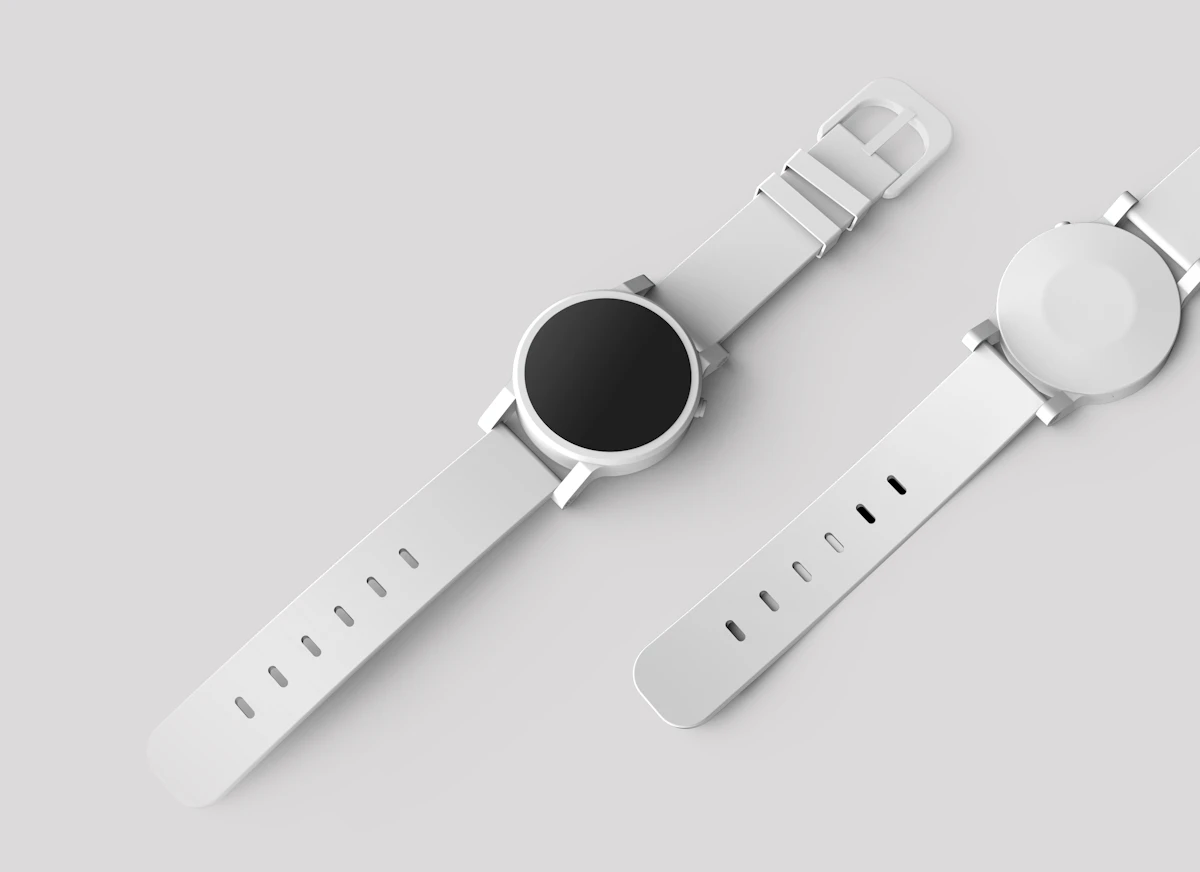
Create a short product clip from one approved image without rebuilding the whole scene.
Turn a clean product still into a short promotional clip for ads, product pages, Reels, Shorts, or TikTok. Preserve the product while adding controlled camera and background motion.
Static product photos are easy to approve but often need motion for short-form campaigns.
Who it is for
Ecommerce teams, performance marketers, social media creators, and product designers.
Benefits
- Preserve the approved product look: Use the original product image as the visual anchor.
- Create social-ready motion: Describe camera movement and environmental animation in plain language.
- Control output cost: Review resolution, duration, and estimated credits before generation.
How it works
- Upload a clean product image
- Describe camera and background motion
- Choose ratio, resolution, and duration
- Generate, review, and download
FAQ
How do I keep the product recognizable?
Use a clean source image and explicitly ask the model to preserve the product shape, logo, materials, and colors.
To try these ideas on your own material, start with the AI video generator or Seedance 2.0.